
Acuity Scheduling



Effortlessly manage your calendar, automate client reminders, and accept secure payments on the go. Stop the back-and-forth and reclaim your time to focus on your craft.
Publisher
Category
BusinessDownloads
1M+User Rating
Total Ratings
32K+Locales
1Discover the interface used by 1M+ users.
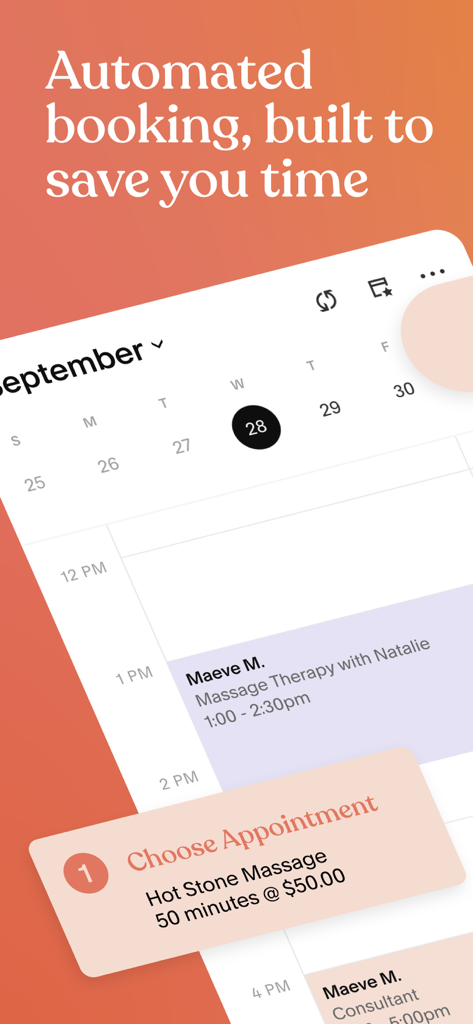
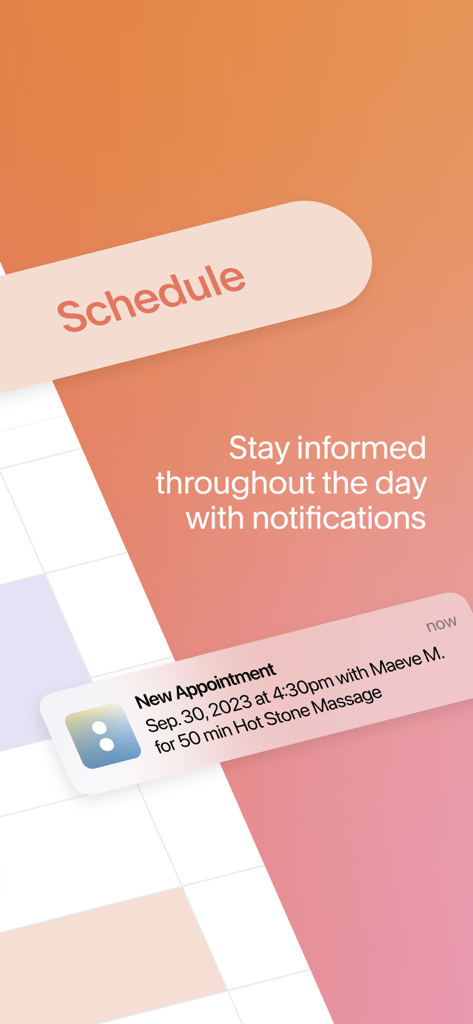
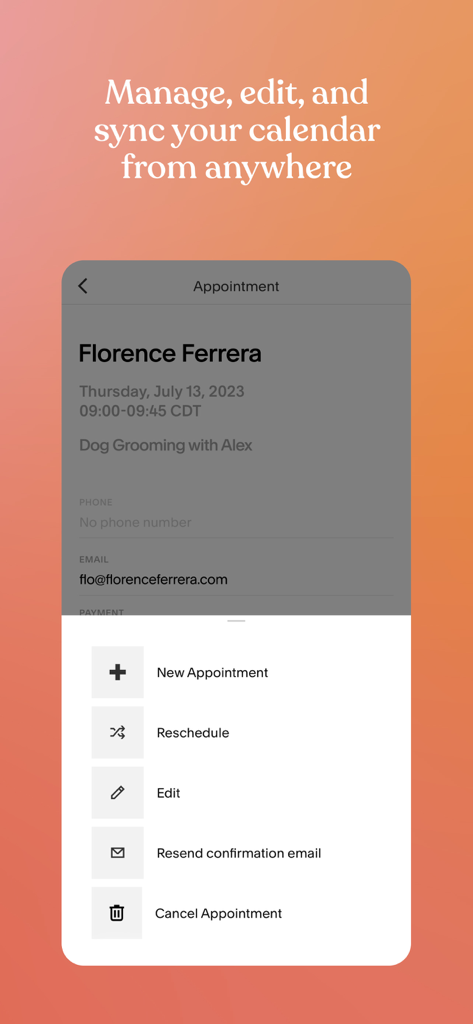
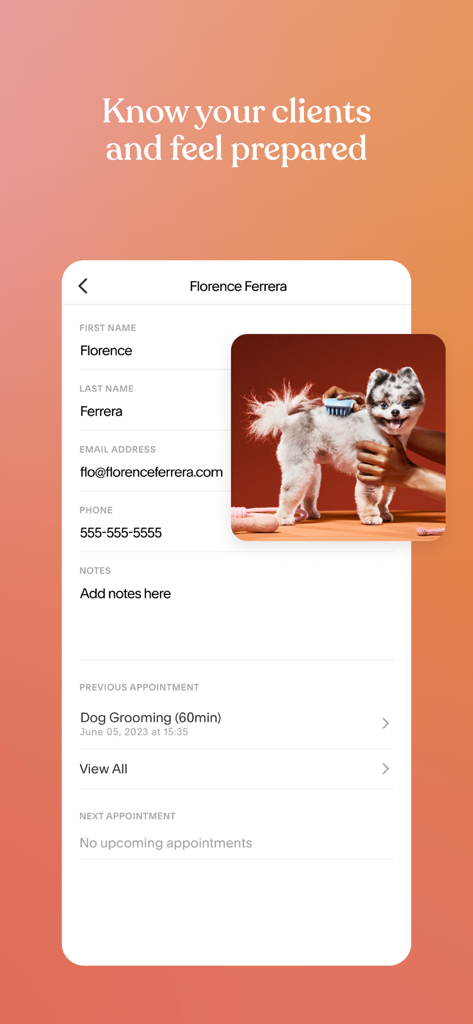
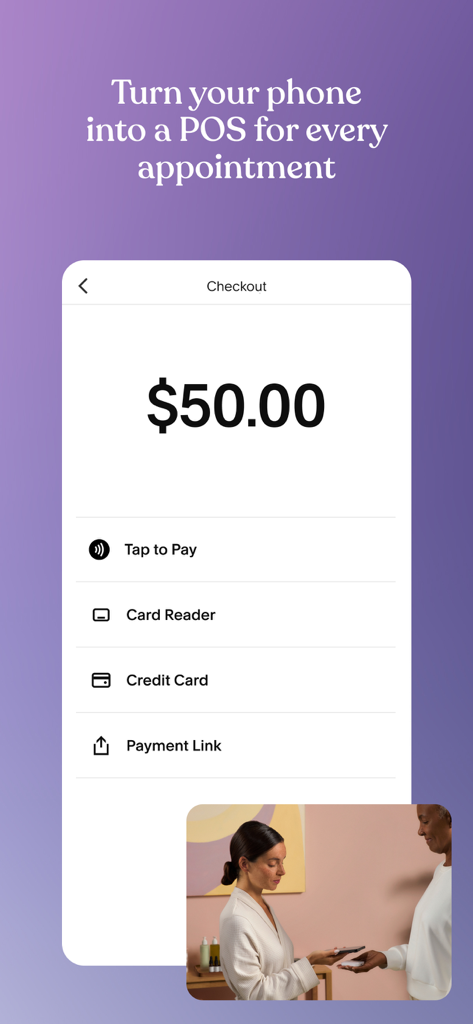
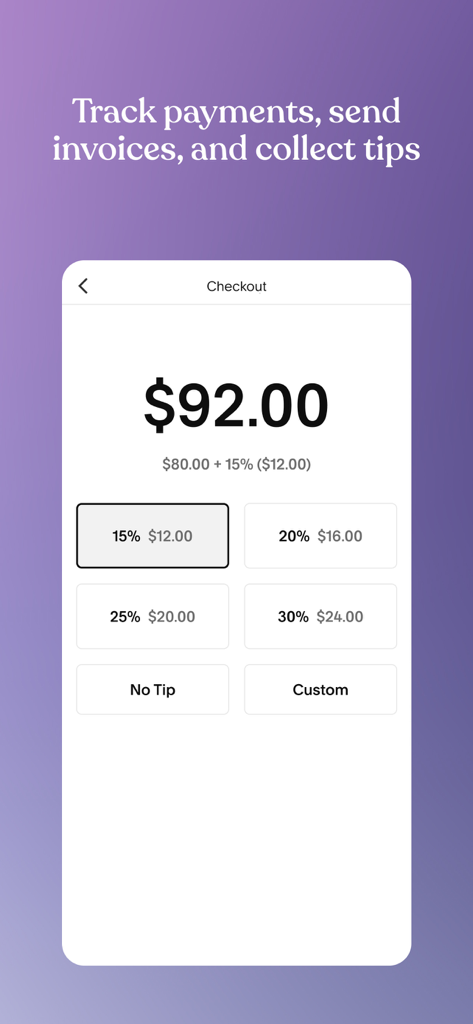
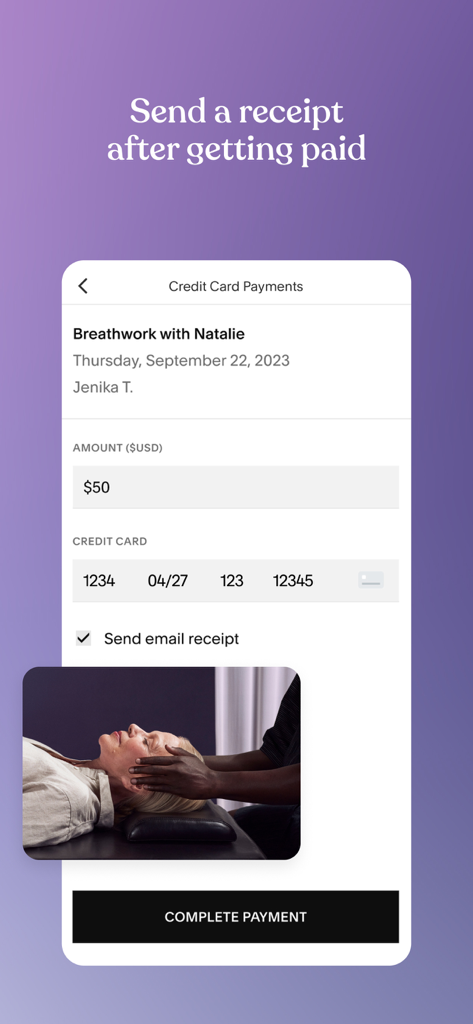
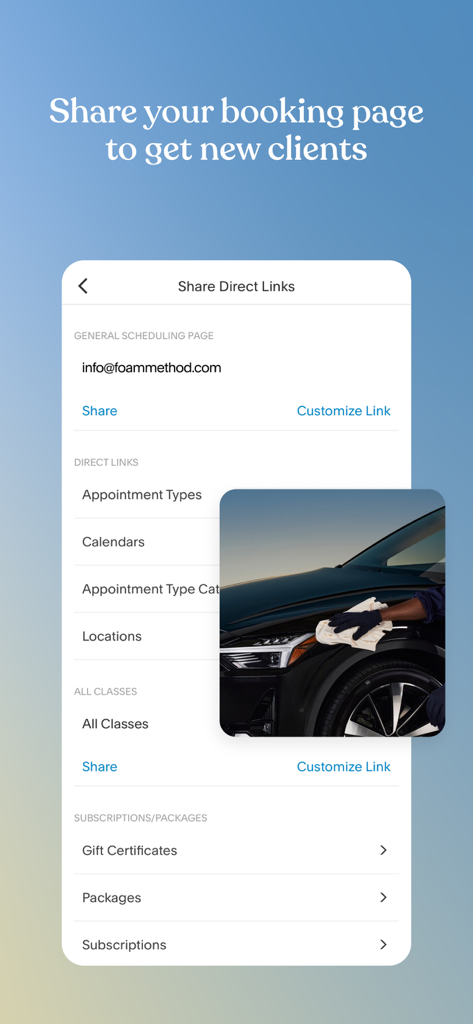
The tools that make this app stand out, trusted by 1M+ users.
Share your real-time availability and let clients book, reschedule, or cancel on their own—even while you are busy with other clients.
Protect your income by taking deposits at the time of booking. Send secure payment links and manage invoices directly from your phone.
Keep your schedule full with automated push notifications and reminders that ensure your clients arrive on time and ready for their appointment.
Trusted by 1M+ people who love this app.
"Acuity has been a total lifesaver for my studio. I used to spend hours replying to DMs just to book one appointment, but now my clients use the link in my Instagram bio to book themselves. The automated reminders have almost completely eliminated my no-shows!"
"As a consultant constantly on the move, this app is my digital assistant. Being able to update my availability on the fly and send secure payment links directly from my phone makes me look incredibly professional. It has saved me at least five hours of admin work every week."
Everything you need to know about Acuity Scheduling.
Description
Latest Version
72.0.0
Size
198.9 MB
First Released
Jun 30, 2017
Join over 1 million service-based entrepreneurs who have reclaimed their time. Download the Acuity Scheduling app to automate your calendar, secure your payments, and manage your business from the palm of your hand.
Everything you need to know about Acuity Scheduling
The Acuity Scheduling app provides seamless client scheduling, appointment notifications, secure mobile payments, and automated receipts. It enables users to manage their calendar and clients efficiently while on the go.
Yes, Acuity Scheduling offers comprehensive calendar management. Users can check real-time schedules, edit availability, schedule new appointments, share direct scheduling links, and sync their calendars effectively.
Acuity Scheduling assists with client management by tracking appointments with push notification alerts and reminders. It allows users to manage their client list and update client-specific notes.
Yes, the Acuity Scheduling app facilitates secure mobile payments. It enables users to manage payments and invoices, send mobile payment links, accept tips, and send automated receipts directly from the app.
Acuity Scheduling allows users to accept tips during payment processing. The app provides options for clients to include a percentage-based tip or enter a custom amount at checkout.
Users can share their booking page to acquire new clients. Acuity Scheduling provides direct scheduling links that can be shared, making it easy for clients to book appointments.
Yes, Acuity Scheduling sends timely appointment notifications. The app provides push notification alerts and reminders to keep users informed about their schedule and client appointments.
Yes, the Acuity Scheduling app allows users to manage existing appointments. Users can create new appointments, reschedule, edit details, resend confirmation emails, or cancel appointments directly within the interface.
The Privacy Policy for Acuity Scheduling is accessible online. Users can find the complete policy details at squarespace.com/privacy.
Acuity Scheduling supports diverse payment methods for transactions. These include Tap to Pay, Card Reader, Credit Card, and Payment Link options, enabling a phone to function as a point-of-sale device.
Apps with similar features and user experience

Block, Inc.

Jam Soft LLC

Surge Ventures Inc.

Rodrigo Arantes

gymtrainer S.R.L.

Pixieset Media Inc.

Ademilson Marsiglio

Gunei Investment SPA

QUARTET HOLDCO S.R.L.
