百度输入法-语音表情斗图输入法



The ultimate keyboard for the Chinese-speaking community. Master your chats with lightning-fast voice input, professional gaming modes, and a massive library of trending memes right at your fingertips.
Publisher
Category
UtilitiesDownloads
23M+User Rating
Total Ratings
488K+Locales
1Discover the interface used by 23M+ users.

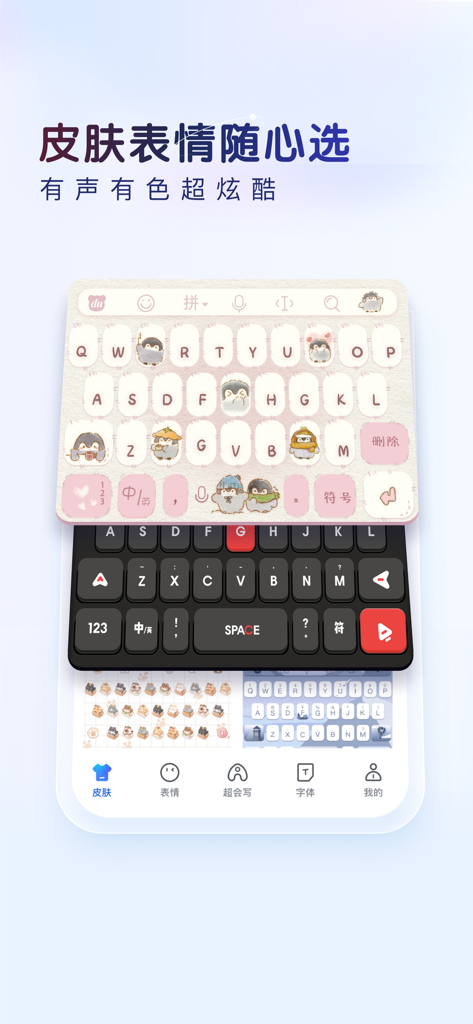
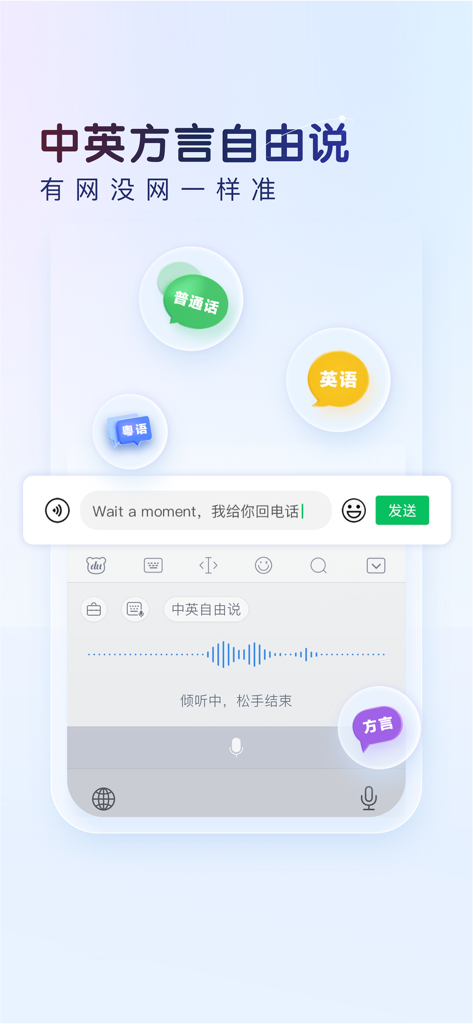
The tools that make this app stand out, trusted by 23M+ users.
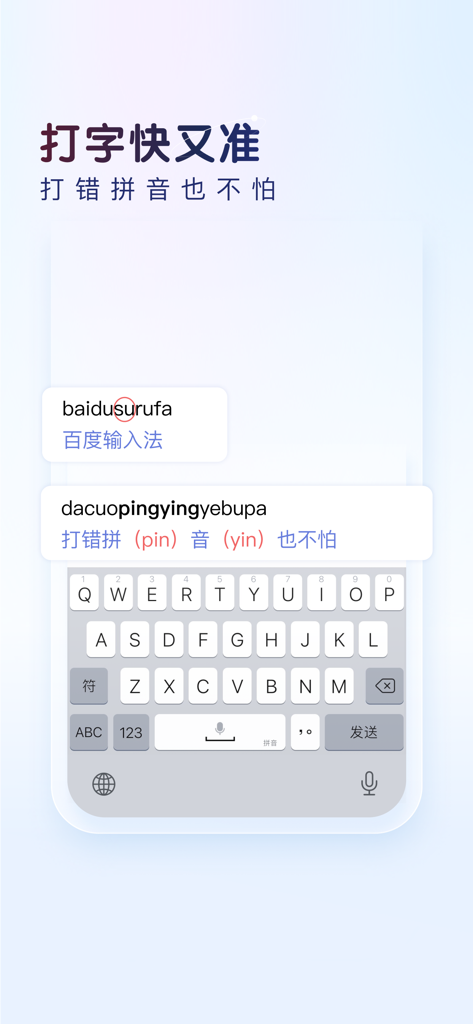
Type faster with a predictive engine that masters bilingual English-Chinese sentences and corrects typos in real-time.
Access the latest trending stickers and 'DouTu' memes instantly to stay connected with modern Chinese internet culture.
Personalize your keyboard with thousands of interactive skins or use the specialized gaming mode for quick tactical commands.
Trusted by 23M+ people who love this app.
"As an international student in NYC, I couldn't live without the 'DouTu' meme search and the aesthetic skins. It makes my WeChat and Little Red Book posts so much more expressive than the basic iOS keyboard ever could. The AI prediction is incredibly smart at catching my mixed Chinese and English typos!"
"The gaming keyboard is a total game-changer for my Honor of Kings sessions. I also rely heavily on the intelligent voice input and one-handed mode during my commute in San Francisco. It is the most efficient typing experience I have found, and the cloud sync across my devices is seamless."
Everything you need to know about 百度输入法-语音表情斗图输入法.
Description
Latest Version
13.2.4
Size
365.0 MB
First Released
Sep 18, 2014
Join over 23 million users who choose AI-powered precision, trending meme battles, and personalized skins for the ultimate Chinese typing experience.
Everything you need to know about 百度输入法-语音表情斗图输入法
Baidu Input Method is an iOS keyboard app offering smart voice input, an AI engine for handwriting and correction, quick search, and various input methods like Pinyin, Wubi, and handwriting. It is highly versatile.
Enable Baidu Input Method by going to System Settings > General > Keyboard > Add Keyboard. Select "Baidu - Baidu Input Method," enable full access, then switch to it by long-pressing the globe key in any input field.
Yes, Baidu Input Method includes a one-hand mode. Users can freely adjust the keyboard's size, height, and position. This customization allows for easy and comfortable single-hand input on larger iPhone screens.
Baidu Input Method offers auto-renewing subscription options for its Privilege Pack: continuous monthly and continuous yearly. These subscriptions provide access to exclusive app features and content.
The monthly subscription for Baidu Input Method's Privilege Pack costs 1 Yuan for the first month. After the initial month, the price is 8 Yuan per month. This is an auto-renewing service.
To cancel, navigate to iPhone Settings > iTunes Store & App Store > Apple ID > View Apple ID > Account Settings > Subscriptions. Manage your services and turn off the subscription at least 24 hours before the current billing cycle ends.
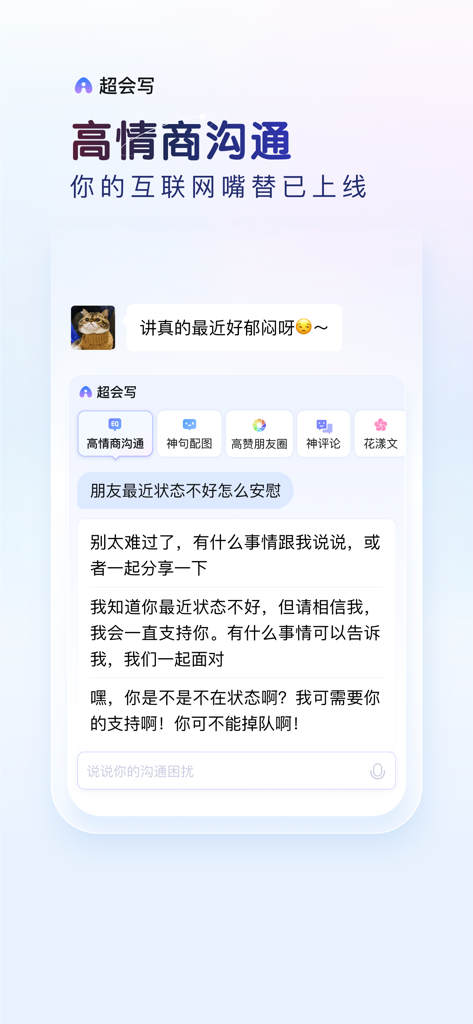
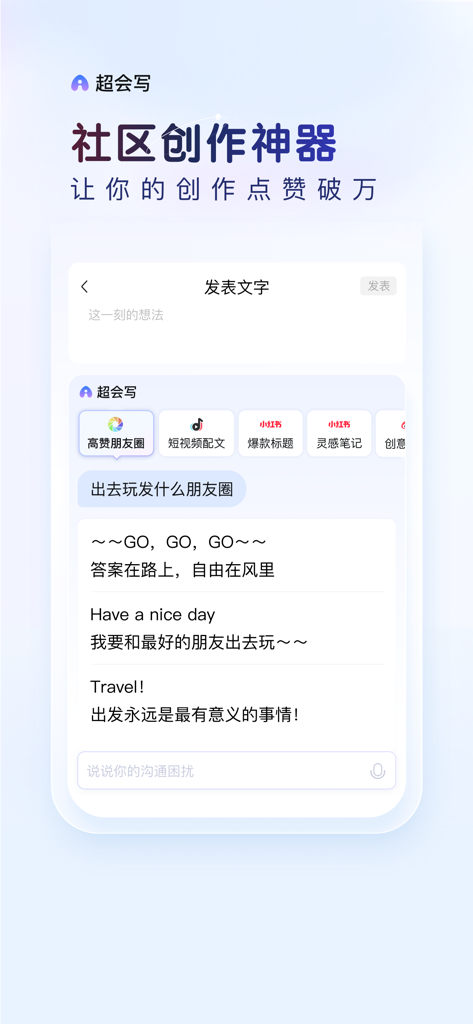
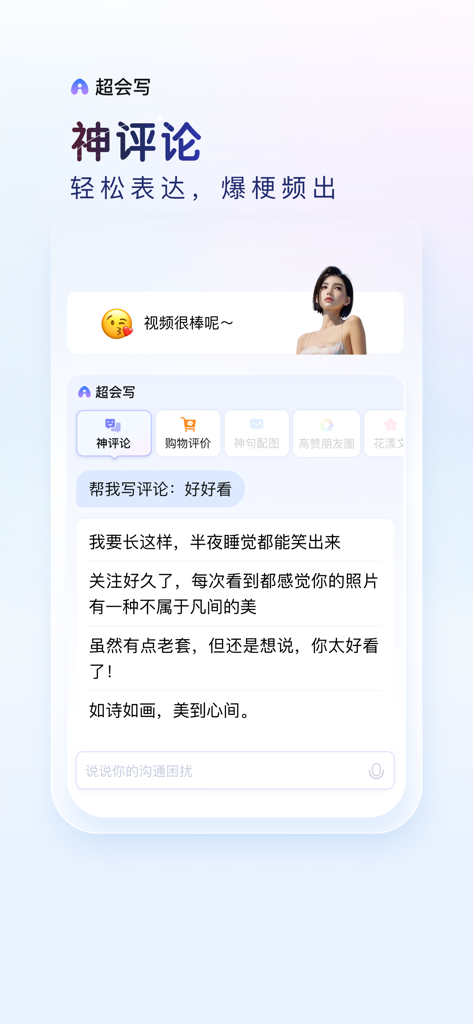
Yes, Baidu Input Method features an AI writing assistant called "Super Write" (超会写). It assists users in generating chat responses, social media content, and creative comments for enhanced expression.
Yes, Baidu Input Method includes an AI engine that offers intelligent correction. It performs accurate association, whole sentence correction, and corrects pinyin errors for fast and precise typing.
Yes, Baidu Input Method provides thousands of personalized keyboard skins. These skins include sound and dynamic effects, allowing users to fully customize their keyboard's visual and auditory experience.
Backup is possible by first enabling full access via iOS Settings > General > Keyboard. Then, open the Baidu Input Method app, go to "Input Settings," select "Cloud Backup," log in with your Baidu account, and choose to backup settings or user words.
Yes, Baidu Input Method supports intelligent voice input for Mandarin, English, and various dialects. It provides accurate speech recognition for these languages, whether online or offline.
Apps with similar features and user experience