Call Recorder for iPhone.

Call Recorder for iPhone.

Download on App Store
Spark by MWM logo
Logo of Call Recorder for iPhone.
Call Recorder for iPhone. Capture Every Word and Secure the Details That Matter.

The professional choice for recording high-stakes conversations. Effortlessly transcribe calls into text, translate dialogues, and maintain a secure digital trail for every business agreement.

Publisher

JatApp LLC

Category

Business

Downloads

12M+

User Rating

4.5/5

Total Ratings

194K+

Locales

17

Precision at a Glance

Discover the interface used by 12M+ users.
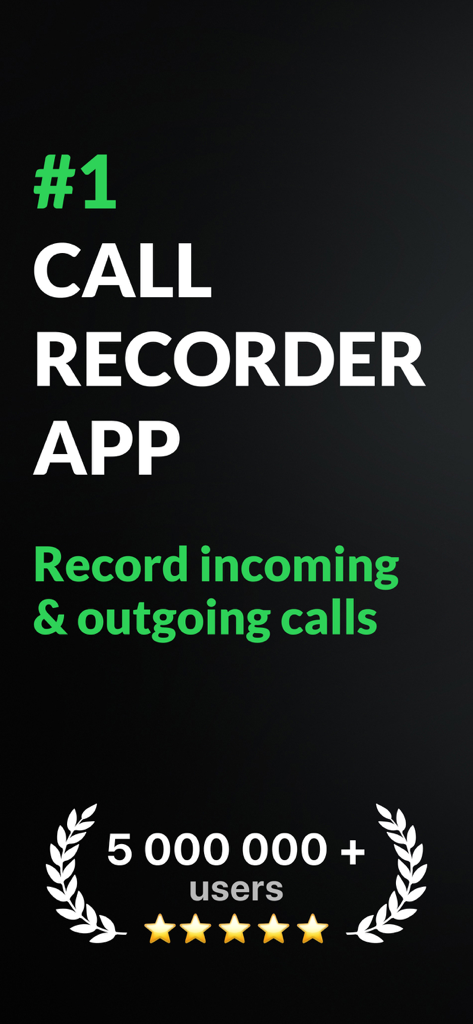
Promotional screen for Call Recorder for iPhone showing its top ranking with over 5 million users and a 5-star rating.

Promotional screen for Call Recorder for iPhone showing its top ranking with over 5 million users and a 5-star rating.

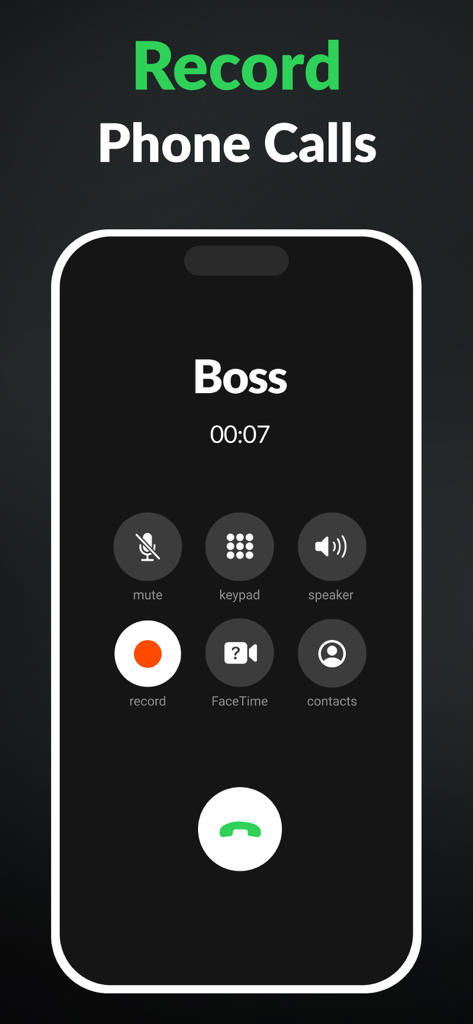
iPhone screen showing an active call with a Boss and a highlighted record button

iPhone screen showing an active call with a Boss and a highlighted record button

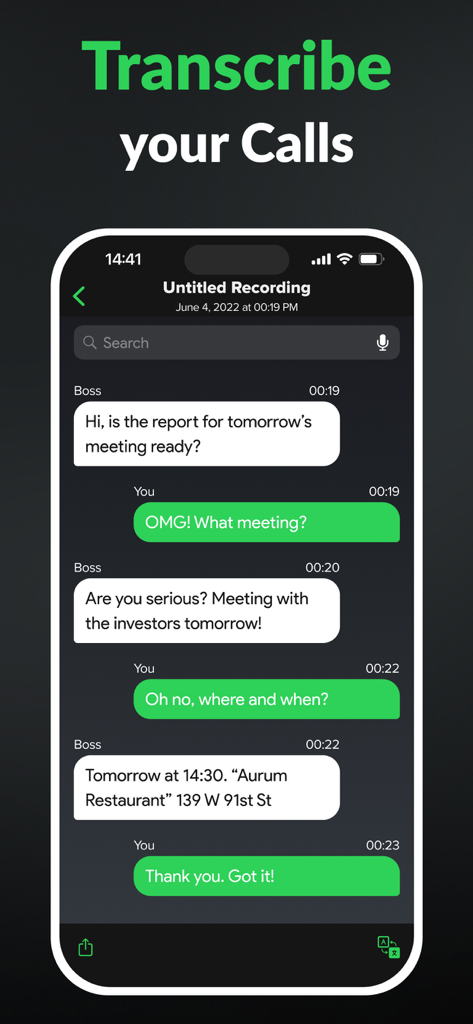
Automated voice-to-text transcription of a recorded phone call on the Call Recorder for iPhone app interface

Automated voice-to-text transcription of a recorded phone call on the Call Recorder for iPhone app interface

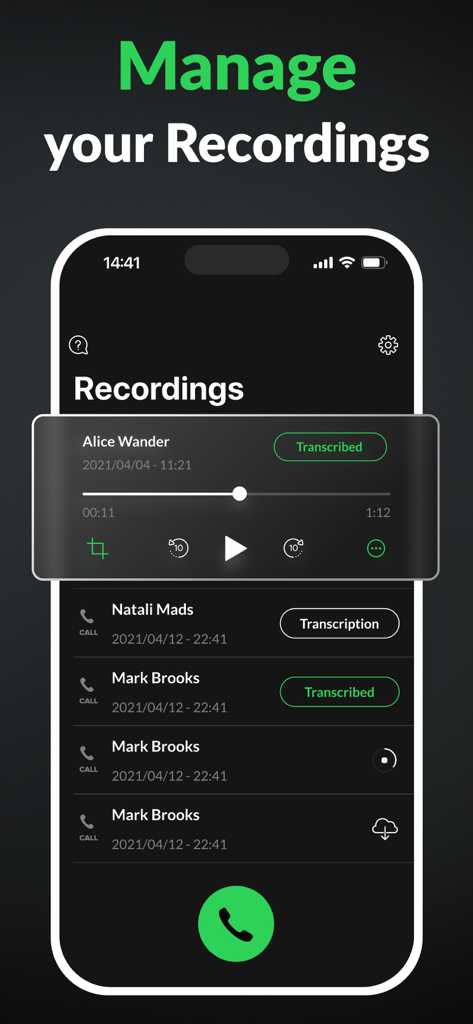
Interface of the Call Recorder app on iPhone showing a list of recorded calls with transcription status and playback controls.

Interface of the Call Recorder app on iPhone showing a list of recorded calls with transcription status and playback controls.

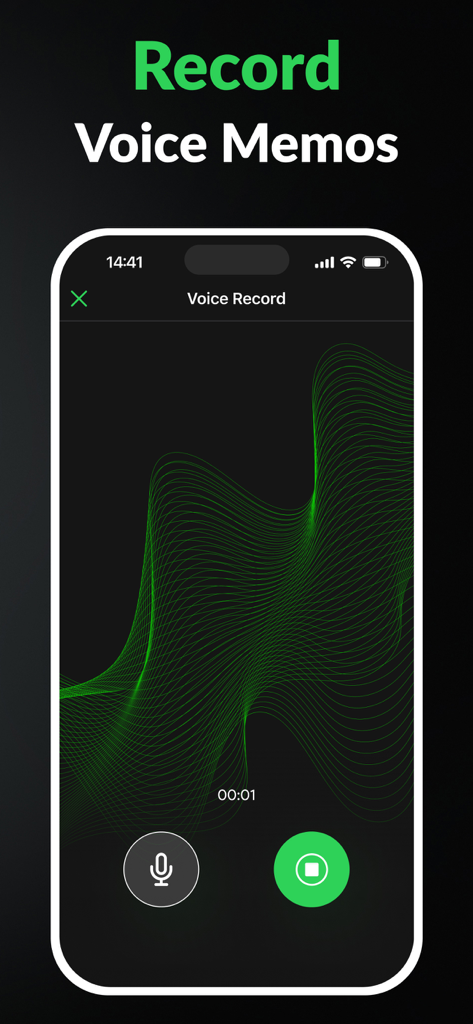
Interface of the Call Recorder for iPhone app showing a voice memo recording session with a green waveform.

Interface of the Call Recorder for iPhone app showing a voice memo recording session with a green waveform.

Document Every Word with Precision

The tools that make this app stand out, trusted by 12M+ users.

⏺️

Unlimited Business Recording

Capture incoming and outgoing calls in high definition with no duration limits, ensuring you never miss a critical detail during client briefings.

🤖

AI-Powered Transcription

Instantly convert your conversations into searchable text. Perfect for journalists and lawyers who need to cite quotes without manual note-taking.

🛡️

Professional Accountability

Securely organize and export your recordings to resolve disputes instantly and maintain a definitive digital trail of every verbal agreement.

Loved by users worldwide

Trusted by 12M+ people who love this app.

"

"As a legal consultant, accuracy is everything. This app has been a lifesaver for documenting verbal agreements and ensuring no detail is lost. The transcription feature is incredibly precise, saving me hours of manual note-taking. It is the peace of mind I didn't know I needed for my practice."

Sarah M., Independent Legal Consultant
"

"I am constantly on discovery calls while commuting, which makes taking notes impossible. Being able to record and later translate conversations with my international clients is a total game-changer. It is user-friendly, reliable, and has essentially become my secondary memory for every business deal."

David L., Creative Agency Founder

About the app

Everything you need to know about Call Recorder for iPhone..

Description

Call Recorder for iPhone allows you to save any incoming and outgoing call in seconds. Easily turn your phone conversations into handy voice notes for later use. Ever forgot names, numbers, dates, or places that were mentioned during the call? Don't always have a notebook to write important details that come up in a phone conversation? Tired of people denying their own words? Wouldn't it be nice to have a phone call recording to resolve any dispute? Call Recorder for iPhone - a must-have app for personal as well as business calls. Hiring managers, journalists, lawyers, businessmen, other professionals, and anyone wanting to record phone calls will enjoy using the call recorder app. Get Call Recorder for iPhone now to: - Save every detail of each personal or business call - Access and listen to your recordings anytime, anywhere - Share phone calls with other people and apps Best features of Call Recorder for iPhone: - No limits on the recording of incoming and outgoing calls; - Enjoy clear calls with a high-quality recording; - Easily add the contacts you need and start recording; - Listen to your calls in the background, you don't need the application open; - Manage your records, search and find them with ease; - Automated voice to text transcription: turn your call recordings into text with just one tap.Rename records if you need to; - Translation to all languages: translate your transcribed conversations; - Take care about the memory of your iPhone and delete records you don't need. Call Recorder for iPhone ensures outstanding experience by being user-friendly and very easy to use. The configuration process is as simple as possible so that you could enjoy your call recording right away. Call Recorder For iPhone" uses the "Conference" function of the user's operator to record calls. We offer a wide range of subscription options so that you can choose the right one for you (annual access renewal, monthly access renewal, weekly renewal with a 3-day free trial). You can cancel your subscription at any moment in your iTunes account settings, but refunds will not be provided for any unused portion of the terms. Payment will be charged to your iTunes Account at purchase confirmation. Any unused portion of a free trial period, if offered, will be forfeited when the user purchases a subscription to that publication, where applicable. Detailed information on our Terms of Use and Privacy Policy is available here: https://callrecorderios.com/privacy-policy https://callrecorderios.com/terms-of-use https://callrecorderios.com/license-agreement

Latest Version

2.8.0

Size

219.8 MB

First Released

Apr 20, 2020

Ready to Capture Every Detail?

Join 12 million professionals who rely on Call Recorder to secure their agreements and automate their notes. Start your recording now.

Download on App Store
FAQ

Frequently Asked Questions

Everything you need to know about Call Recorder for iPhone.

What is Call Recorder for iPhone?

Call Recorder for iPhone is an app that saves incoming and outgoing calls, converting them into voice notes. It helps users remember important details and can resolve disputes by providing recorded phone conversations for personal and business use.

Does Call Recorder for iPhone record both incoming and outgoing calls?

Yes, Call Recorder for iPhone records both incoming and outgoing calls without limits. This feature allows users to save every detail of personal or business calls for future access and use.

Can Call Recorder for iPhone transcribe recorded calls?

Yes, Call Recorder for iPhone offers automated voice to text transcription. Users can turn call recordings into text with one tap and also translate these transcribed conversations into various languages.

How does Call Recorder for iPhone record calls?

Call Recorder for iPhone records calls by utilizing the "Conference" function provided by the user's mobile operator. This method facilitates the capture of both incoming and outgoing call audio.

What are the subscription options for Call Recorder for iPhone?

Call Recorder for iPhone provides a variety of subscription options: annual access renewal, monthly access renewal, and weekly renewal, which includes a 3-day free trial. Payment is charged to your iTunes Account.

Can I cancel my Call Recorder for iPhone subscription?

Yes, users can cancel their Call Recorder for iPhone subscription at any time. Cancellation is processed through the iTunes account settings. No refunds are provided for any unused portion of the subscription term.

Does Call Recorder for iPhone offer a free trial?

Yes, Call Recorder for iPhone offers a 3-day free trial. This trial is part of the weekly renewal subscription option. Any unused portion of the free trial period is forfeited upon purchasing a subscription.

Can Call Recorder for iPhone users share recordings?

Yes, Call Recorder for iPhone allows users to share phone call recordings with other people and applications. This feature enables convenient distribution of important conversations.

Can I manage my recordings within the Call Recorder for iPhone app?

Yes, users can manage their records within Call Recorder for iPhone. This includes searching, finding, renaming, and deleting recordings to maintain an organized collection.

Does Call Recorder for iPhone record voice memos?

Yes, Call Recorder for iPhone includes the functionality to record voice memos. This feature enables users to capture quick audio notes directly through the application's interface.