Easy-PhotoPrint Editor

Easy-PhotoPrint Editor

Download on App StoreDownload on Google Play
Spark by MWM logo
Logo of Easy-PhotoPrint Editor

Easy-PhotoPrint Editor: Create Beautiful Photo Crafts, Cards, and Layouts Instantly

Turn your phone's gallery into stunning physical memories. Choose from hundreds of ready-to-use templates for collages, calendars, and stickers—perfect for families, crafters, and small businesses.

Download on App Store

Publisher

Canon Inc.

Category

Photo & Video

Downloads

3M+

User Rating

4.7/5

Total Ratings

147K+

Locales

20

Creativity in Every Tap

Discover the interface used by 3M+ users.

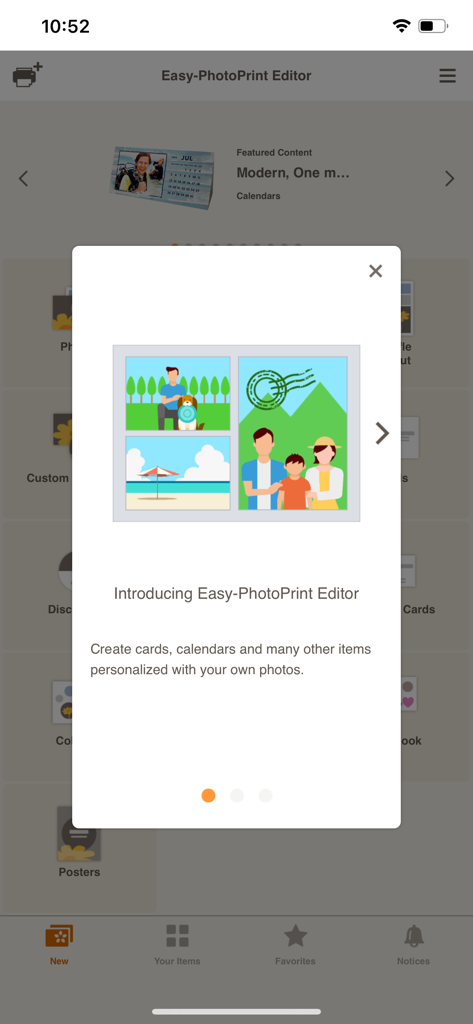
Introduction screen of the Canon Easy-PhotoPrint Editor app featuring personalized photo templates.

Introduction screen of the Canon Easy-PhotoPrint Editor app featuring personalized photo templates.

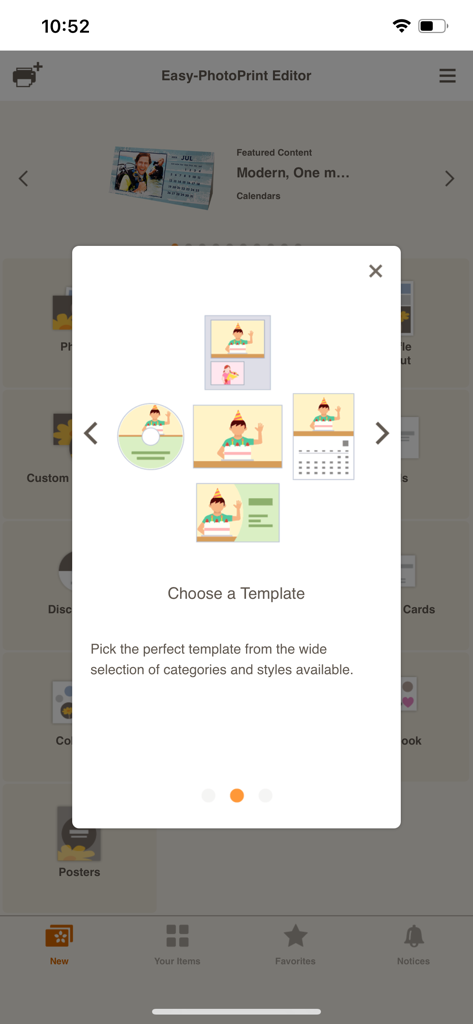
Screen displaying template options for calendars, business cards, and photos in the Canon Easy-PhotoPrint Editor app.

Screen displaying template options for calendars, business cards, and photos in the Canon Easy-PhotoPrint Editor app.

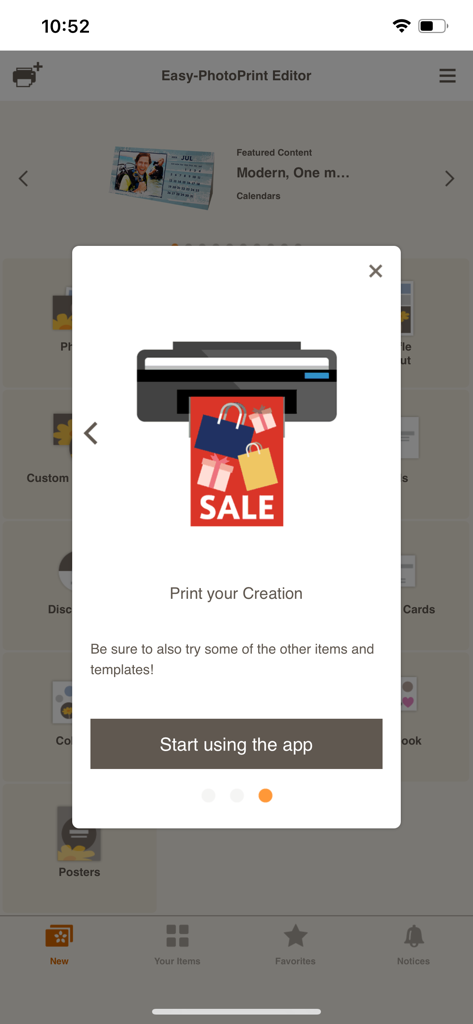
Onboarding screen for the Canon Easy-PhotoPrint Editor app showing a printer icon and a start using the app button.

Onboarding screen for the Canon Easy-PhotoPrint Editor app showing a printer icon and a start using the app button.

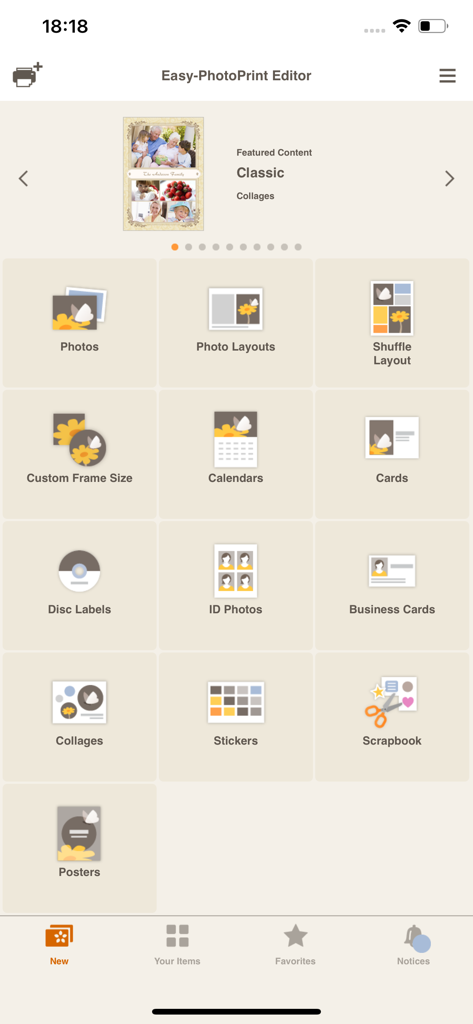
Main menu of the Easy PhotoPrint Editor app displaying various print categories including photos calendars and business cards

Main menu of the Easy PhotoPrint Editor app displaying various print categories including photos calendars and business cards

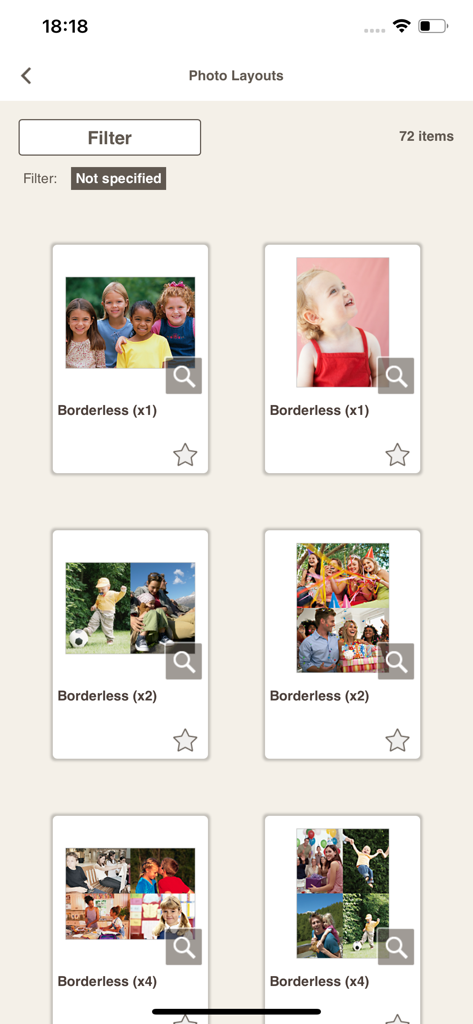
A gallery of borderless photo print layouts and collage templates available in the Canon Easy-PhotoPrint Editor app

A gallery of borderless photo print layouts and collage templates available in the Canon Easy-PhotoPrint Editor app

Turn Your Best Moments into Masterpieces

The tools that make this app stand out, trusted by 3M+ users.

🎨

Stunning Templates for Every Occasion

Skip the design stress with hundreds of ready-to-use layouts for calendars, greeting cards, and collages that look professionally made in seconds.

✂️

Your Ultimate DIY Crafting Companion

Bring your scrapbooks to life by printing custom pattern papers and personalized stickers designed to make your creative projects stand out.

💼

Professional Utility for Home & Work

Save time and money by printing high-quality business cards, official photo IDs, and eye-catching store posters directly from your mobile device.

Loved by users worldwide

Trusted by 3M+ people who love this app.

"

"This app is a lifesaver for busy parents. I can finally get my kids' photos off my phone and into scrapbooks without any hassle. The templates for cards and calendars are professional and so intuitive to use."

Sarah Thompson
"

"As a small business owner, I use this to design and print my own stickers and business cards right from my iPad. The layout editor gives me total control, and it connects seamlessly to my Canon printer."

David Rodriguez

About the app

Everything you need to know about Easy-PhotoPrint Editor.

Description

Easy-PhotoPrint Editor is an easy-to-use photo print app. It features many useful templates and a free-layout editor for making all kinds of prints (photo layouts, cards, collages, calendars, disc labels, photo IDs, business cards, stickers, posters). [Key features] • Intuitive operation for easy printing of all kinds of prints Just select the type of print you want to make, edit and decorate your photos, and print. • Comes with plenty of ready-to-use templates Choose from collages, calendars, and many other templates that use multiple photos in addition to photo prints. • Make original posters for use in stores and other situations Just add photos and text to the simple poster template to create original posters you can use in stores or other situations. • Easy to create other everyday items The app makes it easy to create business cards, photo IDs, stickers, and other items you use every day. • Pattern paper for making original art works The app lets you print pre-designed pattern paper for use in making paper items or scrapbooking. • Print disk labels so you can see at a glance what’s on your disks If your printer supports printing disk labels, you can make original disk labels with just your smartphone. • Slate of editing functions to create just the print you want Not only can you crop or expand your photos, you can also edit and decorate them with colored edges, text, and stamps. [Supported printers] - Canon Inkjet Printers See the following website for supported printers. https://ij.start.canon/eppe-model *Some functions are not supported on imagePROGRAF series. [When the app cannot find your printer.] Check that your printer is in the supported printers list. The printer must be connected to your network. Use the "Canon PRINT" app to connect your printer to the network. [Supported OS] iOS 16.0 and later

Latest Version

1.10.2

Size

93.6 MB

First Released

Sep 3, 2018

Your Creative Studio is Just a Tap Away

Transform your favorite moments into professional-quality prints, custom cards, and DIY crafts. Download now and see how easy it is to create with Canon.

Download on App StoreDownload on Google Play
FAQ

Frequently Asked Questions

Everything you need to know about Easy-PhotoPrint Editor

What is Easy-PhotoPrint Editor?

Easy-PhotoPrint Editor is a photo print app offering templates and a free-layout editor. It allows users to create and print photo layouts, cards, collages, calendars, disc labels, photo IDs, business cards, stickers, and posters.

What types of prints can I create with Easy-PhotoPrint Editor?

You can create photo layouts, cards, collages, calendars, disc labels, photo IDs, business cards, stickers, and posters using Easy-PhotoPrint Editor. It also offers pattern paper for art works.

Does Easy-PhotoPrint Editor offer templates for creative projects?

Yes, Easy-PhotoPrint Editor provides many useful templates. These include options for photo layouts, cards, collages, calendars, business cards, photo IDs, stickers, and posters to simplify creation.

Can I print disc labels using Easy-PhotoPrint Editor?

Yes, Easy-PhotoPrint Editor allows you to print disc labels directly from your smartphone, provided your Canon Inkjet printer supports this specific function.

What editing functions are available in Easy-PhotoPrint Editor?

Easy-PhotoPrint Editor offers various editing functions. Users can crop or expand photos, and decorate them with colored edges, text, and stamps to personalize their prints.

Which printers are compatible with Easy-PhotoPrint Editor?

Easy-PhotoPrint Editor supports Canon Inkjet Printers. A specific website link is provided in the app description to check for supported printer models.

What operating systems does Easy-PhotoPrint Editor support?

Easy-PhotoPrint Editor supports iOS 17.0 and later versions. Users must ensure their device runs on a compatible iOS version for the app to function.

What should I do if Easy-PhotoPrint Editor cannot find my printer?

If the app cannot find your printer, ensure it is on the supported list and connected to your network. Use the "Canon PRINT" app to connect your printer to the network if necessary.

Can I create business cards with Easy-PhotoPrint Editor?

Yes, Easy-PhotoPrint Editor allows users to easily create business cards. The app also supports creating photo IDs, stickers, and other everyday items.

Does Easy-PhotoPrint Editor provide options for creating photo collages?

Yes, Easy-PhotoPrint Editor includes templates for creating photo collages. The app offers a variety of ready-to-use templates that can incorporate multiple photos into designs.