
Feed Preview: Ig Grid Layout




The ultimate grid planner for creators and brands. Curate your dream Instagram feed with drag-and-drop ease and zero login required.
Publisher
Category
Photo & VideoDownloads
5M+User Rating
Total Ratings
51K+Locales
20Discover the interface used by 5M+ users.
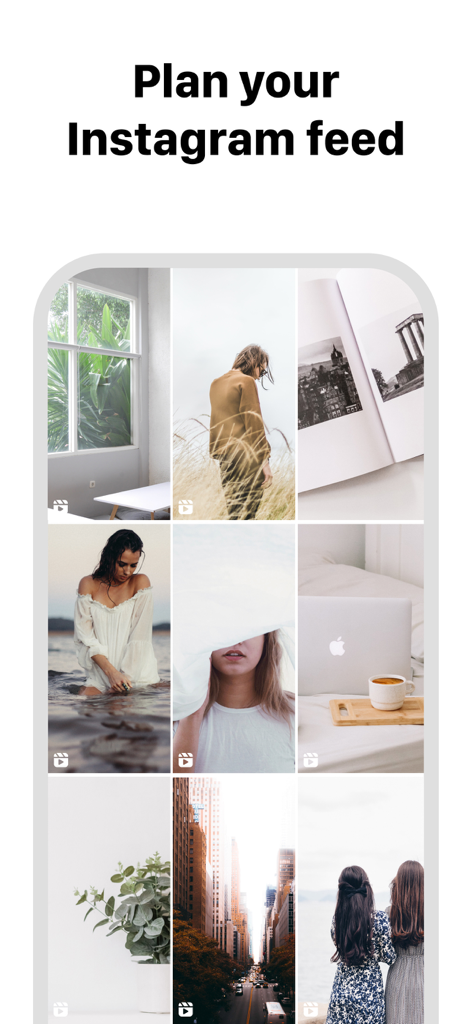
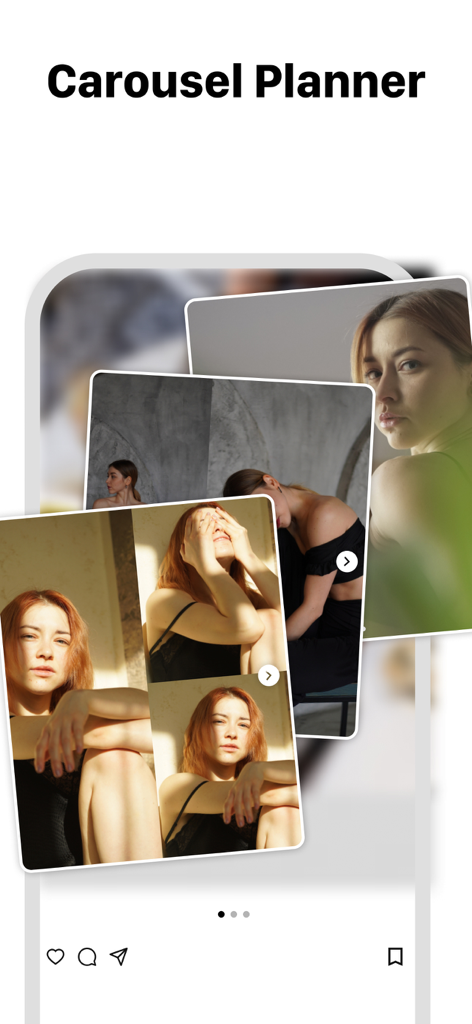
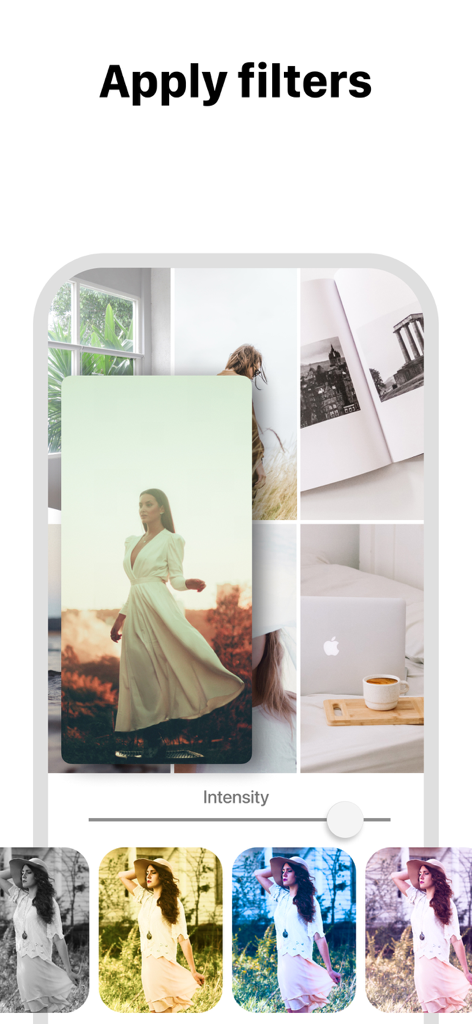
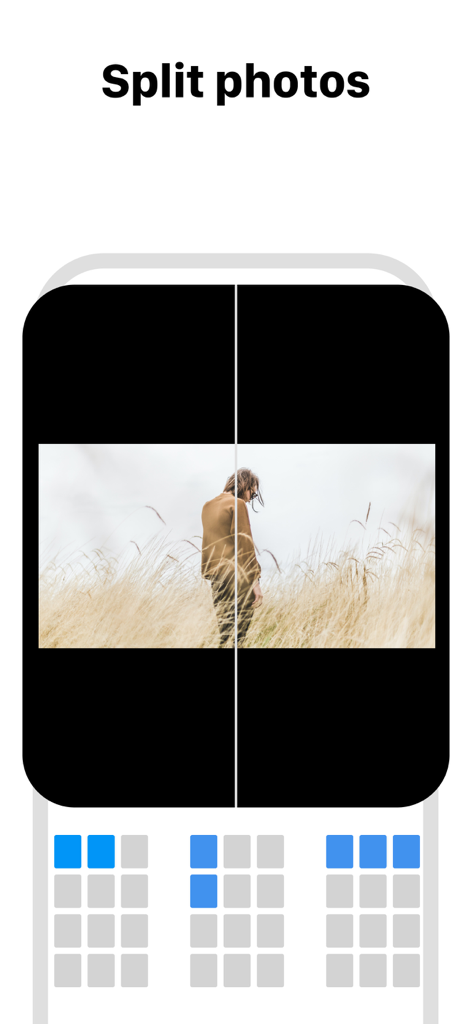
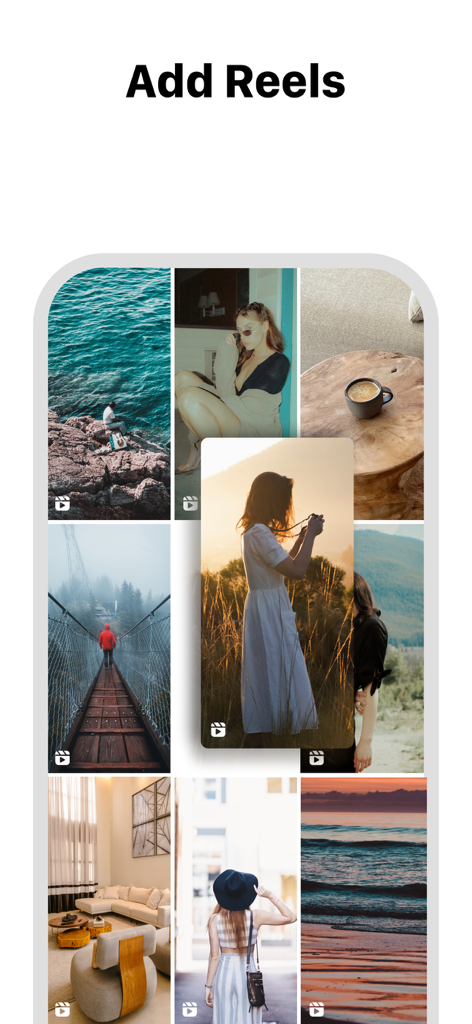
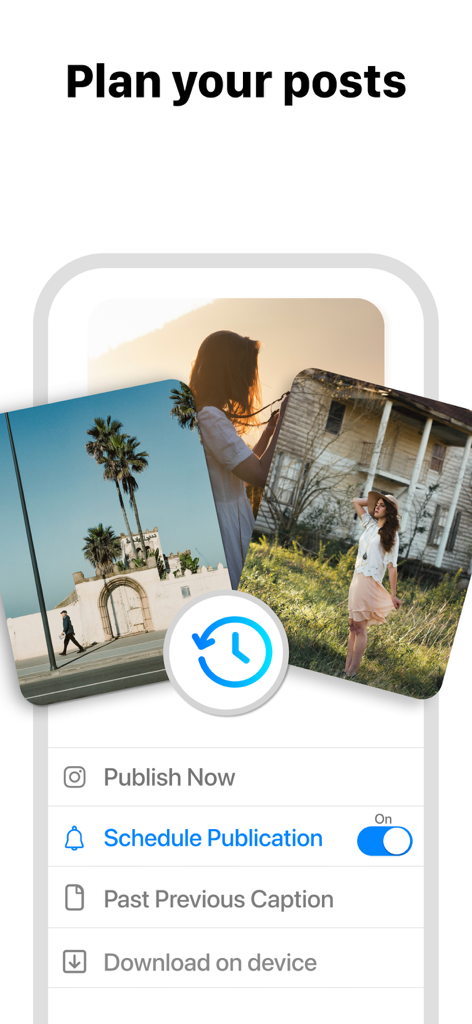
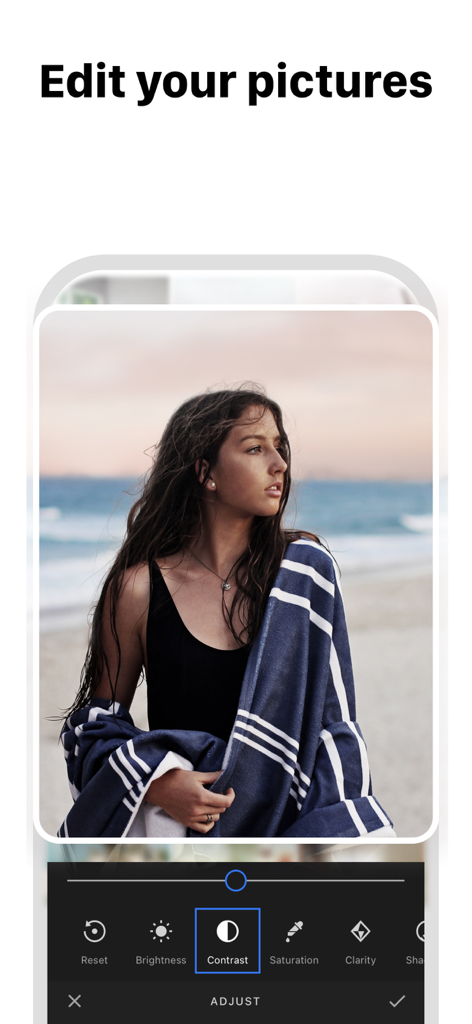
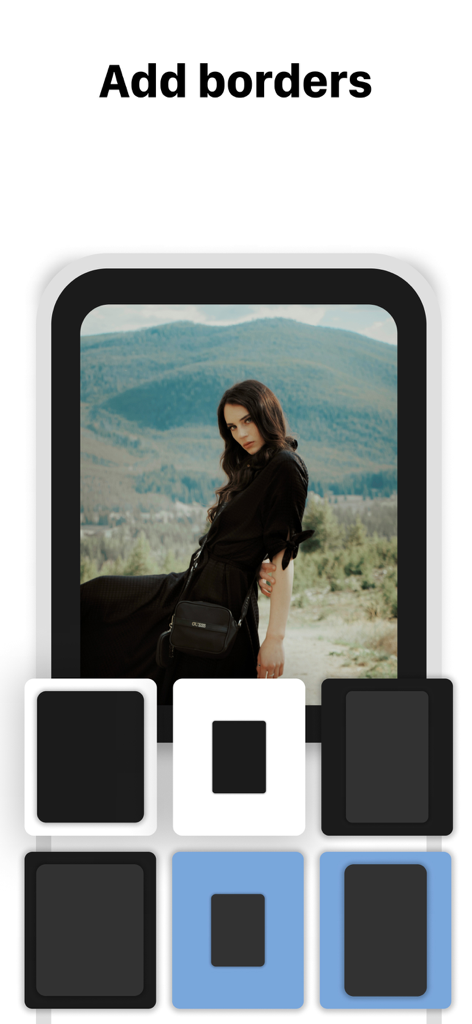
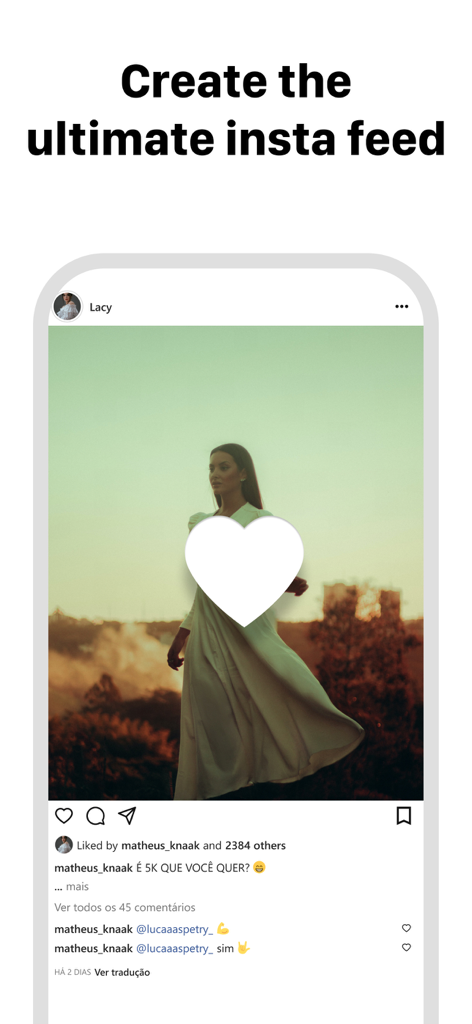
The tools that make this app stand out, trusted by 5M+ users.
Preview any public profile without ever sharing your password. Keep your account 100% safe from bans and hacks while you plan.
Effortlessly reorganize your posts to find the perfect visual flow. Experiment with layouts and mosaics before you commit to the post.
Switch between your personal brand and business accounts in seconds. Perfect for social media managers and multi-hyphenate creators.
Trusted by 5M+ people who love this app.
"Finally an app that doesn't ask for my Instagram password! I’m super protective of my account, so being able to plan my grid just by typing my username is a total game changer. The drag-and-drop feature is incredibly smooth, and it helps me maintain my 'clean girl' aesthetic perfectly before I commit to a post."
"As a social media manager handling three different brand accounts, this app has saved me hours of work. The ability to instantly compare my planned grid with the live feed helps me ensure every transition is seamless. It’s the most intuitive tool I’ve used for visualizing mosaics and color-coordinated layouts."
Everything you need to know about Feed Preview: Ig Grid Layout.
Description
Latest Version
3.12.3
Size
187.1 MB
First Released
Mar 2, 2019
Join over 5 million creators and small business owners who plan their stunning Instagram grids with ease. No login, no risk—just pure creativity at your fingertips.
Everything you need to know about Feed Preview: Ig Grid Layout
Feed Preview: Ig Grid Layout visually plans your Instagram feed by adding, deleting, and rearranging photos and videos. It shows exactly how your profile will look, helping create the perfect aesthetic.
No, Feed Preview: Ig Grid Layout allows users to visually plan their Instagram feed without ever logging into their Instagram account, ensuring privacy and ease of use.
Yes, Feed Preview: Ig Grid Layout enables users to manage multiple Instagram accounts effortlessly. This feature streamlines the content planning process across different profiles.
Feed Preview: Ig Grid Layout offers photo editing with stylish filters and borders. Users can also adjust brightness, contrast, saturation, and clarity for their images within the app.
Yes, Feed Preview: Ig Grid Layout allows users to create and schedule their Instagram posts in advance. This helps organize content for future publication and maintain consistency.
Yes, Feed Preview: Ig Grid Layout supports creating and planning Instagram carousels. Users can add multiple pictures to design comprehensive multi-image posts for their feed.
Pictures added to your feed preview in Feed Preview: Ig Grid Layout are automatically saved locally on your device. They are ready to be posted to Instagram when you choose.
Yes, Feed Preview: Ig Grid Layout allows users to preview any Instagram feed. This feature helps visualize various profile aesthetics and refine planning strategies.
Yes, Feed Preview: Ig Grid Layout provides grid templates to customize your Instagram feed. This helps users design and arrange their photos for a unique visual layout.
Yes, Feed Preview: Ig Grid Layout allows users to reset their preview to match their current Instagram feed. This feature instantly updates the app's layout to reflect real-time changes.
Apps with similar features and user experience

Georgy Romelashvili

Onelight Apps CY Ltd

Onelight Apps CY Ltd

Hashone Tech LLP

Tech Positive Inc.

A Color Story LLC

Appslead Ltd

Cubetix Ltd.

WNDR11 LTD
