
Fileplay - Documents Player



Take total control of your media library. Experience background PiP, adjustable playback speeds, and powerful bass boosting for all your local and iCloud files—all optimized for maximum battery efficiency.
Publisher
Category
EntertainmentDownloads
636K+User Rating
Total Ratings
1K+Locales
1Discover the interface used by 636K+ users.
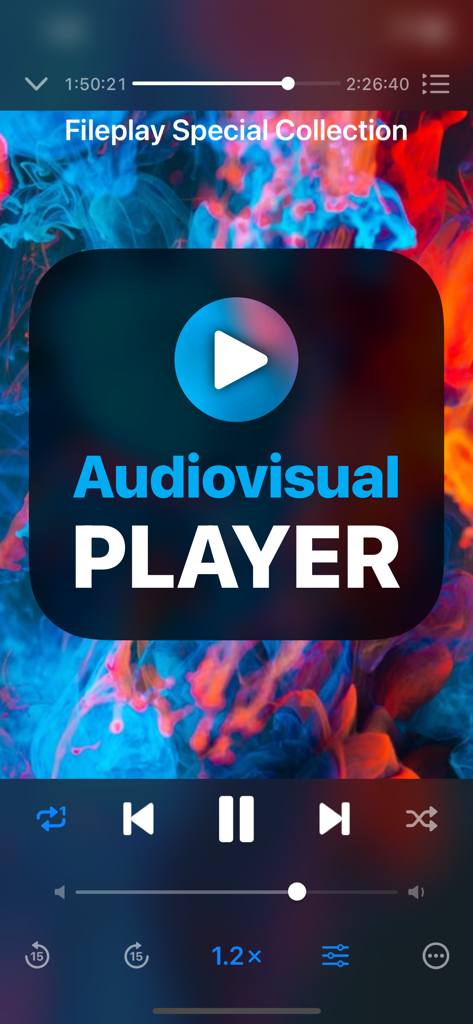
The tools that make this app stand out, trusted by 636K+ users.
Breeze through recorded lectures and long tutorials with precise playback speed adjustments up to 2x, perfect for the efficient self-learner.
Maximize your productivity by watching videos in a floating window while you take notes, browse, or respond to messages.
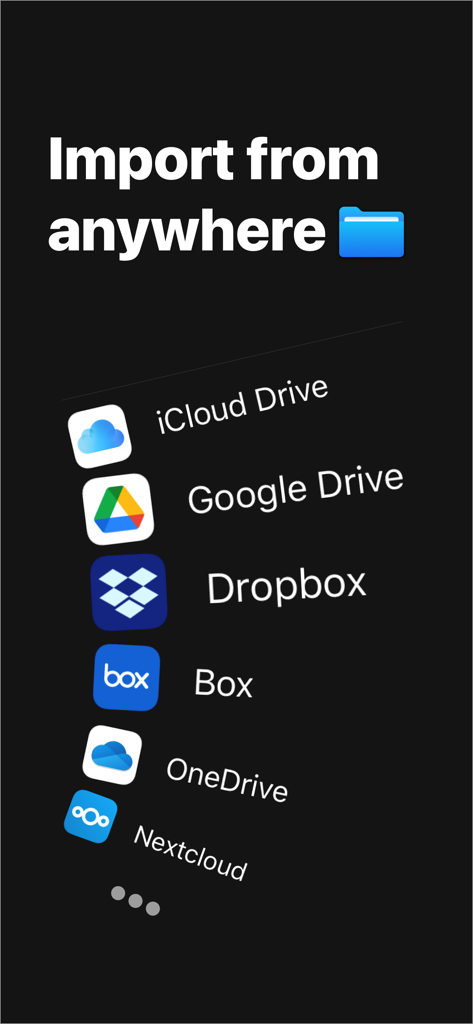
Break free from ecosystem limits and play any file directly from iCloud, local storage, or third-party providers in one streamlined queue.
Trusted by 636K+ people who love this app.
"As a medical student, this app is an absolute lifesaver. I can watch my recorded lectures at 1.5x speed while multitasking in Picture-in-Picture mode, which has made my study sessions twice as efficient. It handles every file type I throw at it without any lag."
"Finally, a media player that doesn't drain my battery on long flights! I love being able to queue up my downloaded movies from iCloud and use the bass booster to get the most out of my headphones. It's much more versatile than the default iOS player."
Everything you need to know about Fileplay - Documents Player.
Description
Latest Version
1.13
Size
45.1 MB
First Released
Mar 20, 2021
Join over 636,000 users who have optimized their file playback. Get the power of custom speeds, bass boosting, and battery-saving PiP mode on your iPhone and iPad today.
Everything you need to know about Fileplay - Documents Player
Fileplay - Documents Player is a full-featured multimedia player that plays files directly from your device, iCloud, and various other file providers. It supports various audio and visual media playback.
Yes, Fileplay - Documents Player allows users to adjust the playback speed of their media files. This feature is directly accessible within the player interface.
Yes, Fileplay - Documents Player supports Background Picture in Picture mode. This allows users to continue watching videos while using other applications.
Yes, Fileplay - Documents Player supports importing files from various cloud services. These include iCloud Drive, Google Drive, Dropbox, Box, OneDrive, and Nextcloud.
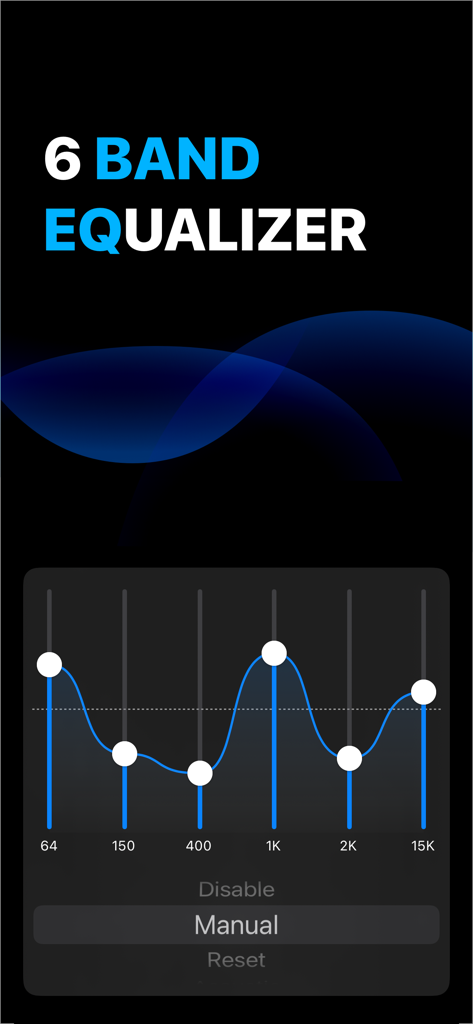
Yes, Fileplay - Documents Player includes a 6-band equalizer. Users can manually adjust audio frequencies or reset the settings for optimal sound.
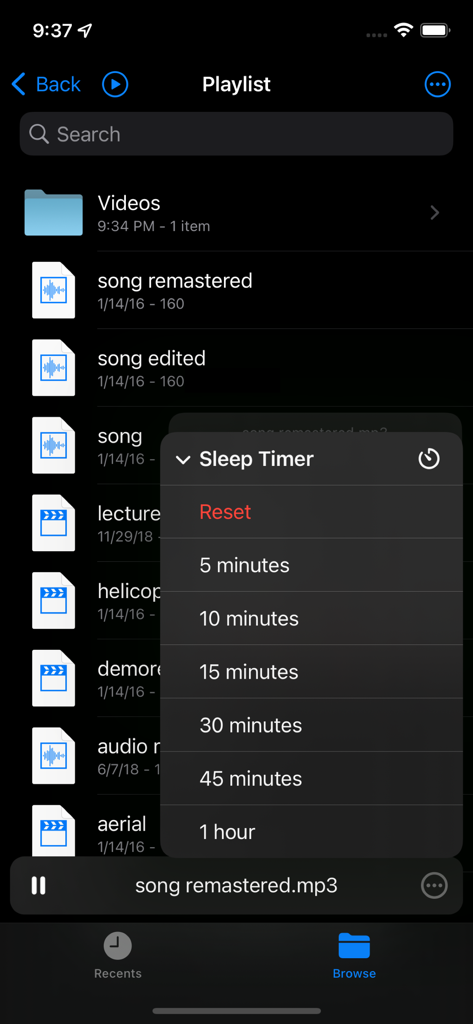
Yes, Fileplay - Documents Player includes a Sleep Timer feature. Users can set the timer for durations such as 5, 10, 15, 30, 45 minutes, or 1 hour.
Yes, Fileplay - Documents Player is optimized for low battery use. This design choice helps to conserve device power during multimedia playback.
Yes, Fileplay - Documents Player allows users to add multiple files to a playback queue. This feature enhances media management and continuous playback.
Apps with similar features and user experience

Aquila Space (Hong Kong) Company Limited

志辉 黎

Firecore, LLC

Jatin Maniya

Devkrushna Infotech Private Limited

EVERAPPZ SL

GAME WORLD SAI GON COMPANY LIMITED

STRETFORD STUDIOS LIMITED

shinichi fukui