
Floor Plan & AI Home - CamPlan



Harness LiDAR technology to create instant 3D floor plans and use AI to reimagine your interiors in any style. Perfect for homeowners, real estate agents, and renovators seeking professional results.
Publisher
Category
Graphics & DesignDownloads
353K+User Rating
Total Ratings
11K+Locales
9Discover the interface used by 353K+ users.
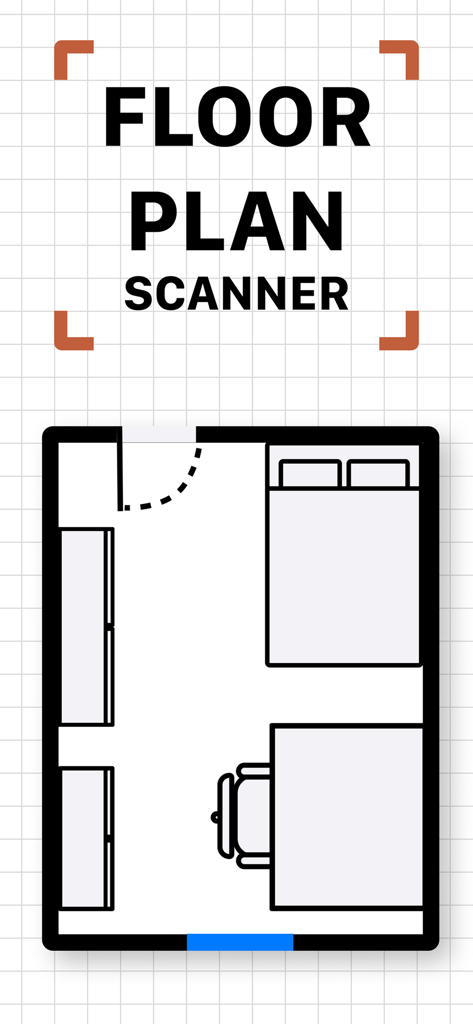
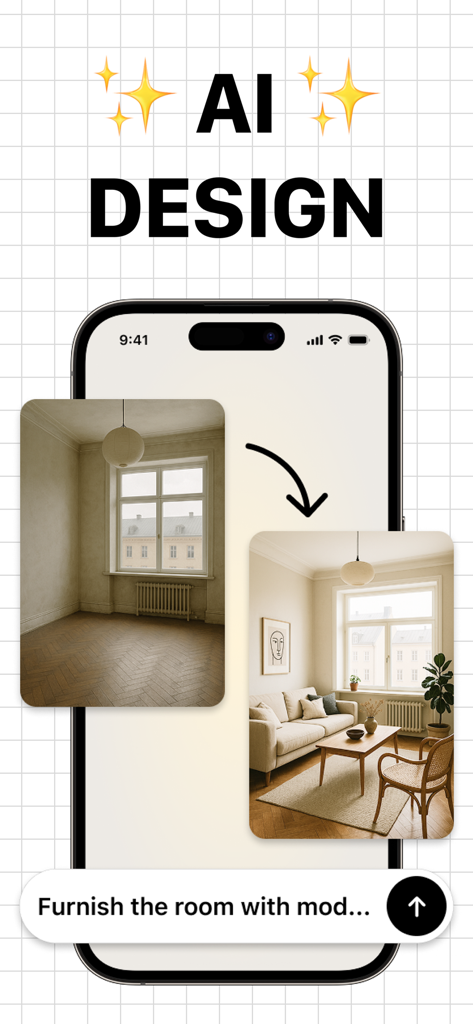
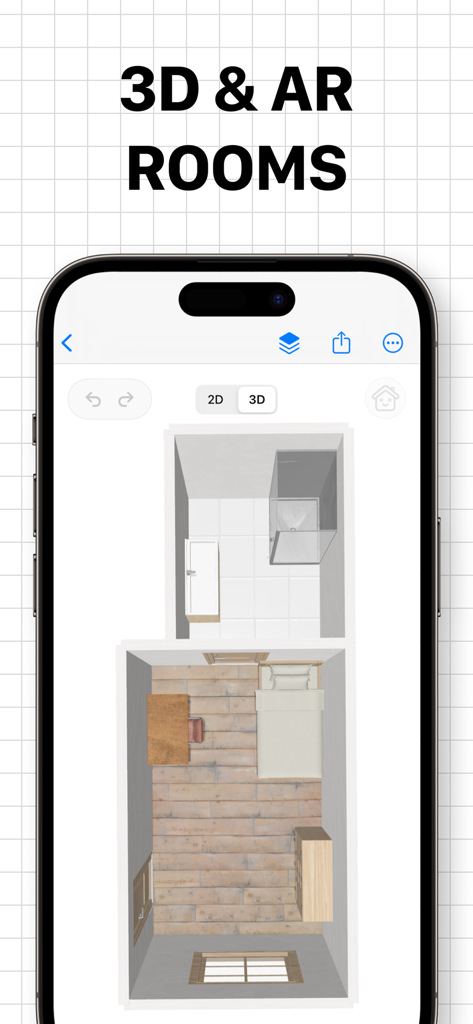
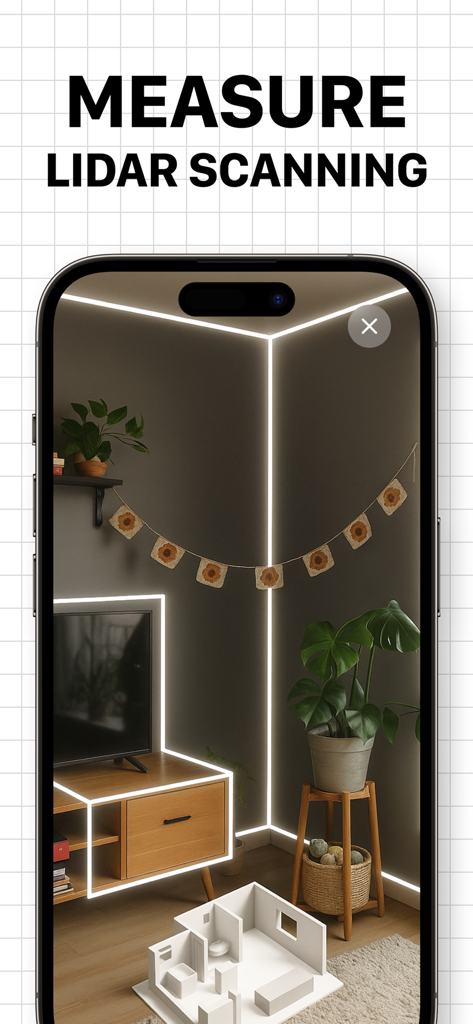
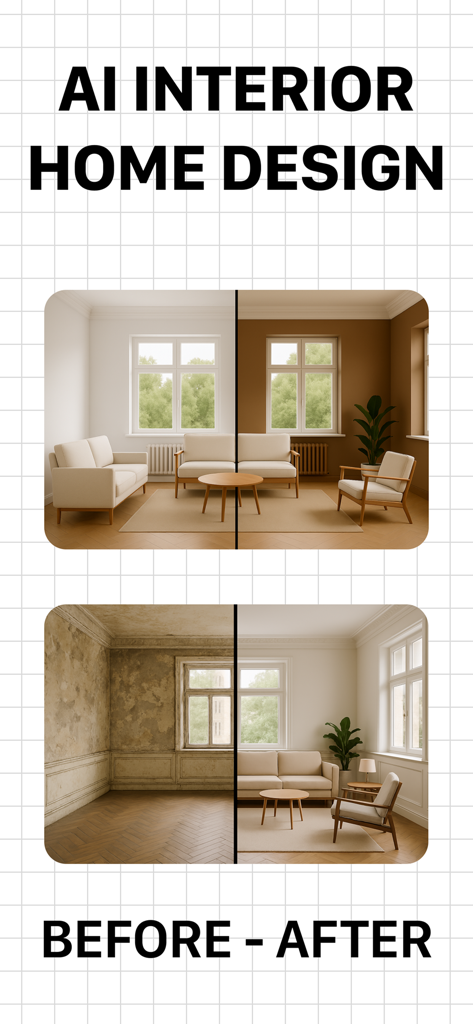
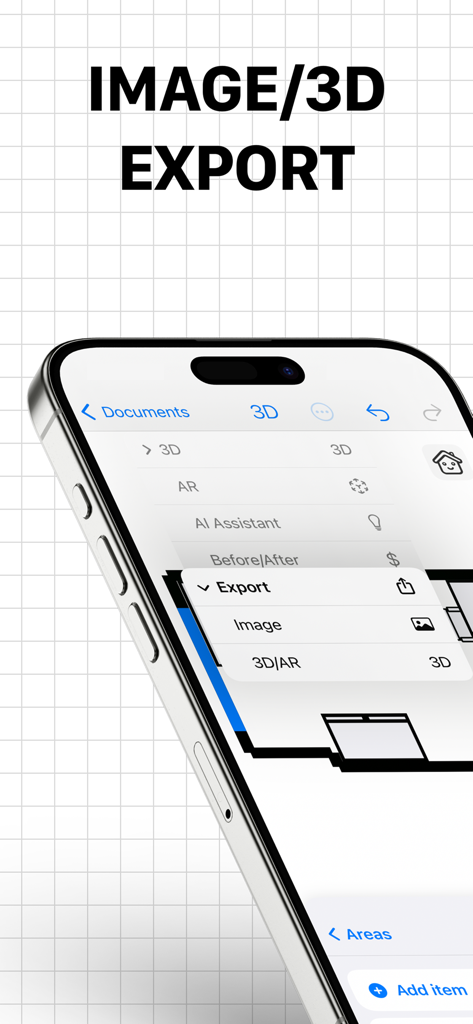
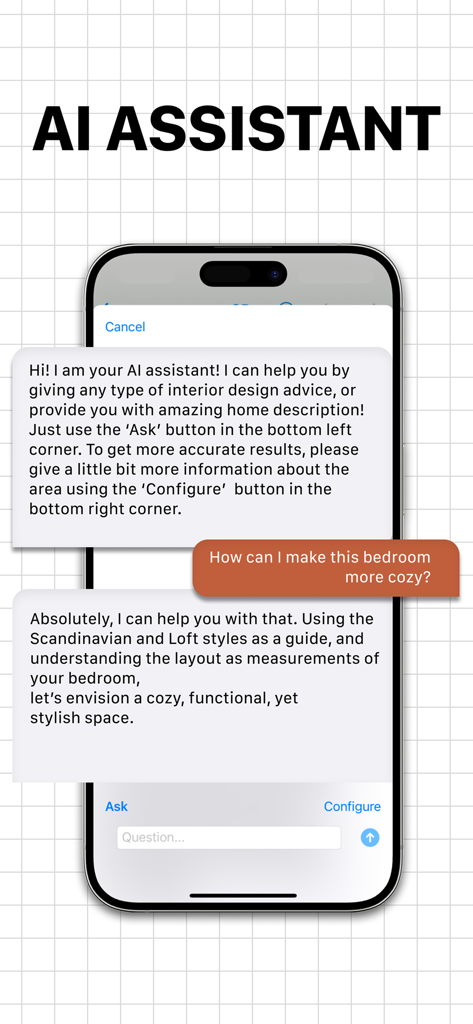
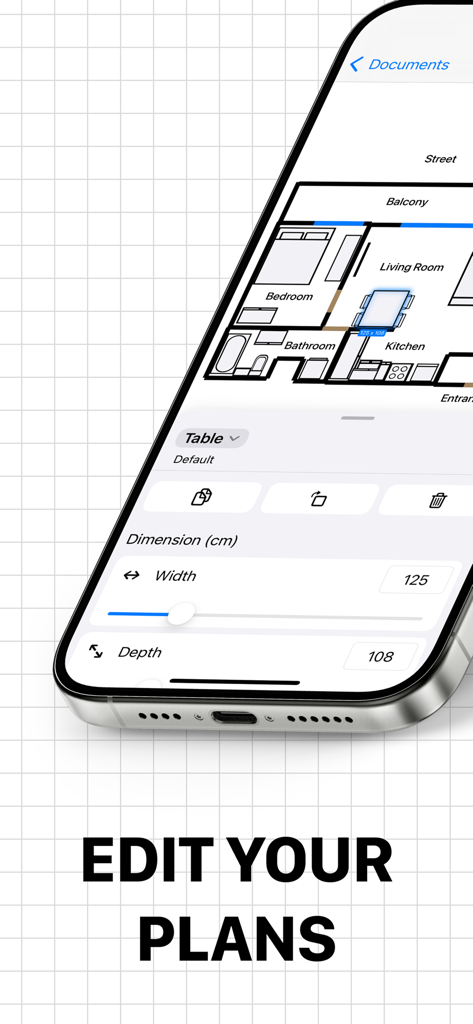
The tools that make this app stand out, trusted by 353K+ users.
Ditch the tape measure. Walk through any room to automatically capture walls, windows, and doors for high-precision 2D and 3D floor plans.
Snap a photo and describe your vision. Our AI instantly renders new styles, colors, and furniture layouts to help you visualize a total transformation.
Bridge the gap between ideation and construction by exporting CAD-ready files or using AR to preview your new floor plan in your actual physical space.
Trusted by 353K+ people who love this app.
"As a real estate agent, CamPlan has completely changed how I prepare listings. The LiDAR scanning is incredibly fast and accurate, allowing me to generate 3D floor plans in minutes that used to take hours of manual measurement. It adds so much professional value to my client presentations."
"I was struggling to visualize how to renovate my living room until I found this app. The AI Interior Designer is like magic—I just took a photo, asked for a Scandinavian style, and instantly saw my space transformed. It gave me the confidence to finally start my DIY project!"
Everything you need to know about Floor Plan & AI Home - CamPlan.
Description
Latest Version
2.6.10
Size
127.8 MB
First Released
Apr 12, 2023
Join over 350,000 homeowners and professionals using LiDAR and AI to scan, design, and visualize their dream homes in seconds.
Everything you need to know about Floor Plan & AI Home - CamPlan
CamPlan uses LiDAR scanning on iPhone/iPad to automatically detect walls, windows, doors, and measurements for 2D and 3D floor plan creation. It provides tools for editing and customization.
CamPlan's AI Interior Designer redesigns rooms from a photo. Users describe changes like "paint walls blue" or "add a reading nook," and it suggests colors, furniture, and layouts with real-time updates.
Yes, CamPlan exports floor plans as images or industry-standard files, including USDZ, OBJ, DXF, CAD, and DAE. This feature supports professional integration and sharing.
Yes, CamPlan is available on iOS, iPadOS, and macOS. It features an optimized interface with OS-specific gestures, ensuring a seamless user experience across Apple devices.
CamPlan is ideal for homeowners, real estate agents, electricians, renovators, and architects. Its versatile toolsets cater to diverse needs in floor planning and interior design.
Yes, CamPlan offers Premium as a monthly or yearly subscription. CamPlan Premium allows unlimited projects and enables sharing and collaboration with others.
CamPlan Premium subscriptions automatically renew via your iTunes Account unless turned off 24 hours before the period ends. Auto-renew can be disabled anytime, retaining functionality until the period concludes.
Yes, CamPlan can generate 3D models from floor plans. Users can adjust layouts in a 2D view and explore a rendered 3D model, or use AR preview to visualize it in real space.
Yes, CamPlan supports Augmented Reality (AR). Its AR preview feature allows users to place the virtual plan back into the real space to check scale and positioning.
Apps with similar features and user experience

Trimble Inc.

Arctuition LLC

Morpholio LLC

Quasarts LLC

Sebastian Kemper

Quasarts LLC

Anuman

Homestyler (Shanghai) Technology Co., Ltd.

AI Photo Editor Lab SRL