Gmail - Email by Google

Gmail - Email by Google

Download on App StoreDownload on Google Play
Spark by MWM logo
Logo of Gmail - Email by Google

Gmail: Secure, Smart, and AI-Powered Productivity

Master your inbox with Gemini AI summaries, stay safe with 99.9% spam protection, and manage work and life seamlessly with integrated Chat and Meet.

Publisher

Google LLC

Category

Productivity

Downloads

719M+

User Rating

4.7/5

Total Ratings

8M+

Locales

58

Inbox at a Glance

Discover the interface used by 719M+ users.

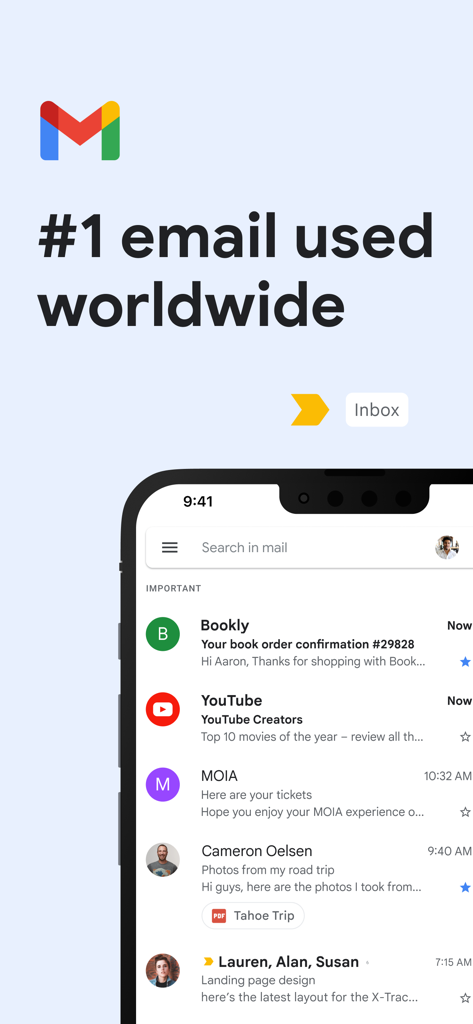
Gmail app interface on an iPhone showing a list of emails in the inbox

Gmail app interface on an iPhone showing a list of emails in the inbox

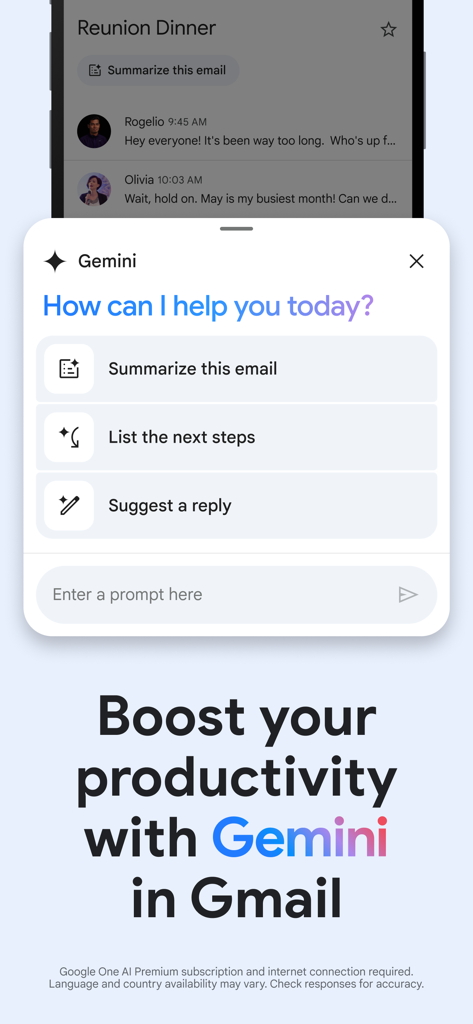
A screenshot of the Gmail app interface showing Gemini AI features like email summarization and suggested replies.

A screenshot of the Gmail app interface showing Gemini AI features like email summarization and suggested replies.

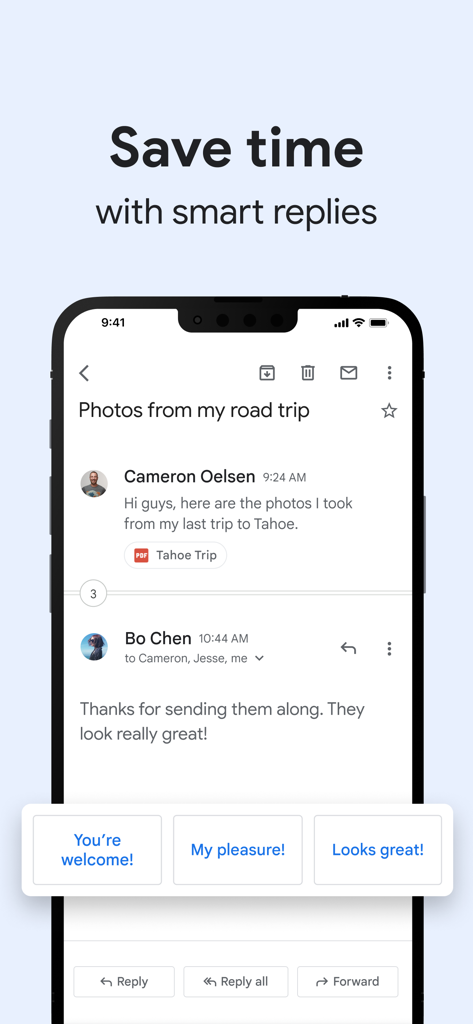
Gmail app on iPhone showing smart reply suggestions at the bottom of an email thread.

Gmail app on iPhone showing smart reply suggestions at the bottom of an email thread.

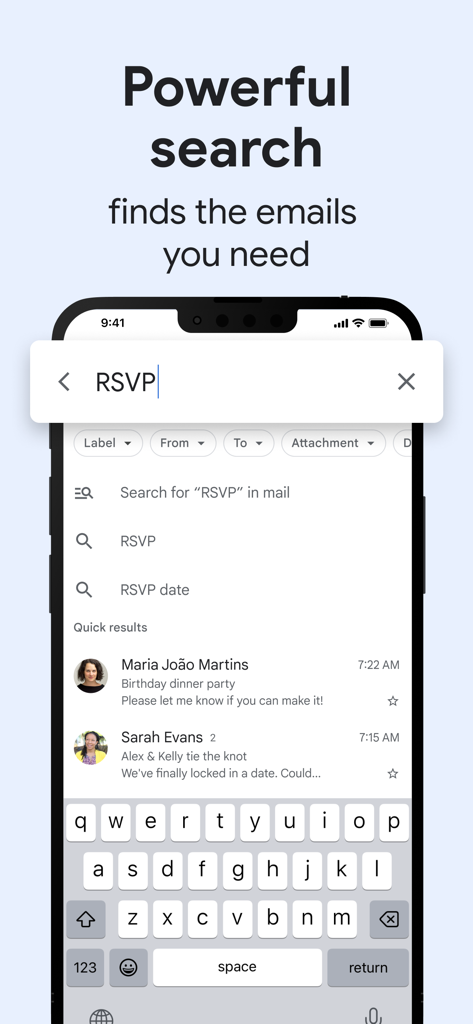
Gmail mobile app interface showing the powerful search feature with results for an RSVP query

Gmail mobile app interface showing the powerful search feature with results for an RSVP query

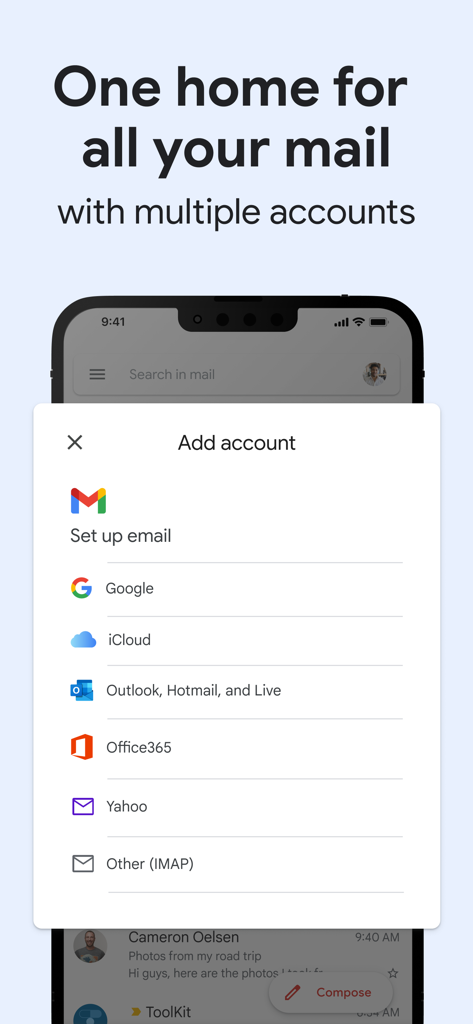
Gmail mobile app interface showing the Add account screen with options for Google iCloud Outlook and Yahoo

Gmail mobile app interface showing the Add account screen with options for Google iCloud Outlook and Yahoo

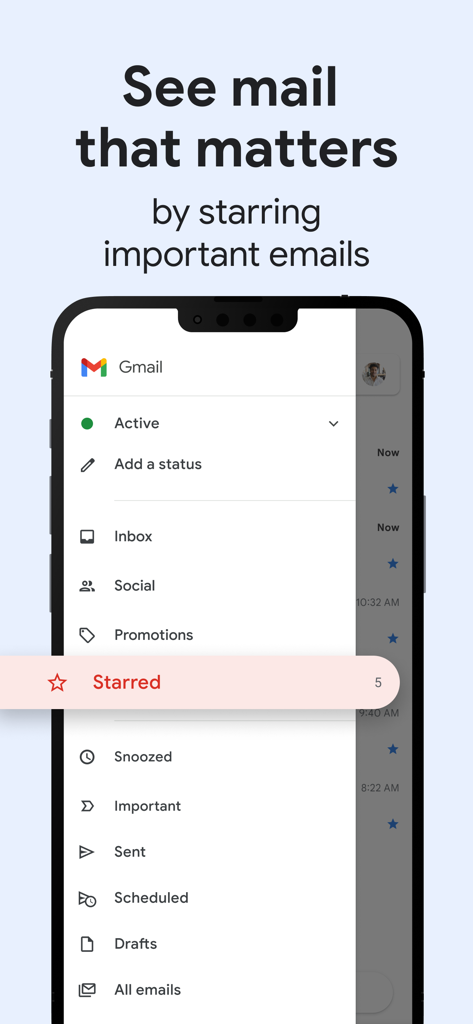
Gmail mobile app interface showing the sidebar menu with a focus on the Starred emails category.

Gmail mobile app interface showing the sidebar menu with a focus on the Starred emails category.

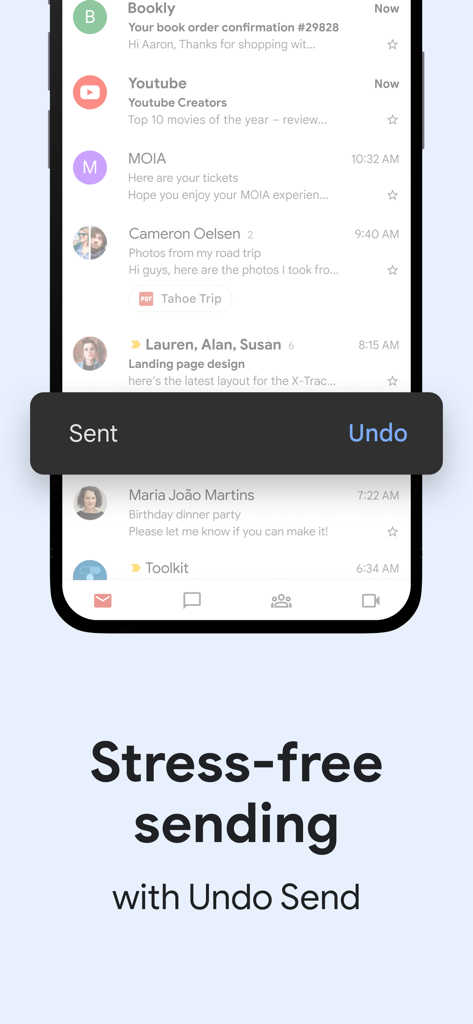
Gmail mobile app interface displaying a sent notification with an undo button option

Gmail mobile app interface displaying a sent notification with an undo button option

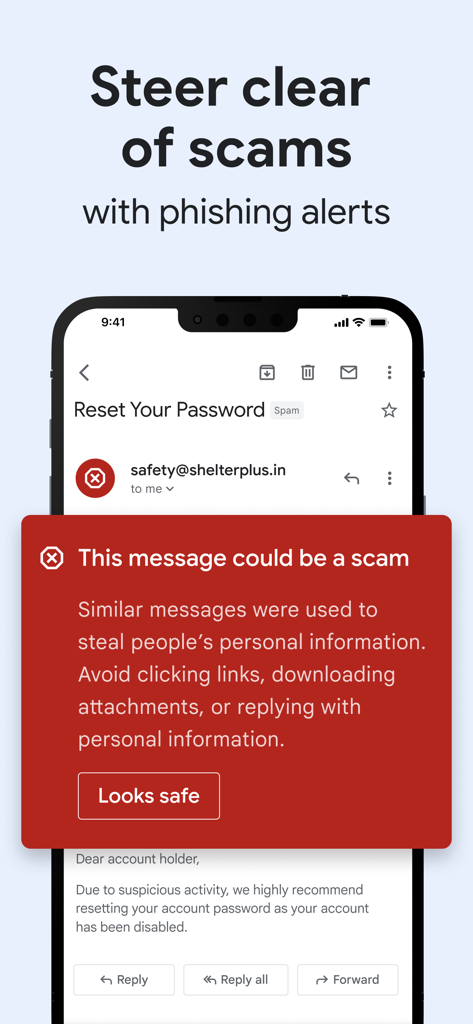
A red security banner in the Gmail app warning that an email could be a scam to protect user information.

A red security banner in the Gmail app warning that an email could be a scam to protect user information.

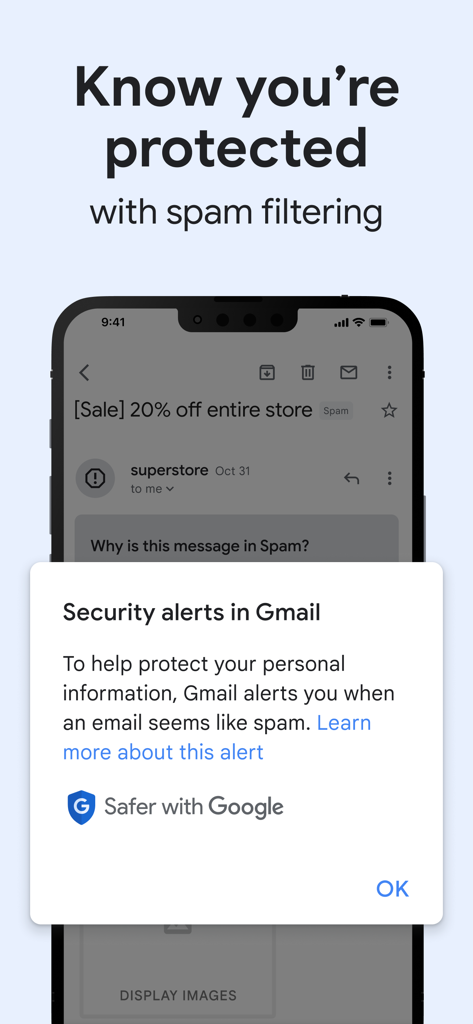
Gmail app interface displaying security alerts and spam filtering protection on a smartphone screen

Gmail app interface displaying security alerts and spam filtering protection on a smartphone screen

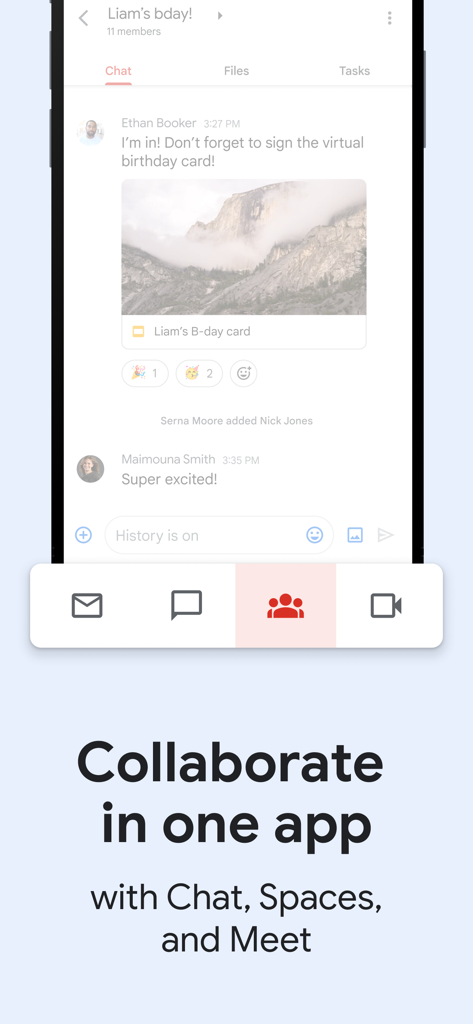
Gmail mobile app interface showing integrated collaboration tools for Chat, Spaces, and Meet.

Gmail mobile app interface showing integrated collaboration tools for Chat, Spaces, and Meet.

Master Your Inbox with Intelligence

The tools that make this app stand out, trusted by 719M+ users.

AI-Powered Efficiency

Let Gemini summarize long threads, draft professional responses, and find hidden details instantly so you can focus on what matters most.

🛡️

Pro-Grade Security

Stop threats before they arrive with industry-leading filters that automatically block 99.9% of spam, phishing attempts, and dangerous links.

🔄

Seamless Workflow Hub

Effortlessly manage multiple accounts and jump from an email to a Google Meet call or Chat thread without ever leaving the app.

Loved by users worldwide

Trusted by 719M+ people who love this app.

"

"Managing my marketing agency while handling personal life used to be a mess. With the Gmail app, I can switch between five accounts seamlessly. The Gemini integration is a game-changer for summarizing long client threads during my commute, and the real-time notifications ensure I never miss an important update."

Sarah Jenkins
"

"I've tried every email client out there, but nothing beats Gmail's search and security. It blocks almost every spam email before I even see it. I also love that I can jump into a Google Meet or Chat directly from the app—it makes collaborating with my study group so much faster."

Marcus Chen

About the app

Everything you need to know about Gmail - Email by Google.

Description

The official Gmail app brings the best of Gmail to your iPhone or iPad with robust security, real-time notifications, multiple account support, and search that works across all your mail. With the Gmail app, you can: • Make Gmail your default email app on iOS • Use Gemini* in Gmail to summarize emails, craft or refine responses, or search your inbox to find what you’re looking for • Automatically block more than 99.9 percent of spam, phishing, malware, and dangerous links from ever reaching your inbox • Undo send, to prevent embarrassing mistakes • Turn on Google Chat to connect, create and collaborate with others • Get more done as a group in Spaces - a dedicated place for organizing people, topics, and projects • Enjoy high quality video calling with Google Meet • Respond to emails quickly with Smart Reply suggestions • Switch between multiple accounts • Get notified of new mail fast, with notification center, badge, and lock screen options • Search your mail faster with instant results, predictions as you type, and spelling suggestions • Organize your mail by labeling, starring, deleting, and reporting spam • Swipe to archive/delete, to quickly clear out your inbox • Read your mail with threaded conversations • Auto-complete contact names as you type from your Google contacts or your phone • Respond to Google Calendar invites right from the app Gmail is part of Google Workspace, allowing you and your team to easily connect, create, and collaborate. You can: • Connect with coworkers via Google Meet or Google Chat, send an invite in Calendar, add an action to your task list, and more without leaving Gmail • Use suggested actions — like Smart Reply, Smart Compose, grammar suggestions, and nudges — to help you stay on top of work and take care of simple tasks, so you can be more efficient with your time • Stay safe. Our machine learning models block more than 99.9% of spam, phishing, and malware from reaching our users *Google One AI Premium subscription and internet connection required. Language and country availability may vary. Check responses for accuracy

Latest Version

6.0.251229

Size

729.8 MB

First Released

Nov 2, 2011

Master Your Inbox with the Power of AI

Join millions of productivity-focused users who rely on Gemini-powered summaries, seamless collaboration, and the world's most trusted security.

Download on App StoreDownload on Google Play
FAQ

Frequently Asked Questions

Everything you need to know about Gmail - Email by Google

Is the Gmail app secure against spam and phishing?

Yes, the Gmail app provides robust security features. It automatically blocks over 99.9% of spam, phishing, malware, and dangerous links from reaching your inbox, ensuring user protection.

Can I undo sending an email in the Gmail app?

Yes, the Gmail app offers an "Undo Send" feature. This allows users to prevent embarrassing mistakes by recalling an email shortly after it has been sent.

Does the Gmail app support multiple email accounts?

Yes, the Gmail app supports multiple email accounts. Users can switch between Gmail, Google, iCloud, Outlook, Hotmail, Live, Office365, Yahoo, and other IMAP accounts within the app.

Can I use Gemini with the Gmail app?

Yes, the Gmail app integrates Gemini for advanced email assistance. Gemini can summarize emails, craft or refine responses, and search your inbox to find specific information.

What are the requirements for using Gemini in the Gmail app?

To use Gemini features within the Gmail app, a Google One AI Premium subscription is required. An active internet connection is also necessary for Gemini's functionality.

What collaboration features are available in the Gmail app?

The Gmail app facilitates collaboration through integrated Google Chat, Spaces, and Google Meet. Users can connect with colleagues, collaborate in dedicated Spaces, and conduct high-quality video calls directly.

Does the Gmail app provide Smart Reply functionality?

Yes, the Gmail app offers Smart Reply suggestions. These provide quick, context-aware response options that enable users to reply to emails efficiently without typing full messages.

Does the Gmail app have powerful search functionality?

Yes, the Gmail app features powerful search capabilities. It provides instant results, predictions as you type, and spelling suggestions to help users quickly find any email across their entire mail.

Can I set Gmail as my default email app on iOS?

Yes, users can make the Gmail app their default email application on iOS. This allows all email links and actions to open directly within the Gmail app.

How does the Gmail app help organize emails?

The Gmail app helps organize mail through labeling, starring, deleting, and reporting spam. Users can also quickly clear their inbox by using the swipe-to-archive/delete feature.