
Google Slides



The ultimate tool for students and professionals to build stunning presentations together. Edit in real-time, work offline, and seamlessly sync your ideas across all your devices.
Publisher
Category
ProductivityDownloads
107M+User Rating
Total Ratings
971K+Locales
67Discover the interface used by 107M+ users.
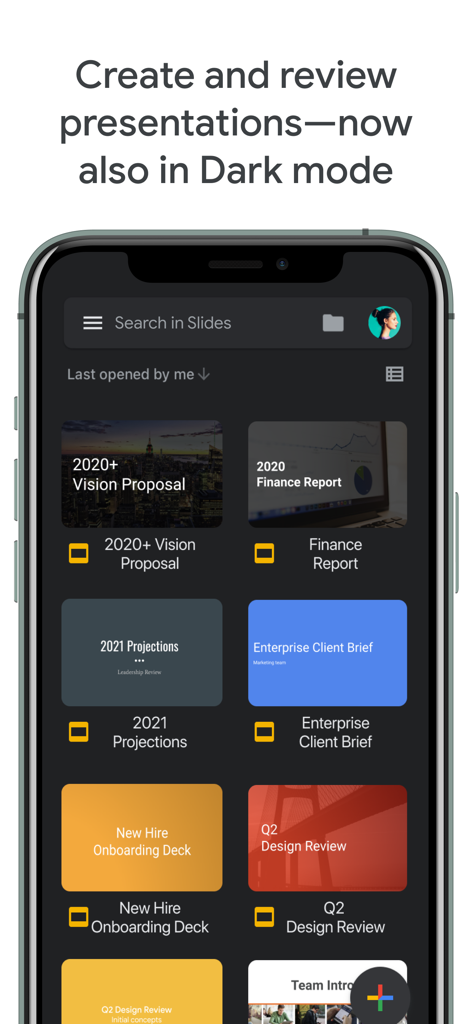
The tools that make this app stand out, trusted by 107M+ users.
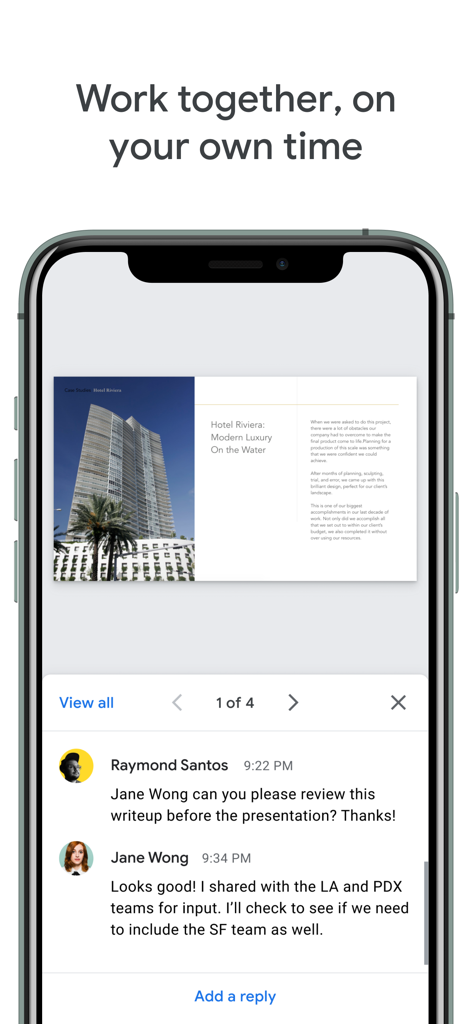
Work together instantly. See live edits and leave comments to finish group projects or team decks faster than ever without version confusion.
Never hit save again. Your progress is stored automatically and accessible offline, so you can stay productive during commutes or flights.
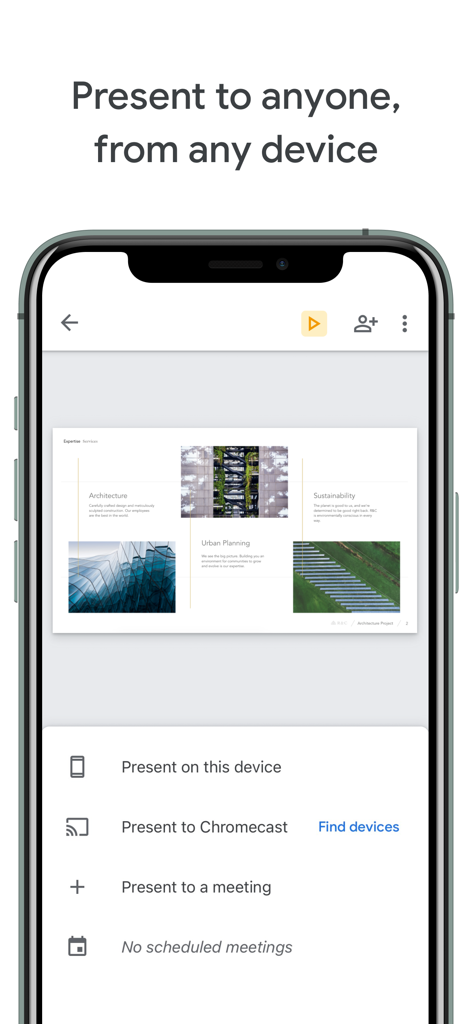
Start on your laptop and finish on your phone. Present directly from your mobile device or easily edit existing PowerPoint files on the go.
Trusted by 107M+ people who love this app.
"Google Slides is a lifesaver for my university group projects. I can edit my slides on the bus to campus and my team sees the changes instantly. The automatic saving gives me such peace of mind knowing I'll never lose my work."
"As a marketing lead, I need to stay agile. Being able to polish a pitch deck on my phone and then present it directly to a video call from my iPad is a total game changer for my mobile workflow."
Everything you need to know about Google Slides.
Description
Latest Version
1.2026.02101
Size
279.1 MB
First Released
Aug 26, 2014
Join over 100 million students and professionals collaborating in real-time. Download Google Slides to create, edit, and present your best work—anytime, anywhere, and on any device.
Everything you need to know about Google Slides
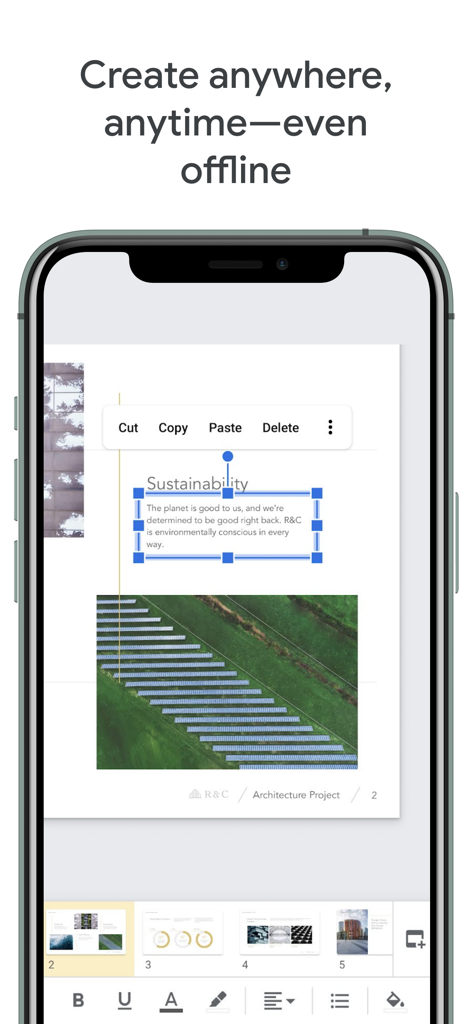
Yes, Google Slides allows users to create new presentations and edit existing ones. Users can add slides, format text, and include various media elements within the app.
Yes, Google Slides supports real-time collaboration. Users can share presentations and work with others simultaneously, controlling permissions for editing, viewing, or commenting on the content.
Yes, Google Slides functions offline. Users can create and edit presentations without an internet connection, allowing work anywhere, anytime, with automatic saving.
Yes, Google Slides is compatible with Microsoft PowerPoint files. Users can open, edit, and save existing PowerPoint presentations directly within the Google Slides app.
Yes, Google Slides automatically saves all work as the user types. This feature ensures continuous progress updates and prevents any loss of content.
Users can present directly from their device. Google Slides offers options to present on the device, to Chromecast, or to scheduled video meetings.
Google Slides requires Camera for video calls and image insertion, Microphone for audio in video calls, and Photos to access images for insertion into slides.
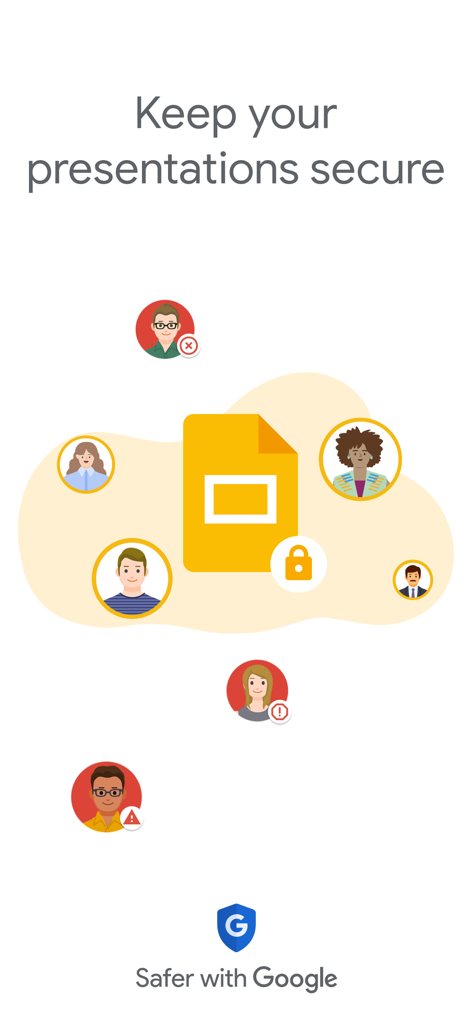
Yes, Google Slides prioritizes presentation security. The application is integrated with the 'Safer with Google' initiative to protect user data and collaborative environments.
Yes, Google Slides supports a dark mode interface for creating and reviewing presentations. This visual setting is available within the app's user interface.
Google Workspace subscribers access additional features, including enhanced online collaboration controls, template usage, and multi-device access across PCs, Macs, mobiles, and tablets.
Apps with similar features and user experience

Google LLC

Mge Information Technology Co.,Ltd

Andrii Fomichov

Chengdu iSlide Network Technology Co., Ltd.
Microsoft Corporation

ShenZhen Meiyinet Technology Co.,Ltd

Manjinder Kaur

Easy WebContent, Inc.
卓臻 李
