
Microsoft PowerPoint



The professional standard for mobile productivity. Sync seamlessly across devices, polish your pitch with AI-powered coaching, and deliver impactful presentations directly from your phone or tablet.
Publisher
Category
ProductivityDownloads
123M+User Rating
Total Ratings
3M+Locales
33Discover the interface used by 123M+ users.
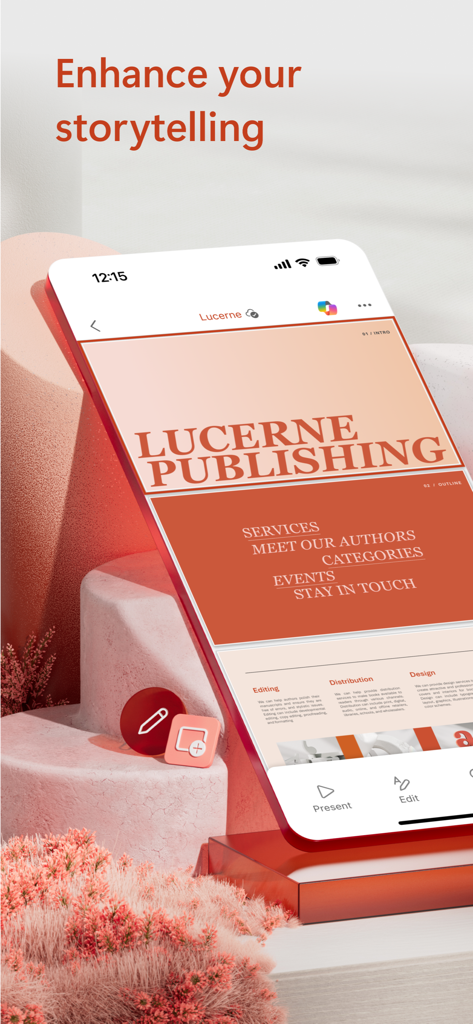
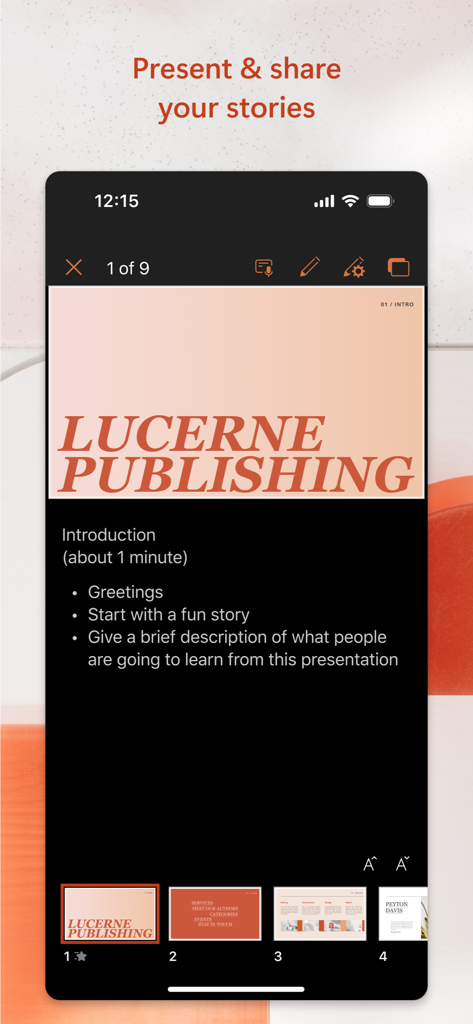
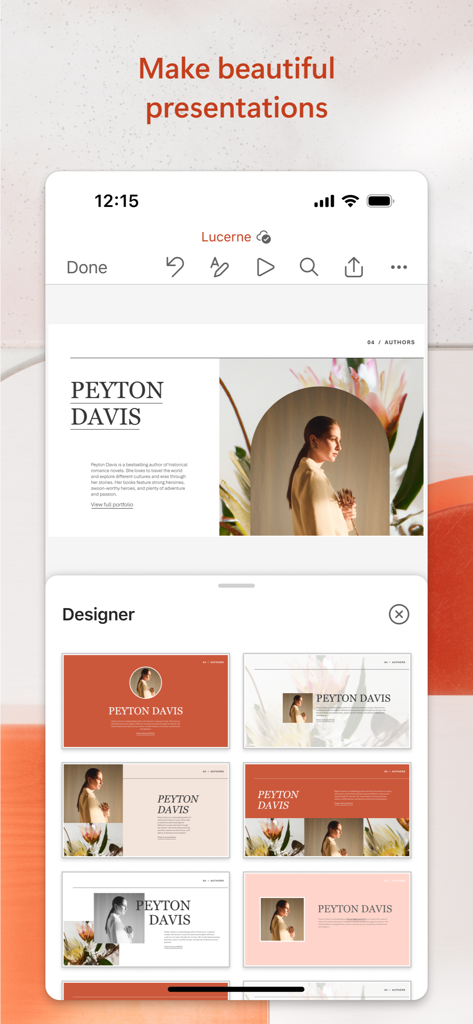
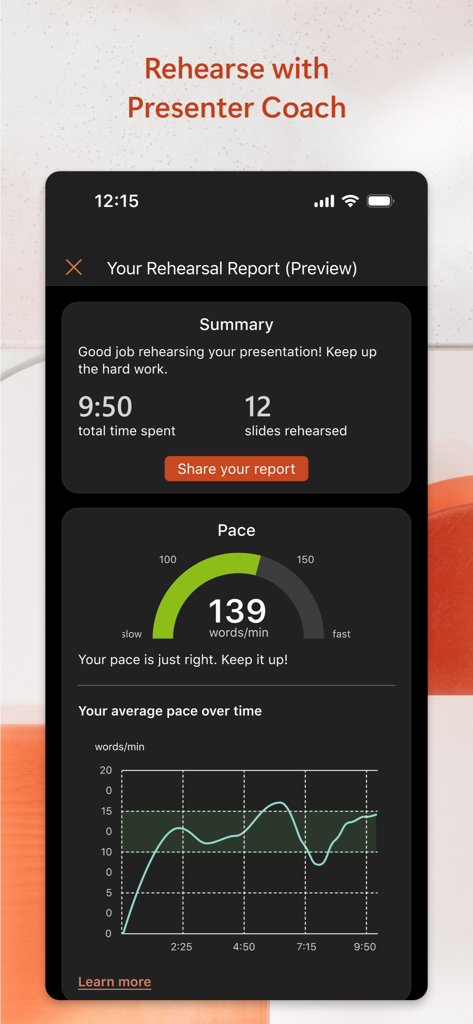
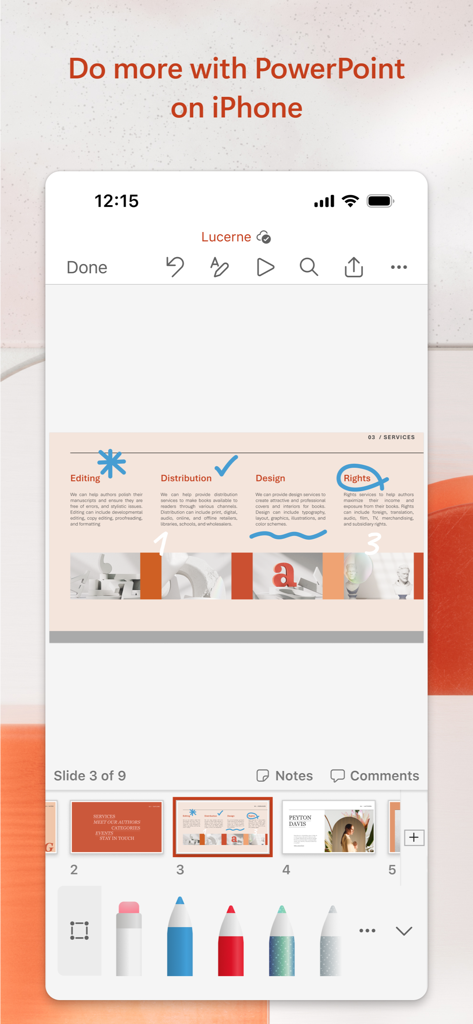
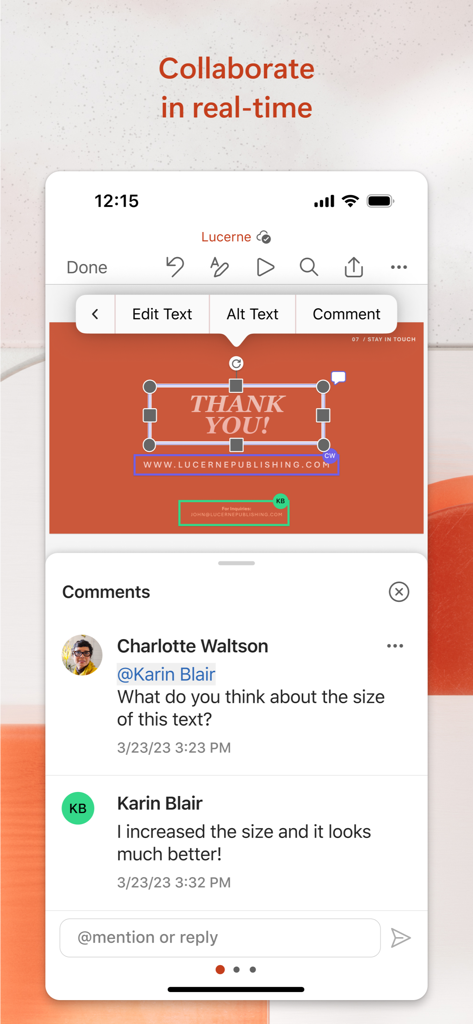
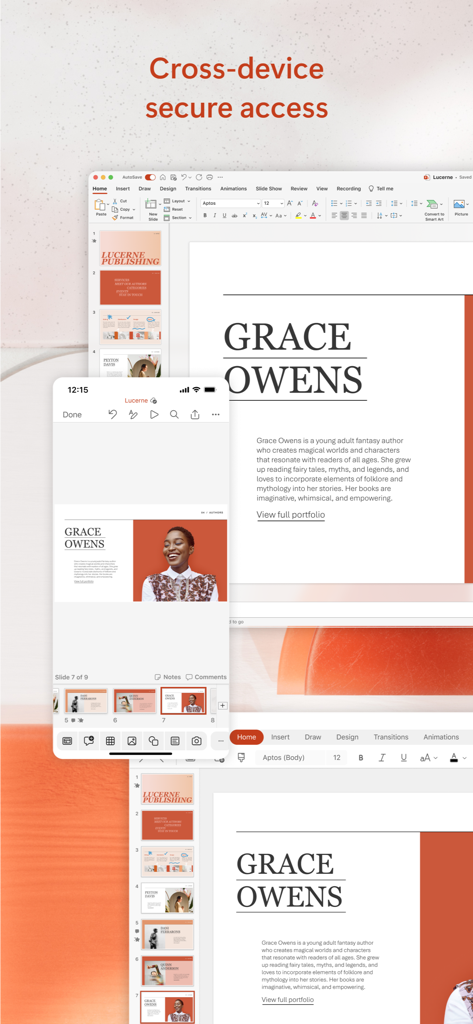
The tools that make this app stand out, trusted by 123M+ users.
Start on your PC and polish on your mobile device. OneDrive ensures your latest edits are always synced and ready for the big moment.
Practice your delivery with real-time feedback on your pacing and speech to present with absolute confidence from any location.
Work with your team in real-time. Share slides, track changes, and respond to comments directly from your phone or tablet.
Trusted by 123M+ people who love this app.
"As a sales executive, I am constantly traveling between client meetings. Being able to refine my pitch decks on the train and have them perfectly synced to my laptop by the time I arrive is incredible. The mobile app is just as powerful as the desktop version, and it has saved me more times than I can count."
"Presenter Coach has completely transformed the way I prepare for my university seminars. It tracks my pacing and helps me avoid filler words, which used to be a huge struggle for me. I love that I can practice anywhere using just my iPhone and still feel totally prepared for the stage."
Everything you need to know about Microsoft PowerPoint.
Description
Latest Version
2.105
Size
419.4 MB
First Released
Mar 27, 2014
Join millions of high-achievers. Download PowerPoint today to sync your work seamlessly across devices, perfect your delivery with AI coaching, and make high-impact edits on the move.
Everything you need to know about Microsoft PowerPoint
The Microsoft PowerPoint app is a slideshow maker tool for creating, editing, viewing, presenting, and sharing presentations. It provides quick access to recent files and seamless syncing across devices.
Yes, the Microsoft PowerPoint app allows users to create new presentations. It provides templates and automatic design ideas to help make impactful slideshows.
Yes, the PowerPoint app supports real-time collaboration. Users can invite others to edit, view, or provide feedback, manage permissions, and track changes with integrated comments.
Yes, the Microsoft PowerPoint app includes Presenter Coach, an AI tool. It provides real-time suggestions during practice to adjust pacing, avoid filler words, and speak confidently.
Presenter Coach in the Microsoft PowerPoint app requires an active Microsoft 365 subscription. This subscription unlocks advanced features like AI-powered tools.
Yes, the Microsoft PowerPoint app provides cross-device access. It syncs presentations seamlessly across devices via OneDrive, allowing users to start on one device and edit on another.
To unlock the premium Microsoft 365 experience in the PowerPoint app, users need a qualifying Microsoft 365 subscription. This subscription works across phone, tablet, PC, and Mac.
Yes, users can create or edit documents for free on devices with a screen size smaller than 10.1 inches by signing in with a free Microsoft account in the PowerPoint app.
Monthly Microsoft 365 subscriptions purchased through the PowerPoint app automatically renew within 24 hours prior to the end of the current period. Auto-renewal can be disabled in App Store account settings.
The Microsoft PowerPoint app is subject to a separate privacy statement and terms and conditions. Data usage details are available there, and the app's publisher provides it.
Yes, the Microsoft PowerPoint app provides automatic design ideas for presentations. It also offers templates to help users create impactful and customizable slides.
Apps with similar features and user experience

Google LLC

Mge Information Technology Co.,Ltd

Andrii Fomichov

Chengdu iSlide Network Technology Co., Ltd.
Google LLC

ShenZhen Meiyinet Technology Co.,Ltd

Manjinder Kaur

Easy WebContent, Inc.
卓臻 李
