
Grid Post Pic Collage Maker


Transform your social media feed into a professional digital portfolio. Split your photos and videos into seamless giant squares with 50+ aesthetic grid styles designed to help you stand out and grow your following.
Publisher
Category
Graphics & DesignDownloads
2M+User Rating
Total Ratings
22K+Locales
2Discover the interface used by 2M+ users.
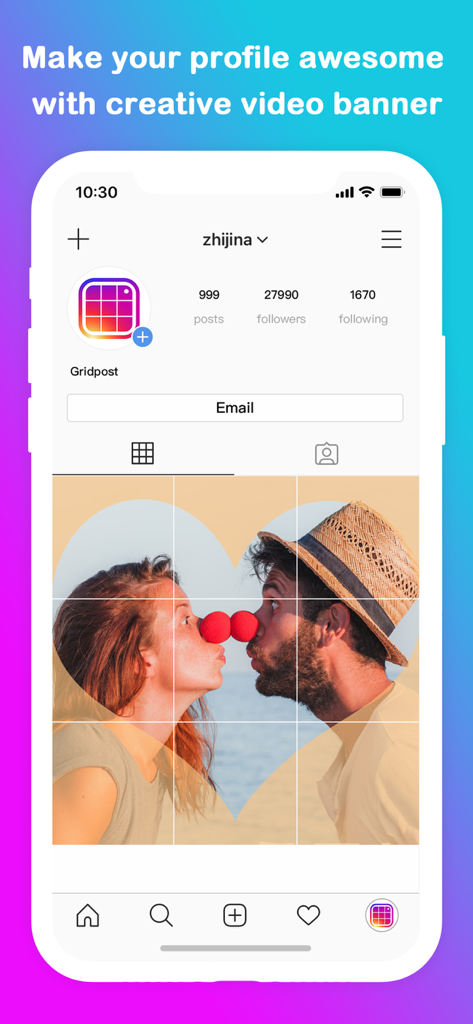
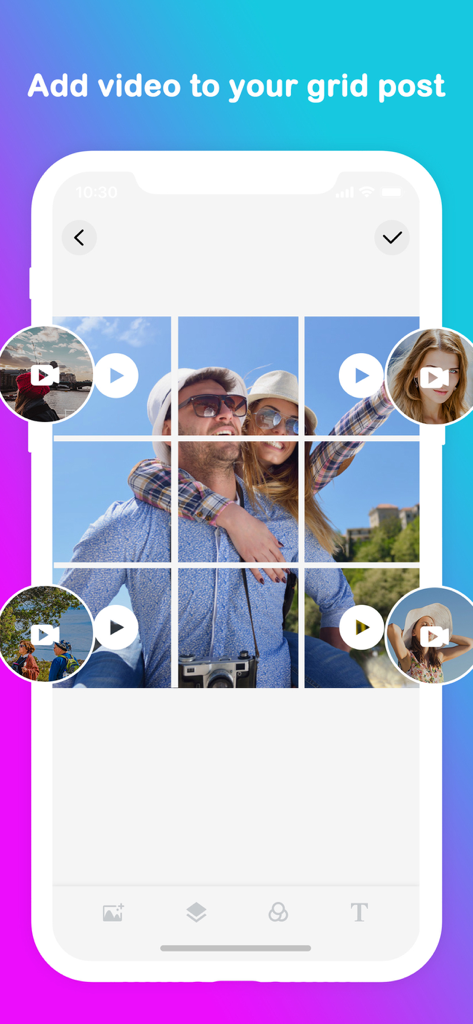
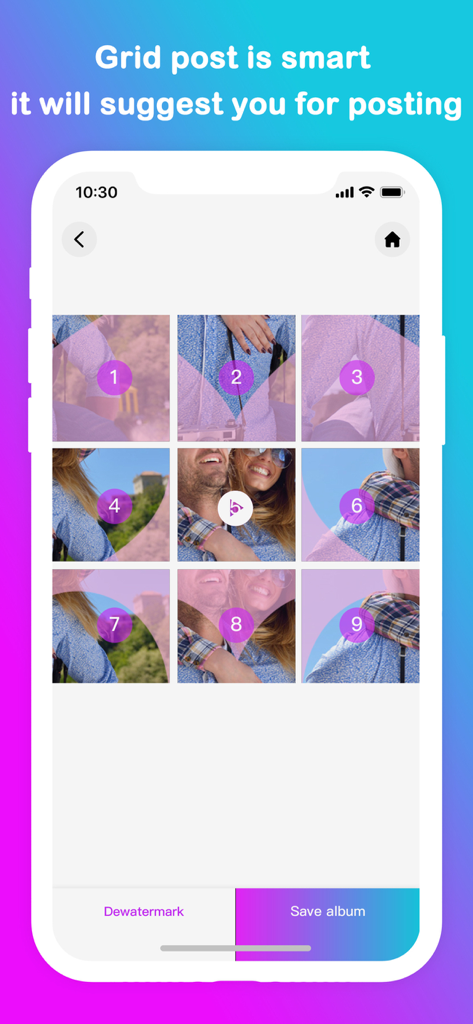
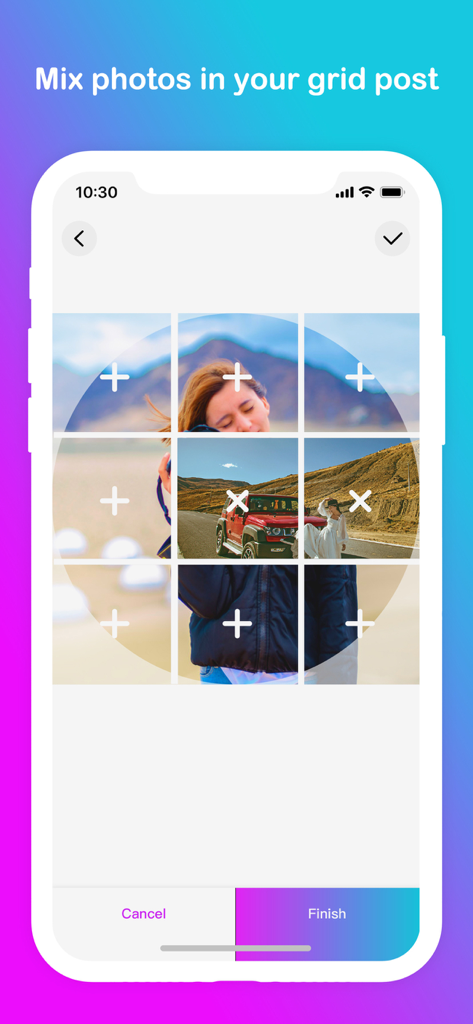
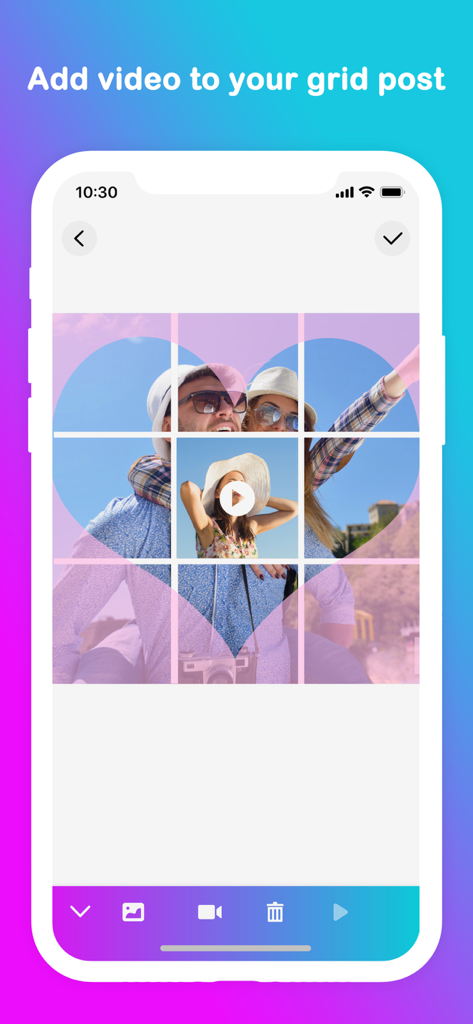
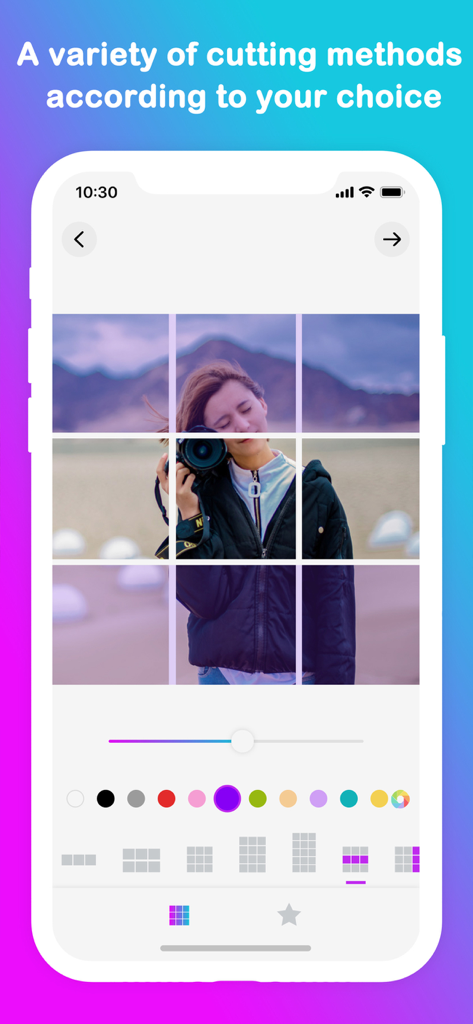
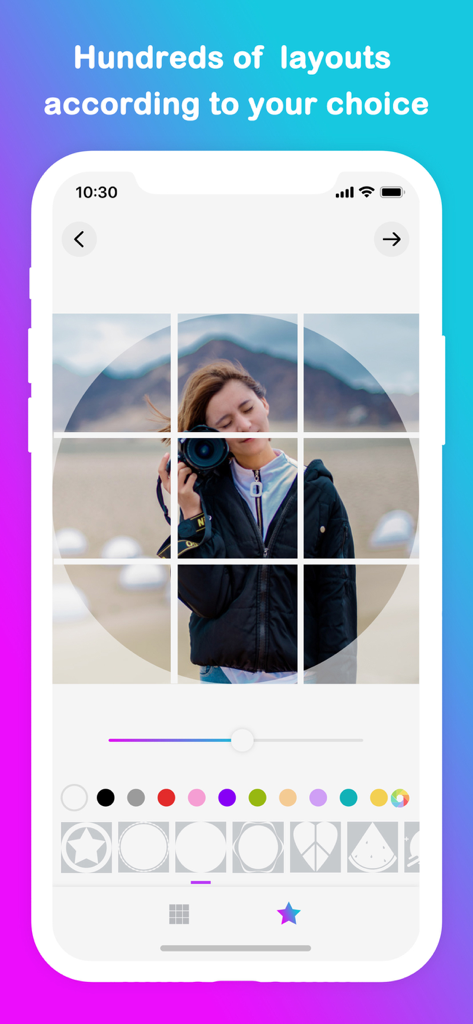
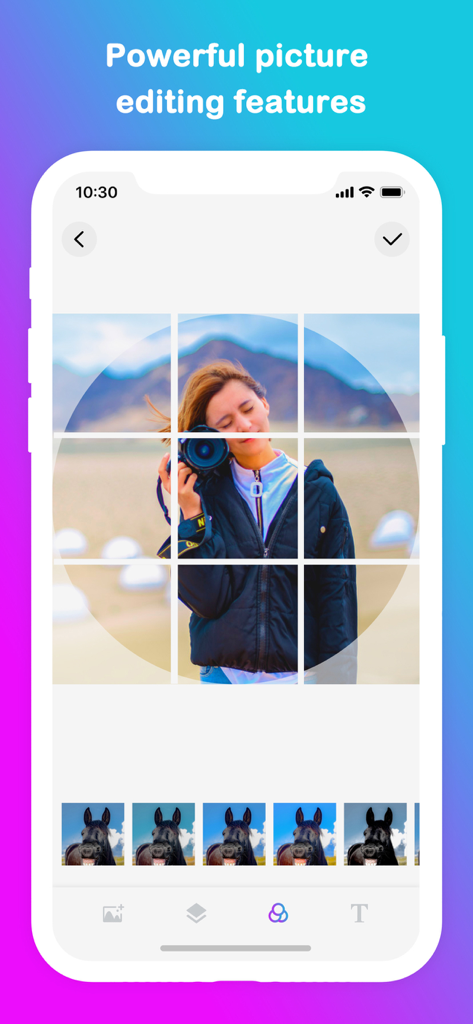
The tools that make this app stand out, trusted by 2M+ users.
Choose from over 50 grid styles to split your photos into stunning full-profile banners that capture attention the moment someone lands on your bio.
Eliminate the guesswork with a smart numbering system that tells you exactly which tile to post next, ensuring your layout is always perfectly aligned.
Stay ahead of the trends by adding videos into your grid layouts, bringing motion and professional storytelling to your curated gallery.
Trusted by 2M+ people who love this app.
"This app is a game-changer for my Instagram aesthetic. I used to struggle with manual cropping to get those giant banners, but Grid Post makes it effortless. My profile looks like a professionally curated gallery now, and I've seen a huge spike in engagement since I started using the 3x3 grid layouts."
"As a small business owner, I need my social media to look polished without spending hours on design. The feature that suggests the posting order is a lifesaver—it’s impossible to mess up the sequence. Being able to mix video into the grids has really helped my brand stand out from the competition."
Everything you need to know about Grid Post Pic Collage Maker.
Description
Latest Version
3.6
Size
71.8 MB
First Released
Aug 4, 2015
Join over 2 million creators using Grid Post to design breathtaking layouts and stop the scroll. Start your aesthetic journey today.
Everything you need to know about Grid Post Pic Collage Maker
Grid Post Pic Collage Maker is an application that enables users to create unique social media posts by dividing photos and videos into multiple parts. This forms a large, cohesive banner on their social network profile.
Yes, Grid Post Pic Collage Maker allows users to add videos to their grid posts. This feature helps create dynamic and creative video banners for social media profiles.
Grid Post Pic Collage Maker offers a wide variety of grid types, with over 50 options available. Additionally, it provides hundreds of layouts for users to choose from.
Yes, the Grid Post Pic Collage Maker app includes a smart feature that suggests the optimal order for posting the divided image parts one by one.
Yes, Grid Post Pic Collage Maker features powerful picture editing tools. Users can crop images directly within the app and access various color and filter options.
Users can subscribe to Grid Post Pic Collage Maker through an in-app purchase. Payment is charged to the iTunes Account upon confirmation of purchase.
To cancel a Grid Post Pic Collage Maker subscription, users must turn off auto-renewal via their iTunes Account Settings. This action must be performed at least 24 hours before the current period ends.
No, cancellation of the current Grid Post Pic Collage Maker subscription is not permitted during an active subscription period. Auto-renewal can be turned off, but the active period will not be refunded.
Yes, Grid Post Pic Collage Maker offers a free trial period. Users must cancel the free trial via iTunes Account Settings at least 24 hours before its end to avoid being charged.
The Privacy Policy for Grid Post Pic Collage Maker is available at: https://www.freeprivacypolicy.com/live/468be400-20f9-4aad-97e0-a2bfe6687be9. This link is provided in the app's description.
Apps with similar features and user experience

Georgy Romelashvili

Onelight Apps CY Ltd

Onelight Apps CY Ltd

Hashone Tech LLP

Tech Positive Inc.

A Color Story LLC

Appslead Ltd

Cubetix Ltd.

WNDR11 LTD