Jira Cloud by Atlassian



Stay in sync with your team and keep projects on track. Plan, track, and approve work items in real-time with the power of the #1 agile project management software in your pocket.
Publisher
Category
ProductivityDownloads
3M+User Rating
Total Ratings
74K+Locales
27Discover the interface used by 3M+ users.
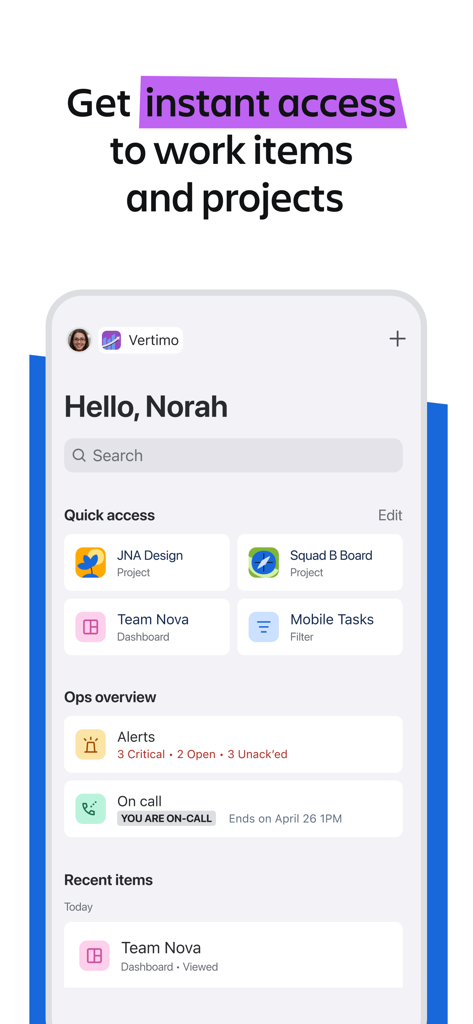
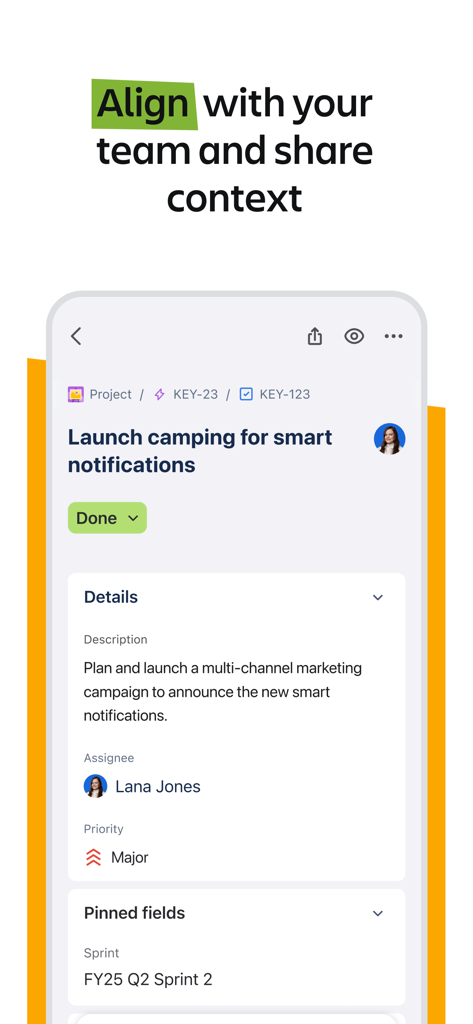
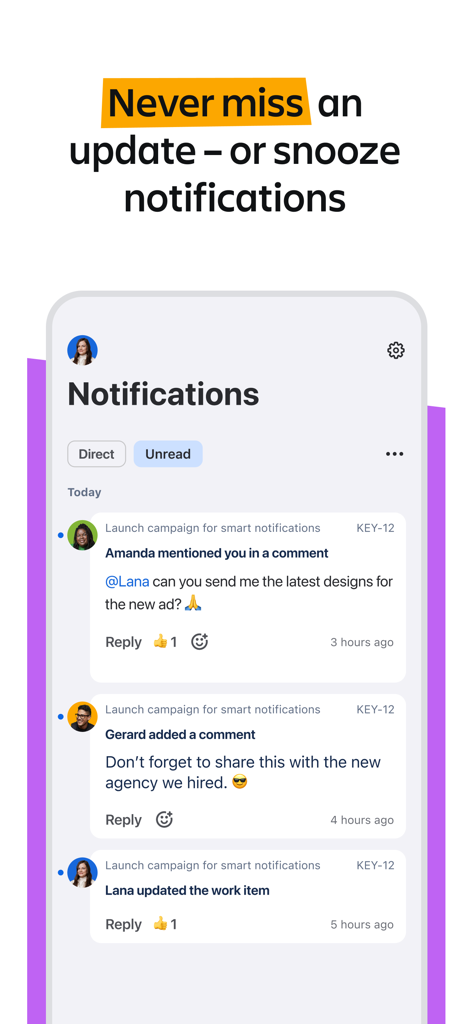
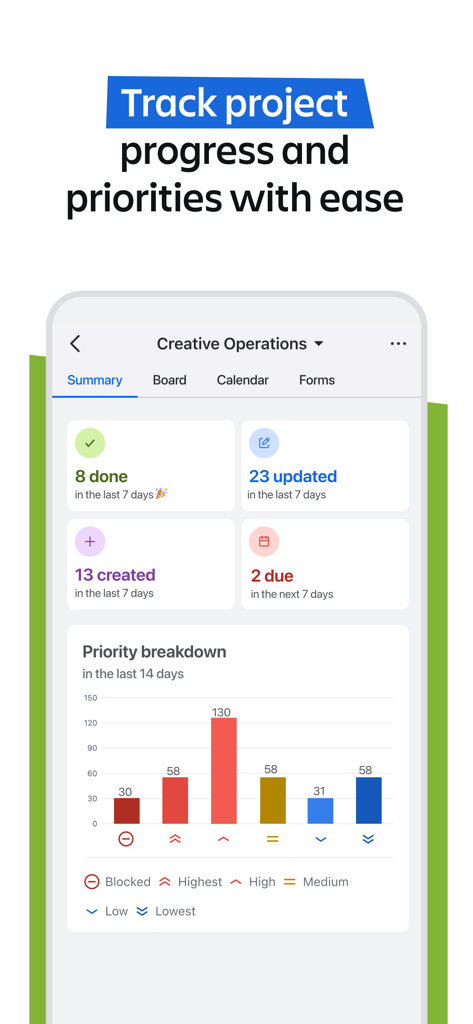
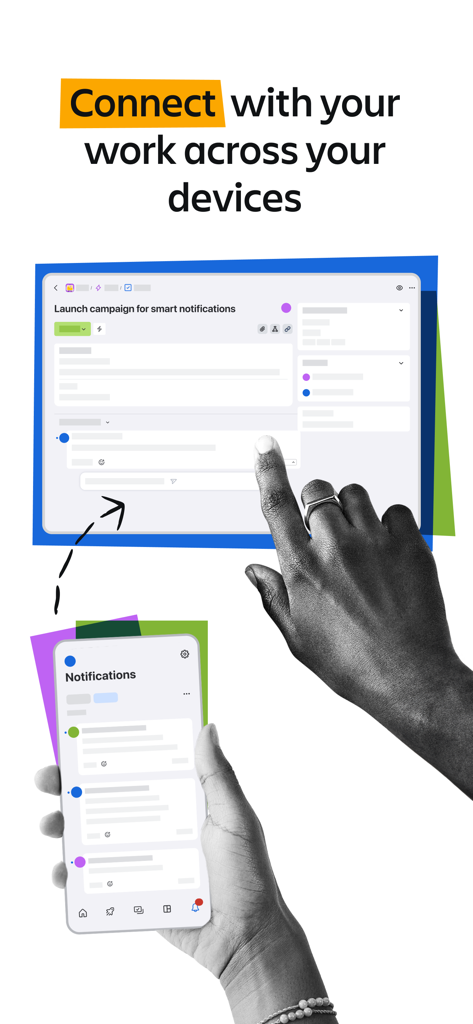

The tools that make this app stand out, trusted by 3M+ users.
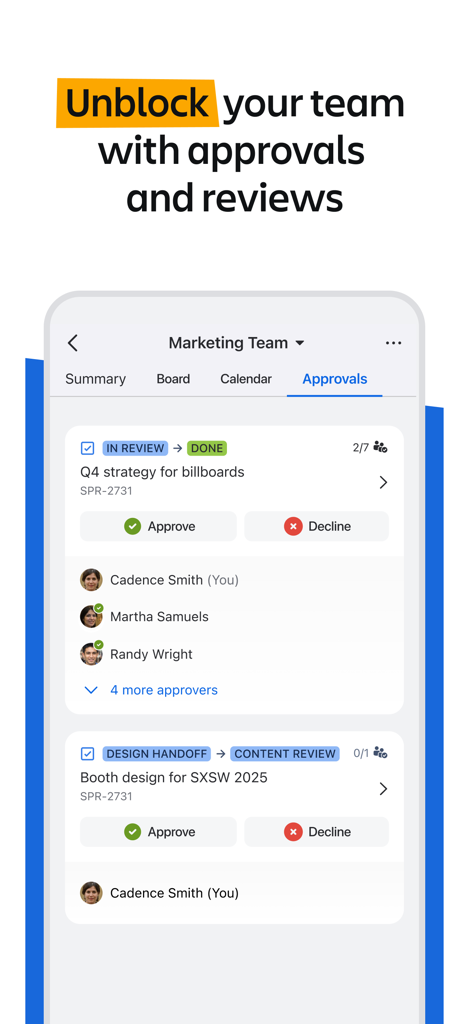
Review, comment, and approve work items in seconds. Keep the momentum going and ship faster without needing to open your laptop.
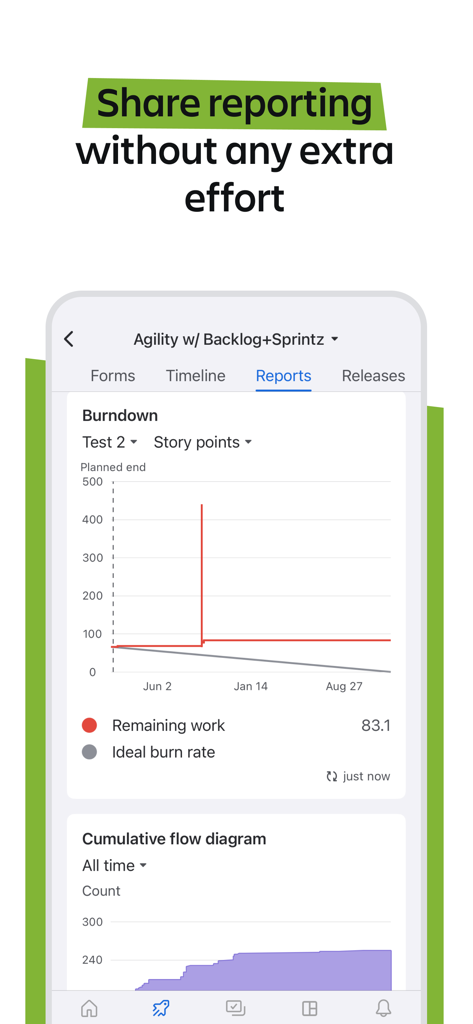
Track sprints, monitor roadmaps, and identify bottlenecks in real-time. Get full transparency on your project health, wherever you are.
Customize push notifications for critical updates and mentions. Set working hours to stay responsive while protecting your work-life balance.
Trusted by 3M+ people who love this app.
"Jira Cloud keeps our sprints moving even when I am away from my desk. The ability to quickly approve requests and review roadmaps on the go has significantly reduced our project lead times. It is an essential tool for any modern product manager."
"The real-time push notifications are a game-changer. I can stay updated on high-priority bugs and leave context-rich comments without needing to open my laptop. It fits perfectly into my hybrid workflow and helps me stay productive throughout the day."
Everything you need to know about Jira Cloud by Atlassian.
Description
Latest Version
246.2.0
Size
397.4 MB
First Released
Mar 8, 2016
Join 300,000+ organizations using the #1 agile tool to plan, track, and unblock work on the go.
Everything you need to know about Jira Cloud by Atlassian
Jira Mobile is the #1 agile project management software designed for on-the-go access to work items, team projects, and updates. It serves every team, from engineering to marketing, allowing users to stay productive anywhere.
Yes, you can download the Jira Mobile app and create an account for free. Existing Jira users log in with their current Jira details, providing immediate access to their projects.
Jira Mobile helps manage work tasks by allowing users to create, update, and edit items like bugs and campaigns. It facilitates attaching files, leaving comments, and provides tools to plan, track, and analyze tasks with roadmaps and reports.
Yes, Jira Mobile provides real-time push notifications. Users can customize what they are notified about, snooze notifications, or set specific working hours to maintain focus without missing critical updates.
Yes, Jira Mobile allows users to track project progress by providing project summaries with key metrics at a glance. It helps monitor project priorities and quickly identify issues, enabling fast decision-making for ongoing projects.
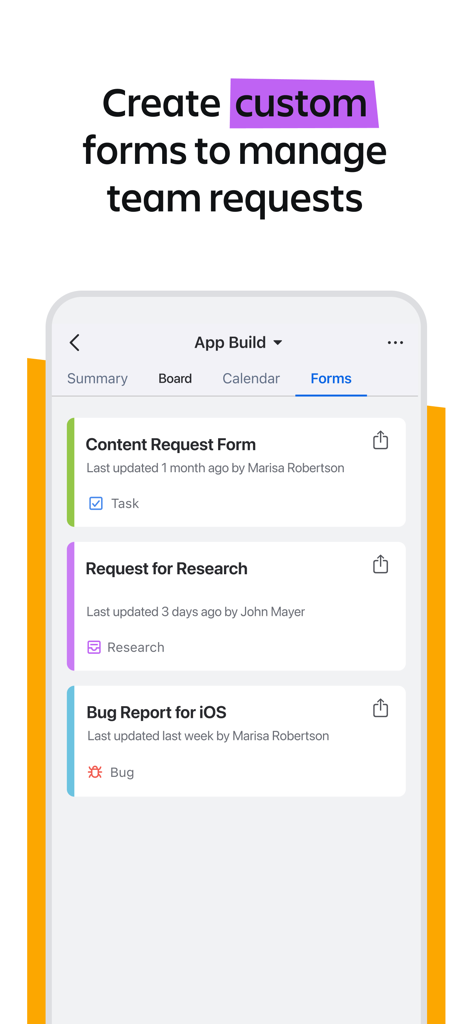
Yes, Jira Mobile supports creating and customizing forms to manage team requests. This feature streamlines reporting issues and submitting requests for various needs such as creative assets, content, or inventory.
Yes, Jira Mobile enables users to review and approve work items while on the go. The app supports assigning reviews to specific users, ensuring a consistent and efficient process for unblocking work.
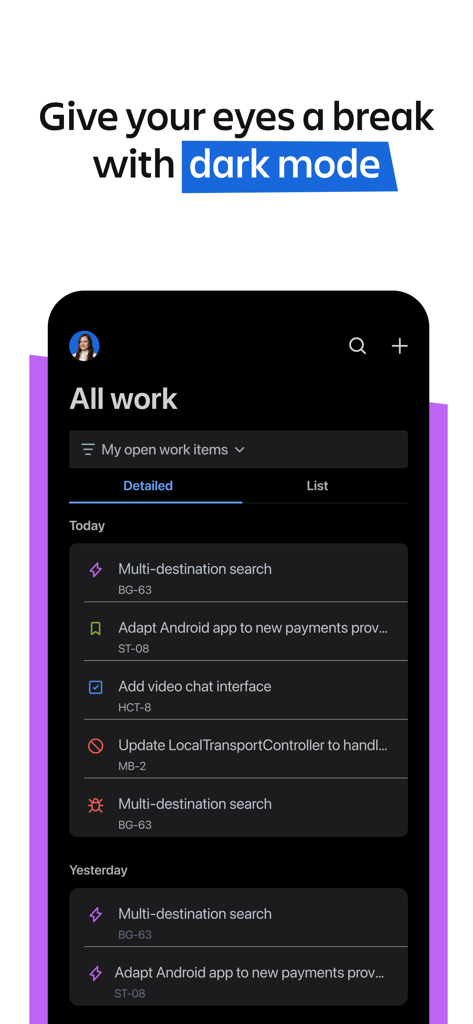
Yes, Jira Mobile offers a dark mode feature. This visual setting provides an alternative interface theme, which can enhance user comfort and reduce eye strain in varying lighting environments.
Yes, Jira Mobile can generate and share various reports. The app includes reporting capabilities like burndown charts and cumulative flow diagrams, assisting users in analyzing project performance effectively.
Apps with similar features and user experience