Juno – Python and Jupyter

Juno – Python and Jupyter

Download on App Store
Spark by MWM logo
Logo of Juno – Python and Jupyter

Juno – Python and Jupyter: The Professional Mobile IDE for Developers and Data Scientists

Transform your iPad and iPhone into a powerful workstation. Run Python code locally, explore Jupyter notebooks with rich outputs, and leverage industry-standard libraries like NumPy and Pandas—all with zero setup and full offline support.

Publisher

Rational Matter Ltd

Category

Developer Tools

Downloads

198K+

User Rating

4.5/5

Total Ratings

400

Locales

7

A First-Class Coding Experience

Discover the interface used by 198K+ users.
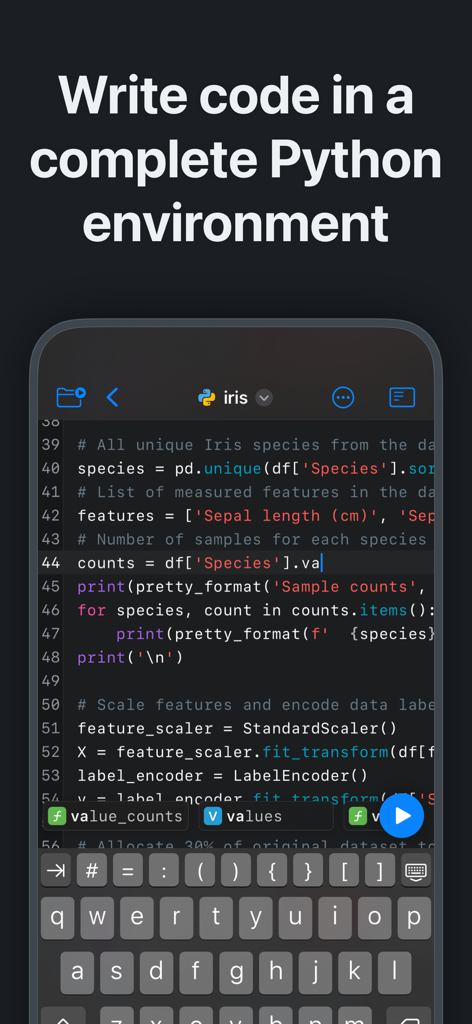
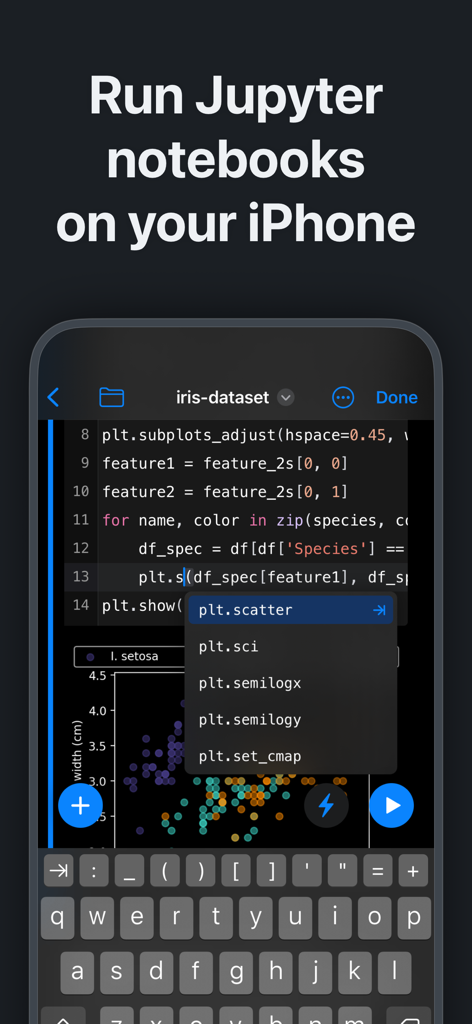
Juno app showing a Python code editor with syntax highlighting and a custom keyboard on iPhone

Juno app showing a Python code editor with syntax highlighting and a custom keyboard on iPhone

Juno app interface running Jupyter notebooks and Python code on iPhone with data visualization

Juno app interface running Jupyter notebooks and Python code on iPhone with data visualization

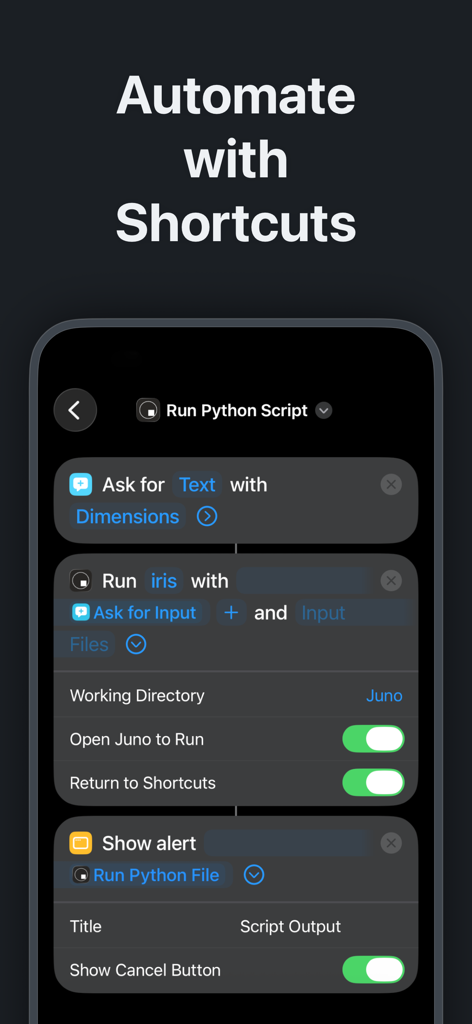
iPhone interface showing Python script automation using iOS Shortcuts in the Juno app

iPhone interface showing Python script automation using iOS Shortcuts in the Juno app

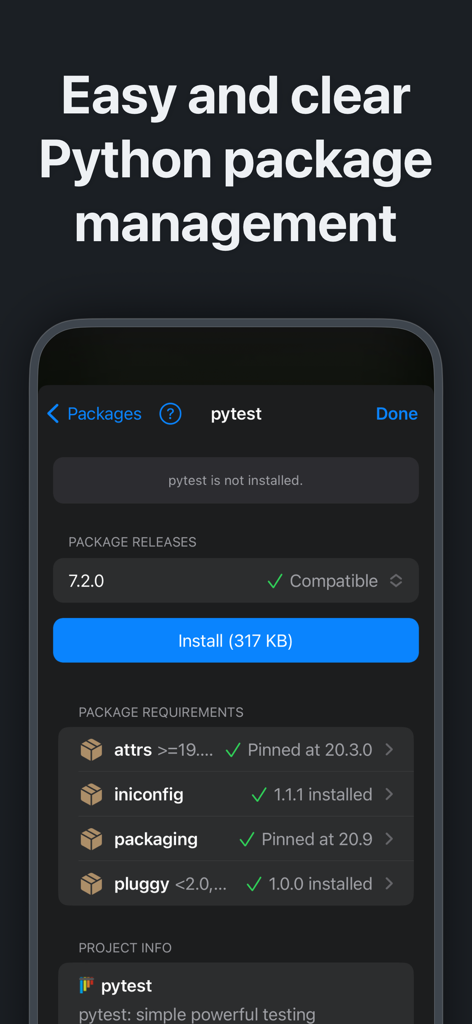
Interface of Juno app showing Python package management and installation for pytest on a mobile device

Interface of Juno app showing Python package management and installation for pytest on a mobile device

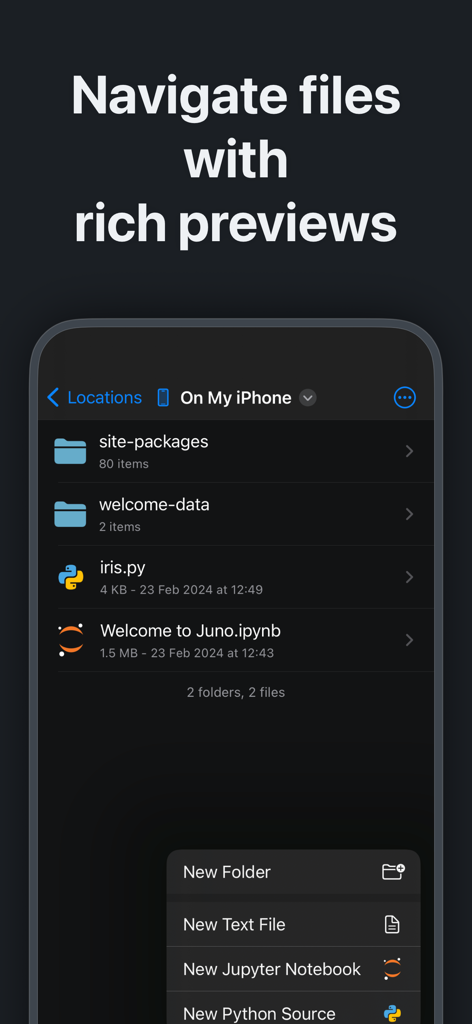
Juno app file manager showing Python scripts and Jupyter notebooks on iPhone

Juno app file manager showing Python scripts and Jupyter notebooks on iPhone

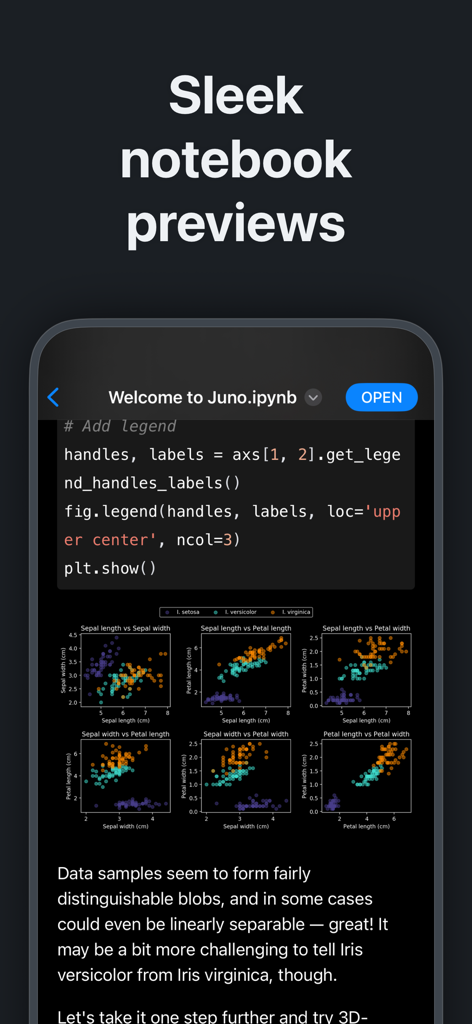
Jupyter notebook preview in Juno app with Python code and data visualization plots

Jupyter notebook preview in Juno app with Python code and data visualization plots

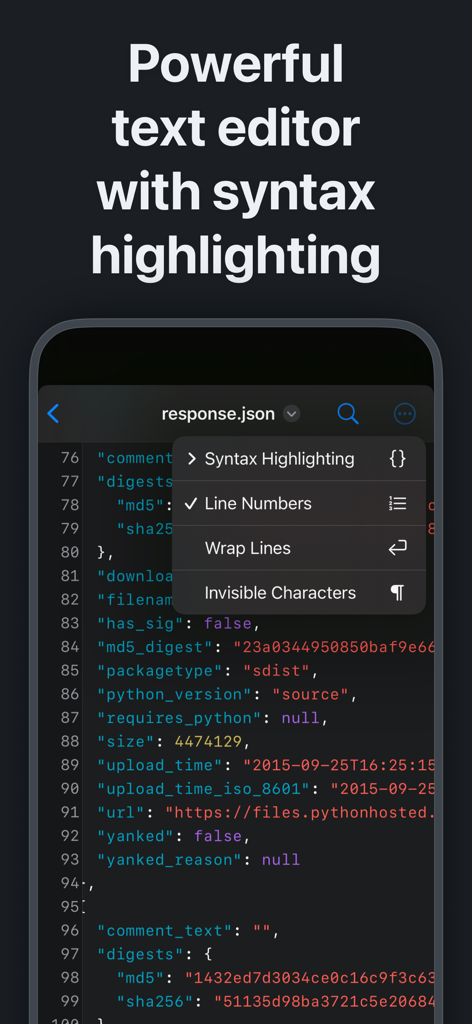
Juno app text editor with syntax highlighting on iPhone

Juno app text editor with syntax highlighting on iPhone

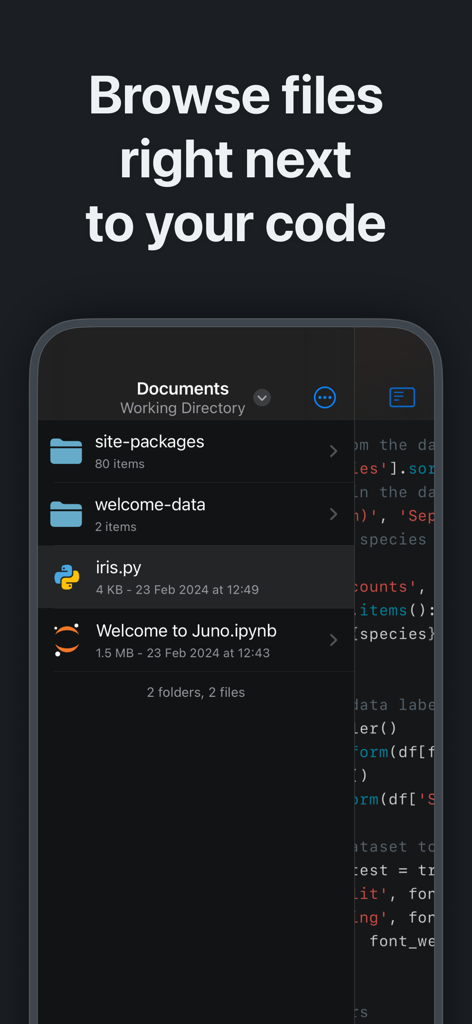
Juno mobile app interface showing a file browser with Python scripts and Jupyter notebooks next to source code

Juno mobile app interface showing a file browser with Python scripts and Jupyter notebooks next to source code

A Professional Python Workstation in Your Pocket

The tools that make this app stand out, trusted by 198K+ users.

Local & Offline Execution

Run Python 3.10 and Jupyter notebooks entirely on your device. No cloud subscriptions or internet connection required—perfect for secure coding and productive commutes.

📊

The Full Data Science Stack

Perform real-world analysis with industry-standard libraries including NumPy, Pandas, Scikit-learn, and Matplotlib. Render rich plots and LaTeX equations directly in your notebooks.

⌨️

Intelligent Pro Editor

Code faster with snappy, smart autocompletion, a full terminal emulator, and seamless file management. Integrate with Siri Shortcuts to automate your scripts with a single tap.

Loved by users worldwide

Trusted by 198K+ people who love this app.

"

"Juno has completely transformed my iPad Pro into a legitimate data science workstation. Being able to run NumPy and Pandas locally and offline while commuting is a total game-changer for my workflow. It is the first app that makes Python feel like a first-class citizen on iOS, and the interface is incredibly polished."

Alex Chen, Senior Data Analyst
"

"As a Computer Science student, I needed a way to practice coding and work on my Jupyter notebooks without lugging my laptop everywhere. Juno’s zero-setup environment is perfect—I can jump straight into my .ipynb files and see beautiful plots and renders instantly. It is easily the best investment I have made for my studies."

Sarah Miller, CS Student

About the app

Everything you need to know about Juno – Python and Jupyter.

Description

Zero-setup Python environment and developer toolbox in a first-class citizen app for iPad and iPhone. Juno is designed to cover all your Python coding needs, and will work seamlessly with all source code formats. Juno supports both Python scripts (.py) and Jupyter notebooks (.ipynb) — a document format focused on applying Python to data analysis and computational science. FREE FEATURES - Navigate and manage files and folders, quickly preview documents and media - Browse and view Jupyter notebooks with quick and beautifully rendered previews - View and edit code sources, scripts, JSON, XML, and other text-based formats in a built-in versatile plain text editor with syntax highlighting - Add quick access bookmarks for file system locations outside the app's sandbox, or simply open documents in place PRO FEATURES - Run code in Jupyter notebooks and Python sources locally on your device with a built-in Python 3.10 interpreter, entirely offline - Write and execute Python code in a full-fledged development environment, featuring snappy, intelligent code completion and a console with full terminal emulator support - Access all Jupyter features in a modern, powerful and customizable notebook editor - Works with Siri: create Shortcuts that run Python code or .py scripts in Juno—pass arguments and files, capture output and chain actions - Leverage powerful data analysis, machine learning and developer tools: NumPy, Matplotlib, SciPy, Scikit-learn, Pandas, LXML, and more - Enjoy painless package management: easily install any pure Python package with an intuitive package manager PYTHON SCRIPTS Python scripts are plain-text Python source code files with a .py extension. Juno lets you work on these with snappy code completion, a console with full terminal emulator support, a built-in media viewer for code-generated images, plots, web apps, and more. Juno will execute the code using an embedded Python interpreter, locally on your iPhone or iPad and completely offline. JUPYTER NOTEBOOKS A Jupyter notebook is a versatile document format that enables you to store live code, markdown text, plots, images, and LaTeX equations — all within a single notebook file with a .ipynb extension. Notebooks serve as excellent Python coding playgrounds for data manipulation and experimentation, and Juno makes working with them a breeze! Notebook documents keep a record of all inputs and outputs from an interactive programming session, and the rich output generated by running Python scripts (including HTML, images, video, and plots) is embedded within the Jupyter notebook document. They are particularly convenient for coding in Python for data analysis, machine learning, or computational science in general.

Latest Version

3.8.2

Size

541.7 MB

First Released

Sep 26, 2019

Turn Your iPad Into a Desktop-Grade Python Workstation

Join over 198K developers and researchers. Download Juno to run Jupyter notebooks and Python scripts entirely offline with zero setup.

Download on App Store