Kml to Kmz-Kmz to Kml app

Kml to Kmz-Kmz to Kml app

Download on App Store
Spark by MWM logo
Logo of Kml to Kmz-Kmz to Kml app
Kml to Kmz-Kmz to Kml app: The Professional GIS Utility for Fieldwork

Effortlessly convert, view, and manage your geographic data offline. The essential tool for engineers, drone pilots, and outdoor explorers to handle KML and KMZ files with precision on the go.

Publisher

p swagath

Category

Navigation

Downloads

150K+

User Rating

1.0/5

Total Ratings

0

Locales

1

Precision Visualized

Discover the interface used by 150K+ users.
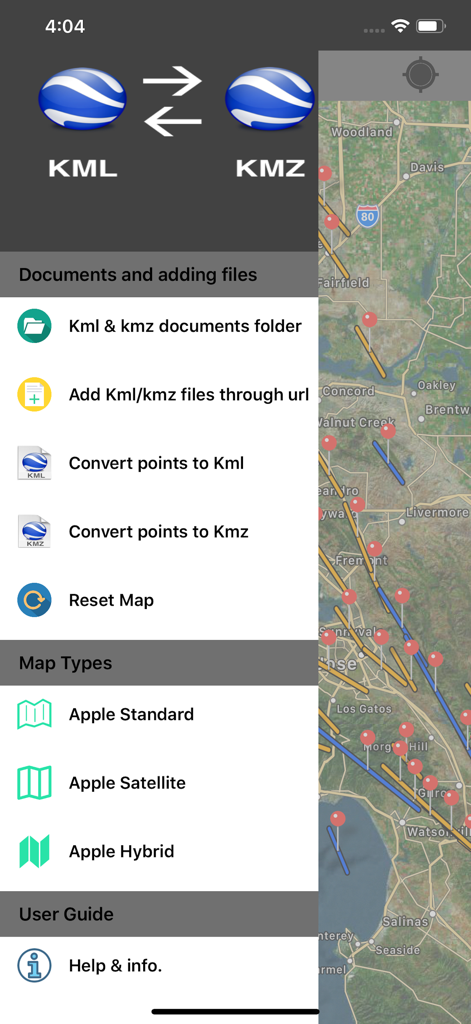
Side menu of the KML to KMZ converter app featuring file management options and map type selection over a satellite map background.

Side menu of the KML to KMZ converter app featuring file management options and map type selection over a satellite map background.

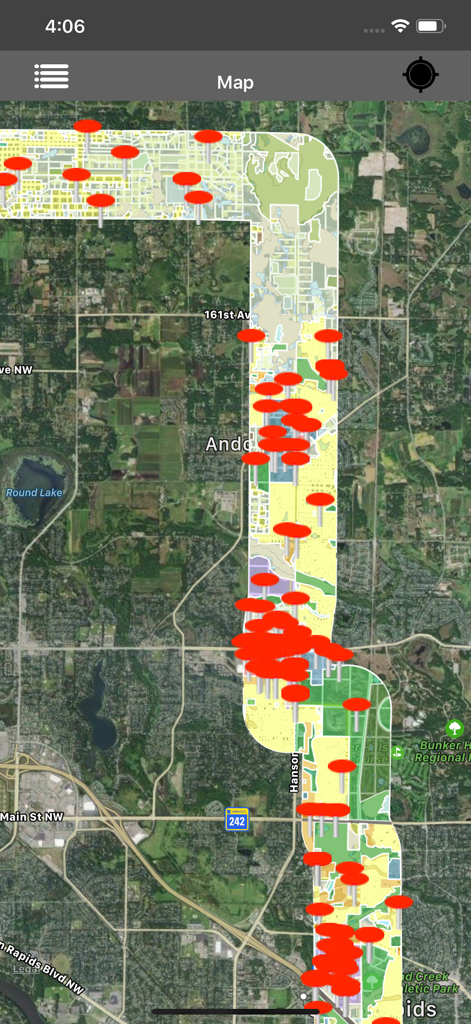
Satellite map with red markers and geographic data overlays in the KML viewer app

Satellite map with red markers and geographic data overlays in the KML viewer app

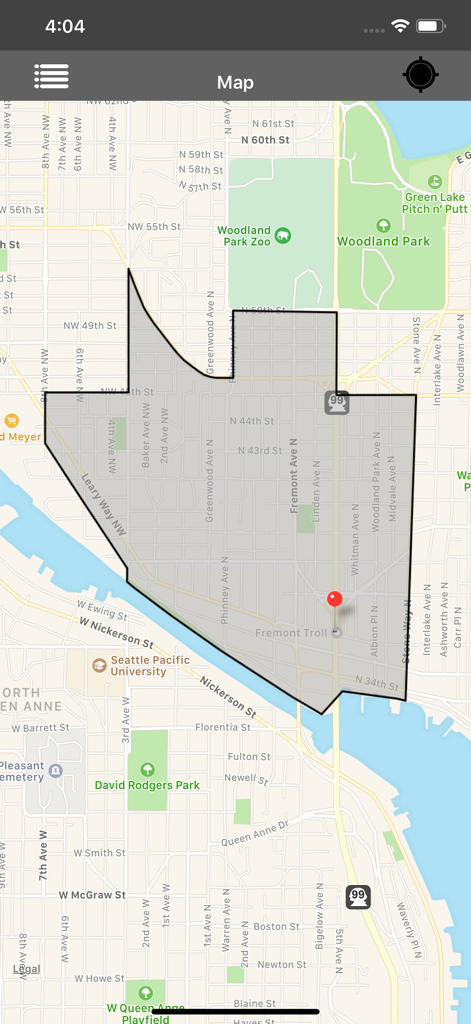
Map interface displaying a grey polygon overlay and a red location pin in the KML and KMZ viewer app.

Map interface displaying a grey polygon overlay and a red location pin in the KML and KMZ viewer app.

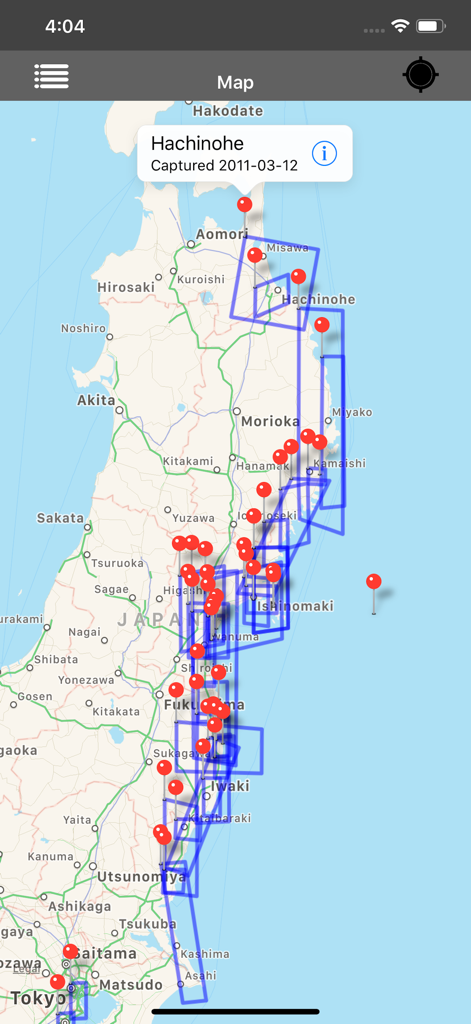
Screenshot of the KML and KMZ viewer app showing multiple red pins and blue polygons on a map of Japan

Screenshot of the KML and KMZ viewer app showing multiple red pins and blue polygons on a map of Japan

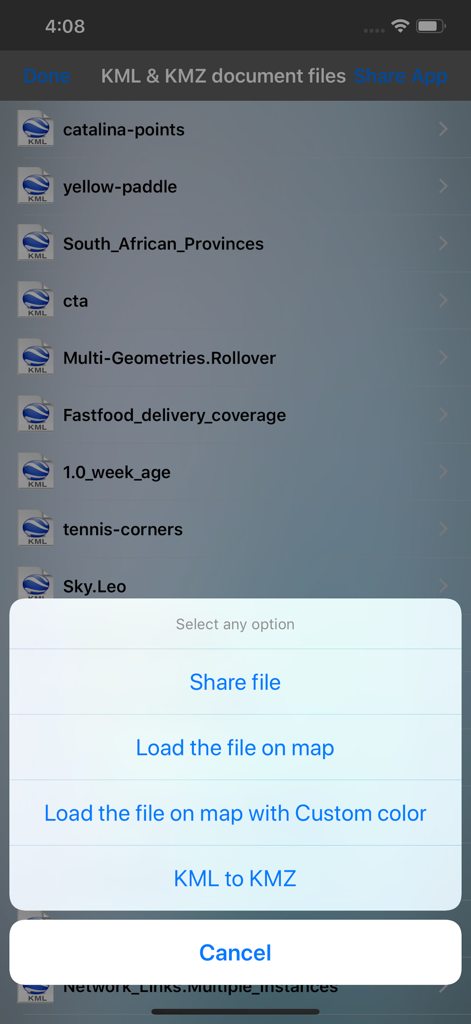
KML and KMZ file list with options to share, load on map, or convert files.

KML and KMZ file list with options to share, load on map, or convert files.

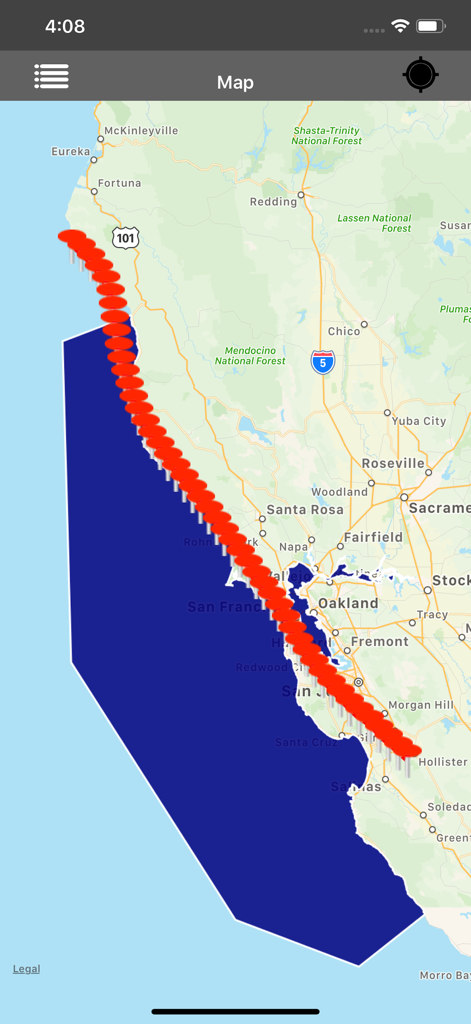
Mobile app interface showing red placemarkers and a blue polygon on a map of the California coastline

Mobile app interface showing red placemarkers and a blue polygon on a map of the California coastline

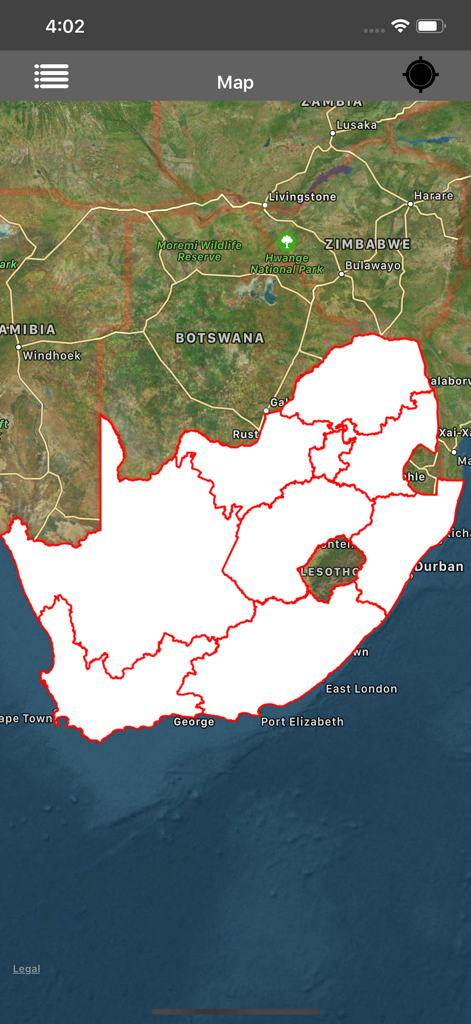
Satellite map interface showing a white KML polygon overlay with red borders of South Africa

Satellite map interface showing a white KML polygon overlay with red borders of South Africa

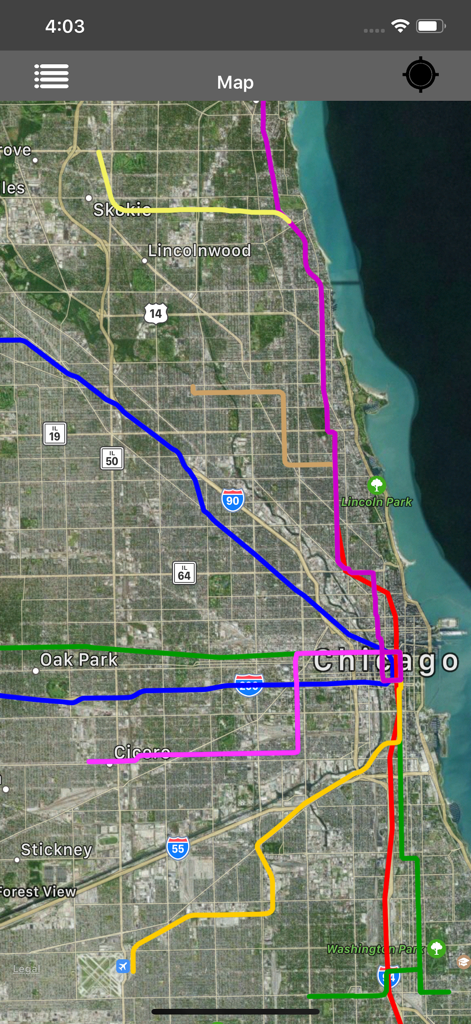
Satellite map of Chicago with multi-colored KML route overlays

Satellite map of Chicago with multi-colored KML route overlays

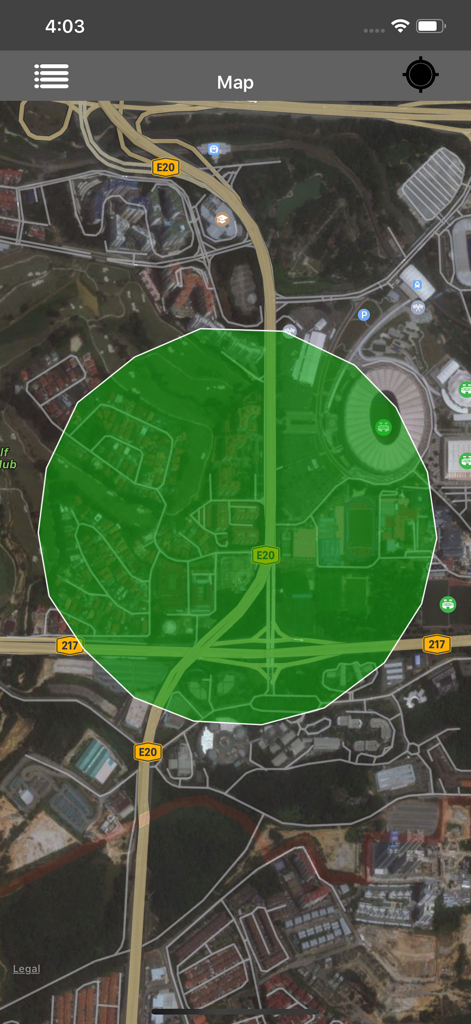
Satellite map view with a green polygon overlay in the KML and KMZ viewer app

Satellite map view with a green polygon overlay in the KML and KMZ viewer app

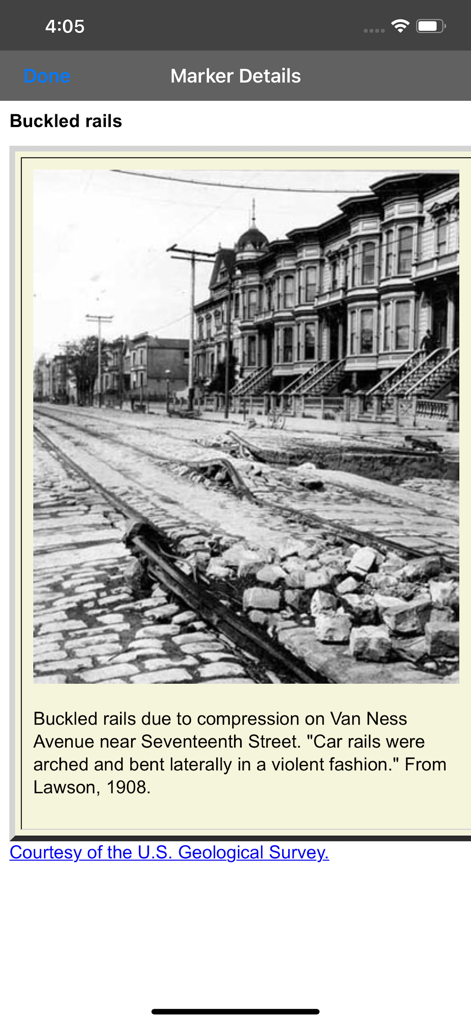
Detailed view of a KML map marker with a historical photo and technical description

Detailed view of a KML map marker with a historical photo and technical description

Professional Geo-Data Management

The tools that make this app stand out, trusted by 150K+ users.

Instant Format Conversion

Effortlessly convert KML to KMZ and back with high precision, ensuring your spatial data remains identical and accurate.

📂

Universal Import & Export

Open files from Mail, iCloud, or WhatsApp and share your updated markers back to clients or teammates in seconds.

🛰️

Data-Rich Field Viewing

View markers with embedded images, contact info, and links, fully functional offline for remote site inspections.

Loved by users worldwide

Trusted by 150K+ people who love this app.

"

"As a land surveyor working in remote parts of Colorado, I need tools that work without a cell signal. This app is a lifesaver for opening KML files sent by my team directly from my email. The conversion between KML and KMZ is seamless, and being able to view detailed site notes offline has streamlined our entire field inspection process."

Mark Thompson, Senior Land Surveyor
"

"Managing flight paths for my drone team used to be a nightmare on mobile. Now, I can import KMZ files from iCloud or WhatsApp and verify markers on the map instantly. The interface is clean and doesn't clutter the screen, which is exactly what I need when coordinating complex aerial surveys on the go."

Sarah Jenkins, UAV Operations Manager

About the app

Everything you need to know about Kml to Kmz-Kmz to Kml app.

Description

Kml to Kmz-Kmz to Kml-Kml and Kmz Viewer-Kml and Kmz Converter(All in one) is an application provides you to load the kml or kmz files, convert and create kml or kmz files over the map. KML and KMZ are file extension for a placemark file used by Google Earth. The KML and KMZ files specifies a set of features (placemarks, images, polygons, 3D models, textual descriptions, overlays, icons, etc.) for display in Here on Map. This app works for offline and online. 1)How to Export or Import .kml or .kmz files into Application? You can view, add or import .kml or .kmz files into the application in multiple ways —>Keep the .kml or .kmz files to the mail, then long press on kml/kmz file from mail that shows the application icon.click to import the file over the map. —>Share files from other apps which will be similarly supported files like Email,WhatsApp,Add to Notes,Add to iCloud Drive,Save to files and other apps. —>Click on “Add through link” Icon on Menu bar enter .kml or .kmz files link to add the files into the application. —>Connect your iPhone or iPad to System then iTunes will automatically opens an window.Click phone symbol on top left—>File Sharing and you can see the Kml-Kmz app then click on app icon to add .kml or .kmz files —>Tap on the file in Document folder to Share or export the kml or kmz files to another application —>Easily Export kml or kmz files to Another application. —>Easily Import kml or kmz files from Another application. 2)How to create kml/kmz Markers? —>Long press on map to add markers. —>You can Convert the kml/kmz with userDefined Names. —>After successfully saving the file will be stored in list. —>You can again load the saved kml/kmz file over the map. —>You can send the kml/kmz file through mail. 3)How to Convert kml to kmz and kmz to kml file? —>In the List section select kml file, then it will shows popup to Convert KML to KMZ file. —>If you select kmz file, then it will shows popup to Convert KMZ to KML file. —>While Converting the files you have choice to keep Existing file Name or Rename the file. —>After Successfully Converting the file is added in the list Section. —>Conversion of kml or kmz files are accurate,identical,simple without any Modification to actual data. 4)How to get updated kml/kmz file in list section? —>Swipe the list to the down to refresh. —>The New added files will be updated here. 5)How to delete the kml/kmz file? —>In the list section, swipe left to delete file.The file will be permanently deleted from the application. 6)How to See marker details? —>load kml/kmz file on map.If the file contains markers, then tap on the marker to see the detail description of marker like Description,email id, url links,phone numbers,Images,Web site page. —>Connect to Internet to open the url links,web pages,Images from Description page. Note: 1)This app contains Rich UserInterface. 2)This app contains less labels on map, and more on Menu bar.This helps user easy interaction on Map. "Continued use of GPS running in the background can dramatically decrease battery life."

Latest Version

3.0.3

Size

2.1 MB

First Released

Jul 4, 2016

Ready to Take Your Field Data Anywhere?

Join over 150,000 professionals who rely on the most versatile KML/KMZ viewer and converter for iOS. View, convert, and manage your geographic data offline—no laptop required.

Download on App Store