
Minimal Tabbed ToDo List



Join over 3 million people who have traded digital clutter for mental clarity. Compartmentalize your life with unlimited tabs, beautiful color-coding, and aesthetic widgets designed for your iPhone and iPad.
Publisher
Category
ProductivityDownloads
2M+User Rating
Total Ratings
39K+Locales
2Discover the interface used by 2M+ users.
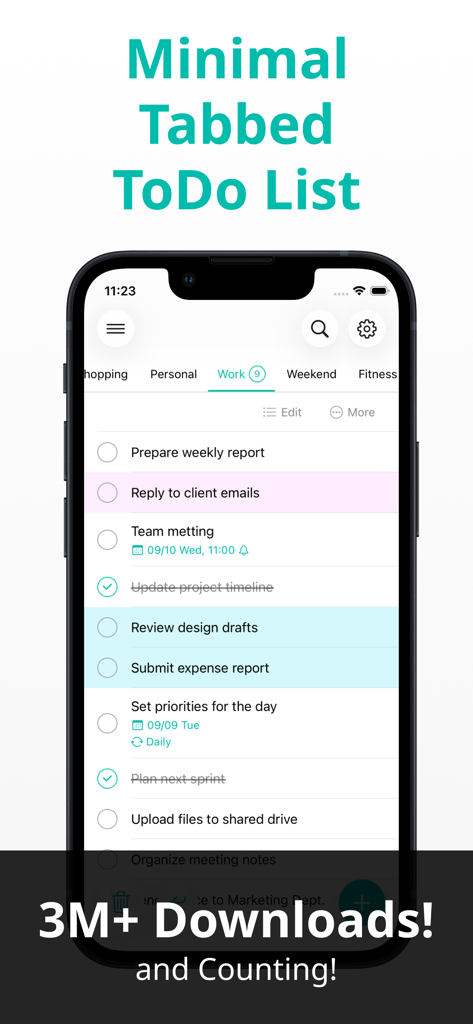
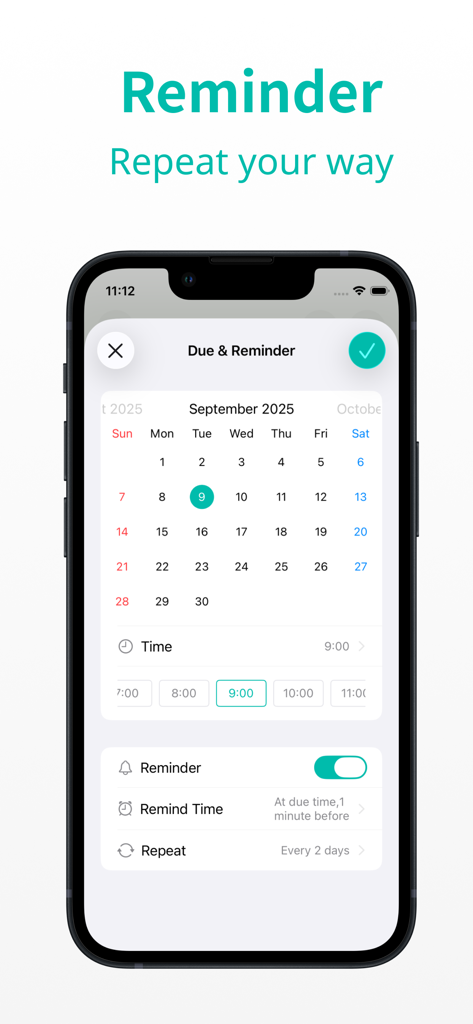
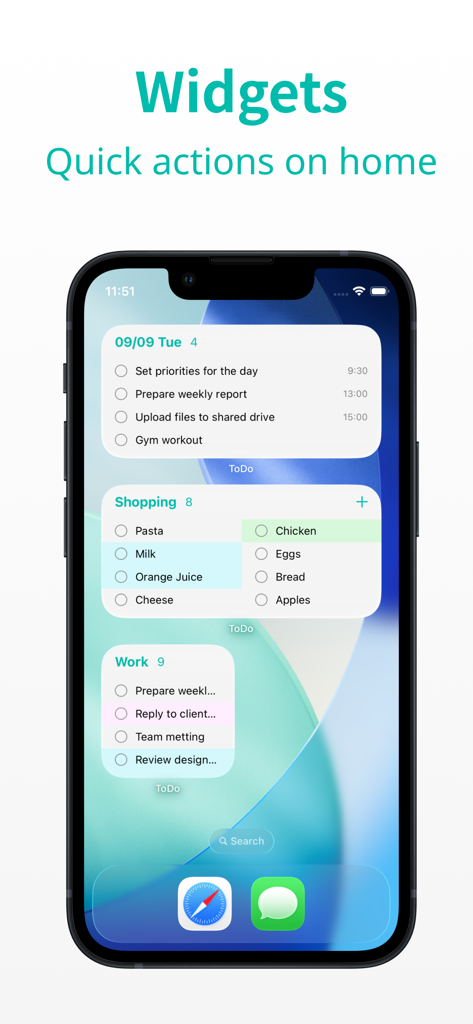
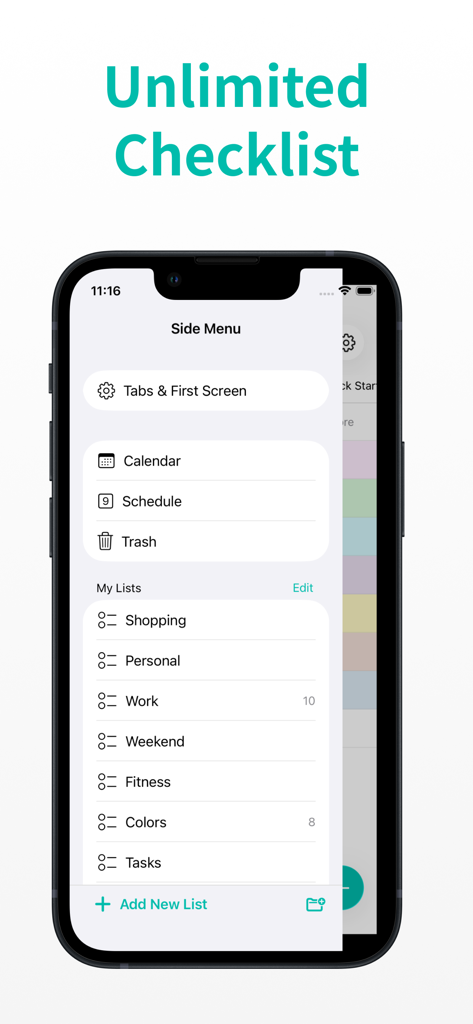
The tools that make this app stand out, trusted by 2M+ users.
Use unlimited tabs to separate work, errands, and personal goals. Stay focused on one category at a time to reduce anxiety and context-switching fatigue.
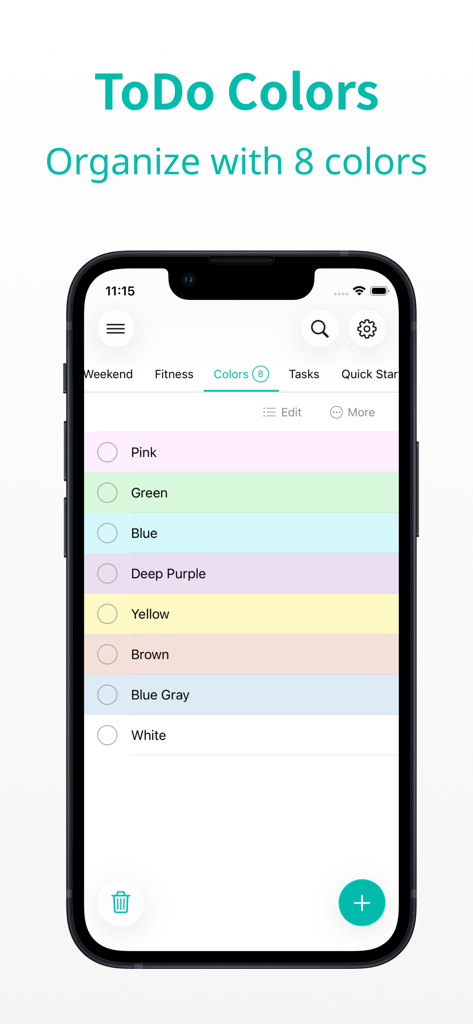
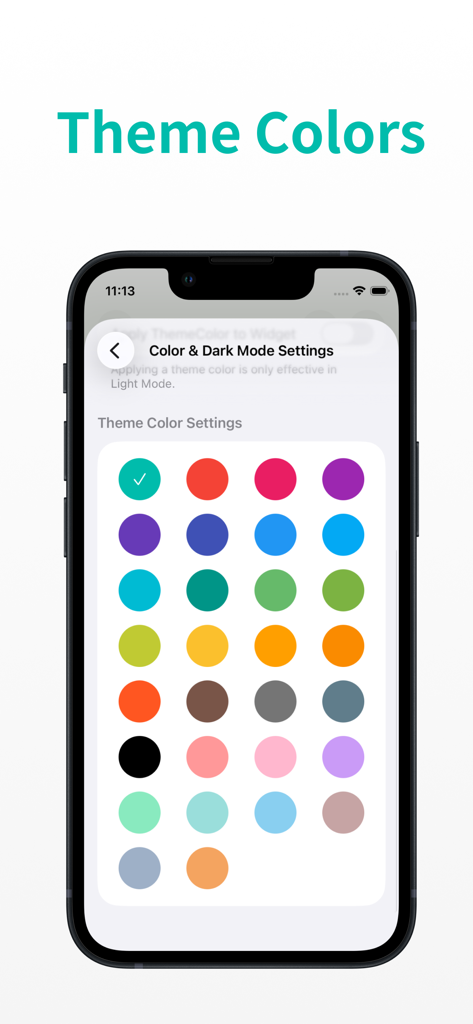
Assign tasks to eight distinct colors and choose from 30 aesthetic themes to create a visual map of your day that matches your personal style.
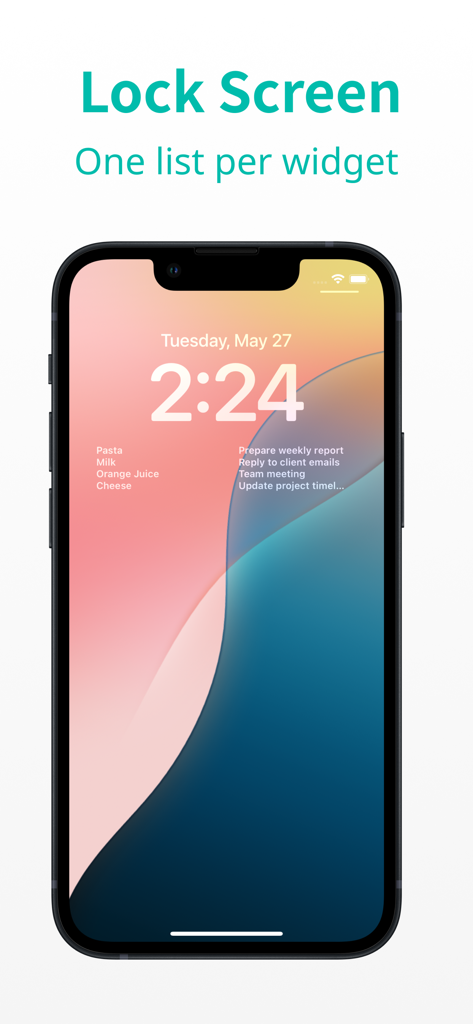
Check your progress directly from your Lock Screen or Home Screen. Stay productive and see your counts at a glance without even unlocking your phone.
Trusted by 2M+ people who love this app.
"I have tried every productivity app available but this is the first one that stuck. The ability to separate my freelance projects from my home life using the unlimited tabs has cleared so much mental clutter. The clean design and custom widgets make my home screen look beautiful and organized."
"The simplicity is its superpower. I love the color-coding and the satisfaction of bulk-deleting completed tasks at the end of the day. It is exactly what I needed: a straightforward and aesthetic way to manage my family busy schedule without any of the typical app bloat."
Everything you need to know about Minimal Tabbed ToDo List.
Description
Latest Version
10.13.18
Size
90.3 MB
First Released
Jun 3, 2020
Join over 3 million users who have ditched the digital chaos for mental clarity. Download now to start organizing your life, work, and hobbies with effortless simplicity.
Everything you need to know about Minimal Tabbed ToDo List
Minimal Tabbed ToDo List organizes tasks using unlimited, customizable tabs. Users can separate work projects, shopping lists, and personal plans, ensuring clear categorization. This feature keeps tasks well-structured and easy to manage.
Yes, Minimal Tabbed ToDo List allows users to color-code tasks. You can choose from eight distinct colors to visually categorize and differentiate your tasks for quick identification at a glance.
Yes, Minimal Tabbed ToDo List provides powerful reminders to ensure users never miss a deadline. Reminders can be set for specific due dates and can repeat daily, on selected weekdays, or on a specific day each month.
Yes, Minimal Tabbed ToDo List supports iCloud sync. This feature keeps your iPhone and iPad perfectly in step, ensuring data consistency across all your Apple devices and during upgrades.
Yes, Minimal Tabbed ToDo List provides widgets for both the Home Screen and Lock Screen. These widgets allow users to view tasks at a glance and perform quick actions directly from their device's home interface.
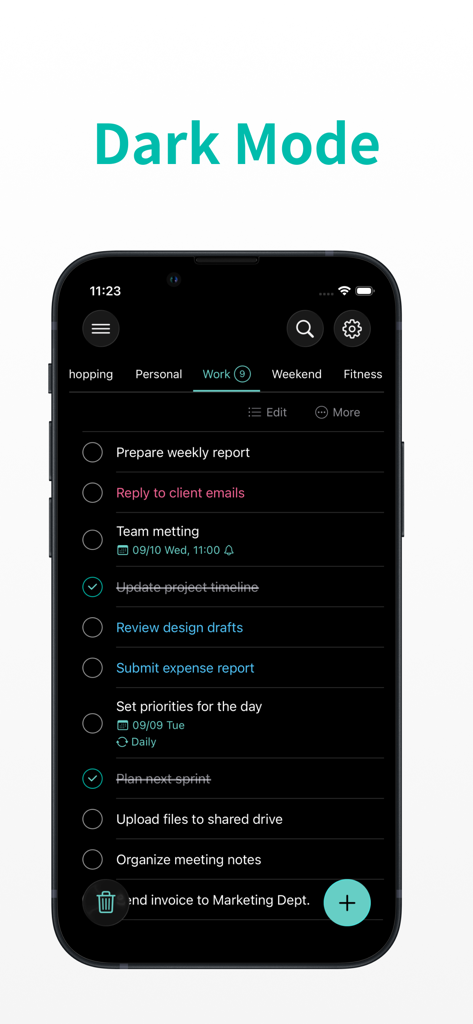
Yes, Minimal Tabbed ToDo List fully supports Dark Mode. Users can switch to a darker interface theme for improved viewing comfort, especially in low-light environments, aligning with system preferences.
The privacy policy for Minimal Tabbed ToDo List is available on the official website. You can access it directly at https://www.apppalette.co.jp/privacypolicy_en for detailed information.
Yes, Minimal Tabbed ToDo List includes an optional password lock feature. Users can set a password to protect the app, adding an extra layer of security for their personal task lists and data.
Minimal Tabbed ToDo List features one-tap bulk delete functionality for all completed tasks. This allows users to quickly clear their lists of finished items, keeping their task management clean and efficient.
Yes, users can freely name tabs in Minimal Tabbed ToDo List. This customization allows for personal organization, enabling users to create tabs like Work, Shopping, or Wish List to suit their specific needs.
Minimal Tabbed ToDo List offers 30 theme colors. Users can pick from this wide selection to personalize the app's appearance, suiting their individual style and enhancing the visual experience.
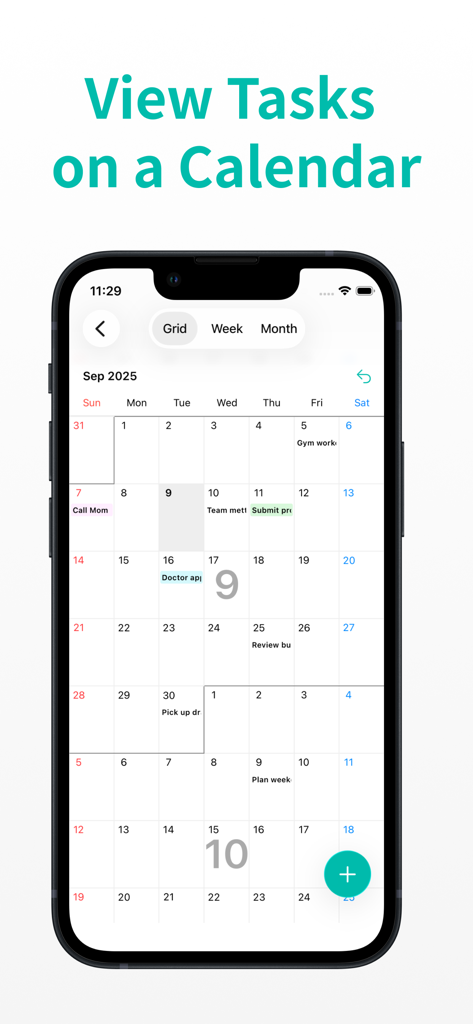
Yes, Minimal Tabbed ToDo List allows users to view tasks on a calendar. This feature helps visualize upcoming deadlines and schedules, improving overall task planning and time management.
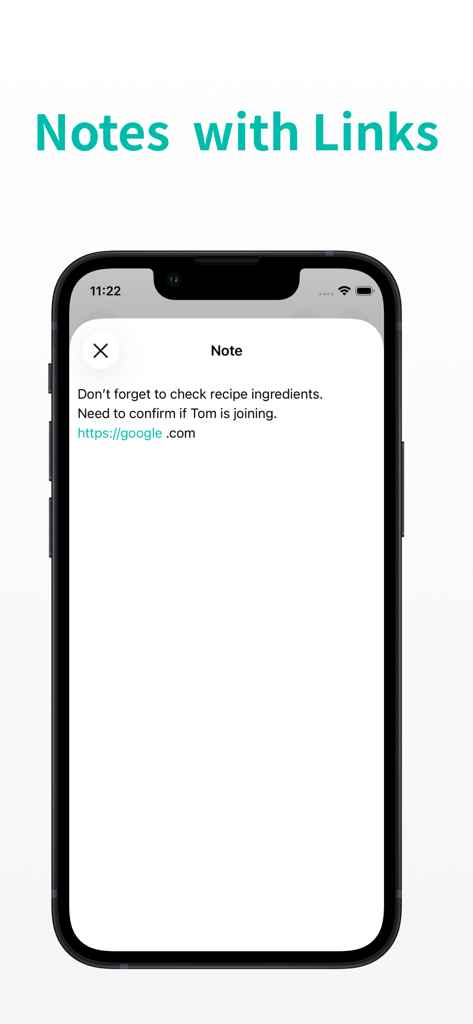
Yes, Minimal Tabbed ToDo List supports notes with clickable links. This allows users to include web addresses or other URLs directly within their task notes for quick access to relevant external resources.
Apps with similar features and user experience

BeomJoon Kim

EMMO Corp.

Markus Liebschner

Thomas Tsopanakis

TAPUNIVERSE LLC

Konstantin Bolgar

SEOLHEE LEE
WEBDIA INC.

SIMPLERION Co., Ltd