
Table Notes Spreadsheet maker


Ditch the complexity of traditional spreadsheets. Create custom, color-coded tables for your small business, schedules, or recipes with images and simple calculations—all from the palm of your hand.
Publisher
Category
BusinessDownloads
1M+User Rating
Total Ratings
11K+Locales
30Discover the interface used by 1M+ users.
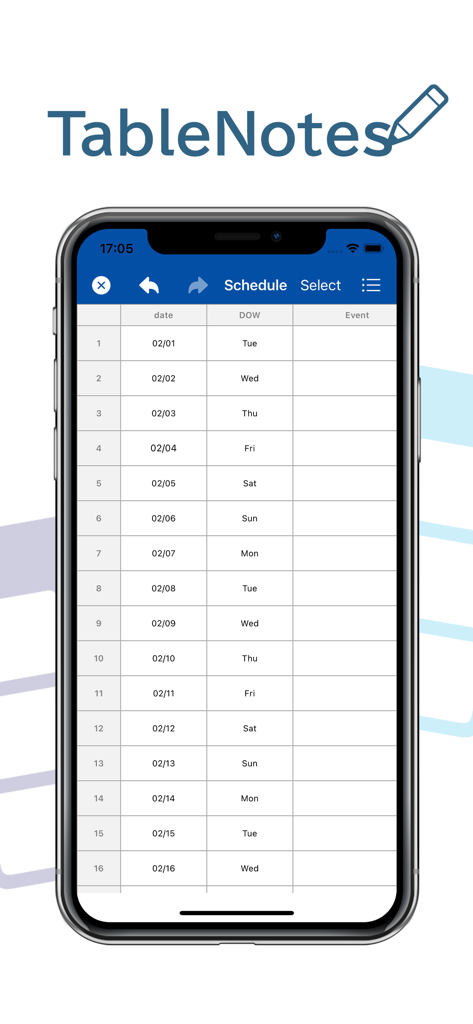
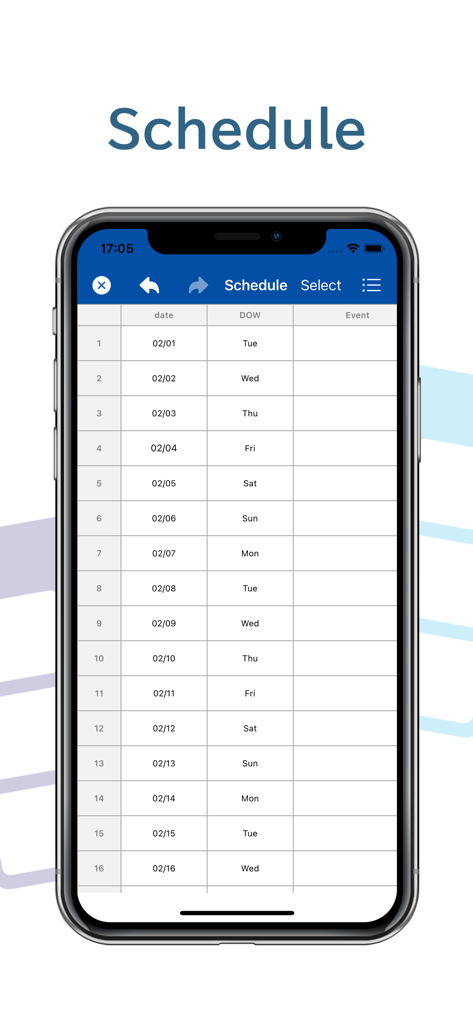
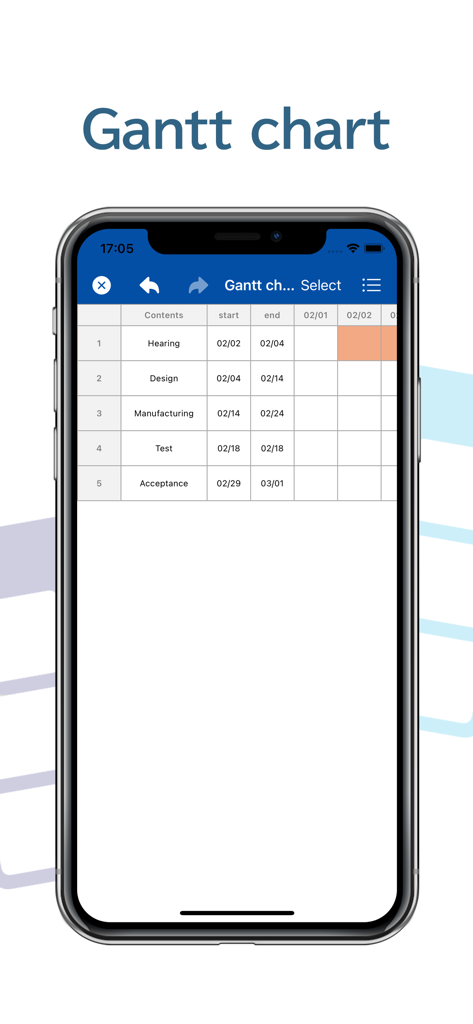
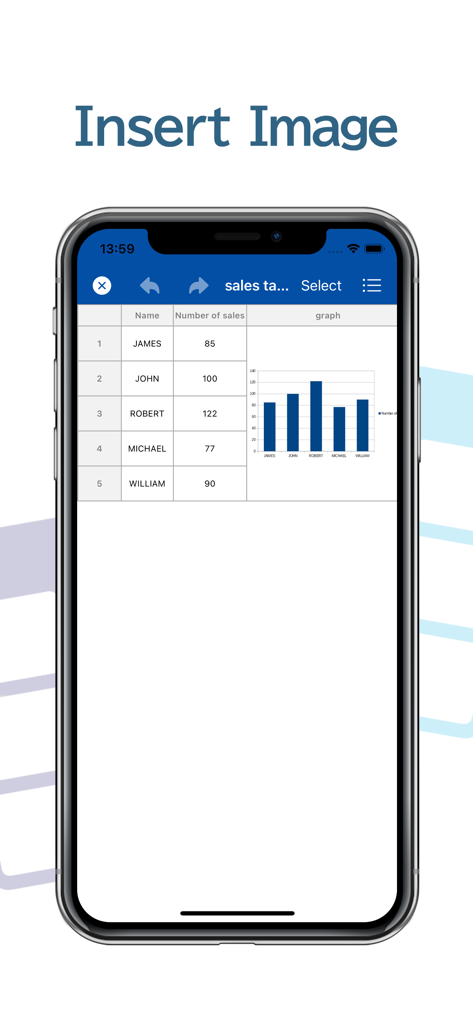
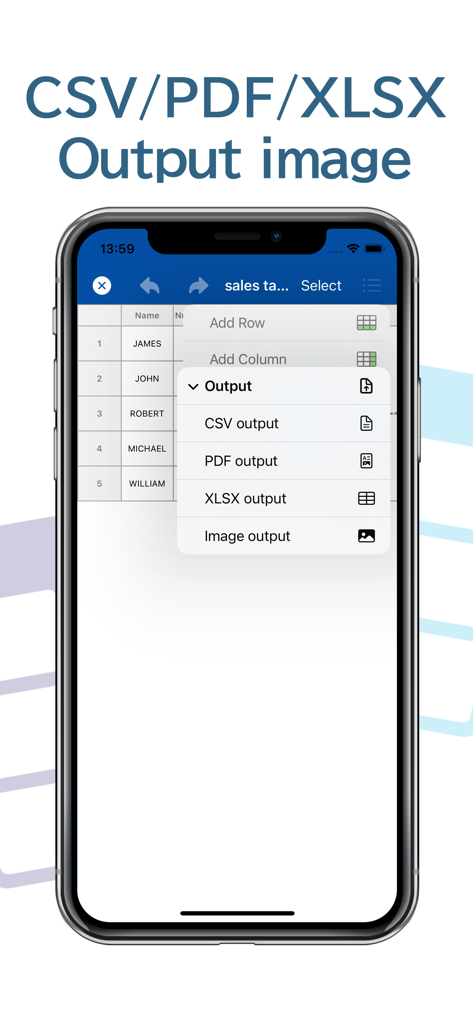
The tools that make this app stand out, trusted by 1M+ users.
Bring your data to life by inserting images directly into cells—perfect for managing inventory, recipe books, or personal collections at a glance.
Perform quick arithmetic operations without complex formulas. Ideal for calculating project costs, sales totals, or household budgets on the fly.
Instantly convert your tables into PDF or Excel files for professional sharing, and keep your data synced across all your devices with iCloud.
Trusted by 1M+ people who love this app.
"As a vintage reseller, I needed a way to track inventory on the go. Table Notes is perfect because I can insert photos of my items directly into the cells and use simple calculations for my margins. It's much easier to use on my iPhone than a traditional spreadsheet!"
"I finally found the perfect app for my recipe collection and weekly meal planning. I love being able to color-code ingredients and see a photo of the finished dish right in the table. The PDF export feature makes it so simple to print out my schedules for the kitchen fridge."
Everything you need to know about Table Notes Spreadsheet maker.
Description
Latest Version
3.9.0
Size
22.4 MB
First Released
Jun 3, 2021
Join 1M+ organizers managing businesses, collections, and schedules with ease. Download Table Notes and start building your custom tables today.
Everything you need to know about Table Notes Spreadsheet maker
Table Notes Spreadsheet maker is a memo application that organizes information in a table format. Users can save names, phone numbers, addresses, and recipes within its structured rows and columns.
Yes, Table Notes Spreadsheet maker allows users to create schedules, recipes, tables, timetables, and shifts. It serves as a versatile tool for organizing various types of tabular data.
Users customize item names and column widths in Table Notes Spreadsheet maker by tapping an item. This action displays a settings screen where direct adjustments can be made.
Yes, Table Notes Spreadsheet maker supports cell customization. Users can set distinct text and background colors for individual cells within their tables.
Yes, Table Notes Spreadsheet maker allows users to adjust text size to any dimension. Text position within cells can also be changed to left, center, or right alignment.
Yes, Table Notes Spreadsheet maker allows users to insert images directly into cells. This feature enhances visual data representation within the tables.
Users can adjust cell size in Table Notes Spreadsheet maker. Both the height and width of individual cells can be modified to suit content display requirements.
No, Table Notes Spreadsheet maker does not limit the number of rows or columns. Users can add an unlimited quantity of both rows and columns to their tables.
Yes, Table Notes Spreadsheet maker performs simple arithmetic calculations within cells. It supports four operations (+, -, *, /) and displays the results directly.
Yes, Table Notes Spreadsheet maker imports CSV files. It can receive and display CSV data shared from other applications, facilitating data integration.
Table Notes Spreadsheet maker outputs data in CSV format. However, cell formatting like text color and background color is not included in the CSV export.
Yes, Table Notes Spreadsheet maker outputs data in PDF format. This allows users to print or share their tables easily with others.
Yes, Table Notes Spreadsheet maker supports XLSX output. When exporting files that contain images, display variations may occur in the XLSX format.
Yes, Table Notes Spreadsheet maker supports iCloud Drive. Using iCloud Drive enables common data access and synchronization across multiple devices.
Yes, Table Notes Spreadsheet maker includes a Trash Box feature. This allows users to recover accidentally deleted files, providing data security.
Apps with similar features and user experience

BeomJoon Kim

EMMO Corp.

Markus Liebschner

Thomas Tsopanakis

TAPUNIVERSE LLC

Konstantin Bolgar

SEOLHEE LEE

App Palette LLC

SIMPLERION Co., Ltd