
MT管理器



Take full control of your iOS workspace. Effortlessly handle ZIP, TAR, and BZ2 archives, preview complex documents, and manage your local files with the precision and speed of a desktop experience.
Publisher
Category
UtilitiesDownloads
95K+User Rating
Total Ratings
10K+Locales
1Discover the interface used by 95K+ users.

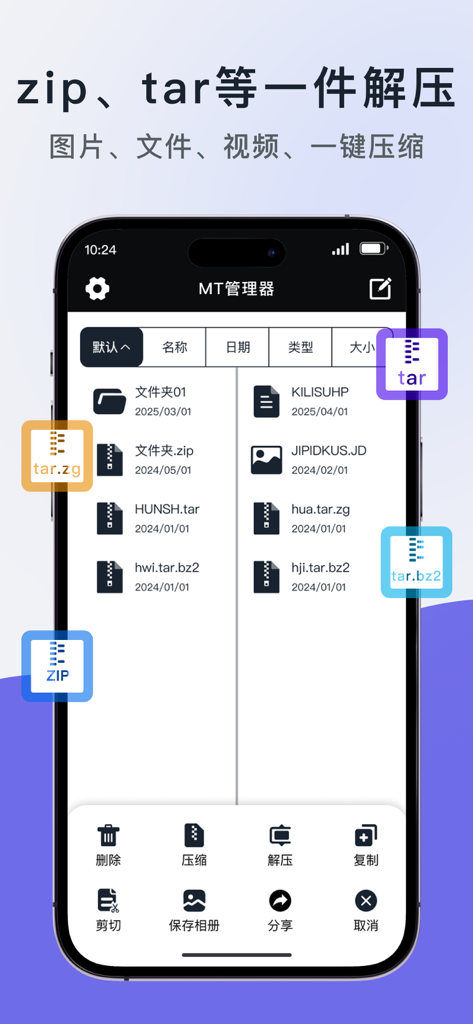
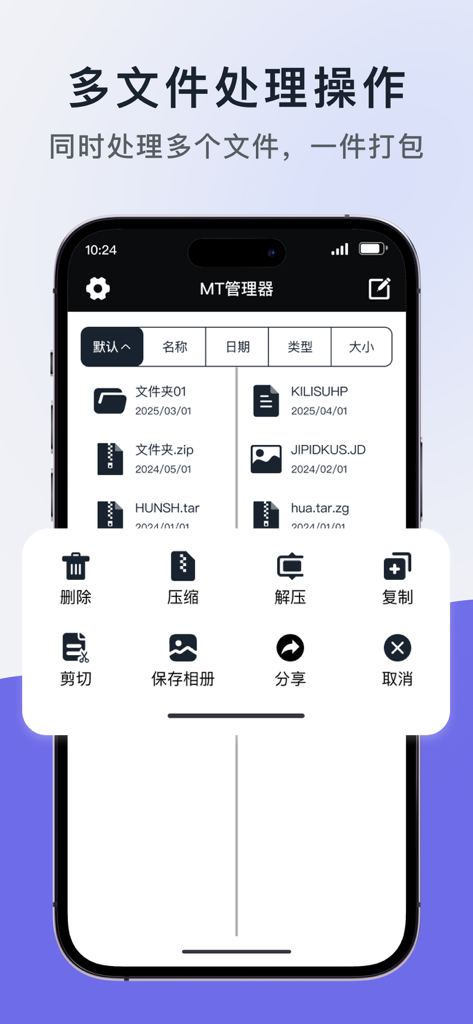
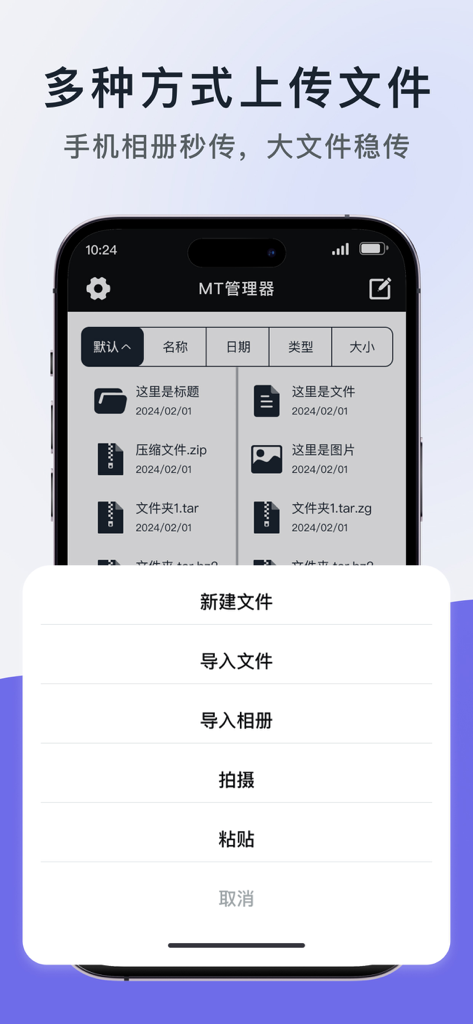

The tools that make this app stand out, trusted by 95K+ users.
Blazing fast extraction and compression for ZIP, TAR, and TAR.BZ2 formats. Handle complex archives without ever needing to open your laptop.
Effortlessly bridge the gap between your system files and gallery. Import documents and save extracted photos to your camera roll in a single tap.
Stop wasting time on individual files. Select, compress, move, or share multiple assets simultaneously with a UI optimized for maximum efficiency.
Trusted by 95K+ people who love this app.
"As a freelance designer always on the move, managing client assets on my iPad used to be a nightmare. MT Manager is a lifesaver—it handles those heavy TAR archives with ease and lets me save previewed assets directly to my photo library. It is the desktop-level file control I have been waiting for on iOS."
"I missed the versatility of MT Manager from my Android days and this version delivers exactly what I need. Being able to compress and decompress multiple file formats like TAR.BZ2 right on my iPhone is a game changer for my coursework. It is much faster and more reliable than the native Files app."
Everything you need to know about MT管理器.
Description
Latest Version
1.1
Size
16.5 MB
First Released
Aug 12, 2025
Join over 95,000 power users who have replaced their laptops with the ultimate file management tool for iOS. Extract any archive, manage system files, and organize your digital life with professional-grade precision.
Everything you need to know about MT管理器
MT管理器 is a file management and compression/decompression tool. It offers features like file organization, viewing, archiving, and extracting files in various formats.
MT管理器 supports the decompression of multiple archive formats, including ZIP, TAR, TAR.ZP, and TAR.BZ2. It provides fast and efficient extraction for these types.
Yes, MT管理器 supports a comprehensive set of file operations. Users can delete, copy, share, cut, and save files to albums directly within the application interface.
Yes, MT管理器 enables users to save photos directly to their device's photo album. This feature is integrated to streamline image management within the app.
MT管理器 supports multiple file import methods. Users can import files, import from photo albums, take new photos, or paste content directly into the application.
Yes, MT管理器 provides rich image processing tools. These include adding watermarks, compressing images, applying filters, and creating image collages directly within the application.
Yes, MT管理器 supports compressing both single and multiple files. This feature allows users to efficiently archive several items together into a single compressed package.
Apps with similar features and user experience

Little Sweet Technology Co., Ltd.

书敏 贾

书勇 贾

PENGHUI ZHAO

ComcSoft Corporation

FANGZHOU INTERACTIVE TECHNOLOGY CO., LIMITED

TIMON SOFTWARE SOLUTIONS COMPANY LIMITED

琳 胡

ComcSoft Corporation