
Photo Widget.



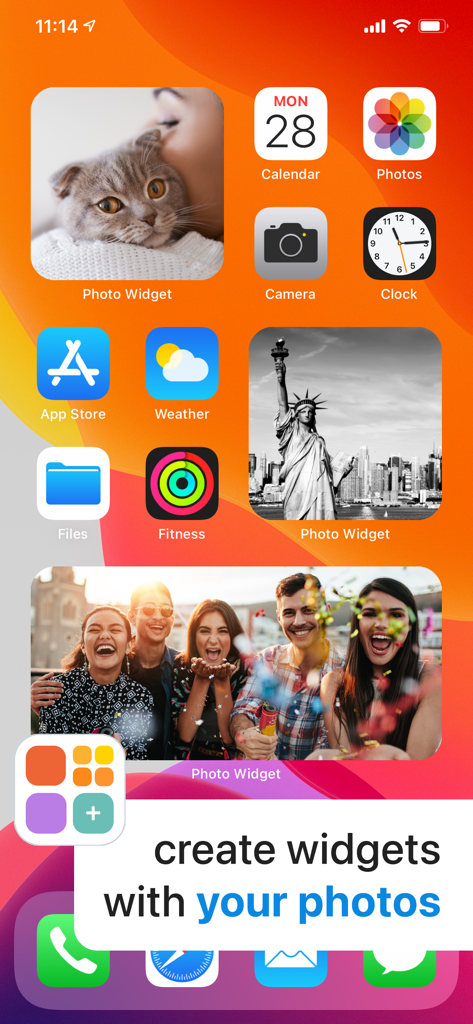
Turn your favorite memories into beautiful widgets in just three steps. Effortlessly curate your iPhone with the photos that matter most, all in a style that is uniquely yours.
Publisher
Category
Photo & VideoDownloads
2M+User Rating
Total Ratings
52K+Locales
1Discover the interface used by 2M+ users.

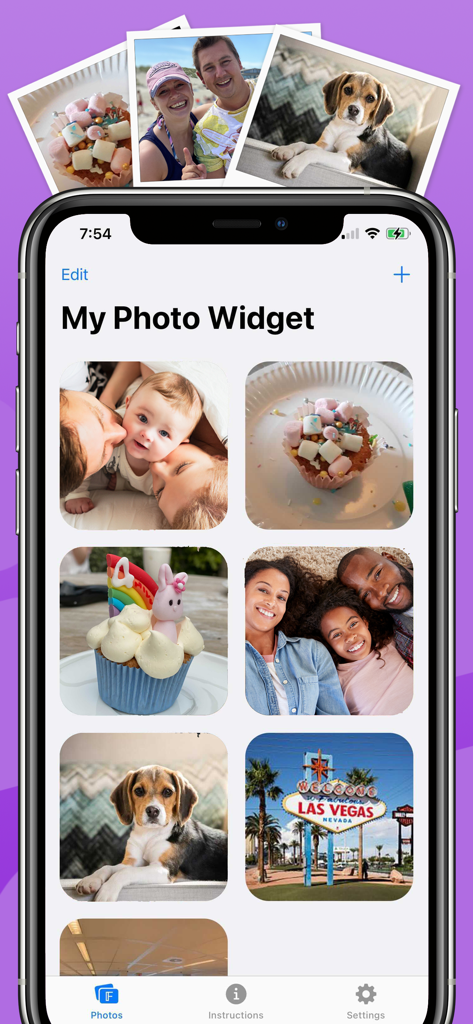
The tools that make this app stand out, trusted by 2M+ users.
Stop letting algorithms decide what you see. Select specific photos that match your aesthetic and personal vibe perfectly.
No complex menus or tech skills required. Pick your photos, choose your size, and refresh your look in seconds.
Keep your home screen feeling fresh. Set custom intervals to automatically cycle through your favorite shots all day long.
Trusted by 2M+ people who love this app.
"Finally, an app that lets me curate my home screen exactly how I want it! The 3-step setup is a lifesaver, and I love that I can set specific intervals to keep my aesthetic fresh. My iPhone has never looked better."
"I have thousands of photos of my dog and my travels that usually just sit in my camera roll. This widget brings them right to my home screen so I can see my favorite memories every time I unlock my phone. Super easy to use!"
Everything you need to know about Photo Widget..
Description
Latest Version
1.1.7
Size
103.4 MB
First Released
Sep 21, 2020
Join over 2 million users and transform your home screen into a beautiful gallery of your favorite memories in just three easy steps.
Everything you need to know about Photo Widget.
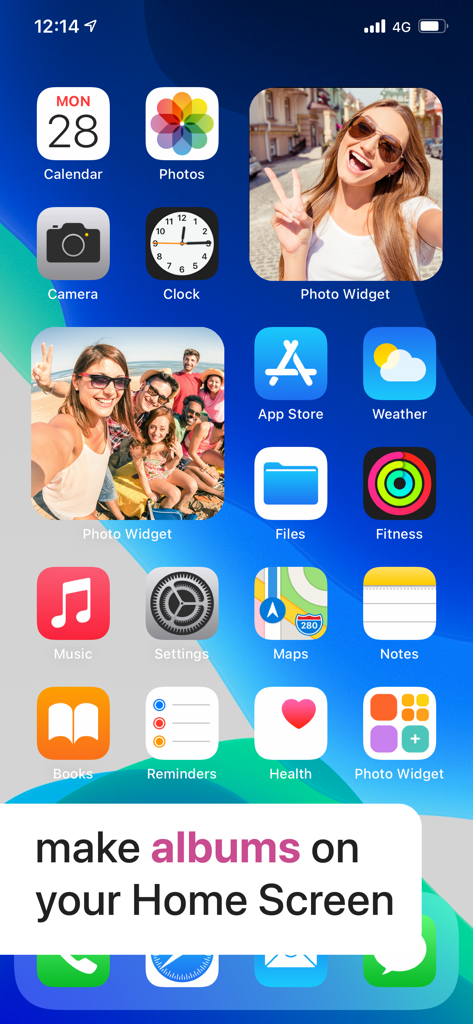
Photo Widget is an application that displays your favorite photos directly on your iPhone and iPad Home Screen, transforming cherished moments into personalized widgets.
You can create a photo widget in Photo Widget in just three simple steps. Add photos from your camera roll, then display them on your iPhone or iPad Home Screen.
Yes, Photo Widget supports multiple widget sizes. Users can choose from various dimensions to customize how their photos appear on the iPhone and iPad Home Screens.
Yes, you can add photos directly from your camera roll to Photo Widget. This allows you to easily select and display your personal memories on your Home Screen.
Photo Widget allows you to set the refresh frequency for your photos. You can customize how often the images update within the widgets on your Home Screen.
Yes, Photo Widget can optionally display today’s date. This feature provides a subtle and useful addition to your photo widgets on the Home Screen.
Yes, Photo Widget is compatible with iPad. It is designed for both iPhone and iPad, allowing you to enjoy your favorite photos on either device's Home Screen.
You can contact Photo Widget support by emailing support@impalastudios.com. Answers to common questions are also available in the app's Settings under Frequently Asked Questions.
The privacy policy for Photo Widget is available online. You can review the full details at https://impalastudios.com/privacy.
Yes, Photo Widget enables you to "make albums on your Home Screen" by creating collections of your photos as widgets, as demonstrated in the app's visuals.
Apps with similar features and user experience

Xiamen ShenZhuo Information Technology Co., Ltd.

Guangzhou ZHIFENG Information Technology Co.,Ltd.

Chengdu Tiange Technology Co., Ltd

文彬 黄

Clockology, LLC

Xiamen Infinity Starway Technology Co., Ltd.

Beijing Curious Cat Co.Ltd
Guangzhou Shuhong Network Technology Co., Ltd.

S.HOUSING INTERIOR ARCHITECTURE COMPANY LIMITED