Safe Vision Kids for YouTube

Safe Vision Kids for YouTube

Download on App Store
Spark by MWM logo
Logo of Safe Vision Kids for YouTube
Safe Vision Kids for YouTube: The Only 100% Secure Alternative to the Algorithm

Stop worrying about what your child might click on next. Our channel-restriction system replaces unpredictable algorithms with total parental control, ensuring your kids only watch the verified, age-appropriate content you approve.

Download on App Store

Publisher

Safe Vision Parental Software Pty Ltd

Category

Entertainment

Downloads

377K+

User Rating

4.7/5

Total Ratings

1K+

Locales

1

A Glimpse of Total Control

Discover the interface used by 377K+ users.
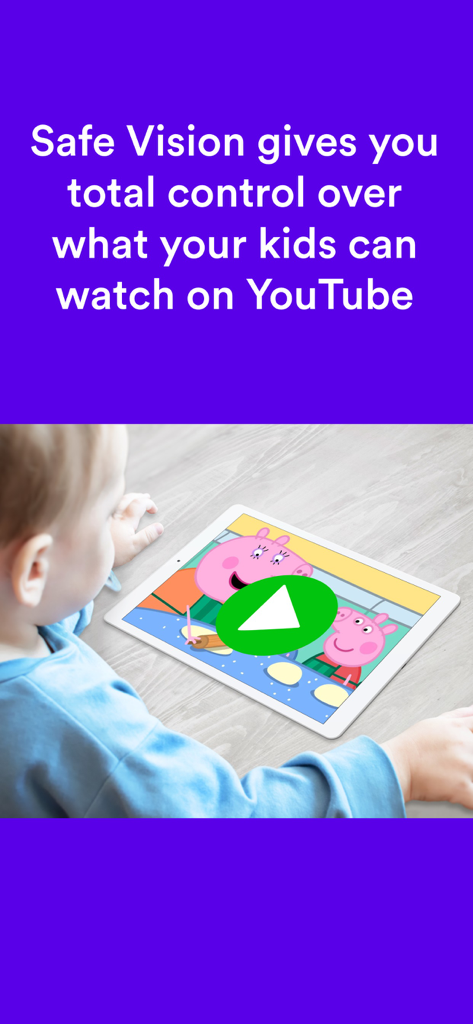
A young child watching a safe video on a tablet with the Safe Vision parental control app.

A young child watching a safe video on a tablet with the Safe Vision parental control app.

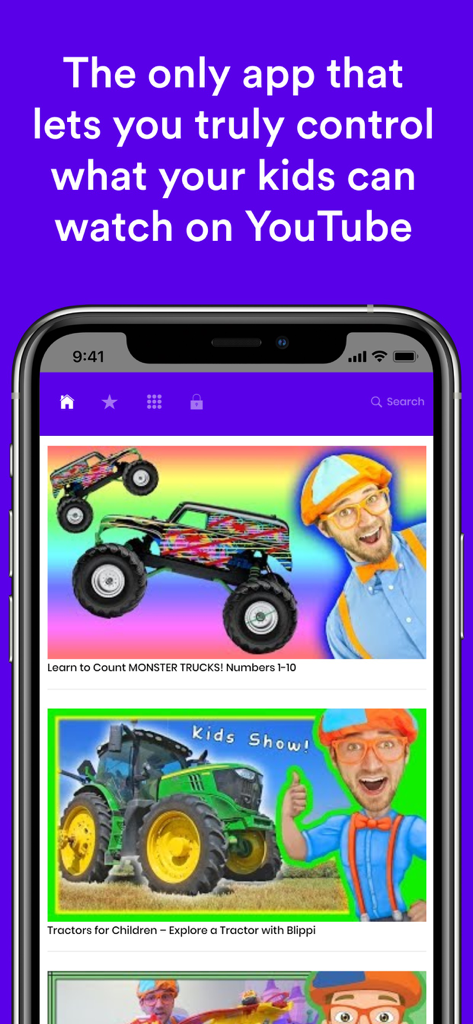
Safe Vision Kids for YouTube app interface on a smartphone showing parental control features and safe kids videos

Safe Vision Kids for YouTube app interface on a smartphone showing parental control features and safe kids videos

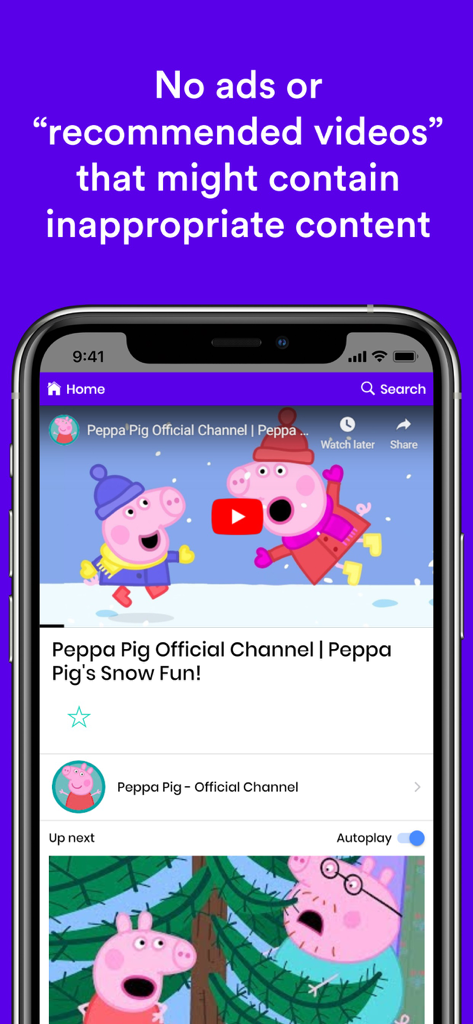
Safe Vision app interface playing an official Peppa Pig video with no ads or inappropriate recommended content

Safe Vision app interface playing an official Peppa Pig video with no ads or inappropriate recommended content

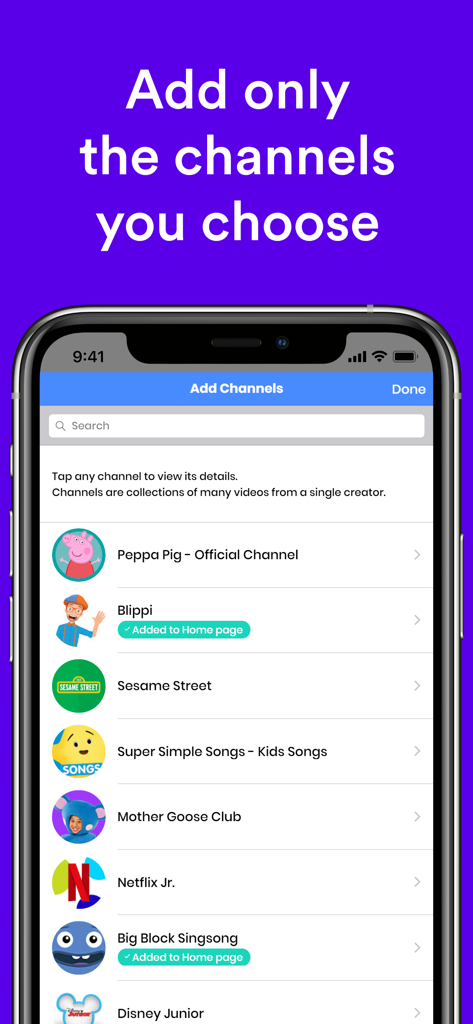
Safe Vision app screen for parents to select and whitelist specific YouTube channels for their children

Safe Vision app screen for parents to select and whitelist specific YouTube channels for their children

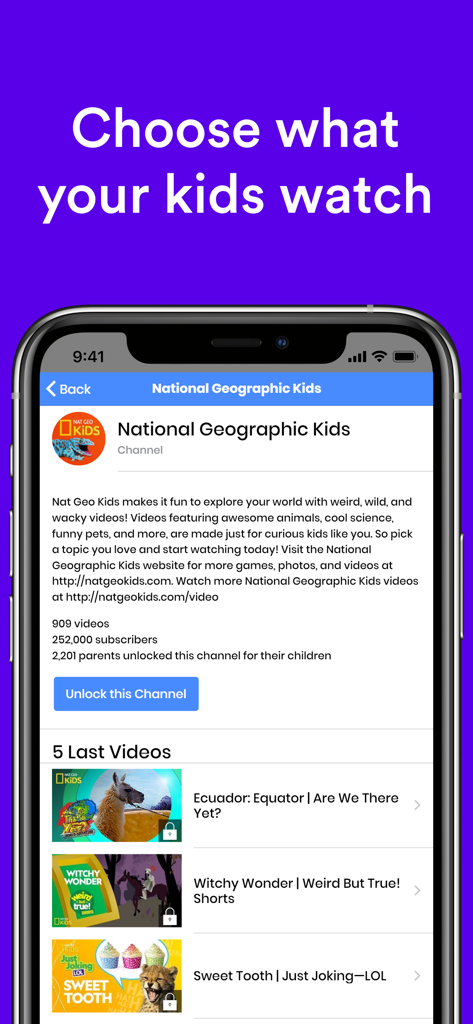
Safe Vision app interface for selecting and unlocking verified YouTube channels for kids

Safe Vision app interface for selecting and unlocking verified YouTube channels for kids

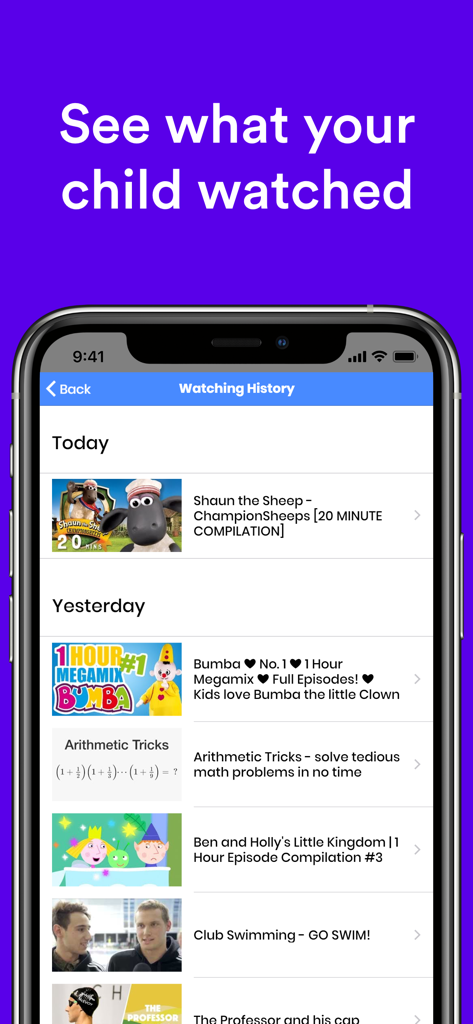
Mobile app screen showing a detailed list of videos watched by a child for parental monitoring

Mobile app screen showing a detailed list of videos watched by a child for parental monitoring

Total Peace of Mind for Every Screen Minute

The tools that make this app stand out, trusted by 377K+ users.

🛡️

Zero-Trust Channel Filtering

Every YouTube channel starts as blocked. You choose exactly which verified creators are allowed, making it impossible for harmful or fake content to slip through.

🕵️‍♀️

Complete Viewing Transparency

No more digital surprises. Access detailed history logs to see exactly what your child watched and maintain 100% control over their education and entertainment.

Automated Screen Time Limits

End the screen time battle before it starts. Set healthy daily boundaries and let the app handle the transitions for you with automated session management.

Loved by users worldwide

Trusted by 377K+ people who love this app.

"

"After a few scary incidents where disturbing videos bypassed the standard filters, I was ready to ban YouTube entirely. Safe Vision changed everything. The 'blocked by default' approach is exactly what I was looking for. Now my son only sees the channels I have personally vetted, like NASA and Nat Geo. It is the first time I have felt 100% secure letting him use his iPad alone."

Mark S.
"

"Finally, an app that lets me set it and forget it! I love that I can pick specific educational channels and then set a hard screen time limit. When the time is up, the app handles the 'off' switch so I do not have to be the bad guy. It has simplified our daily routine and saved us from so much unnecessary stress while I am busy around the house."

Sarah J.

About the app

Everything you need to know about Safe Vision Kids for YouTube.

Description

Child safety on YouTube is a minefield for parents. Disturbing videos featuring violence and adult content sneak past YouTube's kid-friendly blockers with frightening regularity. So, we developed a 100% secure alternative. # Our Child Safety Guarantee # As parents of young kids, we searched for a viewing app with complete parental control. It did not exist. Instead, we found algorithm-driven apps that let terrifying content slip through. So, we created Safe Vision to keep our kids protected while watching YouTube videos for violin lessons, science experiments, and entertainment. Safe Vision saved us from confused children, night terrors, and years of therapy bills. Now, we want to help you keep your kids safe while watching YouTube. # How It Works # Two words: CHANNEL RESTRICTION Our app uses a channel-restriction system to view YouTube (instead of an algorithm that can be easily hacked like YouTube Kids). Safe Vision only offers verified channels like National Geographic Kids and Disney. Here's an example: If someone who isn't Nat Geo Kids labels a video "National Geographic Kids Amazing Video" that video will be on YouTube, sure, but it will not be on the Nat Geo Kids *channel* because only Nat Geo Kids can publish content to their own channel. Safe Vision restricts your kids to verified YouTube channels, which makes it impossible for them to view fake and potentially harmful content. By offering only verified channels, we can guarantee that your child is 100% safe when using the Safe Vision app to watch YouTube. You will never need to hover over your kid's viewing again. *Safe Vision has never had an incident of fake content.* # Features You Will Love # *100% PARENTAL CONTROL* Safe Vision gives you total control of your kids' video-based education and entertainment viewing. Use history to track viewing. *SIMPLE FOR PARENTS* Where most kids video apps expect parents to find and block inappropriate content, we do the opposite. On Safe Vision, every YouTube channel starts out blocked -- parents then unblock what is appropriate for their kids. 100% control! *FREE* We offer everything you need for 1 child FREE, with opportunities to upgrade as your family's viewing needs grow. *SCREEN TIME LIMITS* Set limits to automatically manage screen time. *EASY FOR KIDS* Safe Vision is simple and fun for kids to use in Child Mode. *AGE APPROPRIATE FILTERS* Use these to find suitable channels to unblock for your kids. Here are some popular channels that you can add for your child: * Go Noodle * CookieSwirlC * Hobby Kids We built Safe Vision to keep our kids safe. Now, we hope to keep all kids safe while watching YouTube. We hope you enjoy the peace of mind Safe Vision provides as much as our family has. # PAYMENTS # If you choose to purchase Safe Vision Premium subscription, payment will be charged to your iTunes account, and your account will be charged for renewal 24 hours prior to the end of the current period. Your account will be charged for renewal within 24-hours prior to the end of the current period. You can manage or turn off auto-renew in your Apple ID Account Settings any time after purchase. Any unused portion of a free trial period will be forfeited when you purchase a subscription, where applicable. Terms of use: http://safe.vision/terms.html

Latest Version

52.17

Size

25.0 MB

First Released

Nov 29, 2017

Take Total Control of Your Child's YouTube Experience

Stop worrying about unpredictable algorithms. Join over 377,000 intentional parents who choose 100% manual control and total peace of mind. Start protecting your child for free today.

Download on App Store
FAQ

Frequently Asked Questions

Everything you need to know about Safe Vision Kids for YouTube

What is Safe Vision Kids for YouTube?

Safe Vision Kids for YouTube is an app designed to provide a 100% secure alternative for children to watch YouTube videos. It prevents disturbing and inappropriate content from reaching kids by using channel restrictions.

How does Safe Vision Kids for YouTube ensure child safety on YouTube?

Safe Vision ensures child safety by using a channel-restriction system. It only offers verified YouTube channels, preventing children from accessing unverified or potentially harmful content outside those specific channels.

Does Safe Vision Kids for YouTube use an algorithm to filter content?

No, Safe Vision Kids for YouTube does not use an algorithm to filter content. It employs a channel-restriction system to view YouTube, which differs from algorithm-driven apps like YouTube Kids.

Does Safe Vision Kids for YouTube offer parental control features?

Yes, Safe Vision Kids for YouTube offers 100% parental control. Parents initially block all channels and then unblock only the content appropriate for their children, ensuring complete oversight.

Is Safe Vision Kids for YouTube free to use?

Yes, Safe Vision Kids for YouTube offers everything needed for one child for free. Users have opportunities to upgrade with a Premium subscription as their family's viewing needs expand.

Can parents set screen time limits with Safe Vision Kids for YouTube?

Yes, Safe Vision Kids for YouTube allows parents to set screen time limits. This feature automatically manages children's viewing duration.

Does Safe Vision Kids for YouTube display ads or recommended videos?

No, Safe Vision Kids for YouTube does not display ads or "recommended videos" that might contain inappropriate content. The app focuses solely on pre-approved channel content.

Can parents track their child's viewing history in Safe Vision Kids for YouTube?

Yes, parents can track their child's viewing history in Safe Vision Kids for YouTube. The app provides a history feature to monitor what content children have watched.

How do parents add or unblock channels in Safe Vision Kids for YouTube?

In Safe Vision Kids for YouTube, all YouTube channels initially start blocked. Parents then manually unblock specific verified channels they deem appropriate for their children.

What occurs upon purchasing a Safe Vision Kids for YouTube Premium subscription?

Upon purchasing Safe Vision Premium, payment is charged to your iTunes account. Your account will also be charged for automatic renewal 24 hours before the current period ends.

Can users manage or turn off auto-renewal for Safe Vision Kids for YouTube Premium?

Yes, users can manage or turn off auto-renewal for Safe Vision Kids for YouTube Premium. This can be done in your Apple ID Account Settings at any time after purchase.