
YouTube Kids



Empower your kids to discover their unique interests through video content they love and you trust. With customizable age-based profiles, robust parental controls, and built-in screen-time limits, you can guide their digital journey with confidence.
Publisher
Category
EntertainmentDownloads
117M+User Rating
Total Ratings
6M+Locales
73Discover the interface used by 117M+ users.
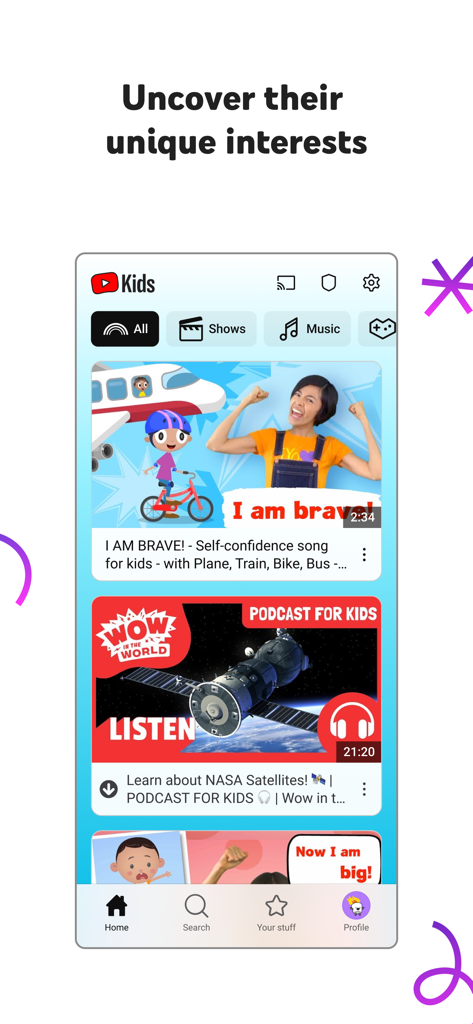
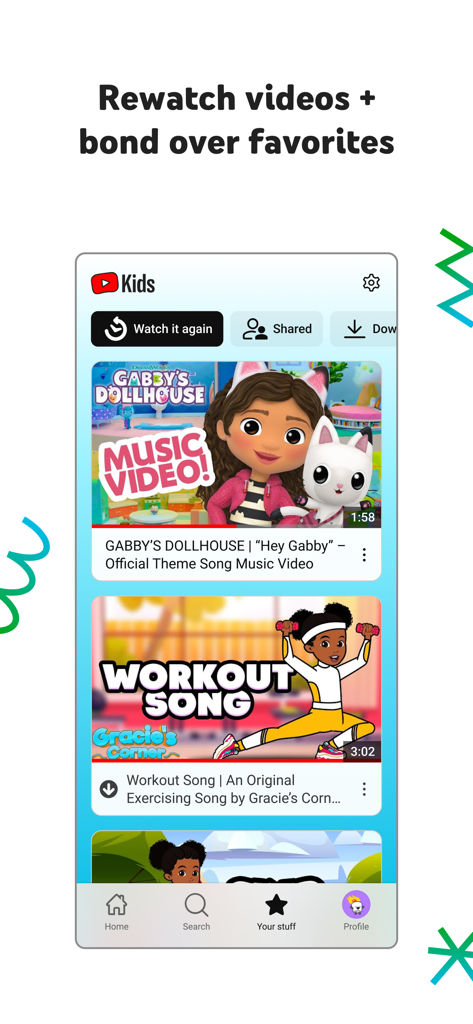
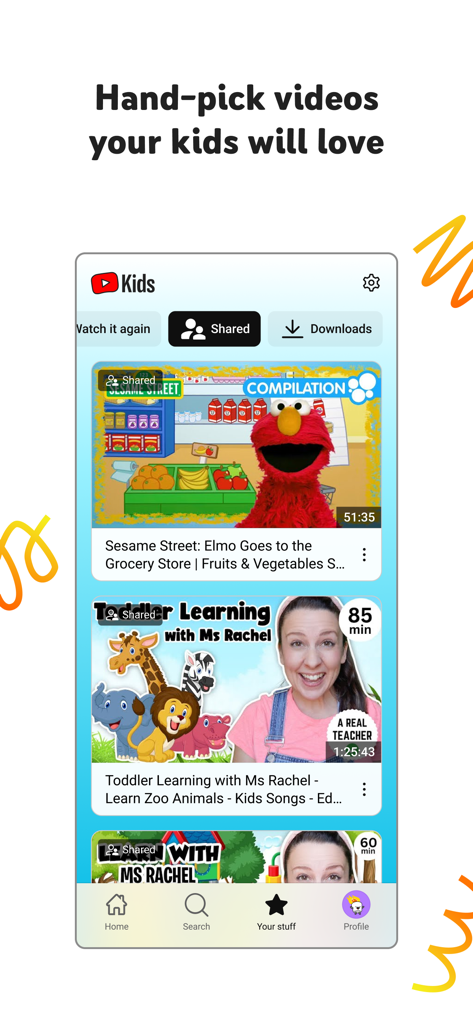
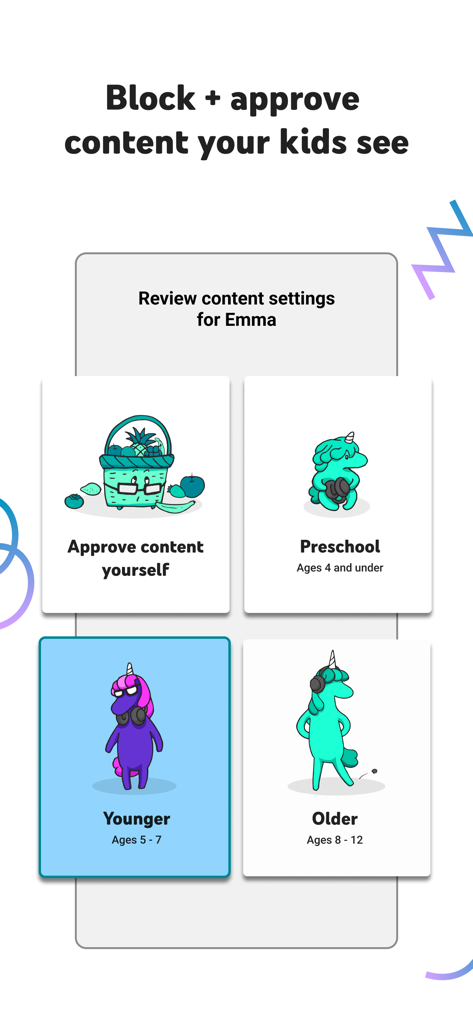
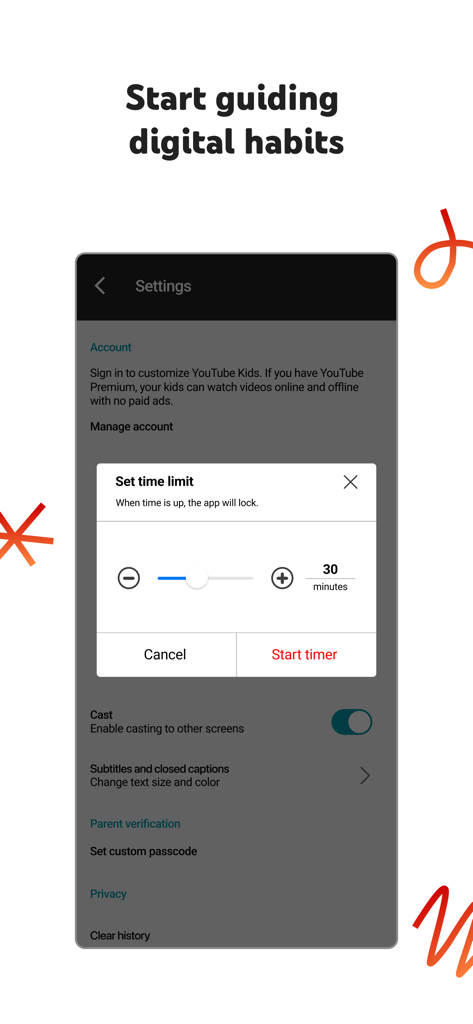
The tools that make this app stand out, trusted by 117M+ users.
From nursery rhymes in Preschool mode to gaming and DIY in Older mode, customize the experience to match your child's maturity level.
Take total control by hand-selecting every channel and video your child is allowed to watch with our 'Approved Content' setting.
Avoid the screen-time struggle. Set a limit and let the app handle the shutdown, helping your kids transition back to the real world without the friction.
Trusted by 117M+ people who love this app.
"YouTube Kids has been a total game-changer for our daily routine. The parental controls give me complete peace of mind, especially the 'Approved Content Only' mode. Plus, the built-in timer helps us manage screen time without the usual arguments. It's the only video app I trust for my toddlers."
"I love how this app grows with my family. We moved from Preschool songs to DIY crafts and science videos in the 'Younger' mode seamlessly. It empowers my kids to explore their unique interests safely, and I never have to worry about them stumbling into the unregulated corners of the internet."
Everything you need to know about YouTube Kids.
Description
Latest Version
11.02
Size
190.6 MB
First Released
Feb 23, 2015
Join over 100 million families. Download YouTube Kids today to customize their experience and enjoy peace of mind with every play.
Everything you need to know about YouTube Kids
YouTube Kids is an application designed for children to explore video content they love in a safe, curated environment. It features easy navigation tools and parental controls to help kids discover new interests.
YouTube Kids ensures age-appropriate content through personalized filters and modes: Preschool (ages 4 and under), Younger (ages 5-7), and Older (ages 8-12). Parents can also hand-pick content with the "Approved Content Only" mode.
Yes, YouTube Kids includes a Timer feature. Parents can set screen-time limits, and the app freezes once the set time expires, encouraging children to take a break from viewing.
YouTube Kids offers Parental Control features. Parents can limit content, guide viewing experiences, block unwanted videos or channels, and flag inappropriate content for review by the YouTube Kids team.
Yes, the YouTube Kids app features a "Watch it Again" tab. This allows parents and children to quickly find favorite videos and previously shared content for rewatching.
Yes, children using YouTube Kids may see commercial content from YouTube creators. This content is not considered paid advertising, as it originates directly from the creators themselves.
YouTube Kids offers content modes including Preschool (ages 4 and under), Younger (ages 5-7), Older (ages 8-12), and an "Approved Content Only" mode for parent-selected videos.
Parental setup is required for YouTube Kids to ensure the best experience for the family. This process allows parents to configure essential settings and content filters for their children.
Parents can hand-pick specific videos, channels, and collections for their children using the "Approved Content Only" mode. This feature gives complete control over accessible content.
Apps with similar features and user experience

BOUNCE PATROL PTY. LTD.
Leqing Network Technology Co., Ltd
Beijing Mampod Technology Co. Ltd.

Safe Vision Parental Software Pty Ltd
Kidjo, INC

Tankee Inc.
COLORCITY LIMITED
One 4 Kids Pty Ltd

SoundTouch Interactive

