
Screen Recorder: Go Record



Record high-quality gameplay, add Face Cam reactions, and edit your videos in seconds. Join 15 million creators turning screen captures into viral TikToks and YouTube Shorts instantly.
Publisher
Category
UtilitiesDownloads
15M+User Rating
Total Ratings
206K+Locales
1Discover the interface used by 15M+ users.
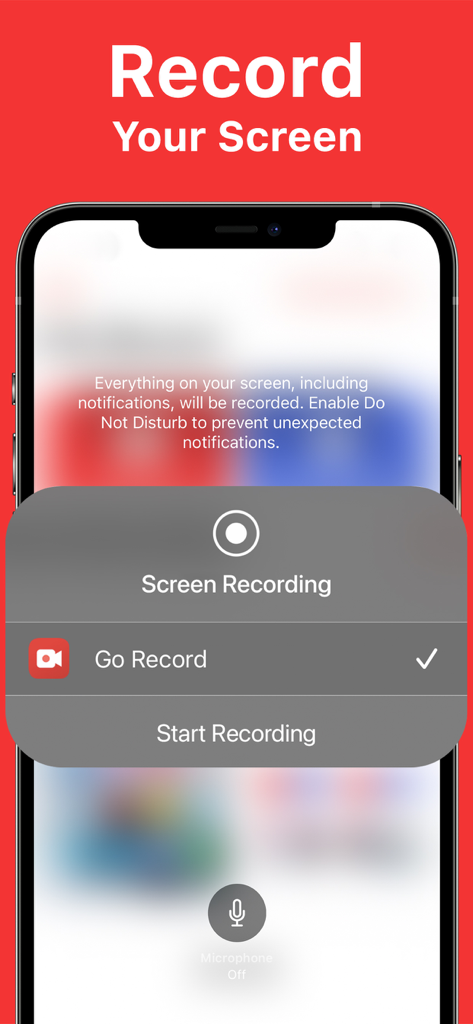
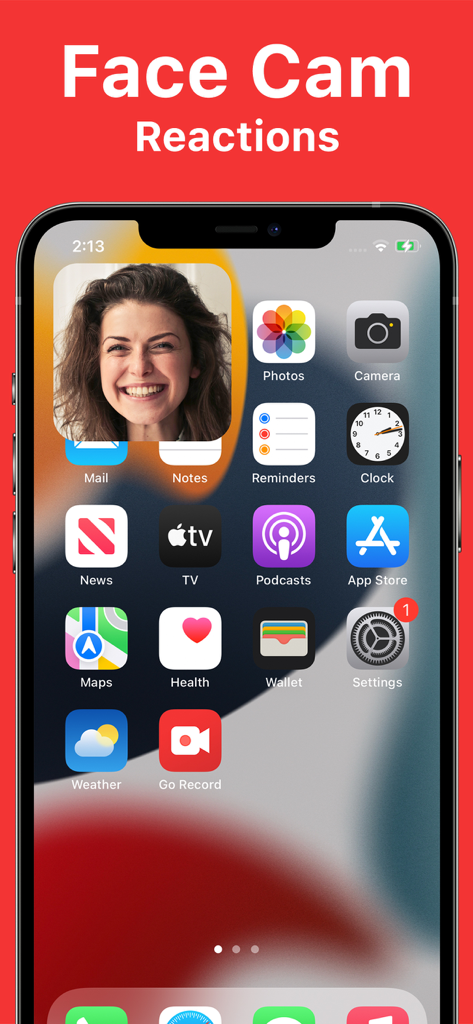
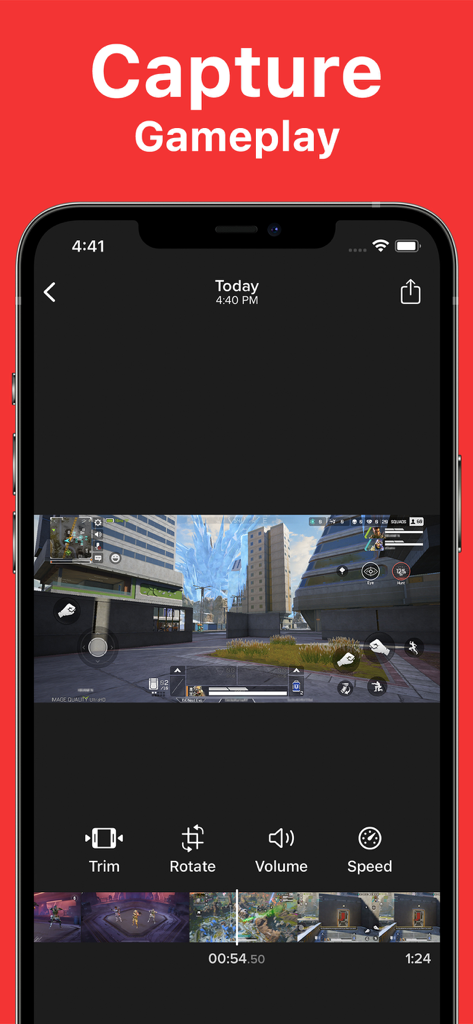
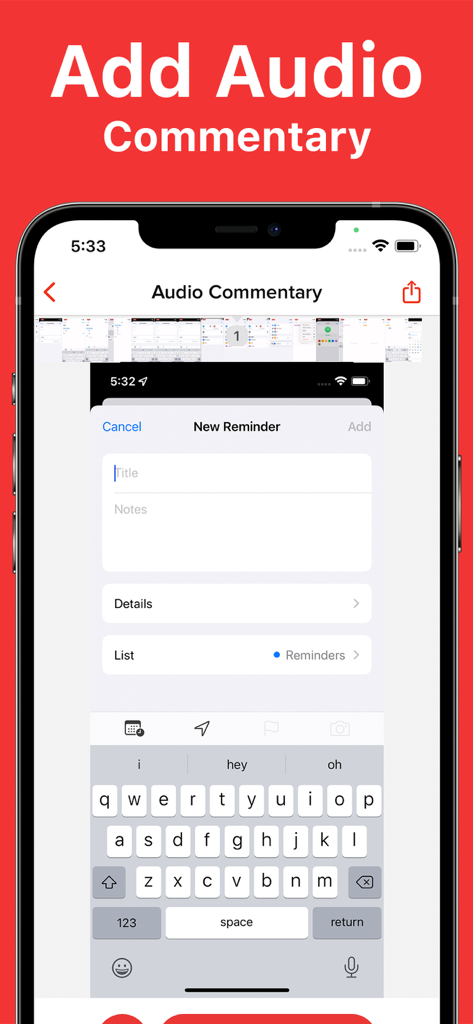
The tools that make this app stand out, trusted by 15M+ users.
Add your personality to every video with picture-in-picture reactions and real-time voice commentary.
Record high-stakes gameplay and tutorials in crystal-clear quality without any lag or complicated setup.
Trim, rotate, and polish your clips with built-in editing tools, then export directly to your favorite social apps.
Trusted by 15M+ people who love this app.
"I use Go Record for all my mobile gaming clips. Adding my face reaction directly to the footage makes a huge difference for my followers, and the export to TikTok is incredibly fast. It is hands down the best screen recorder on the App Store."
"This app is incredibly helpful for creating online tutorials. I can record my iPad screen, add clear voice commentary, and trim the video perfectly before sharing. It is way more intuitive and feature-rich than the standard iOS recorder."
Everything you need to know about Screen Recorder: Go Record.
Description
Latest Version
2.4.2
Size
13.6 MB
First Released
Mar 16, 2018
Join over 15 million creators using Go Record to capture epic gameplay, add face cam reactions, and share polished tutorials in seconds. Download now and start your journey.
Everything you need to know about Screen Recorder: Go Record
Screen Recorder: Go Record enables easy, high-quality screen recording. Users simply initiate recording through the app, capturing everything displayed on their screen.
Yes, Screen Recorder: Go Record allows users to add Face Cam reactions. This feature overlays the user's face onto the screen recording, enhancing personal interaction.
Yes, Screen Recorder: Go Record includes a built-in video editor. Users can trim, rotate, and adjust audio directly within the app without needing external tools.
Screen Recorder: Go Record provides built-in editing tools including trim video segments, rotate the recording, adjust audio volume, and modify playback speed.
Yes, Screen Recorder: Go Record supports capturing gameplay. The app is specifically designed for creators to record various screen content, including gaming sessions.
Screen Recorder: Go Record allows users to add voice commentary to their recordings. This feature enables creators to narrate their screen recordings directly within the app.
Yes, Screen Recorder: Go Record supports fast sharing. Users can export their edited screen recordings directly to their preferred applications quickly and efficiently.
Apps with similar features and user experience

Medal B.V.

VIDEOSHOW PTE. LTD.

App of the Year LLC

DIGISET LLC

Arthur Eduardo Skaetta Alvarez Desenvolvimento de Software LTDA.

Poster App LLP

Dream United, Ltd.

Danila Ianushev

Mark Thomas