Scrivener

Scrivener

Download on App Store
Spark by MWM logo
Logo of Scrivener

Scrivener: The All-in-One Command Center for Serious Writers

Go from messy ideas to a polished manuscript with tools designed for long-form projects. Organize your research, structure your story, and write distraction-free on your iPhone and iPad.

Publisher

Literature & Latte Ltd

Category

Productivity

Downloads

464K+

User Rating

4.3/5

Total Ratings

3K+

Locales

10

Your Workspace, Visualized

Discover the interface used by 464K+ users.
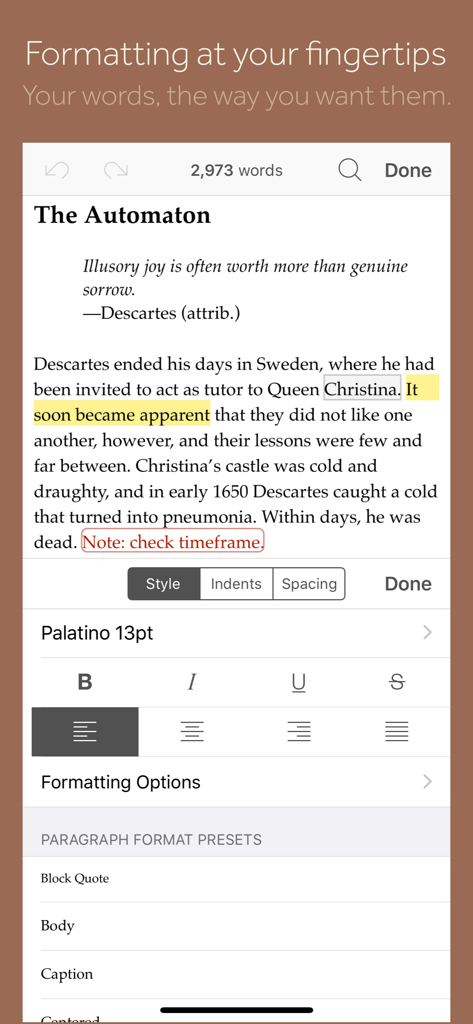
Mobile view of the Scrivener app showing a text editor with a formatting panel for styles, fonts, and paragraph presets.

Mobile view of the Scrivener app showing a text editor with a formatting panel for styles, fonts, and paragraph presets.

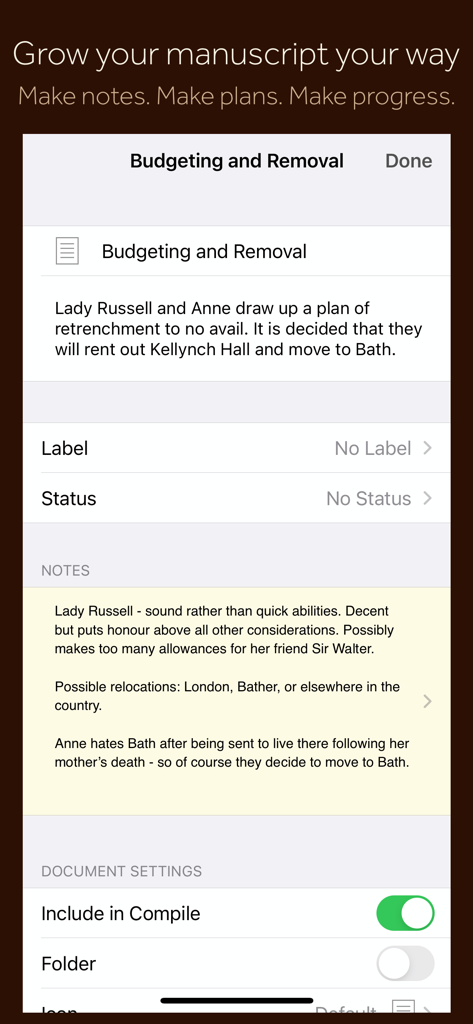
Scrivener mobile app interface displaying manuscript section notes, planning metadata, and document settings.

Scrivener mobile app interface displaying manuscript section notes, planning metadata, and document settings.

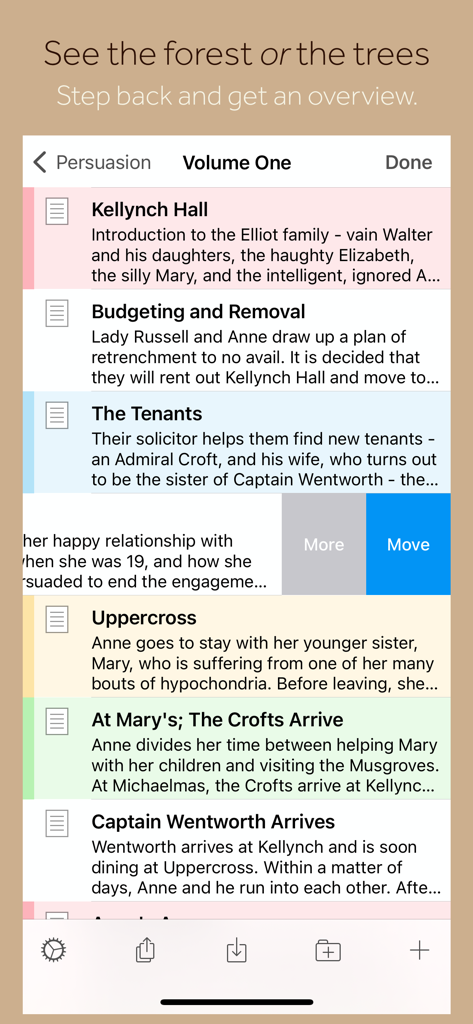
Scrivener app interface showing a list of manuscript chapters and summaries on iPhone.

Scrivener app interface showing a list of manuscript chapters and summaries on iPhone.

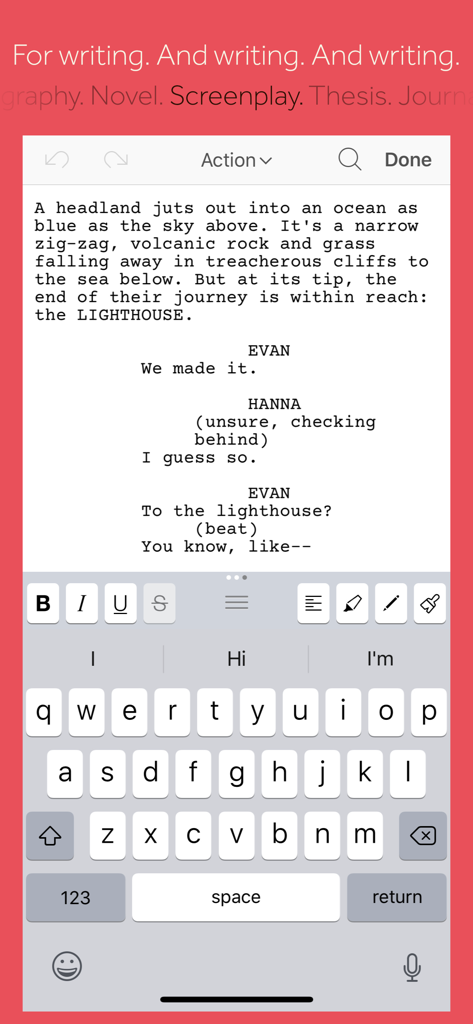
Scrivener mobile app showing screenplay writing mode and formatting tools on an iPhone

Scrivener mobile app showing screenplay writing mode and formatting tools on an iPhone

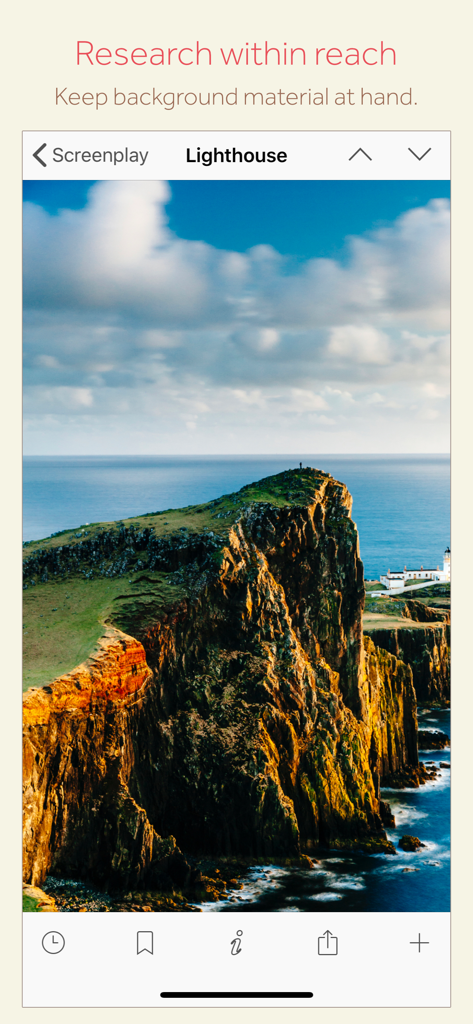
Scrivener mobile app interface showing a research image of a lighthouse for a screenplay project.

Scrivener mobile app interface showing a research image of a lighthouse for a screenplay project.

The Ultimate Command Center for Serious Writers

The tools that make this app stand out, trusted by 464K+ users.

🗂️

Structure Without the Stress

Break your manuscript into manageable chunks. Use the Binder to reorganize chapters or scenes with a simple drag-and-drop, allowing your story to grow organically.

📚

Your Research, Always at Hand

Keep your character sketches, maps, and PDFs right next to your draft. On iPad, view research and writing side-by-side to maintain your flow without switching apps.

📤

Professional Publishing in a Tap

Ready to share? Compile your work into industry-standard formats like PDF, Word, or Kindle e-books. Go from a messy draft to a polished manuscript instantly.

Loved by users worldwide

Trusted by 464K+ people who love this app.

"

"Scrivener is the only tool that can keep up with the complexity of my novels. I love that I can brainstorm on my iPhone during my commute and then use the iPad corkboard to restructure my entire plot at a coffee shop. It has turned my mobile devices into a true professional writing studio."

Elena Rodriguez, Fiction Author
"

"For my long-form research projects, this app is indispensable. Having my PDFs, notes, and drafts all in one self-contained project—and being able to compile them into a perfectly formatted document for my editor—saves me hours of manual labor. It is the gold standard for serious writers."

Marcus Thorne, Freelance Journalist

About the app

Everything you need to know about Scrivener.

Description

“The biggest software advance for writers since the word processor.” —Michael Marshall Smith, bestselling author Typewriter. Ring-binder. Scrapbook. Scrivener combines all the writing tools you need to craft your first draft, from nascent notion to final full stop. Tailor-made for creating long manuscripts, Scrivener banishes page fright by allowing you to compose your text in any order, in sections as large or small as you like. Got a great idea but don’t know where it fits? Write when inspiration strikes and find its place later. Grow your manuscript organically, idea by idea. Whether you plan or plunge, Scrivener works your way: meticulously outline every last detail first, or hammer out a complete draft and restructure later. Or do a bit of both. All text sections in Scrivener are fully integrated with its outlining tools, so working with an overview of your manuscript is only ever a tap away, and turning Chapter Four into Chapter One is as simple as drag and drop. Need to refer to research? In Scrivener, your background material is always at hand. Write a description based on a photograph. Reference a video or PDF. Check for consistency with an earlier chapter. On the iPad, open two documents side-by-side; on the iPhone, flip between research and writing with just two taps. Once you’re ready to share your work with the world, simply compile everything into a single document for printing, or export to popular formats such as Word, PDF, Final Draft or plain text. You can even share using different formatting, so that you can write in your favorite font and still keep your editor happy. FEATURES Get Started • Interactive tutorial project • Keep each manuscript and supporting materials in a self-contained project • Import Word, RTF, Final Draft and plain text files • Easily split imported text into separate sections Get Writing • Write your manuscript in sections of any size • View all sections as a single text using the “Draft Navigator” (iPad only) • Quickly navigate sections using the “binder” sidebar • Format with fonts and presets • Comments, footnotes, links and highlights • Simple bullets and lists • Insert images • Pinch-zoom to resize text • Full-screen mode (iPad only) • Typewriter scrolling mode keeps typed text center-screen (iPad only) • Write a screenplay using scriptwriting mode • Live word and character counts • Set word and character count targets • Find and replace • Customizable keyboard row provides quick-access buttons for formatting, navigation and punctuation • Comprehensive keyboard shortcuts for external keyboard users • Dark mode Find Your Structure • Write in any order and reorganize later • Write a synopsis for any text section and see it in the outline • Expand, collapse and drill down into sections of your project • Rearrange sections as index cards on the corkboard (iPad only) • Project-wide search • Track ideas using labels and status • Apply custom icons to your sections Refer to Research • Import research material such as image, PDF and media files • View research files or other sections right alongside your writing (iPad only) • Every section has its own notes area for jotting down ideas • Supports multitasking split screen mode (supported devices only) Share Your Work • Compile to a single document for sharing or printing • Use different formatting in your exported or printed document • Export to Word, RTF, Final Draft, PDF or plain text • Convert rich text to Markdown for sharing with Markdown apps • Create and email zipped backups of your projects Work Anywhere • Use Dropbox to sync between devices and with the macOS and Windows versions of Scrivener* • Copy projects between devices via iTunes * Requires a Dropbox account (not compatible with iCloud). SUPPORT You can contact us at ios.support@literatureandlatte.com, visit our forums at http://www.literatureandlatte.com/forum, or find us @scrivenerapp on Twitter.

Latest Version

1.2.4

Size

26.5 MB

First Released

Jul 20, 2016

Your Professional Writing Studio, Anywhere

From nascent notion to final full stop, take the world's most powerful manuscript management tool on the road. Download Scrivener for iOS and start crafting your masterpiece today.

Download on App Store