Sketch 3D

Sketch 3D

Download on App Store
Spark by MWM logo
Logo of Sketch 3D

Sketch 3D: Professional 3D Modeling and Animation in Your Pocket

The ultimate mobile workstation for makers and digital artists. Sculpt complex models with intuitive multi-touch gestures, animate with skeleton structures, and export pro-grade STL files for 3D printing—all from your iPad or iPhone.

Publisher

Victor Ng

Category

Graphics & Design

Downloads

533K+

User Rating

3.2/5

Total Ratings

1K+

Locales

4

Design in Your Hands

Discover the interface used by 533K+ users.
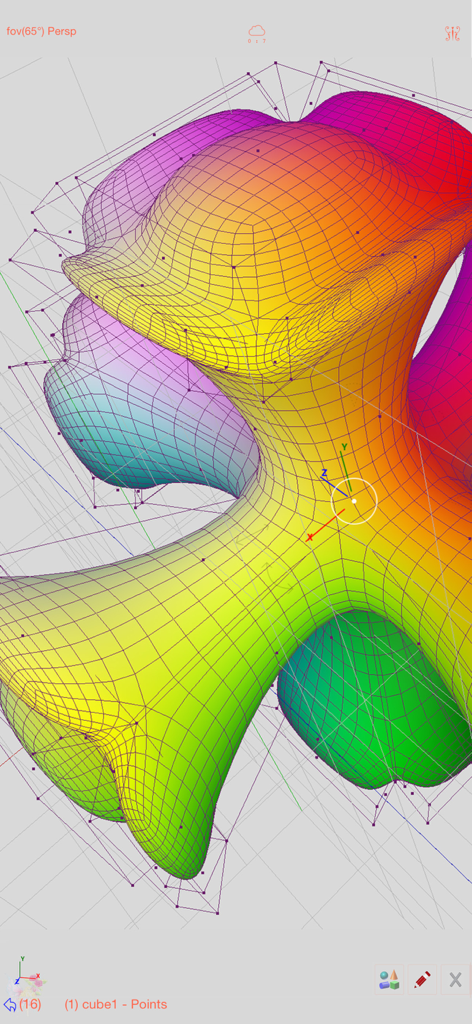
A colorful organic 3D mesh model being edited with wireframe and vertex points in the Sketch 3D app

A colorful organic 3D mesh model being edited with wireframe and vertex points in the Sketch 3D app

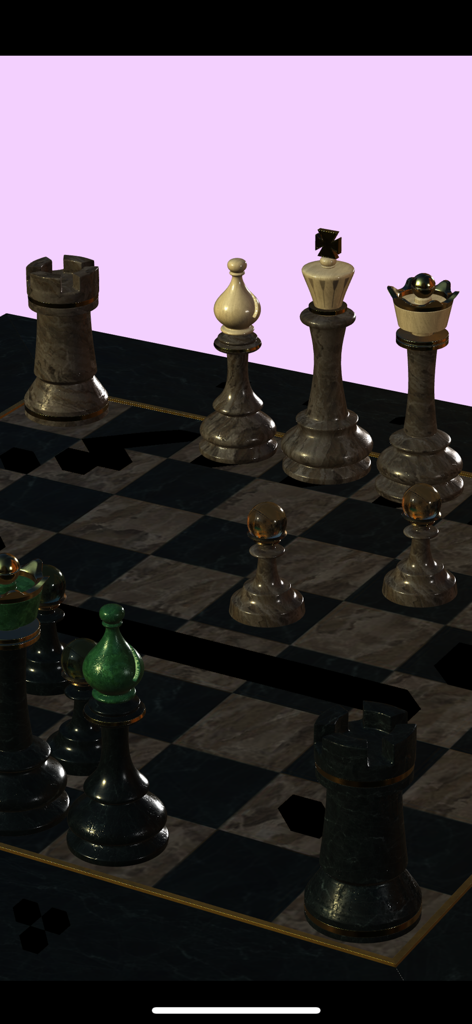
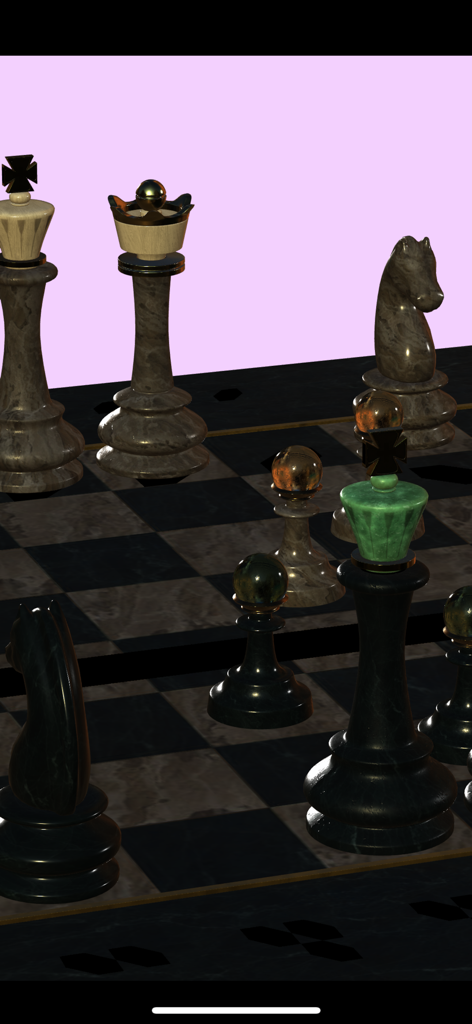
A 3D chess set with marble textures rendered in Sketch 3D

A 3D chess set with marble textures rendered in Sketch 3D

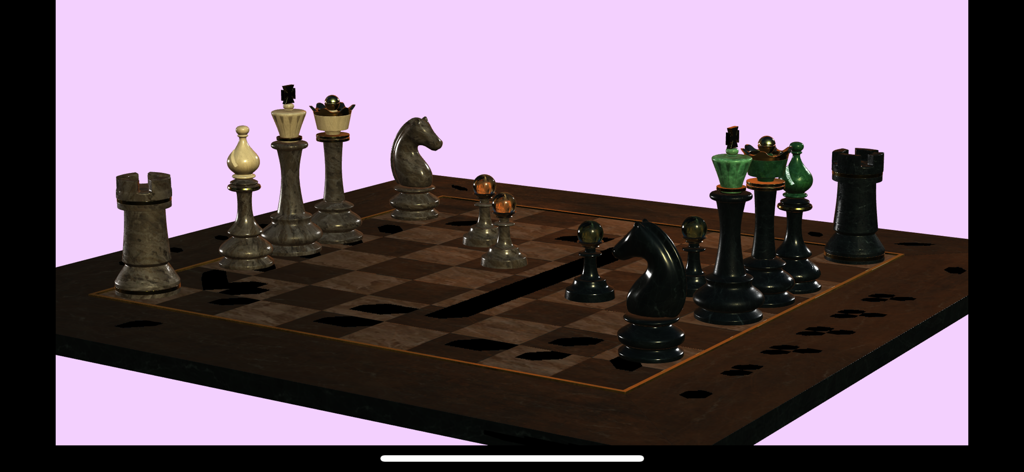
A realistic 3D chess set rendered in the Sketch 3D app

A realistic 3D chess set rendered in the Sketch 3D app

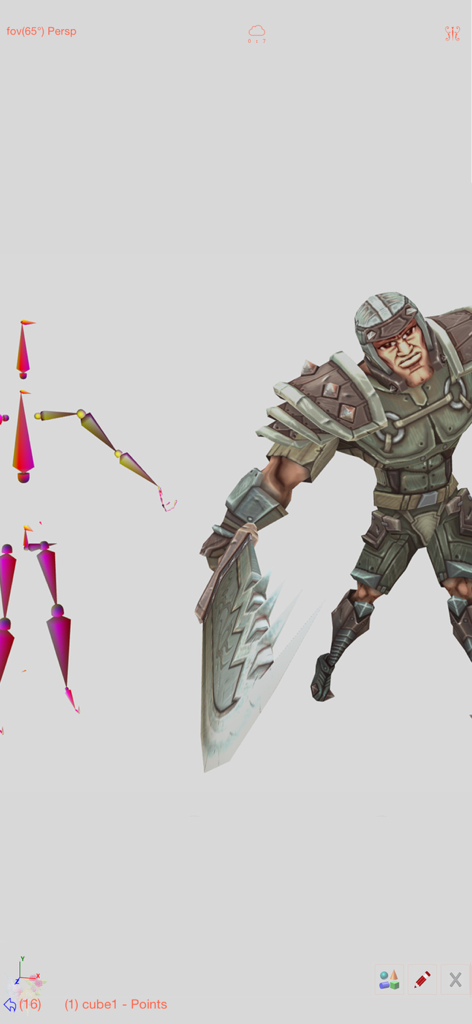
A 3D warrior character with a visible skeletal rigging structure for animation.

A 3D warrior character with a visible skeletal rigging structure for animation.

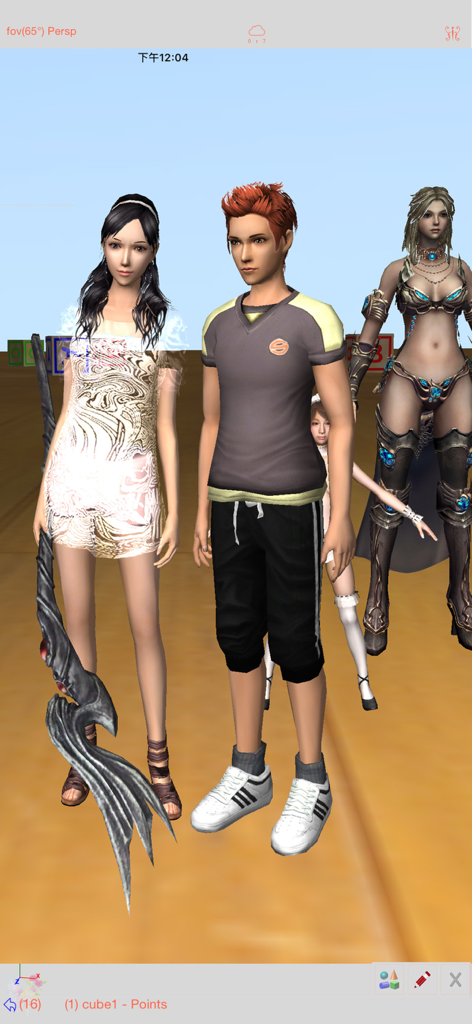
Several detailed 3D character models displayed within the Sketch 3D app interface

Several detailed 3D character models displayed within the Sketch 3D app interface

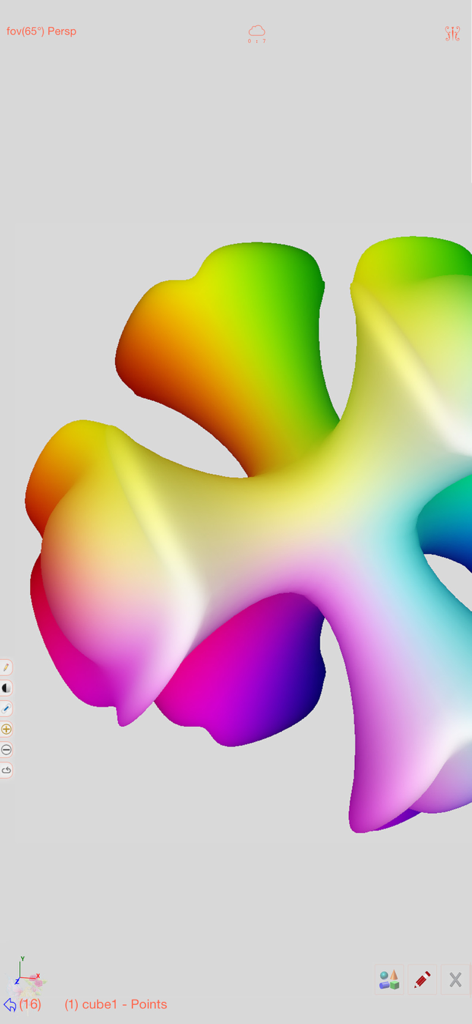
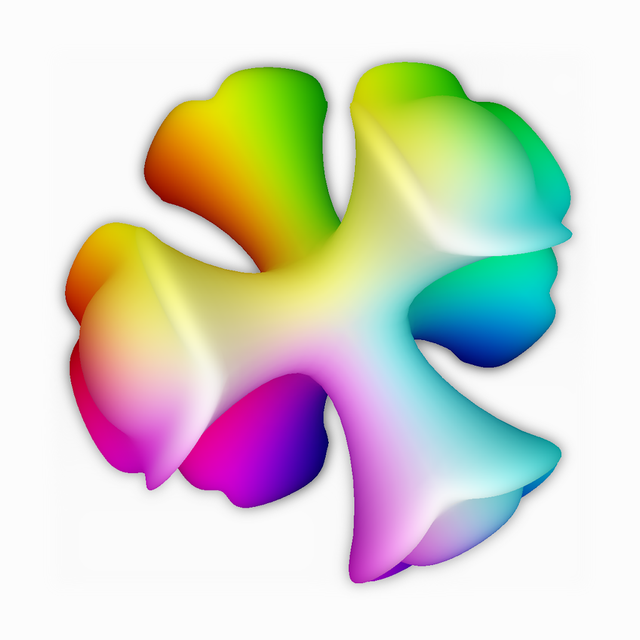
A smooth 3D shape with a vibrant rainbow vertex color gradient in the Sketch 3D mobile editing interface

A smooth 3D shape with a vibrant rainbow vertex color gradient in the Sketch 3D mobile editing interface

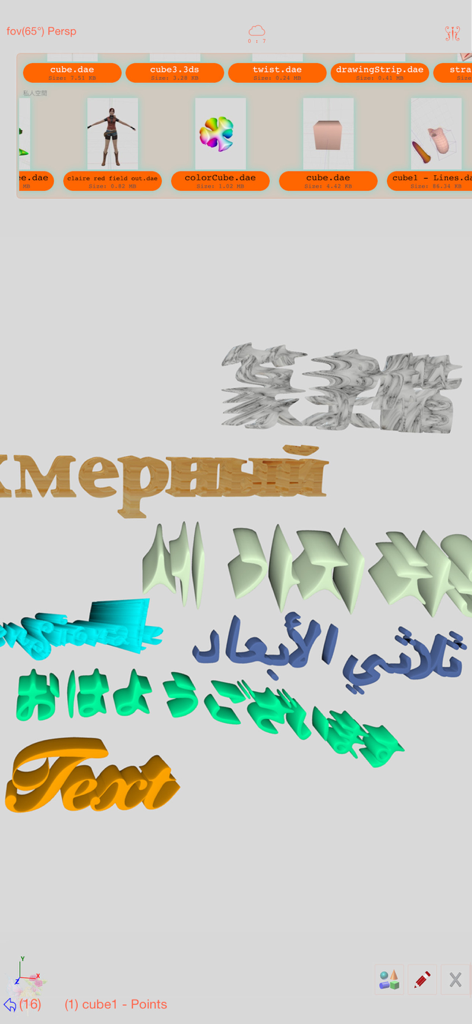
Interface of Sketch 3D app showing 3D text generation in multiple languages with a file selection menu

Interface of Sketch 3D app showing 3D text generation in multiple languages with a file selection menu

Realistic 3D chess set render with marble textures created in Sketch 3D

Realistic 3D chess set render with marble textures created in Sketch 3D

Professional 3D Design in the Palm of Your Hand

The tools that make this app stand out, trusted by 533K+ users.

🖐️

Touch-First Precision Modeling

Forget complex keyboard shortcuts. Use intuitive multi-touch gestures to extrude, bevel, and loop cut. Professional geometry tools like subdivision surfaces and quad-face editing are now as simple as a swipe.

🖨️

Optimized for 3D Printing

Move from digital concept to physical reality in minutes. Export high-quality STL and OBJ files directly to your 3D printer, making it the perfect companion for makers, engineers, and DIY hobbyists.

🎭

Live Face Capture & Animation

Leverage cutting-edge tech with TrueDepth face modeling and skeletal rigging. Create complex character animations or capture facial expressions instantly for social media, indie games, or VTubing.

Loved by users worldwide

Trusted by 533K+ people who love this app.

"

"Sketch 3D has completely changed my 3D printing workflow. I can sketch out functional parts on my iPad while I am on the go and export the STL files directly to my printer. The subdivision and bevel tools are surprisingly powerful for a mobile app!"

Marcus T.
"

"As a freelance character designer, I love how intuitive the multi-touch gestures feel compared to desktop software. The TrueDepth face capture and skeleton animation features are absolute game-changers for prototyping my digital assets."

Elena R.

About the app

Everything you need to know about Sketch 3D.

Description

Sketch 3D is a tool for designing 3D models from your fingertips. You could download models from others, and could also share your great designs with other users by saving models in Public space. New Feature: Integrated MaterialX library into the app.   Mesh object can be applied with materialx documents. When Saving and Loading with material, the document relative path is stored as a diffuse map entry, similar to the way of handling movie textures. Other features like material adjustment and graph editing are not supported yet. User could download free material documents from public websites and import those zip files with this app, using ShareTo or AirDrop. Feature: Use True Depth Camera to capture face model. Feature: Support using video as model texture. You could use video clips from Photo Album, or from Internet URL (YouTube URL not supported), and then apply it onto a model as texture map. Feature: Capture movie from the 3D scene. Note! If your device could not capture movie, then, could try out a smaller output resolution (by tapping the control pane). However, arbitrary output size may stop capturing prematurely. Feature: Design 3D model animation with skeleton structure. You could design a skeleton structure by placing bones in hierarchical relation. Attach model to the skeleton, and then moving the bones to define different poses. Each pose represented as a keyframe in the timeline view. And animation sequence is produced by playing interpolation between the keyframes. Features: - Import 3D content directly from browser or email, either in .zip, .rar, .7z. - Support formats: Collada DAE, OBJ, 3DS, STL(for 3D printing), and others. - Import/export to iCloud drive, via iTune File Sharing, or to Public area via Apple CloudKit Service. - Supports AirDrop. - Support Quad faces. - Smooth surfaces using Subdivision. - Mirroring editing. - 2-fingers vertex movement, 3 or 4-fingers planar shape creation. - Versatile multi-touches drag-through-space gestures to support editing and changing viewing angle at the same time. - Flexible face strip drawing. - Stitching boundary faces. Stitch triangle soap into connected faces. Stitch over edge or vertex to form a larger face. - Stitching Triangles to Quads. - Loop Cut faces. - Bevel edges. - Extrude faces or edges. - Revolve (Spin). - Vertex Smoothing. - Vertex Slide along edges. - Crease Editing after mesh subdivision. - Split mesh from, or Join mesh to the editing one. - Support hierarchical mesh node structure. - Direct vertex color editing when texture map is not used. - Edit texture map UV coordinates, include atlas generation. - 3D Text generation. - Scene interaction with your created shape. - Design Animation with skeleton structure. - Capture movie from the 3D scene. - Support using video as model texture map.

Latest Version

1.54

Size

187.6 MB

First Released

Aug 22, 2015

Bring Your 3D Visions to Life Anywhere

Join half a million makers and designers. Download Sketch 3D now to start modeling, animating, and 3D printing right from your fingertips.

Download on App Store