Stock Control

Stock Control

Download on App Store
Spark by MWM logo
Logo of Stock Control

Stock Control: The Ultimate Inventory Tracker for Small Business Owners

Manage your supplies across warehouses and vans, scan barcodes instantly, and receive low-stock alerts on your iPhone, iPad, and Mac. Stay organized and never miss a sale or a job again.

Download on App Store

Publisher

Thomas Coomer

Category

Business

Downloads

4K+

User Rating

1.0/5

Total Ratings

0

Locales

6

Efficiency at a Glance

Discover the interface used by 4K+ users.
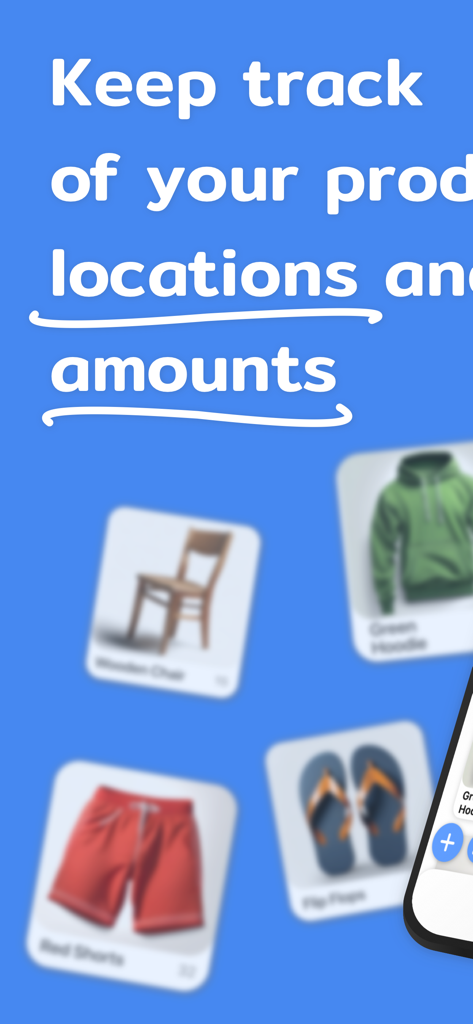
Stock Control app screen showing product tracking by location and amount with visual item cards

Stock Control app screen showing product tracking by location and amount with visual item cards

Interface of the Stock Control app on an iPhone showing a list of products with images and stock quantities

Interface of the Stock Control app on an iPhone showing a list of products with images and stock quantities

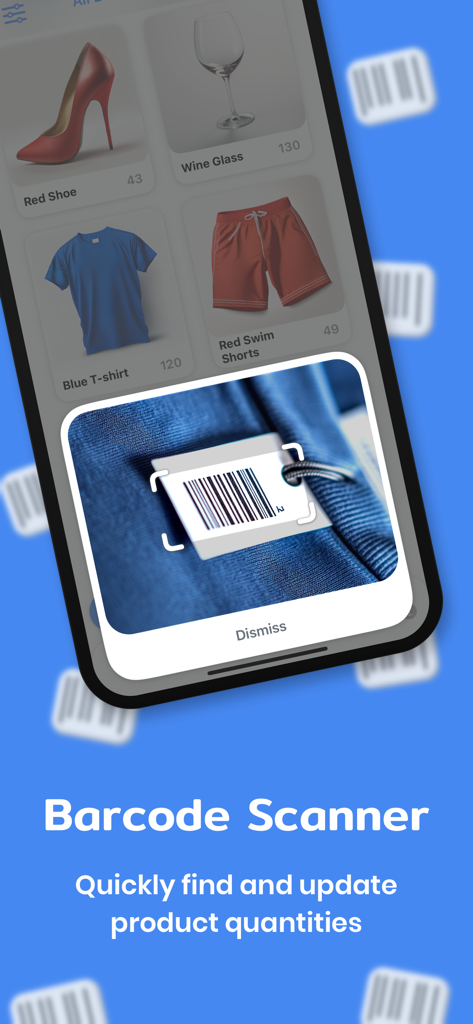
Stock Control app interface demonstrating the integrated barcode scanner for inventory management

Stock Control app interface demonstrating the integrated barcode scanner for inventory management

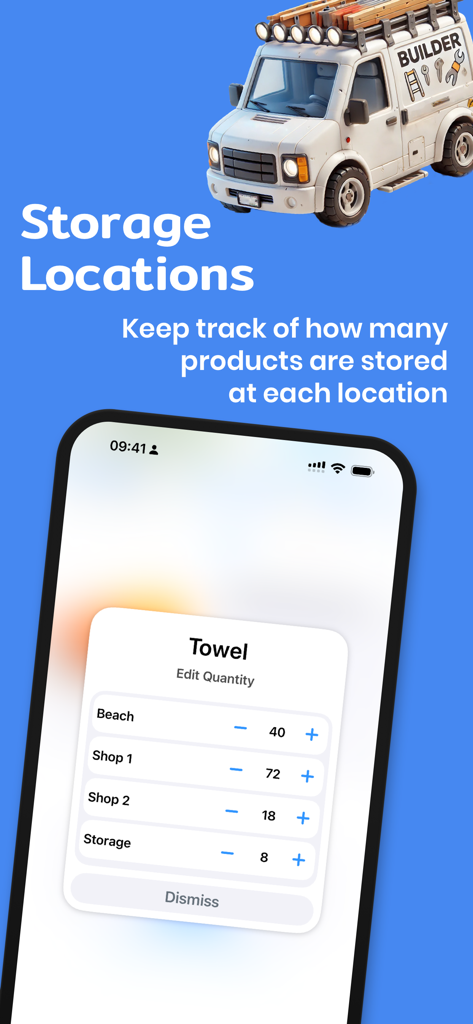
Stock Control app interface showing product quantity tracking across multiple storage locations on an iPhone

Stock Control app interface showing product quantity tracking across multiple storage locations on an iPhone

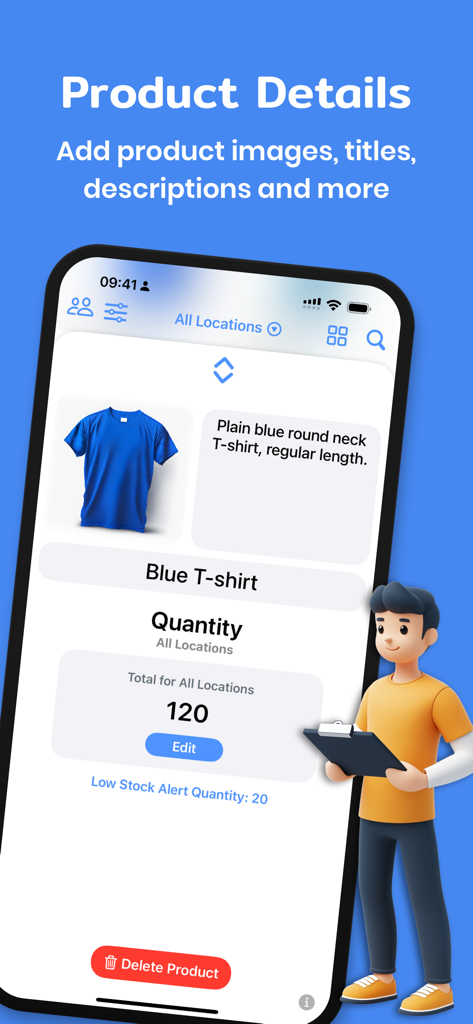
Stock Control app interface showing product details, quantity tracking, and low stock alerts

Stock Control app interface showing product details, quantity tracking, and low stock alerts

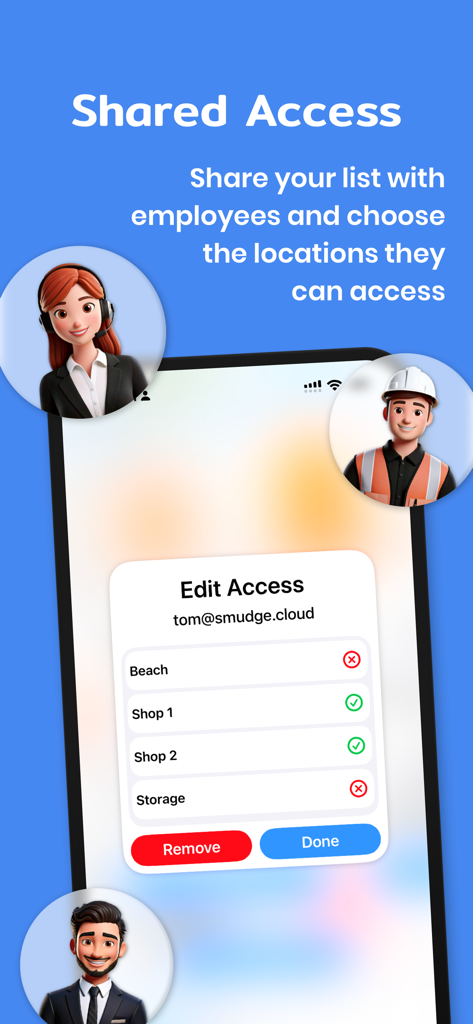
Interface of the Stock Control app showing how to manage employee permissions and access to different inventory locations

Interface of the Stock Control app showing how to manage employee permissions and access to different inventory locations

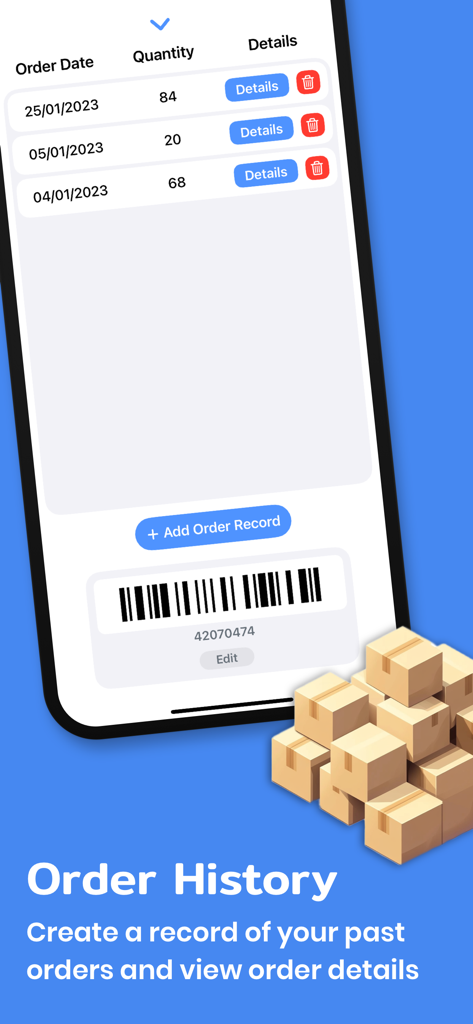
A mobile interface for Stock Control showing the order history list with quantities and dates

A mobile interface for Stock Control showing the order history list with quantities and dates

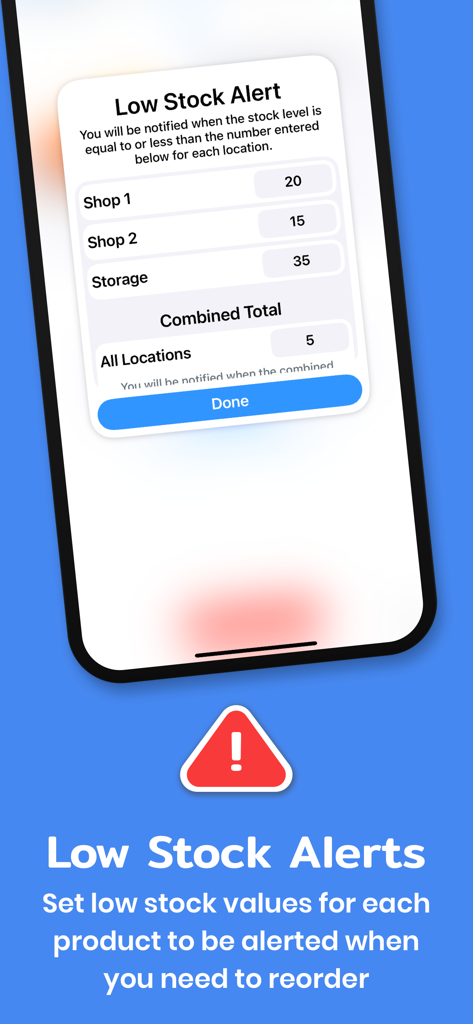
Stock Control mobile app interface showing custom low stock alert settings for multiple storage locations

Stock Control mobile app interface showing custom low stock alert settings for multiple storage locations

Control Your Inventory, Scale Your Business

The tools that make this app stand out, trusted by 4K+ users.

🚚

Track Every Location

From the main warehouse to individual service vans, see your stock levels across every storage point in real-time.

📱

Instant Barcode Scanning

Update your inventory in seconds using your iPhone or iPad camera. Fast, accurate, and built for professionals on the move.

🔔

Never Miss a Reorder

Set custom low-stock thresholds and receive instant alerts. Keep your projects on track and your customers happy.

Loved by users worldwide

Trusted by 4K+ people who love this app.

"

"Running an electrical business means my van is my office. Stock Control lets me track parts across my truck and the main warehouse instantly. The barcode scanner is a game-changer for quick updates, and I haven't had a 'dead run' back to the supplier since I started using the low-stock alerts. Essential for any tradesperson."

Mark S., Independent Contractor
"

"As my boutique grew, my old spreadsheets just couldn't keep up. This app made the transition to professional inventory management so easy. I love being able to manage my stock on my Mac during office hours and then quickly check quantities on my iPhone while I'm at the post office. The peace of mind is worth every penny."

Sarah L., E-commerce Founder

About the app

Everything you need to know about Stock Control.

Description

Never run out of products or supplies again! The Stock Control app for iPhone, iPad, and Mac helps you manage your stock levels, ensuring you always have what you need, when and where you need it. Whether you’re running a business, managing supplies for jobs, or keeping your home inventory organised, this app is designed to help you keep track of your stock levels. How can Stock Control help you or your business? • Stay Organised Across All Locations - Keep track of product quantities across multiple storage locations. Whether it’s your warehouse, van, or office, you’ll always know what’s in stock and where it is. • Update Stock in Seconds - Use your device’s camera to scan product barcodes for fast updates. Quickly find and open the product info view to adjust its details or quantities for each location. • Never miss a reorder - Set low-stock alerts for each product in every location and get timely notifications. Avoid the stress of running out of essential items by reordering before it’s too late. • Collaborate with Your Team - Easily share your stock list with team members, giving them access to view and update product quantities. You can even control which locations each person can access and revoke permissions at any time. • Reduce Wasted Time and Costs - Avoid unnecessary trips to the store by ensuring your vans and shelves are always fully stocked, helping you save time, reduce costs, and keep projects or sales on track without interruptions. • Keep Customers and Projects on Track - Whether it’s customer treatments, job site supplies or product sales, Stock Control can help you make sure that you do not miss a delivery, treatment, or sale due to lack of stock. Features Designed for Your Needs • View all your products with images, titles, and quantity values. • Choose from multiple display and sorting options for a customised view. • Easily update stock with a slideover view for product details and quantities. • Set low stock values to be alerted when you need to reorder or restock items at a certain location. • Keep a record of past orders, including order numbers, dates, quantities, and notes, with quick links to reorder. • Manage multiple storage locations effortlessly. • Share stock information with team members and manage their access to specific locations. Why Download Stock Control? Stock Control is more than just an app—it’s your partner in staying organised, proactive, and efficient. Reduce wasted time and money on stock issues. Start taking control of your stock now! - Subscription Details - Stock Control requires a month to month subscription after your 14 day free trial. Your subscription can be cancelled at any time. No long term commitment required. Subscriptions will be charged to your iTunes account at confirmation of purchase. Your subscription will automatically renew unless automatic renewal is turned off at least 24 hours before the end of the current period. Your account will be charged for renewal within 24 hours prior to the end of the current period. You can manage your subscriptions and automatic renewal status in Account Settings after purchase. Price may vary by location. Privacy Policy: https://smudge.app/privacy Terms and Conditions: https://smudge.app/app-terms

Latest Version

2.2.3

Size

11.9 MB

First Released

Apr 13, 2016

Ready to Never Run Out of Stock Again?

Join thousands of professionals who save time and money by staying organized across every location. Start your 14-day free trial today on iPhone, iPad, and Mac.

Download on App Store