Transcribe: Voice to Text+

Transcribe: Voice to Text+

Download on App StoreDownload on Google Play
Spark by MWM logo
Logo of Transcribe: Voice to Text+

Transcribe: Voice to Text+ | Effortless AI Transcription for Audio & Video
Stop wasting hours on manual typing. Instantly convert lectures, interviews, and meetings into accurate, editable text with the ultimate productivity tool for busy professionals and students.

Download on App Store

Publisher

Arda Sen

Category

Productivity

Downloads

1K+

User Rating

4.2/5

Total Ratings

100

Locales

1

Efficiency at a Glance

Discover the interface used by 1K+ users.
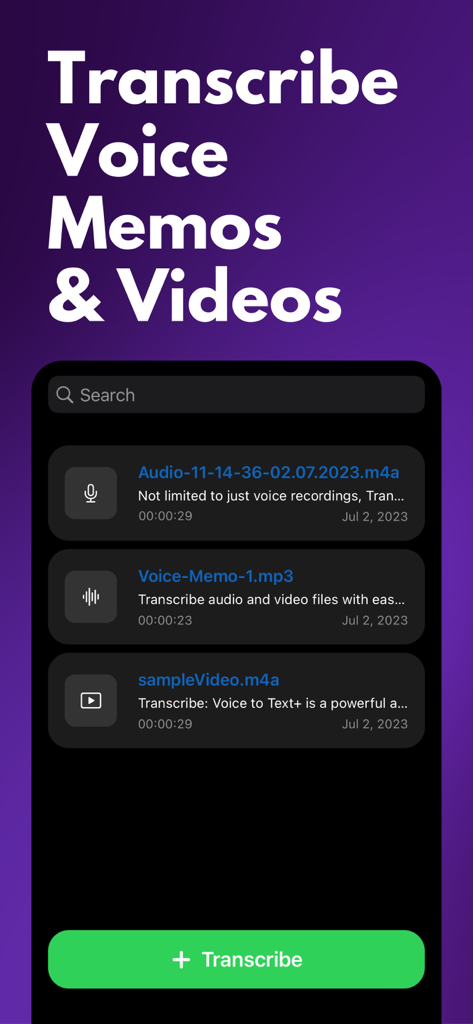
Interface of the Transcribe app showing a list of voice memos and videos with a green transcribe button

Interface of the Transcribe app showing a list of voice memos and videos with a green transcribe button

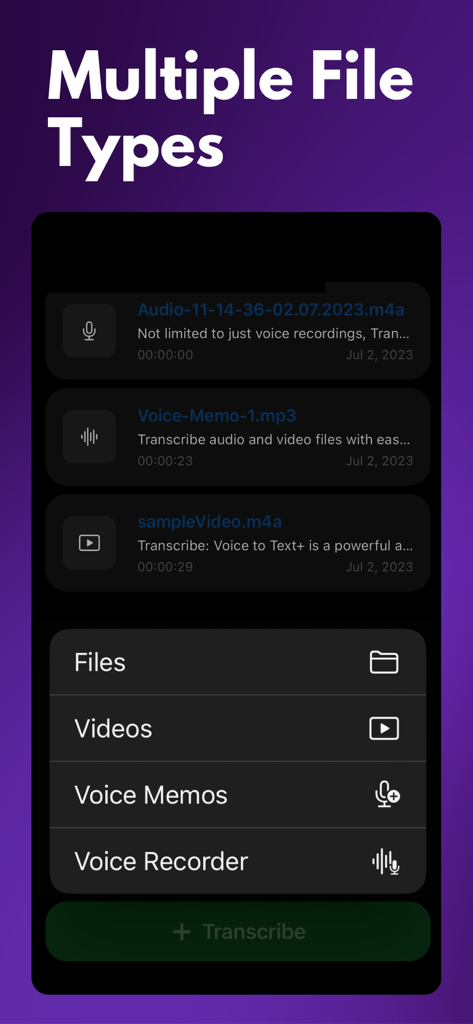
A mobile interface showing transcription options for various file types including videos and voice memos

A mobile interface showing transcription options for various file types including videos and voice memos

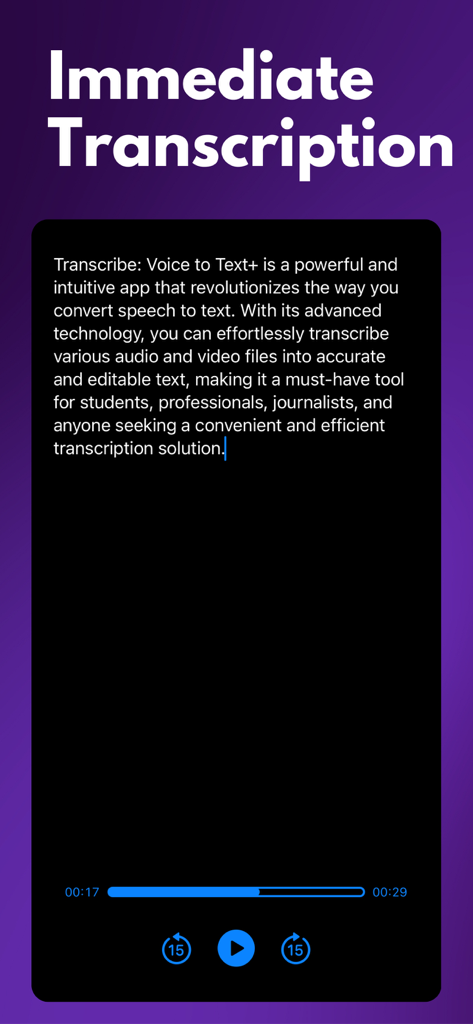
Interface of the Transcribe app showing immediate voice to text conversion with audio playback controls

Interface of the Transcribe app showing immediate voice to text conversion with audio playback controls

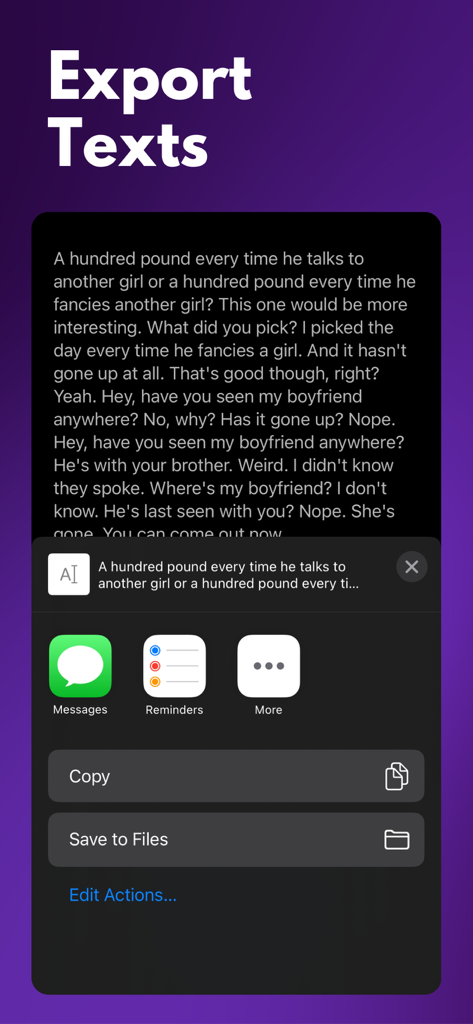
Transcribe app interface showing options to export transcribed text via messages, copy, or save to files.

Transcribe app interface showing options to export transcribed text via messages, copy, or save to files.

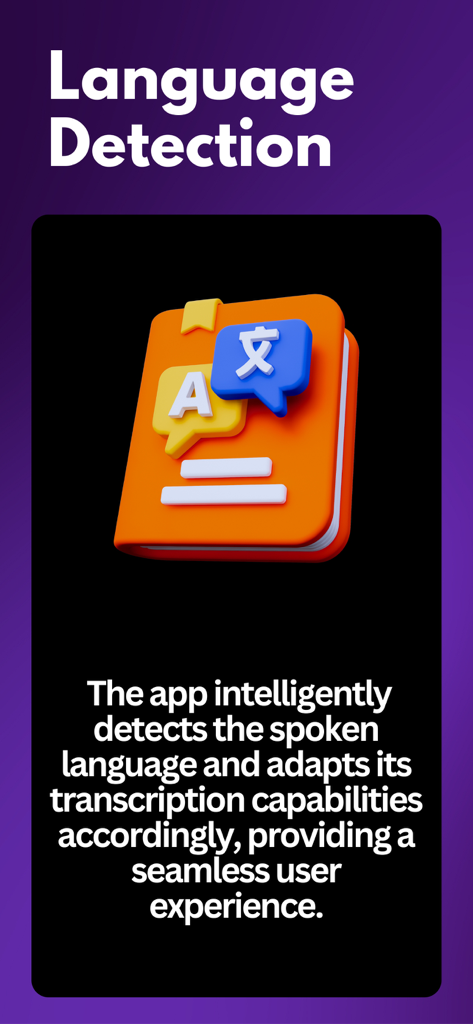
A 3D illustration of an orange book with speech bubbles showing different languages representing the automatic language detection feature.

A 3D illustration of an orange book with speech bubbles showing different languages representing the automatic language detection feature.

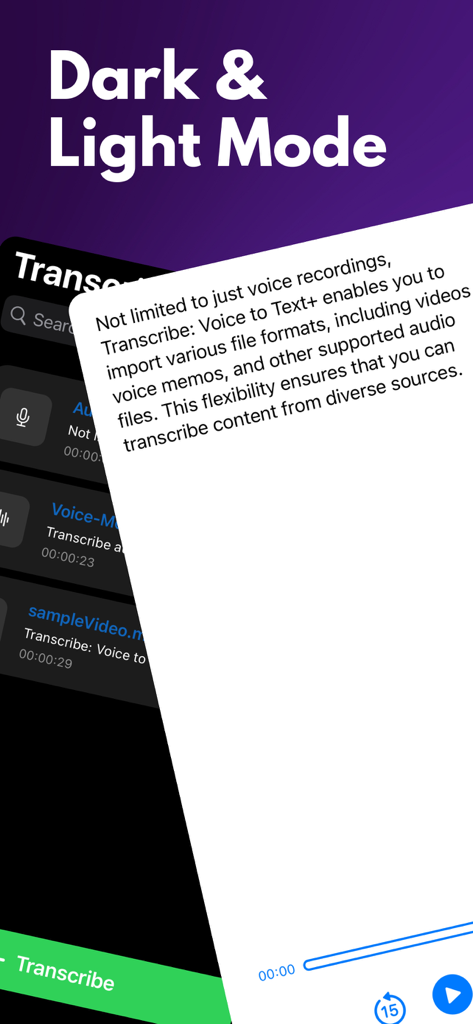
Interface of the Transcribe app showing both dark and light modes with a list of imported files and transcription options

Interface of the Transcribe app showing both dark and light modes with a list of imported files and transcription options

Turn Every Word Into Actionable Insights

The tools that make this app stand out, trusted by 1K+ users.

High-Precision Transcription

Convert lectures, interviews, and voice memos into text with industry-leading accuracy. Save time and focus on what matters most.

🎥

Video to Text in One Tap

Perfect for creators and marketers. Import video files directly to generate captions, scripts, or blog posts without the friction.

📂

Seamless Workflow Integration

Edit your transcripts on the fly and export them instantly to Slack, Notion, or Email to keep your projects moving forward.

Loved by users worldwide

Trusted by 1K+ people who love this app.

"

"As a journalist, I'm constantly interviewing sources on the go. This app has saved me countless hours of tedious manual typing. The automatic language detection is a lifesaver when I am working on international stories, and the accuracy is far better than other tools I have tried. It is fast, reliable, and incredibly easy to use."

Elena Rodriguez
"

"Transcribe: Voice to Text+ has completely transformed how I handle my weekly team meetings and strategy brainstorms. I just record the session and use the built-in editor to quickly polish the notes into a report. It is the ultimate productivity hack for anyone in a fast-paced corporate environment who needs to stay organized."

Marcus Thorne

About the app

Everything you need to know about Transcribe: Voice to Text+.

Description

Transcribe: Voice to Text+ is a powerful and intuitive app that revolutionizes the way you convert speech to text. With its advanced technology, you can effortlessly transcribe various audio and video files into accurate and editable text, making it a must-have tool for students, professionals, journalists, and anyone seeking a convenient and efficient transcription solution. Key Features: * Seamless Transcription: Transcribe audio and video files with ease, allowing you to convert spoken words into written text effortlessly. The app utilizes cutting-edge speech recognition technology to ensure accurate and reliable transcriptions. * Import Multiple File Types: Not limited to just voice recordings, Transcribe: Voice to Text+ enables you to import various file formats, including videos, voice memos, and other supported audio files. This flexibility ensures that you can transcribe content from diverse sources. * Automatic Language Detection: With automatic language detection, Transcribe: Voice to Text+ eliminates the need for manual language selection. The app intelligently detects the spoken language and adapts its transcription capabilities accordingly, providing a seamless user experience. * Edit and Refine: The app provides a user-friendly text editor that allows you to edit and refine transcriptions according to your needs. Make necessary changes, add punctuation, and format the text to create professional-looking documents quickly. * Export Options: Once you have completed the transcription, you can share it directly via email, messaging apps, or cloud storage services. This flexibility ensures seamless integration with your existing workflow. * Privacy and Security: Your data privacy is of utmost importance. Transcribe: Voice to Text+ ensures the highest level of security and confidentiality for your files. Whether you need to transcribe lectures, interviews, meetings, or simply want to convert voice memos into written notes, Transcribe: Voice to Text+ offers a comprehensive and user-friendly solution. Experience the convenience of converting spoken words into accurate text effortlessly. Download Transcribe: Voice to Text+ today and unlock a new level of efficiency in your transcription tasks. Privacy: https://transcribe.ardasen.com/privacy.html Terms: https://transcribe.ardasen.com/terms.html

Latest Version

1.0.11

Size

83.6 MB

First Released

Jul 3, 2023

Ready to Reclaim Your Productive Hours?

Stop wasting time on manual typing. Join thousands of students and professionals who transform lectures, meetings, and videos into accurate, searchable text with one tap.

Download on App StoreDownload on Google Play