TV Cast for Chromecast ‣

TV Cast for Chromecast ‣

Download on App StoreDownload on Google Play
Spark by MWM logo
Logo of TV Cast for Chromecast ‣

TV Cast for Chromecast ‣: Watch Any Web Video on the Big Screen

The ultimate bridge between your iPhone and your Chromecast. Effortlessly stream web movies, live sports, and your personal media directly to your TV with a single tap.

Publisher

Kraus und Karnath GbR 2Kit Consulting

Category

Photo & Video

Downloads

11M+

User Rating

4.0/5

Total Ratings

94K+

Locales

1

The Big Screen, Unleashed

Discover the interface used by 11M+ users.

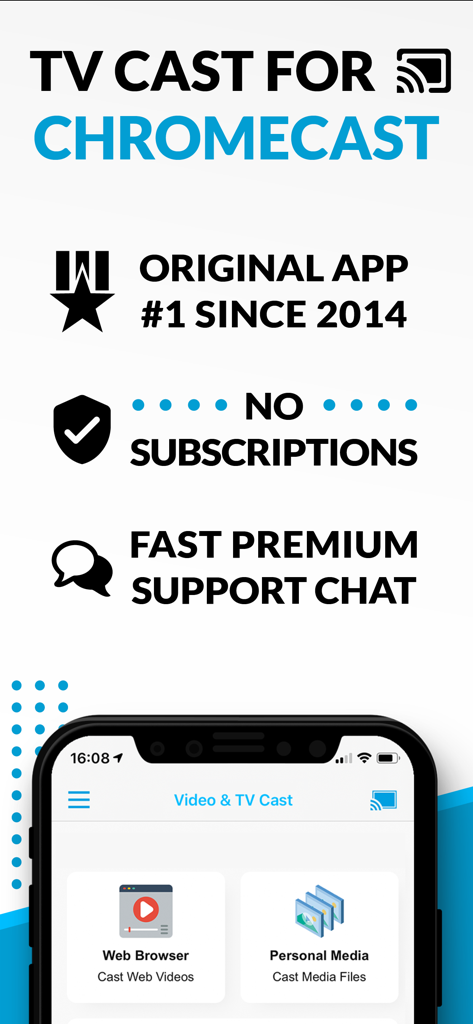
TV Cast for Chromecast app promotional screen showing web video and personal media casting options with key features listed

TV Cast for Chromecast app promotional screen showing web video and personal media casting options with key features listed

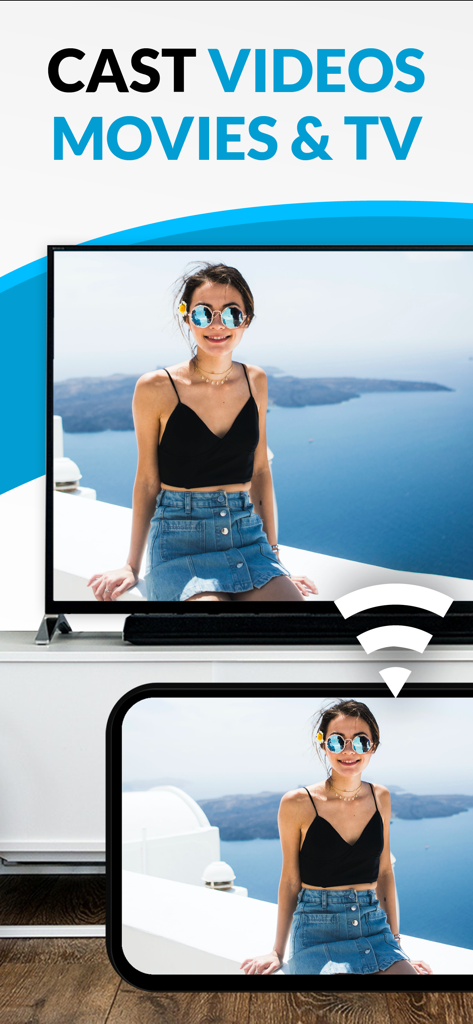
A mobile phone casting video content to a television screen

A mobile phone casting video content to a television screen

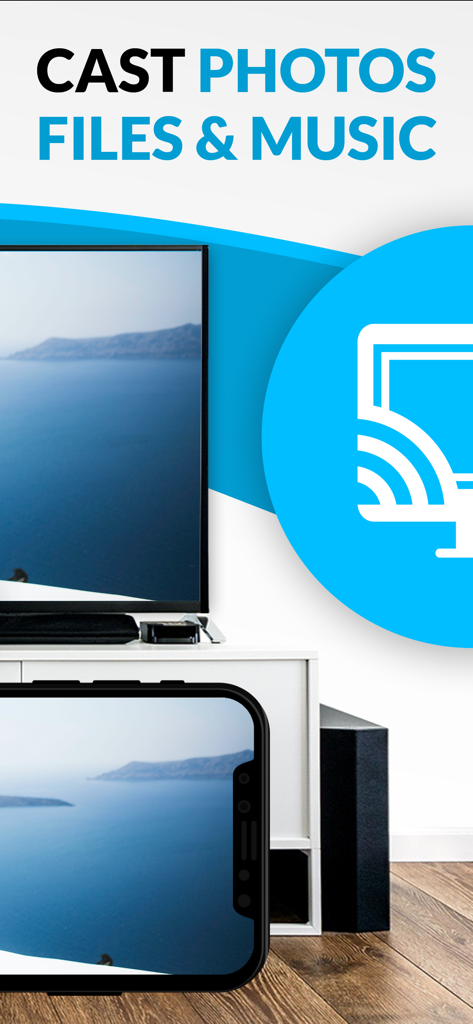
An iPhone screen casting a scenic coastal photo onto a large television display

An iPhone screen casting a scenic coastal photo onto a large television display

Unlock the Full Potential of Your Chromecast

The tools that make this app stand out, trusted by 11M+ users.

🌐

Cast Any Video from the Web

Don't be limited by official apps. If it is on a website, you can cast it—from live niche sports to international news.

🎞️

Your Memories on the Big Screen

Easily project your personal photos and videos from your iPhone, iCloud, or Dropbox to share with everyone in the room.

🛡️

Ad-Free & Effortless Control

Block annoying pop-ups and use your phone as a powerful remote to fast-forward, rewind, and navigate content seamlessly.

Loved by users worldwide

Trusted by 11M+ people who love this app.

"

"I finally found a way to watch my favorite overseas soccer matches on the big screen! Since there's no official app for the streaming site I use, this browser is a lifesaver. It finds the video link instantly and the ad-blocker makes the whole experience so much cleaner. A must-have for any cord-cutter with an iPhone."

Mark Sterling
"

"We have an iPhone-only household but our Sony TV has Chromecast built-in. This app is the perfect bridge. I use it every weekend to cast home videos from my iCloud library and photos from our latest trips. It's much faster and more reliable than any other casting tool I've tried."

Sarah Jenkins

Review Analysis

Insights from user reviews.

Sentiment Score

17%
Negative

Summary

This mobile app receives largely negative feedback, with many users reporting a significant decline in performance where the app no longer casts videos, fails to recognize Chromecast, or experiences frequent disconnections and crashes. A major point of contention is the aggressive monetization strategy, with users complaining about excessive ads that hinder functionality and being forced to pay for subscriptions or add-ons that still don't deliver the promised features. While some long-term users praise its past reliability and effectiveness for casting web videos to Chromecast, recent reviews highlight a widespread degradation in its core functionality, making it unusable for many.

Common Themes

Casting Functionality(8)
User Experience(4)
Value for Money(3)
App Reliability(2)
Long-term User Satisfaction(2)
Dark Mode Request(1)

About the app

Everything you need to know about TV Cast for Chromecast ‣.

Description

Watch any web video and your personal photos, videos & music on your Chromecast or Google Cast powered TV. Enjoy the show on your big screen. With Video & TV Cast you can browse through the web and stream any online video on your Chromecast (movies, tv shows, sports, music and more). Just navigate to your favorite website and send the embedded video with a single tap to your Chromecast. The discovered video will be shown below the browser. A tap on the video link will send it to your Chromecast immediately. Streaming personal media from your device is also supported. * The app only works with all Chromecast devices from Google and on devices with Google Cast or Chromecast built-in. * iTunes movies, Flash video and DRM protected videos like Amazon Prime, Netflix, Hulu, Vudu, DirecTV, Xfinity, HBO now are not supported! * Please test your favorite videos with the free edition before upgrading! * The app streams only the video part of a website and not the whole website content (No screen or tab mirroring!). * Sometimes it is necessary to play the video on your iPad or iPhone first before it gets discovered by the app for streaming. * If a specific video does not cast, please check our FAQ. If that does not help, please give us a chance to help you by dropping a mail to info@video-tv-cast.com instead of leaving a negative comment on the App Store. We will try to add support for your video as soon as possible. >>> UPGRADE FEATURES (available as in-app purchases) * Premium Edition: Unlocks all of the features listed here. Also future features are included, so you do not have to pay for them when they are released in an updated app version. * Remote Playbar: A remote control that allows you to fast forward or rewind videos while browsing. It syncs across all your iPads & iPhones that are connected to the same Chromecast. So your video can be controlled by different users in the same room. * Personal Media: Cast unlimited personal photos, videos and music directly from your device or from cloud services like iCloud and Dropbox. * Ad-Blocker: Blocks ads & popups on most websites and removes the sponsoring ads from the app. You can update and enable/disable ad-blocking at any time in the settings. * Bookmarks: Save unlimited website bookmarks. Synchronize and transfer them between different TV Cast apps and iOS devices by using backup and restore via iCloud. * Subtitles: Display subtitles & closed captions on TV. * Change Homepage: Set your personal homepage in the settings. >>> USER FEEDBACKS "You've brought the chromecast to life on iOS devices!! And you designed it work easily and quickly" Ryan, England “I looooove your app. It has taken my Chromecast to a whole new level.” Rosalind Romero, USA >>> A MESSAGE FROM THE DEVELOPERS We want to say thank you for all your great support and kindly invite you to honestly rate our app. This helps us to keep up our app development and support for you. Please do not trust other apps that ask you for 5-star ratings in exchange for premium upgrades. This is against good developer ethics and also against Apple guidelines. If you have any feedback, feature requests or other request, please notify us at info@video-tv-cast.com Disclaimer: This app is not affiliated with Google or any other trademark mentioned here. Chromecast is a trademark of Google LLC.

Latest Version

3.12

Size

31.5 MB

First Released

Aug 27, 2014

Ready to Break Free from Your Small Screen?

Join over 11 million cord-cutters who cast any web video, sports, or personal memories from their iPhone directly to the big screen. Download now and start streaming without limits.

Download on App StoreDownload on Google Play
FAQ

Frequently Asked Questions

Everything you need to know about TV Cast for Chromecast ‣

What does TV Cast for Chromecast do?

TV Cast for Chromecast enables users to browse the web and stream online videos, personal photos, videos, and music to their Chromecast or Google Cast-enabled TV.

Does TV Cast for Chromecast work with all Chromecast devices?

Yes, TV Cast for Chromecast works with all Chromecast devices from Google and on devices with Google Cast or Chromecast built-in.

Can TV Cast for Chromecast stream Netflix or Amazon Prime videos?

No, TV Cast for Chromecast does not support DRM-protected videos such as Amazon Prime, Netflix, Hulu, Vudu, DirecTV, Xfinity, or HBO now.

Does TV Cast for Chromecast require a subscription?

No, TV Cast for Chromecast does not require any subscriptions. Features are available through in-app purchases.

Does TV Cast for Chromecast include an ad-blocker?

Yes, TV Cast for Chromecast offers an Ad-Blocker as an upgrade feature, which blocks ads and popups on most websites and removes in-app sponsoring ads.

Can I cast personal photos and music with TV Cast for Chromecast?

Yes, the Personal Media upgrade feature allows casting unlimited personal photos, videos, and music directly from the device or cloud services like iCloud and Dropbox.

How can I get support for TV Cast for Chromecast?

Users can get support by emailing info@video-tv-cast.com. The app also offers fast premium support chat for assistance.

Does TV Cast for Chromecast mirror my device screen?

No, TV Cast for Chromecast streams only the video part of a website. It does not perform screen or tab mirroring of the entire website content.

Does TV Cast for Chromecast support subtitles?

Yes, the app offers a Subtitles upgrade feature, which enables the display of subtitles and closed captions on the TV.

How do I unlock all features in TV Cast for Chromecast?

All features in TV Cast for Chromecast are unlocked by purchasing the Premium Edition as an in-app purchase. This includes current and future features.