
Userscripts


The powerful, open-source Safari extension for developers and power users. Inject custom JS and CSS to automate redirects, bypass restrictions, and personalize your mobile browsing with zero tracking.
Publisher
Category
Developer ToolsDownloads
561K+User Rating
Total Ratings
800Locales
1Discover the interface used by 561K+ users.
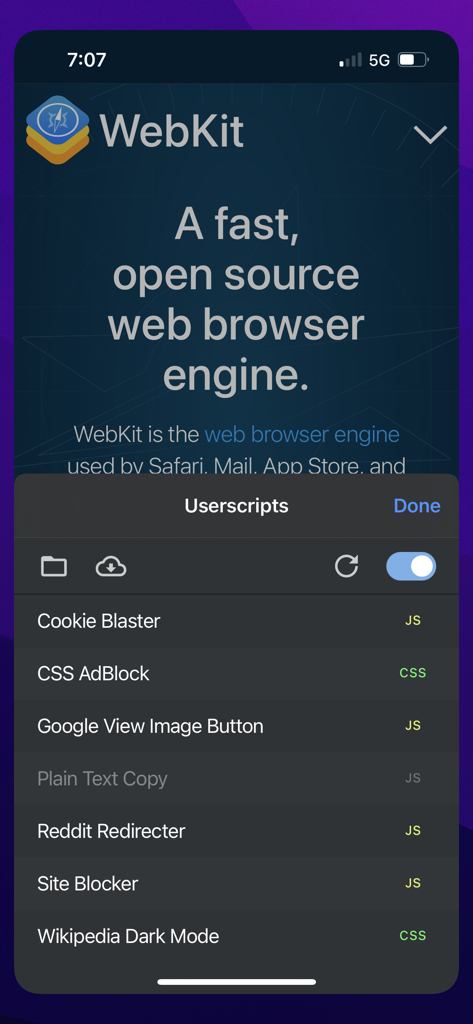
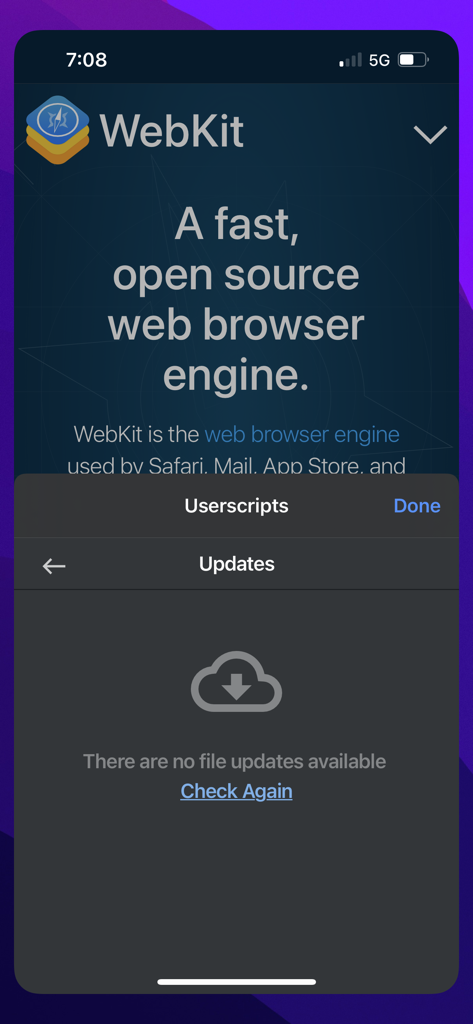
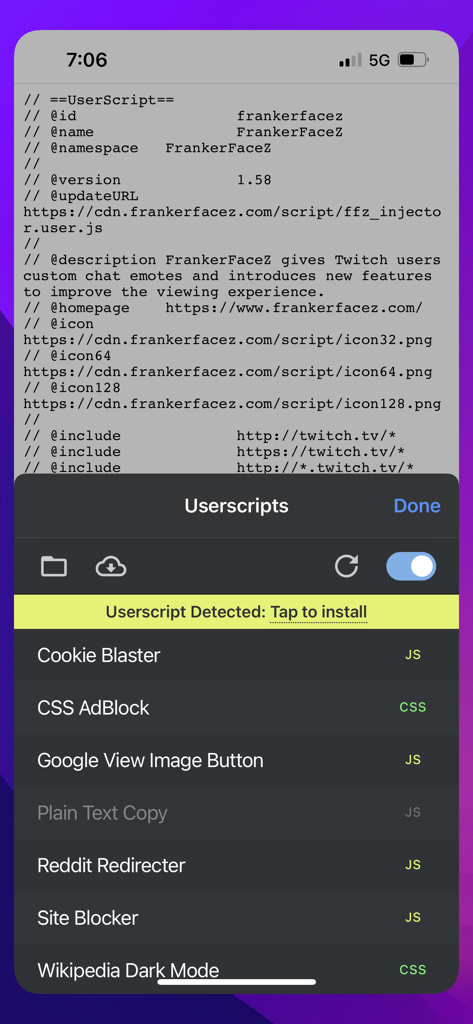
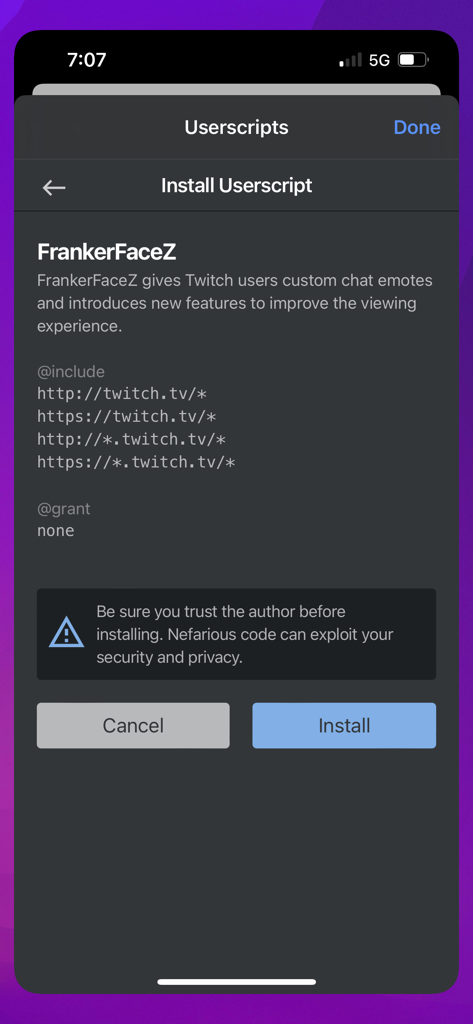
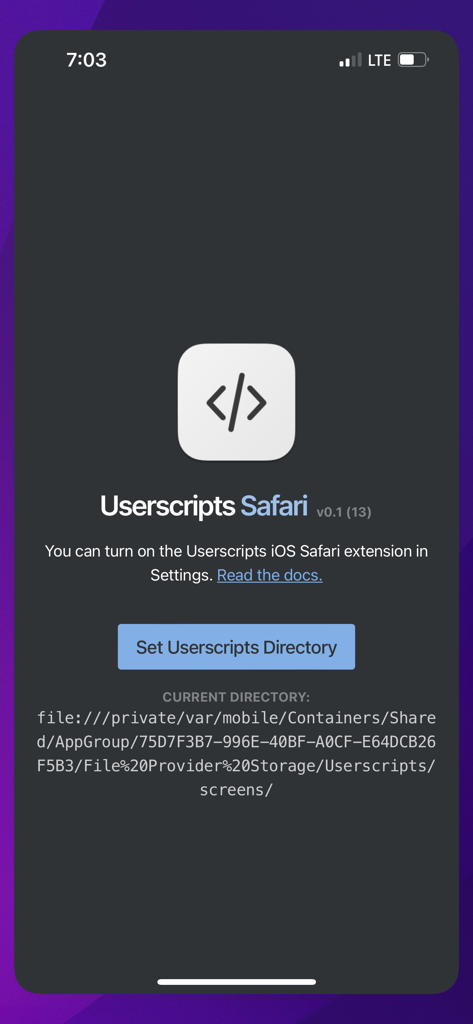
The tools that make this app stand out, trusted by 561K+ users.
Inject custom JS and CSS to hide intrusive 'Open in App' banners, force layout changes, or add missing functionality to any website you visit.
Zero user tracking and no analytics. Since it is open-source, you can audit the code yourself, ensuring your scripts and data remain strictly yours.
Bring desktop-class power to iOS. Automate page redirections, surgical ad-blocking, and custom code injection to streamline your mobile workflow.
Trusted by 561K+ people who love this app.
"Finally, a way to make mobile Safari as powerful as my desktop setup. I have written scripts to strip out 'open in app' banners and force dark mode on my favorite dev blogs. Being open-source and privacy-focused is exactly what I was looking for."
"I was tired of cluttered mobile sites and aggressive tracking. Userscripts lets me inject custom CSS to clean up layouts and run snippets for a truly private browsing experience. It is an essential tool for anyone who values digital sovereignty."
Everything you need to know about Userscripts.
Description
Latest Version
1.8.6
Size
2.0 MB
First Released
May 14, 2019
Join 500,000+ power users who prioritize digital sovereignty. Get the open-source Safari extension that lets you inject custom code and block distractions with zero tracking.
Everything you need to know about Userscripts
Userscripts is an open-source Safari extension that allows users to save and execute custom JavaScript and CSS code on websites. It enhances web browsing experiences by enabling various site manipulations.
Userscripts provides features like automatic page redirection, website manipulation, custom ad-blocking, and custom code/style injection. It is open source and does not track user data.
Yes, the Userscripts app is open source. This allows for transparency and community contributions to its development and functionality.
No, Userscripts does not collect user data. The application explicitly states "No user tracking" as one of its core features, ensuring user privacy.
When Userscripts detects script code on a page, it displays a banner "Userscript Detected: Tap to install". Tapping this allows installation after reviewing any security warnings.
Installing scripts requires caution. Userscripts explicitly warns, "Be sure you trust the author before installing. Nefarious code can exploit your security and privacy."
Userscripts supports arbitrary JavaScript and CSS code. This enables a wide range of customizations, from styling changes to complex interactive functionalities on websites.
To enable the Userscripts extension, navigate to your device's Settings. From there, locate and turn on the "Userscripts iOS Safari extension" as instructed by the app.
For support or to report bugs for the Userscripts app, visit its GitHub repository. The app description provides the direct link to this resource.
Apps with similar features and user experience

Baoding Lehuo Network Technology Co., Ltd.

寅 沈

亚锋 涂

Actowise LLC
ATA KAGAN DURAKER

UU Momentum Network Technology Co., Ltd.

键 金
Abhijith Jishankar

Alexander Clauss