
Vocal Remover - Musiclab




Transform any song into high-quality stems for remixes, karaoke, or practice. Isolate vocals, drums, and instruments in seconds with professional-grade AI tools designed for musicians and creators on the go.
Publisher
Category
MusicDownloads
344K+User Rating
Total Ratings
2K+Locales
11Discover the interface used by 344K+ users.
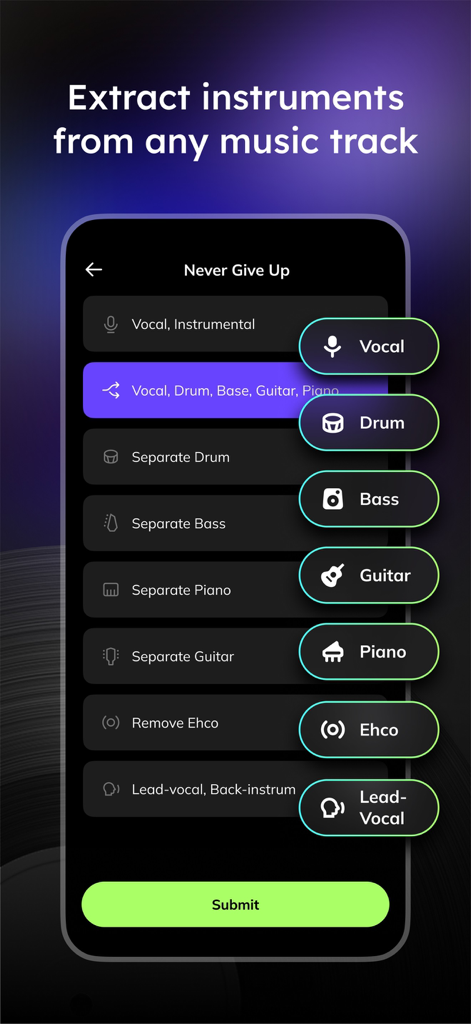
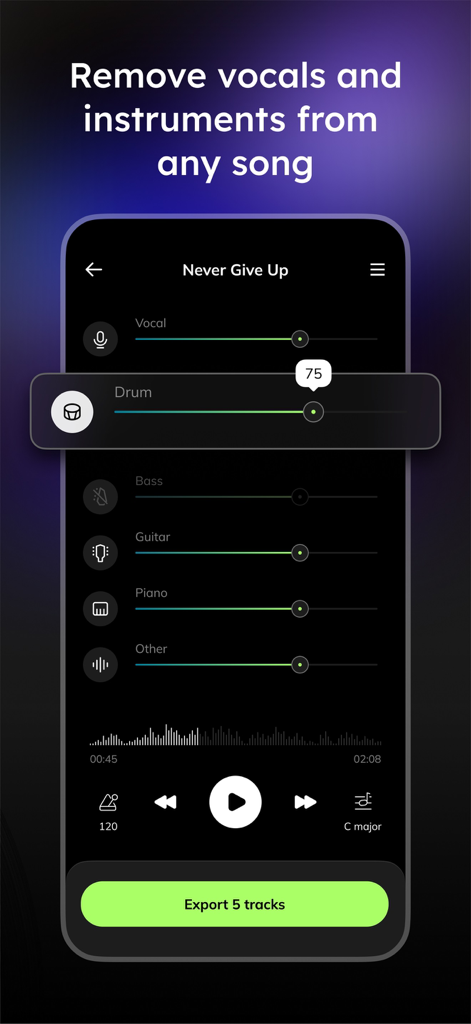
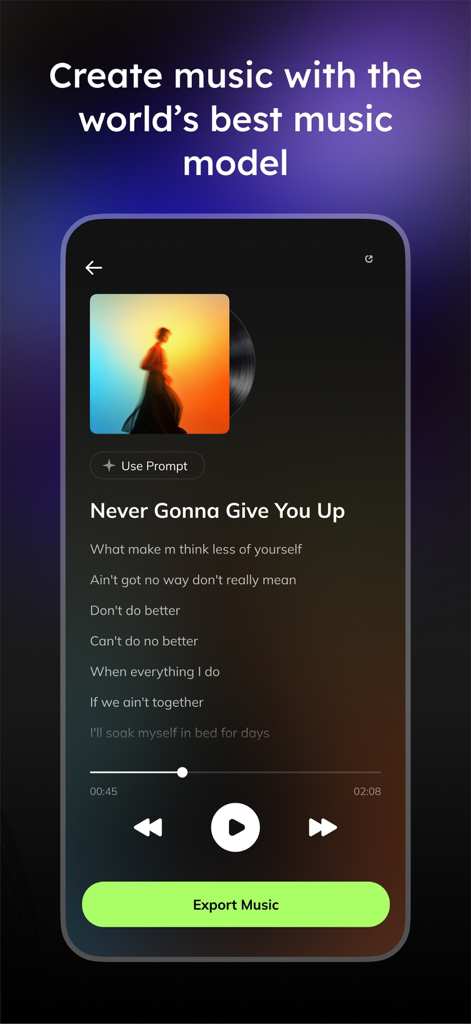
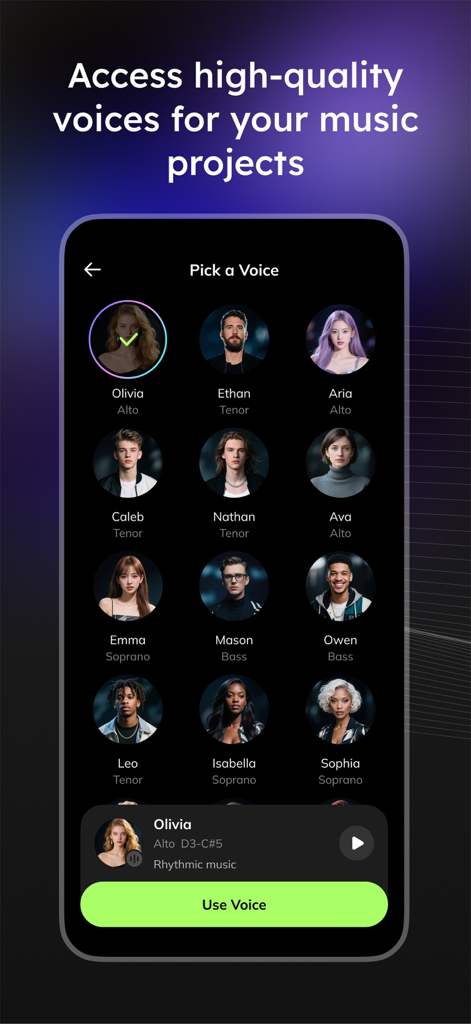
The tools that make this app stand out, trusted by 344K+ users.
Isolate vocals, drums, bass, or piano with a single tap. Extract high-quality samples and clean acapellas for your next viral remix or production.
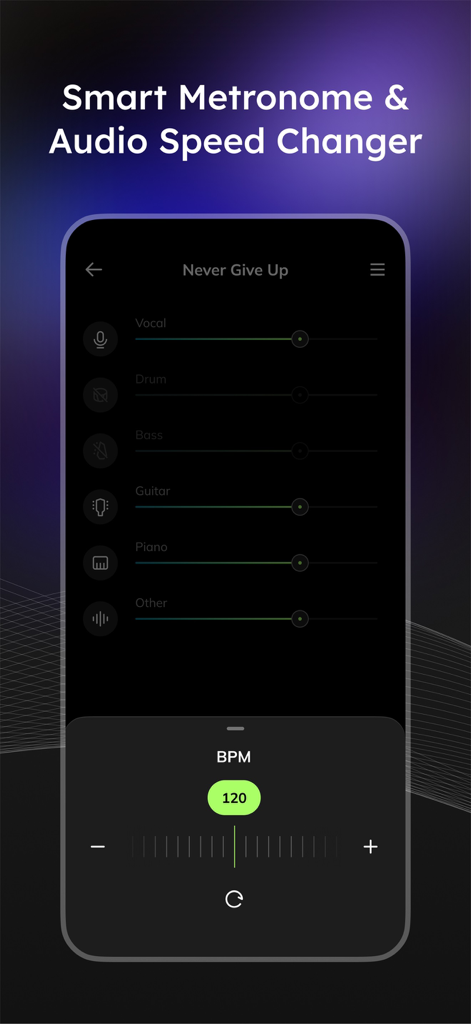
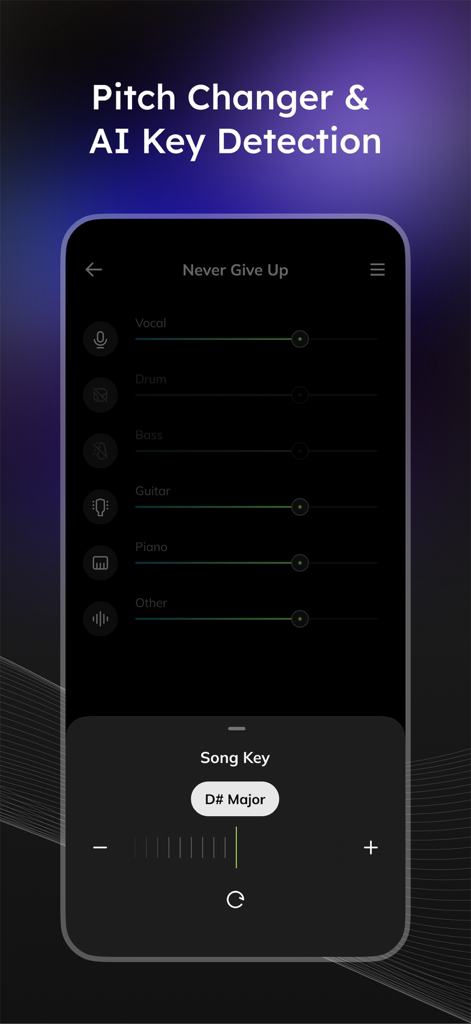
Identify the key and tempo of any song automatically. Adjust the pitch and speed without distortion to learn difficult solos or match your vocal range.
Remove any instrument to create 'minus-one' tracks for practice or high-quality instrumentals for TikTok, Reels, and live performances.
Trusted by 344K+ people who love this app.
"Musiclab is a literal lifesaver for my Reels and TikToks. The AI separation is so clean that I can grab any acapella for a mashup in seconds. It has completely streamlined my creative workflow and saved me so much time in post-production!"
"I use this every single day for practice. Being able to isolate the bass line and slow down the tempo without losing quality is incredible for learning new tracks. It's the ultimate tool for any musician looking to level up their skills."
Everything you need to know about Vocal Remover - Musiclab.
Description
Latest Version
2.4.3
Size
102.8 MB
First Released
Apr 9, 2024
Join 344,000+ creators and musicians. Extract stems, create custom karaoke tracks, and master your favorite songs with the most powerful AI audio splitter in your pocket.
Everything you need to know about Vocal Remover - Musiclab
Vocal Remover - Musiclab is a free AI vocal remover and audio splitter. It extracts vocals, instruments, and accompaniment from songs, and reduces noise using AI technology.
Yes, Musiclab splits songs into individual tracks using AI audio separation. It can separate vocals, drums, bass, guitar, piano, strings, and other instruments.
Yes, Vocal Remover - Musiclab is a free AI vocal remover and audio splitter. It offers core functionalities for extracting and manipulating audio components without charge.
To remove vocals with Musiclab, upload an audio/video file or URL, then AI separates tracks. You can then modify tracks, remove vocals, control volume, mute tracks, and download your custom mix.
Musiclab supports importing songs in MP3, WAV, or M4A formats. Users can also import from Google Drive, Dropbox, iCloud, or public URLs.
Yes, Musiclab enables users to change the pitch of audio. It also features AI key detection to identify the song's key effortlessly.
Yes, Musiclab includes a Noise Reducer feature. It removes background noise and enhances audio quality for a clear listening experience.
Yes, Musiclab functions as a Karaoke Maker. It creates karaoke songs or extracts acapella by accurately removing vocals from audio files.
Yes, Vocal Remover - Musiclab automatically detects BPM and allows users to adjust the tempo with ease. It also functions as a speed changer.
Musiclab can remove various instruments including drums, bass, piano, and guitar from songs. It is designed to isolate and eliminate specific instrumental tracks.
Yes, Musiclab allows users to boost the volume and amplify the sound of any instrument, such as drums, bass, or piano.
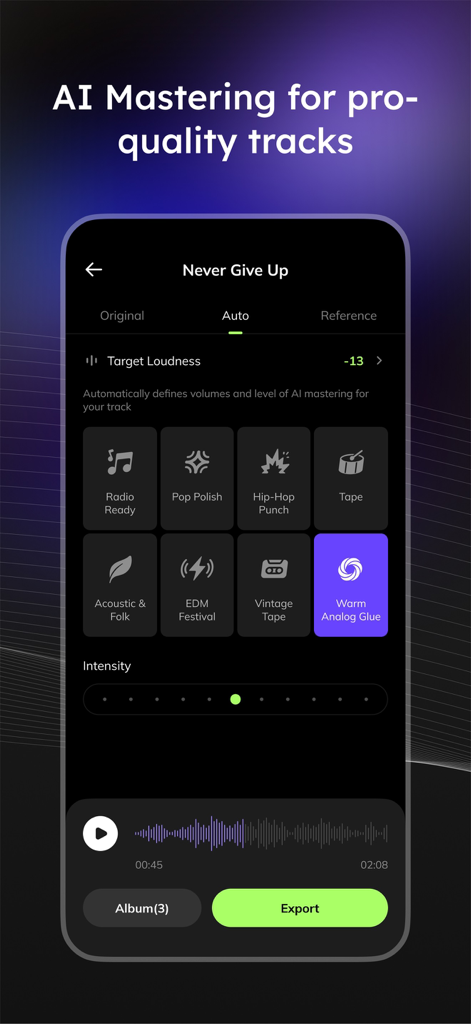
Yes, Musiclab provides AI Mastering for pro-quality tracks. It automatically defines volumes and applies AI mastering for various styles like Radio Ready or Pop Polish.
Apps with similar features and user experience

Single Minded Productions, LLC

景睿 文

Kiraku Tech Co., Ltd.

Anytune Inc.

Moises Systems Inc

W185 Holdings LLC

Chordify BV

Nomad AI OU

Mega e Limited
