
秀米XIUMI
Xiurui Information Technology Shanghai Co., Ltd.



专为微信公众号运营者与创意人打造的移动办公神器。深度链接PC端,支持内容微调、一键排版及团队协作,让您在任何场景下都能轻松管理图文与H5,成就专业级内容呈现。
Publisher
Category
UtilitiesDownloads
1M+User Rating
Total Ratings
200Locales
1Discover the interface used by 1M+ users.
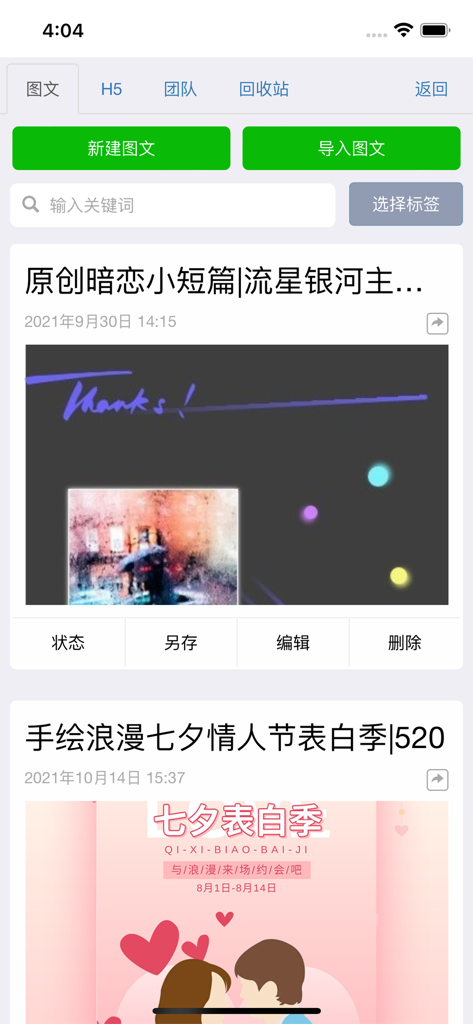
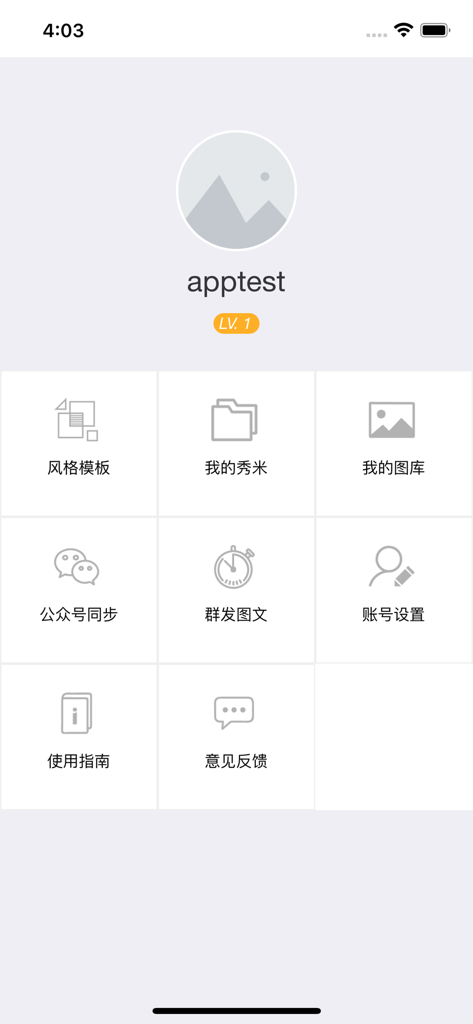
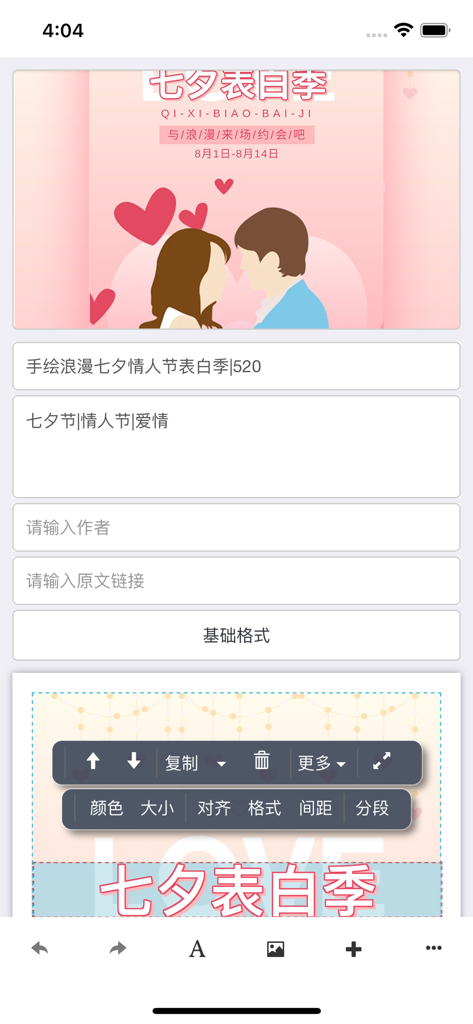
The tools that make this app stand out, trusted by 1M+ users.
出门在外也能随时调整图文、H5的文字与图片。即便没有电脑,也能从容应对紧急的文字校对与细节优化。
一键授权并同步内容至微信公众号后台,支持手机端直接预览与群发,让您的推文在任何时区都能快人一步。
沿用PC端收藏素材,利用海量精美样刊模板实现一键智能排版,在移动端也能保持专业杂志级的高级感。
Trusted by 1M+ people who love this app.
"As a social media manager for a global brand, I used to dread being away from my desk when a WeChat post needed an emergency edit. This app changed everything! I can now modify layouts and sync content to our Official Account directly from my iPhone. It's incredibly efficient for managing our team's workflow on the go."
"I love how I can take high-quality photos of my products and upload them directly to my XIUMI library via the app. The one-click typesetting feature is a huge time-saver for my weekly newsletters. It's the best tool for keeping our community engaged with beautiful H5 pages without needing to open my laptop."
Everything you need to know about 秀米XIUMI.
Description
Latest Version
1.2.0
Size
14.3 MB
First Released
Nov 3, 2021
同步电脑端内容,支持一键修改、预览分享及公众号同步发布。告别电脑束缚,无论身在何处,让您的每一个创意都能即刻完美呈现。
Everything you need to know about 秀米XIUMI
The 秀米XIUMI mobile app serves as an auxiliary tool for XIUMI website users, enabling content modification, saving, WeChat public account synchronization, image uploads, previews, and sharing directly from a mobile device without a computer.
Yes, users can modify the text and images of both existing articles and H5 content directly within the 秀米XIUMI mobile app. This feature is a core functionality for content management.
Yes, the 秀米XIUMI mobile app supports authorizing and synchronizing articles directly to WeChat public accounts. It also allows for mass sending articles to these accounts.
Yes, the 秀米XIUMI app allows users to import articles by providing WeChat public account article links. This functionality is part of its content management features.
The 秀米XIUMI mobile app does not allow free layout definition or custom background images like the PC web version. Users can only utilize existing layouts through sample templates.
Users can provide feedback or suggestions for the 秀米XIUMI mobile app by sending an email to support@xiumi.us. This email address is specified for user support.
Apps with similar features and user experience

Shanghai Yuewen Information Technology Company Limited

Automattic, Inc.

Ulysses GmbH & Co. KG

Information Architects AG

Automattic, Inc.

Denk Alexandru

NAVER Corp.