Firestick Remote & Cast FireTV

Firestick Remote & Cast FireTV

Herunterladen auf App StoreHerunterladen auf Google Play
Spark by MWM logo
Logo von Firestick Remote & Cast FireTV

Firestick Fernbedienung & Cast FireTV: Spiegeln Sie Ihr iPhone und iPad auf den großen Bildschirm

Erleben Sie Ihre Lieblingsfotos, Videos und Apps auf Ihrem Amazon Fire TV. Verwandeln Sie Ihr iPhone in eine Smart-Fernbedienung und vermeiden Sie die Kosten für teure Hardware mit der Nr. 1 Mirroring-Lösung.

Herausgeber

AirBeamTV BV

Kategorie

Photo & Video

Downloads

710K+

Bewertung

3.6/5

Bewertungen gesamt

4K+

Sprachen

17

Erleben Sie den großen Bildschirm

Entdecken Sie die Oberfläche, die von 710K+ Nutzern verwendet wird.
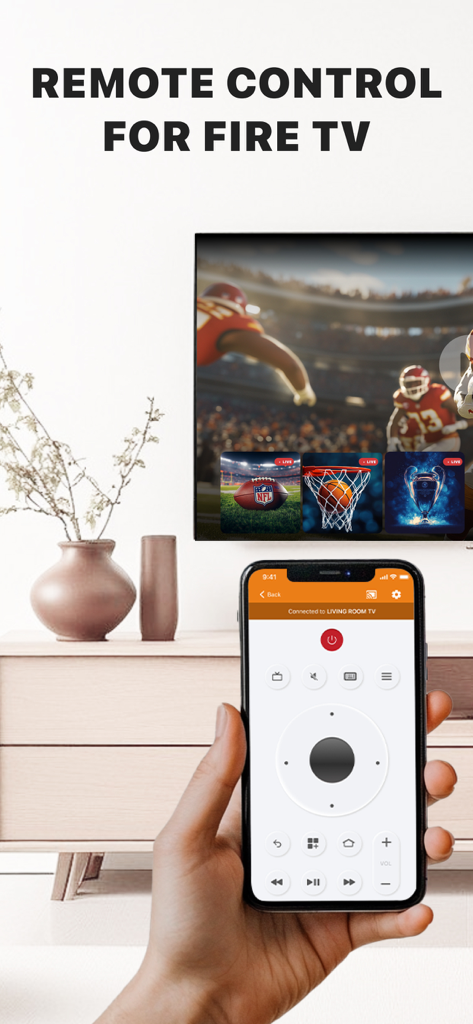
Hand hält ein iPhone mit einer Fernbedienungsschnittstelle für Amazon Fire TV

Hand hält ein iPhone mit einer Fernbedienungsschnittstelle für Amazon Fire TV

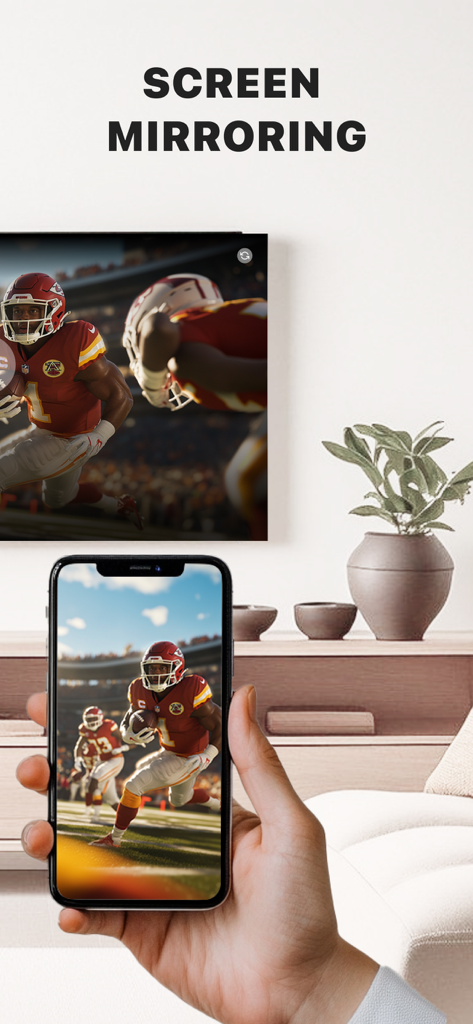
Eine Hand hält ein iPhone, das ein Live-Fußballspiel auf einen großen Fire TV-Bildschirm in einem Wohnzimmer spiegelt.

Eine Hand hält ein iPhone, das ein Live-Fußballspiel auf einen großen Fire TV-Bildschirm in einem Wohnzimmer spiegelt.

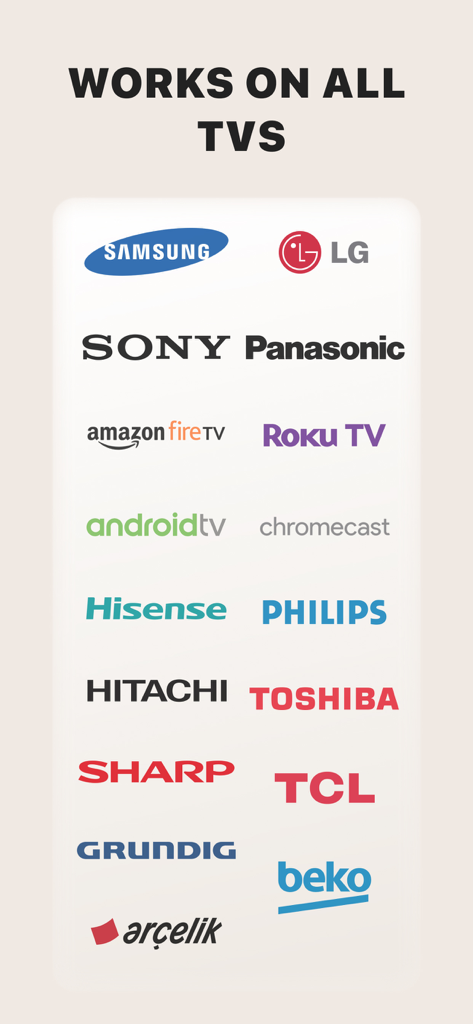
Eine Liste von Logos von TV-Marken, die mit der Firestick Remote- und Cast-App kompatibel sind, einschließlich Samsung LG Sony und Amazon Fire TV

Eine Liste von Logos von TV-Marken, die mit der Firestick Remote- und Cast-App kompatibel sind, einschließlich Samsung LG Sony und Amazon Fire TV

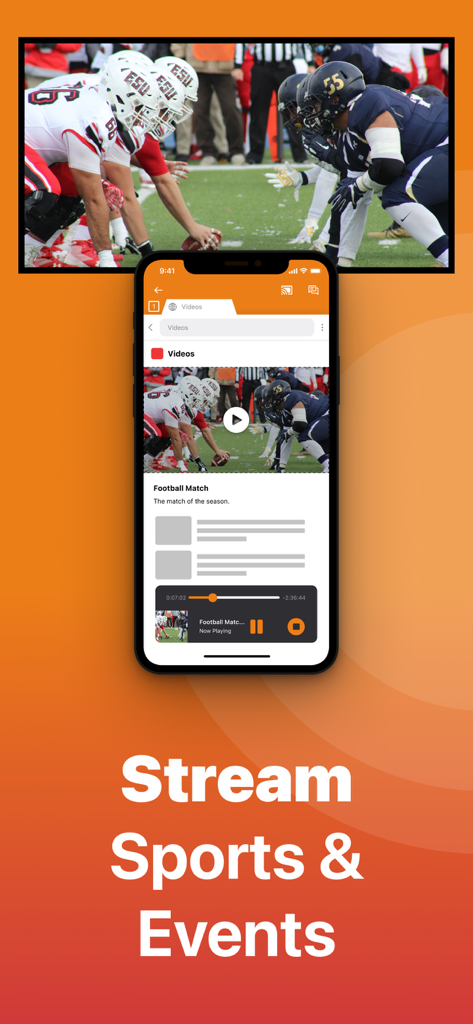
iPhone-App streamt ein Fußballspiel auf einen TV-Bildschirm

iPhone-App streamt ein Fußballspiel auf einen TV-Bildschirm

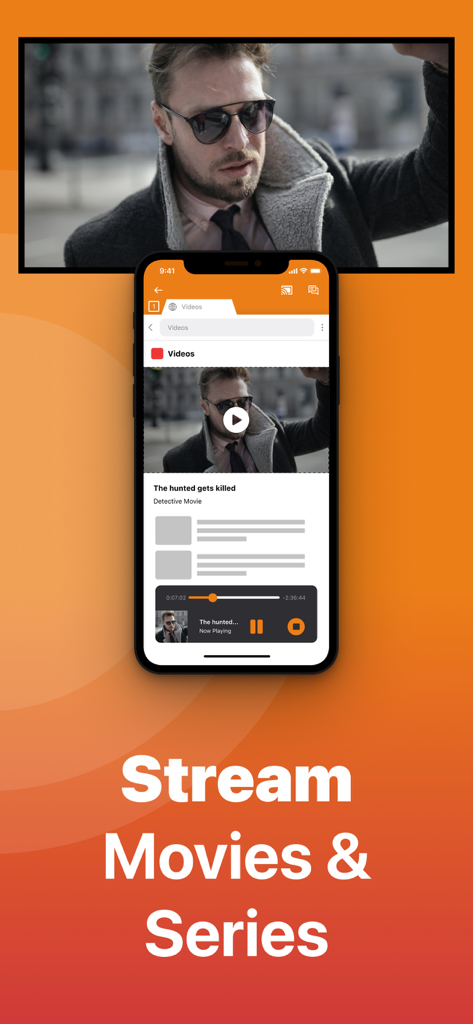
Ein iPhone-Bildschirm, der einen Film auf einen Amazon Fire TV mit dem Text Stream Movies and Series streamt

Ein iPhone-Bildschirm, der einen Film auf einen Amazon Fire TV mit dem Text Stream Movies and Series streamt

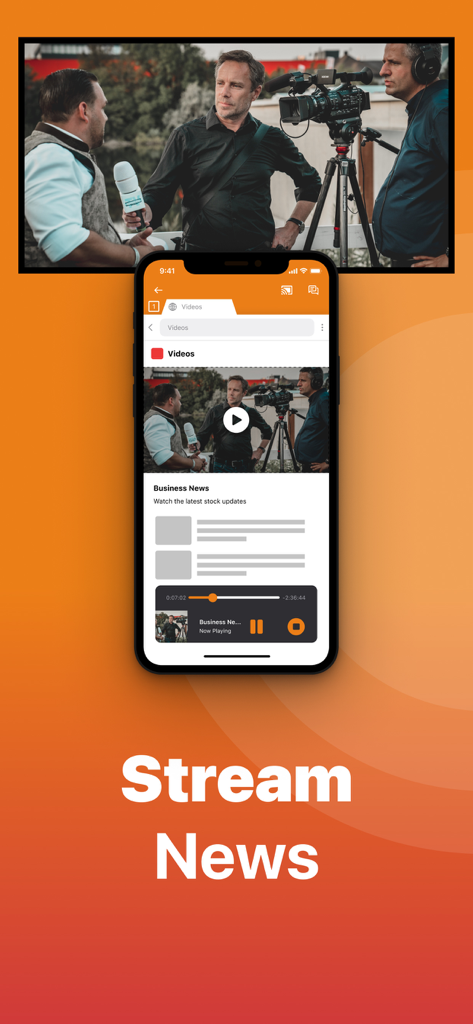
Ein iPhone streamt ein Wirtschaftsnachrichten-Video auf einen Fernsehbildschirm mit der Firestick Remote-App

Ein iPhone streamt ein Wirtschaftsnachrichten-Video auf einen Fernsehbildschirm mit der Firestick Remote-App

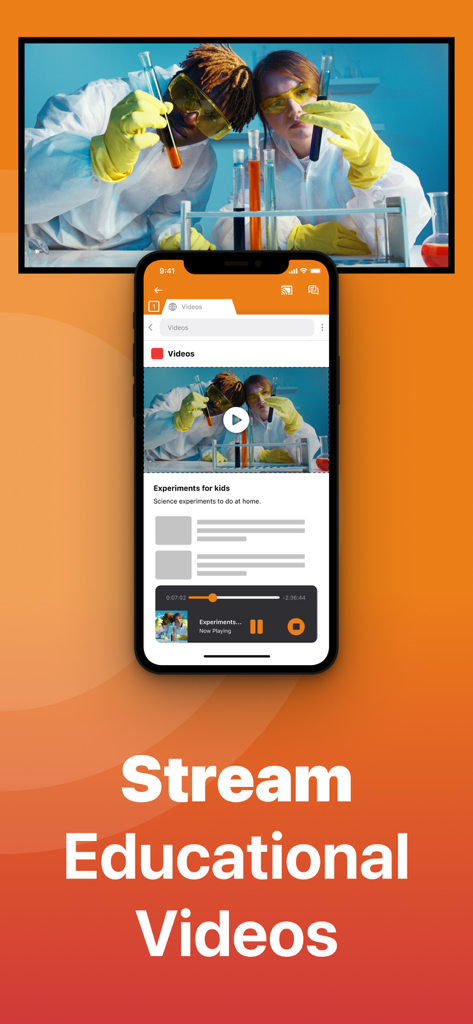
iPhone-Bildschirm, der ein lehrreiches Wissenschaftsvideo auf einen großen Fernsehbildschirm streamt

iPhone-Bildschirm, der ein lehrreiches Wissenschaftsvideo auf einen großen Fernsehbildschirm streamt

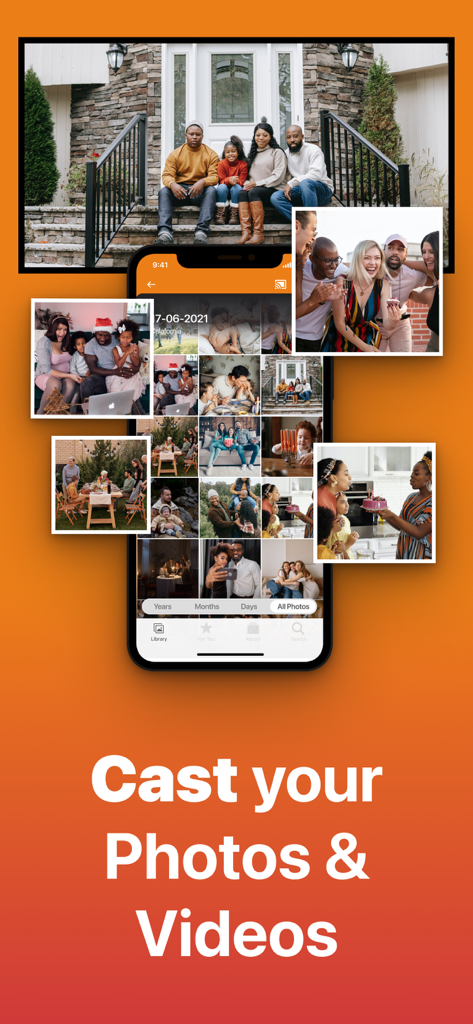
iPhone-App-Oberfläche, die eine Fotobibliothek anzeigt und ein Familienfoto auf einen großen Fernsehbildschirm streamt

iPhone-App-Oberfläche, die eine Fotobibliothek anzeigt und ein Familienfoto auf einen großen Fernsehbildschirm streamt

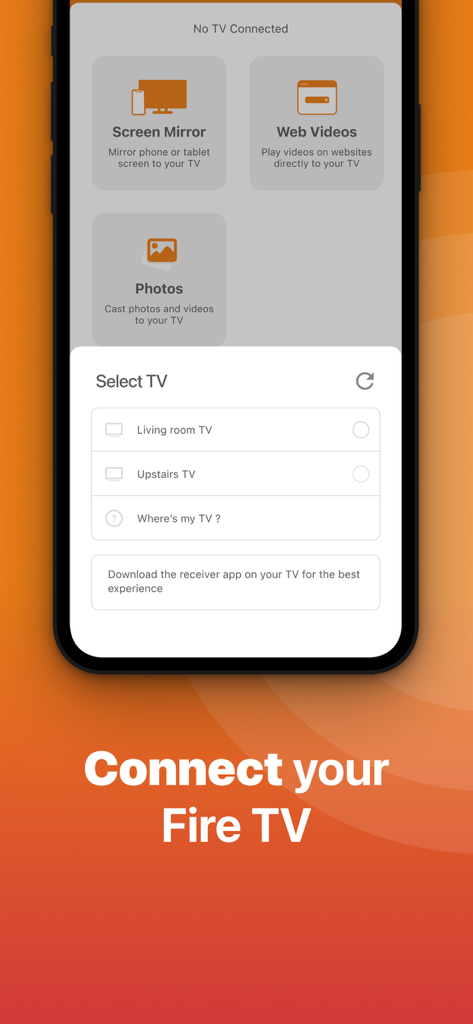
Oberfläche der Firestick Remote-App, die das Menü TV auswählen anzeigt, um ein iPhone mit einem Fire TV zu verbinden

Oberfläche der Firestick Remote-App, die das Menü TV auswählen anzeigt, um ein iPhone mit einem Fire TV zu verbinden

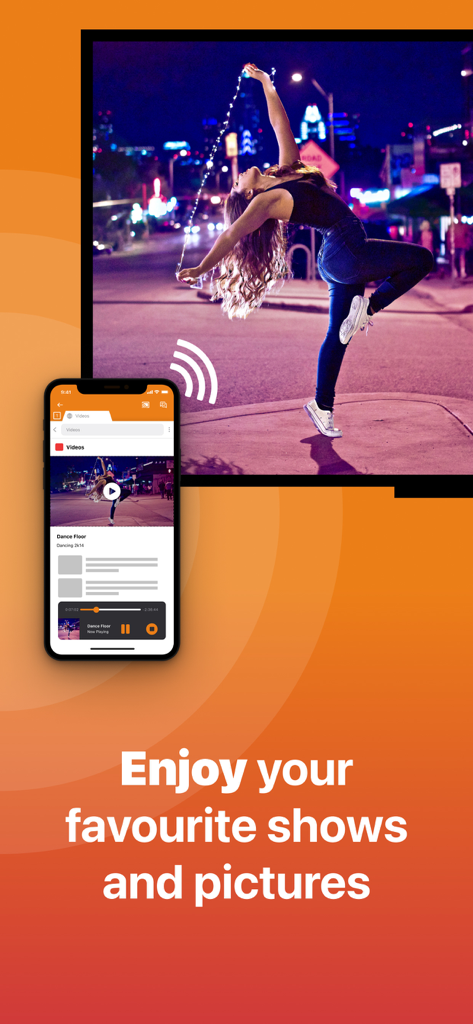
iPhone spiegelt ein Video einer tanzenden Frau mit der Firestick Remote- und Cast-App auf einen großen Fernsehbildschirm

iPhone spiegelt ein Video einer tanzenden Frau mit der Firestick Remote- und Cast-App auf einen großen Fernsehbildschirm

Schöpfen Sie das volle Potenzial Ihres Fire TV aus

Die Tools, die diese App auszeichnen, gewählt von 710K+ Nutzern.

📺

Sofortiges Bildschirm-Mirroring

Beseitigen Sie die Augenbelastung, indem Sie Web-Videos, Nachrichten und Präsentationen von Ihrem iPhone auf den großen Bildschirm streamen, ohne einen teuren Apple TV zu benötigen.

⌨️

Smarte Tastatur & Fernbedienung

Suchen Sie nicht mehr nach verlorenen Fernbedienungen. Nutzen Sie die native Tastatur Ihres iPhones, um schneller als je zuvor nach Filmen zu suchen und durch Menüs zu navigieren.

📸

Fotos & Videos streamen

Verwandeln Sie Ihr Wohnzimmer in eine Galerie. Teilen Sie Ihre neuesten Urlaubsbilder und hochwertigen Heimvideos mit Familie und Freunden mit nur zwei Klicks.

Weltweit von Nutzern geliebt

Vertraut von 710K+ Menschen, die diese App lieben.

"

"Ich kann Ihnen gar nicht sagen, wie oft unsere physische Fernbedienung in den Sofakissen verschwunden ist. Diese App ist ein absoluter Lebensretter! Es ist so viel schneller, Filmtitel über die iPhone-Tastatur einzugeben, als durch Buchstaben auf dem Bildschirm zu klicken. Sie hat sich sofort mit meinem Firestick verbunden und funktioniert einfach jedes Mal."

Sarah Miller
"

"Ich wollte eine Möglichkeit, meine Urlaubsvideos auf dem großen Bildschirm anzusehen, ohne einen 150-Dollar-Apple-TV zu kaufen. Diese App funktioniert perfekt, um meine Aufnahmen und sogar Web-Videos aus meinem Browser zu spiegeln. Sie ist die perfekte Brücke zwischen meinem iPhone und meinem Fire TV. Das Upgrade für die höhere Auflösung ist definitiv lohnenswert."

David Thompson

Über die App

Alles, was Sie über wissen müssen Firestick Remote & Cast FireTV.

Beschreibung

Get the #1 app for Fire TV and improve your home-entertainment experience today. Stop staring at a small screen. Prevent eyestrain and avoid high costs for expensive hardware. With this app you can make your life even more comfortable! Watch all the content from your iPhone and iPad on your Amazon Fire TV. Enjoy firestick remote & videos, series, news, photos, sport and documentaries on your television and stream them effortlessly from your iOS device. Get the most out of your Fire TV and improve your home-entertainment experience with just a few simple clicks. Before using this revolutionary screen mirroring app, visit the Amazon website and install the (free) Mirror Receiver for Fire TV: http://bit.ly/am-firetv When using the app there is a small delay of a few 1 to 2 seconds. This mirroring app is therefore not suitable for gaming. How the app works: 1. Make sure your iPhone or iPad is connected to the same local network as your Amazon Fire TV. Do not use multiple VLANs or subnets. 2. Launch the app. It will search for your Amazon Fire TV(s) on your local network. Select the TV as soon as it is found. 3. Enable notifications for this app. We use this to let you know if your TV is working correctly or not. 4. Click 'Start Mirroring' and start mirroring on the Fire TV. After that, you can just go to another app on your iPhone or iPad and the mirroring will continue as usual. 5. To stop mirroring, there are two options: A) Click on the red top bar you see on your iOS device. B) Go to the Mirror for Fire TV app and click on 'Stop Mirroring'. Limitations and potential issues: DRM; Some apps block screen mirroring. This means that application developers can choose whether to block screen mirroring. Netflix, HBO, Disney and Apple TV+ have decided to block this. Unfortunately, we cannot change this. There is a simple test to see if the app you want to mirror has blocked Screen Mirroring: 1) Open that particular app and slide up the Control Center on your iPhone/iPad. 2) Then click on 'Screen recording' and start recording the screen on your camera roll. 3) View the app you want to mirror and stop the screen recording at some point. 4) Then go to your Photos app and watch the video that was recorded. If the recorded video shows the app you want to mirror, it will work fine. If the video is blank, the app you want to mirror won't allow screen mirroring. You can purchase the Fire TV Remote Pro version through an in-app purchase. The Pro version has the following benefits: 1. Add audio to screen mirroring. 2. Free lifetime updates. 3. Higher screen resolutions, such as 720p and 1080p. Payment: * Payment will be charged to iTunes account at confirmation of purchase. * Subscription automatically renews unless auto-renew is turned off at least 24 hours before the end of the current period. * Account will be charged for renewal within 24 hours prior to the end of the current period and identify the cost of the renewal. * Subscriptions may be managed by the user and auto-renewal may be turned off by going to the user's Account Settings after purchase. * Any unused portion of a free trial, if offered, will be forfeited when the user purchases a subscription to that publication, if applicable. Our Terms of Use: http://bit.ly/ABTV-TOU21 Our privacy policy: https://www.airbeam.tv/privacy-policy/ About screen recording and privacy: Even though there are screen recording notifications, we don't record your screen. And, we don't send content to any server. We only temporarily store data in memory before streaming it to the TV. Streaming deletes the content from memory. Support: If you have any questions or want to provide feedback, please email us or chat with us on our Facebook page. Feedback: support@airbeam.tv Amazon, Fire TV, and all related marks are trademarks of Amazon.com, Inc. or its affiliates.

Neueste Version

6.1.19

Größe

168.0 MB

Erstveröffentlichung

3. Jan. 2018

Verbessern Sie Ihr Fire TV-Erlebnis sofort

Hören Sie auf, auf Ihr Handy zu starren, und beginnen Sie mit dem Spiegeln auf den großen Bildschirm. Schließen Sie sich über 710.000 Nutzern an, die ihr iPhone in die ultimative Firestick-Fernbedienung und Casting-Tool verwandelt haben.

Herunterladen auf App StoreHerunterladen auf Google Play