Sony TV Screen Mirroring Cast

Sony TV Screen Mirroring Cast

Herunterladen auf App StoreHerunterladen auf Google Play
Spark by MWM logo
Logo von Sony TV Screen Mirroring Cast

Sony TV Screen Mirroring Cast: Spiegeln Sie Ihr iPhone oder iPad sofort auf den großen Bildschirm

Verabschieden Sie sich von unordentlichen Kabeln und teurer Hardware. Streamen Sie Ihre Lieblingsfotos, Videos und Webinhalte mit nur wenigen Fingertipps drahtlos von Ihrem iOS-Gerät auf jeden Sony Smart TV.

Herausgeber

AirBeamTV BV

Kategorie

Photo & Video

Downloads

479K+

Bewertung

3.8/5

Bewertungen gesamt

6K+

Sprachen

17

Erleben Sie den großen Bildschirm

Entdecken Sie die Oberfläche, die von 479K+ Nutzern verwendet wird.
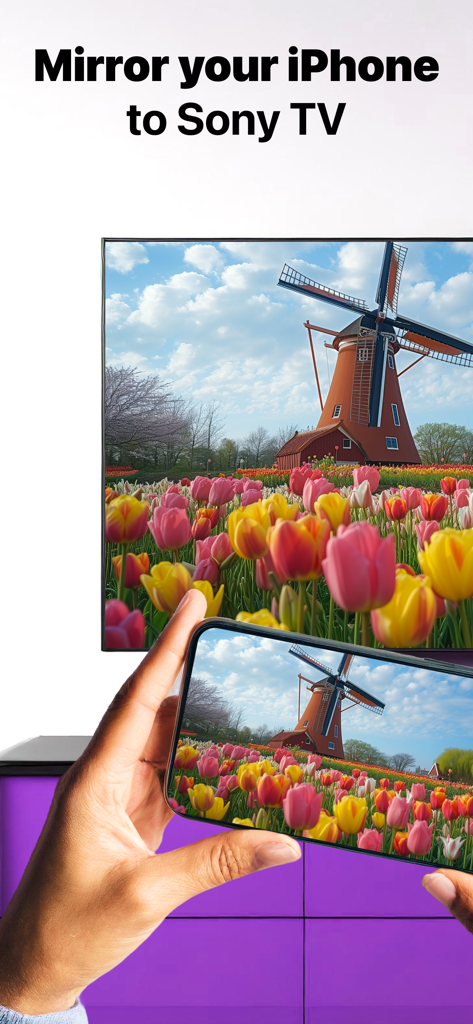
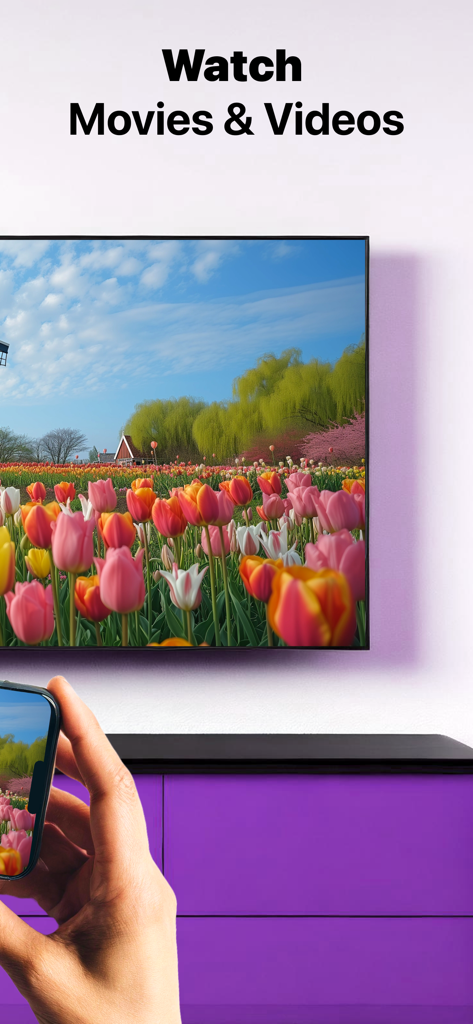
Ein iPhone, das ein Foto einer Windmühle und bunter Tulpen auf einen Sony Smart TV spiegelt

Ein iPhone, das ein Foto einer Windmühle und bunter Tulpen auf einen Sony Smart TV spiegelt

Eine Person, die ein iPhone verwendet, um ein Video eines Tulpenfeldes drahtlos auf einen Sony Smart TV zu spiegeln.

Eine Person, die ein iPhone verwendet, um ein Video eines Tulpenfeldes drahtlos auf einen Sony Smart TV zu spiegeln.

Eine Person, die einen Sony TV mit Text beobachtet, der besagt, dass die App mit allen Sony TVs funktioniert

Eine Person, die einen Sony TV mit Text beobachtet, der besagt, dass die App mit allen Sony TVs funktioniert

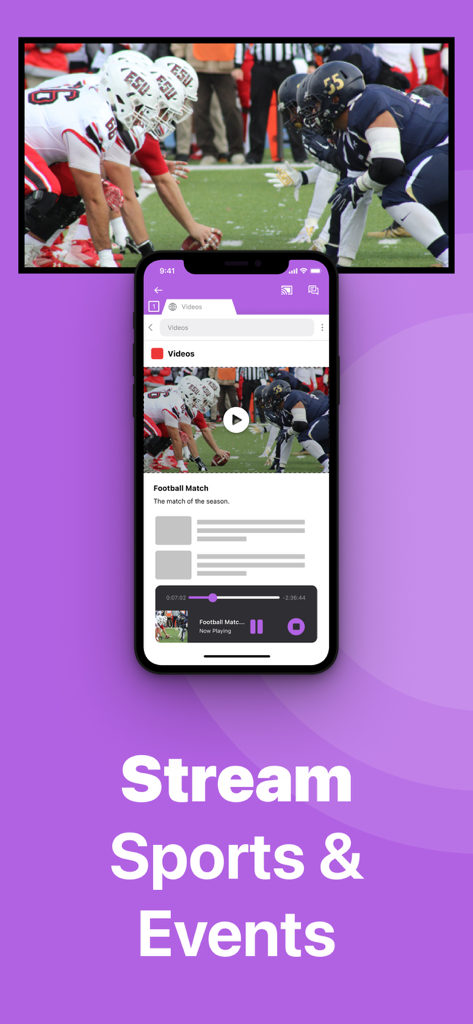
Ein iPhone, das ein Live-American-Football-Spiel auf einen großen Sony TV-Bildschirm spiegelt

Ein iPhone, das ein Live-American-Football-Spiel auf einen großen Sony TV-Bildschirm spiegelt

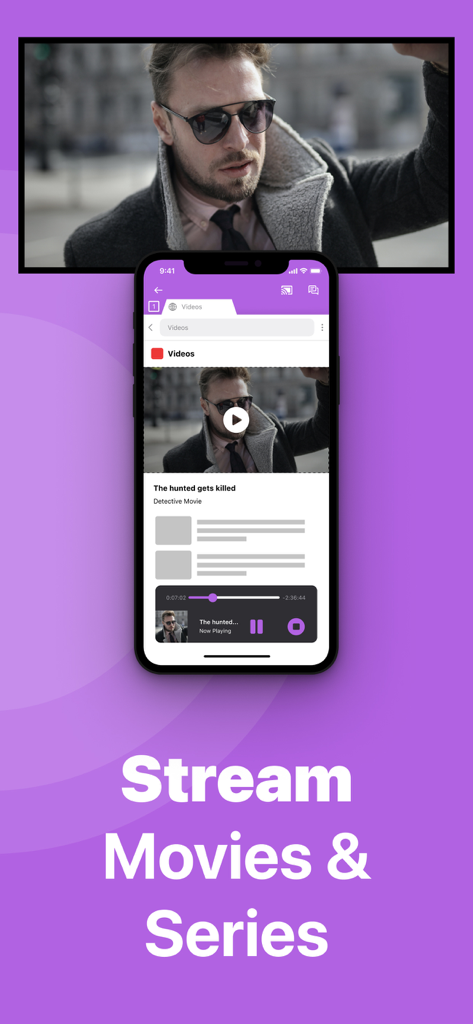
iPhone-Bildschirm spiegelt einen Film auf einen Sony TV mit dem Text Stream Movies and Series

iPhone-Bildschirm spiegelt einen Film auf einen Sony TV mit dem Text Stream Movies and Series

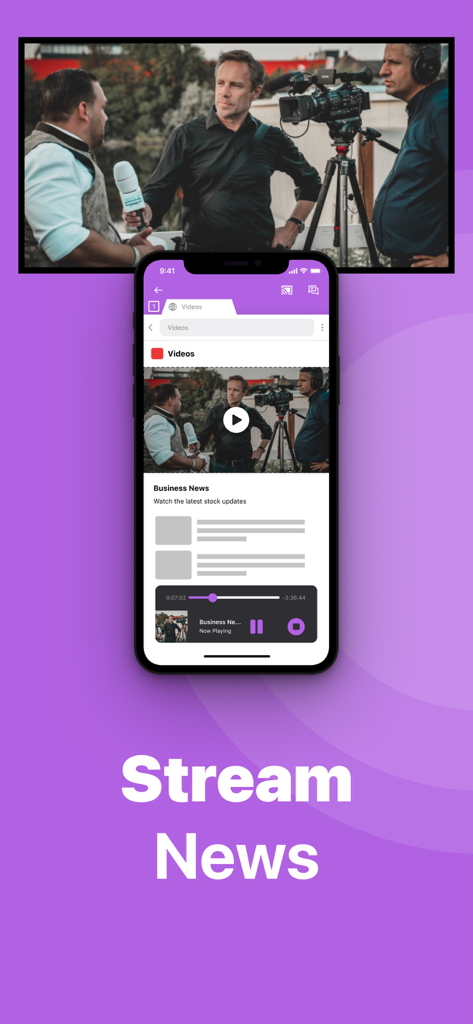
Ein iPhone, das drahtlos ein Wirtschaftsnachrichten-Video auf einen großen Sony Smart TV-Bildschirm spiegelt.

Ein iPhone, das drahtlos ein Wirtschaftsnachrichten-Video auf einen großen Sony Smart TV-Bildschirm spiegelt.

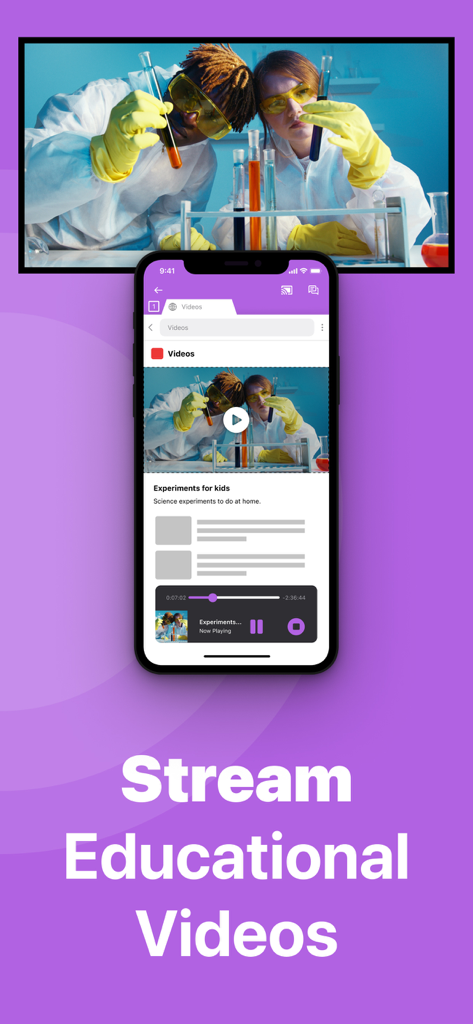
Ein iPhone, das ein wissenschaftliches Bildungsvideo auf einen großen Sony Smart TV-Bildschirm spiegelt.

Ein iPhone, das ein wissenschaftliches Bildungsvideo auf einen großen Sony Smart TV-Bildschirm spiegelt.

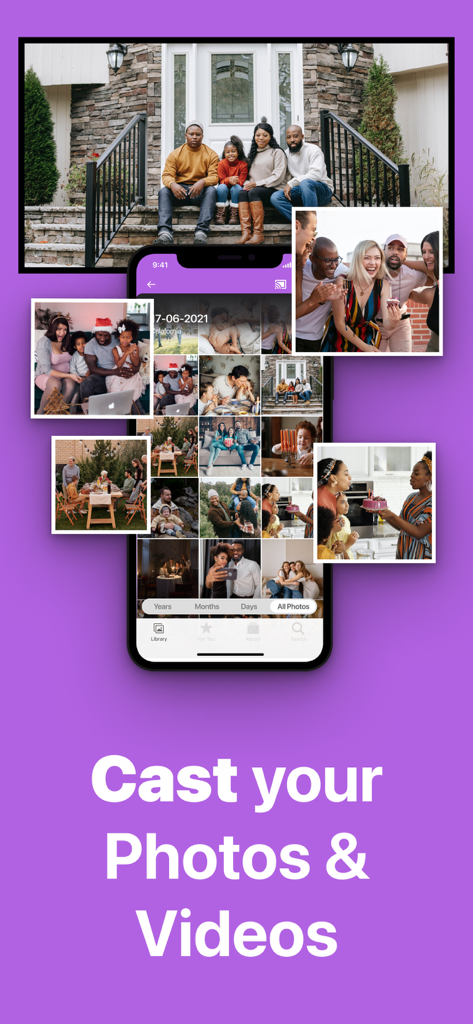
iPhone-Bildschirm spiegelt Familienfotos und -videos drahtlos auf einen Sony TV

iPhone-Bildschirm spiegelt Familienfotos und -videos drahtlos auf einen Sony TV

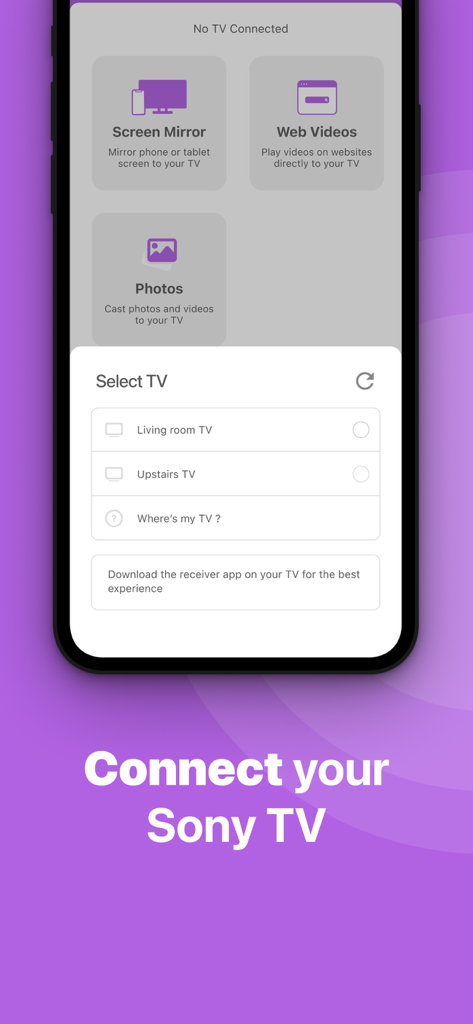
Smartphone-Oberfläche der Sony TV Screen Mirroring App mit einer Liste verfügbarer Smart TVs zur Verbindung.

Smartphone-Oberfläche der Sony TV Screen Mirroring App mit einer Liste verfügbarer Smart TVs zur Verbindung.

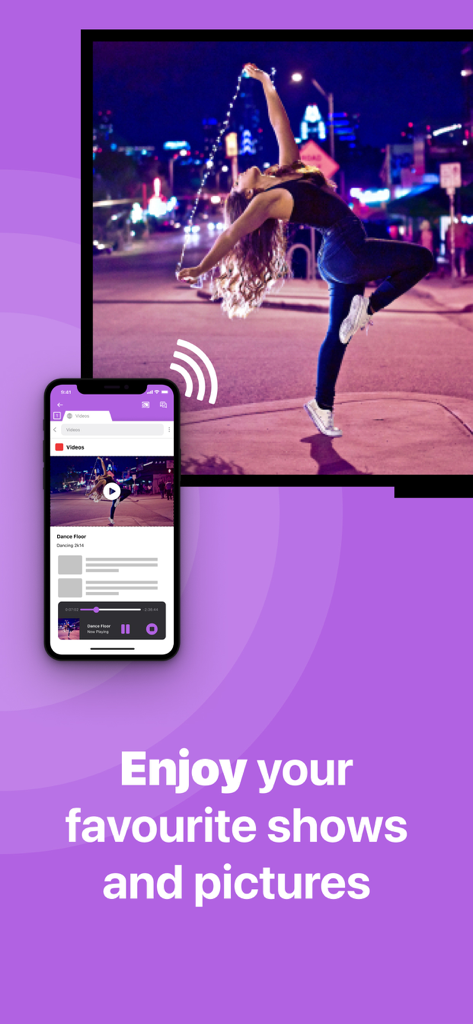
Ein Smartphone überträgt drahtlos ein Tanzvideo mit der Sony TV Screen Mirroring App auf einen großen Fernsehbildschirm

Ein Smartphone überträgt drahtlos ein Tanzvideo mit der Sony TV Screen Mirroring App auf einen großen Fernsehbildschirm

Alles, was Sie für eine nahtlose Verbindung benötigen

Die Tools, die diese App auszeichnen, gewählt von 479K+ Nutzern.

🔌

100% drahtlose Freiheit

Verzichten Sie auf teure Adapter und unordentliche HDMI-Kabel. Spiegeln Sie den Bildschirm Ihres iPhone oder iPad sofort, indem Sie nur Ihr vorhandenes Heim-WLAN-Netzwerk nutzen.

🎬

Jedes Web-Video übertragen

Genießen Sie Live-Nachrichten, Nischensportarten und webbasierte Videos auf dem großen Bildschirm, auch wenn diese keine native App auf Ihrem Sony TV haben.

🖼️

Familienerinnerungen teilen

Verwandeln Sie Ihren Sony TV in einen riesigen digitalen Bilderrahmen. Versammeln Sie alle, um Urlaubsfotos und Heimvideos in hoher Auflösung noch einmal zu erleben.

Weltweit von Nutzern geliebt

Vertraut von 479K+ Menschen, die diese App lieben.

"

"Als Elternteil, der ständig die Fußballspiele und Schulaufführungen meiner Kinder festhält, war diese App ein Lebensretter. Wir haben einen Sony Bravia von 2017, der AirPlay nicht unterstützt, und ich wollte keine zusätzliche Hardware kaufen. Diese App ermöglicht es mir, der ganzen Familie in Sekundenschnelle unsere neuesten Videos auf dem großen Bildschirm zu zeigen. Es ist so viel besser, als mein Handy durch den Raum zu reichen!"

David Miller
"

"Ich liebe es, wie einfach es war, das zum Laufen zu bringen. Ich nutze mein iPad für Fitness-Routinen und webbasierte Kochkurse, aber der Bildschirm ist für ein Workout einfach zu klein. Diese App ermöglicht es mir, alles drahtlos auf meinen Sony TV zu spiegeln, ohne unordentliche HDMI-Adapter. Es ist die perfekte, kostengünstige Lösung für alle, die die Lücke zwischen iOS und Sony schließen möchten."

Sarah Jenkins

Über die App

Alles, was Sie über wissen müssen Sony TV Screen Mirroring Cast.

Beschreibung

Enjoy anything on the big screen without any hassle. Just wirelessly connect your phone or tablet to your Sony TV. Finally, you can get rid of those annoying and unsafe cables. You don't need expensive hardware either. In less than 5 minutes you can make your life easier and more comfortable. Get this app and screen mirror, cast or stream anything to your TV from your iOS device. This works on any Sony Smart TV from the 2012 models onward. In using the app, there will be a couple of seconds of latency (usually between 1 and 3). So this mirroring is not suitable for gaming. Enjoy series, movies, sport, live streams, breaking news or web videos. In big size of course! How the app works: 1. Make sure that your iPhone or iPad is connected to the same local network as your Sony TV. Don't use multiple VLANs, a VPN or subnets. 2. Launch the Mirror for Sony TV app. It will start looking for your Sony TV(s) on your local network. When a TV is found, please select it. When you use this app for the first time, depending on your model Sony TV, the TV might ask you to "allow" the connection. In that case, take your TV Remote Control and press OK to allow the connection from your TV to your iPhone or iPad. 3. Turn on notifications for this app. We will not spam you, but we will use this to let you know if your TV is working correctly or not. So please, please allow it, otherwise when things don't work as they should, you are left in the dark. 4. Click on Start Mirroring to start mirroring on the TV that is currently selected. After that, you can just go to any other app on your iPhone or iPad and the mirroring just continues to run. 5. To stop mirroring, there are two options. (1) click on the red top bar that you will see on your iPhone or iPad. (2) Go to the Mirror for Sony TV app and click on Stop Mirroring. Limitations and known issues: DRM Some apps block Screen Mirroring. This means that application developers can choose themselves if they want to block Screen Mirroring. For instance, Netflix, Disney and AppleTV+ have decided to block this. There is a simple test that you can do to see if the app that you want to mirror has blocked Screen Mirroring: Open that particular app and slide up Control Center on your iPhone/iPad. Then, click on Screen Recording and start recording the screen to your Camera Roll. Watch the app that you want to mirror and at some point stop the screen recording. Then go to your Photos app and watch the video that was recorded. If the recorded video shows the app you want to mirror, it works fine. If the video is empty, then the app you want to mirror does not allow Screen Mirroring. You can purchase the Mirror for Sony TV Pro Version through an in app purchase. The Pro Version has the following features: 1. Adds audio to the screen mirroring 2. Provides for free lifetime updates of the app 3. Gives the option to choose higher screen resolutions. * Payment will be charged to iTunes Account at confirmation of purchase. * Subscription automatically renews unless auto-renew is turned off at least 24-hours before the end of the current period. * Account will be charged for renewal within 24-hours prior to the end of the current period, and identify the cost of the renewal. * Subscriptions may be managed by the user and auto-renewal may be turned off by going to the user’s Account Settings after purchase. * Any unused portion of a free trial period, if offered, will be forfeited when the user purchases a subscription to that publication, where applicable. Feel free to check: Our Terms of Use: http://bit.ly/ABTV-TOU21 Our Privacy Policy: https://www.airbeam.tv/privacy-policy/ Support: If you have questions or would like to provide feedback, please send us an e-mail or chat with us on our Facebook page. When you like the app, please don't forget to give it a positive rating! Thanks in advance from the AirBeamTV development team! Please give us feedback by mailing to support@airbeam.tv

Neueste Version

5.1.9

Größe

157.0 MB

Erstveröffentlichung

3. Nov. 2017

Erleben Sie Ihr iPhone auf Ihrem Sony TV – keine Kabel erforderlich

Schließen Sie sich über 479.000 Nutzern an, die müheloses, drahtloses Spiegeln genießen. Laden Sie es jetzt herunter und werten Sie Ihr Heimkino in weniger als 5 Minuten auf.

Herunterladen auf App StoreHerunterladen auf Google Play