LG TV Screen Mirroring Cast

LG TV Screen Mirroring Cast

Herunterladen auf App StoreHerunterladen auf Google Play
Spark by MWM logo
Logo von LG TV Screen Mirroring Cast

LG TV Screen Mirroring Cast: Verbinden Sie Ihr iPhone drahtlos mit dem großen Bildschirm

Der einfachste Weg, Fotos zu teilen, Webvideos zu streamen und Präsentationen auf jedem LG Smart TV ab 2012 zu halten. Keine Kabel, keine Adapter und keine zusätzliche Hardware erforderlich.

Herausgeber

AirBeamTV BV

Kategorie

Photo & Video

Downloads

1M+

Bewertung

4.2/5

Bewertungen gesamt

26K+

Sprachen

17

Der drahtlose Vorteil

Entdecken Sie die Oberfläche, die von 1M+ Nutzern verwendet wird.

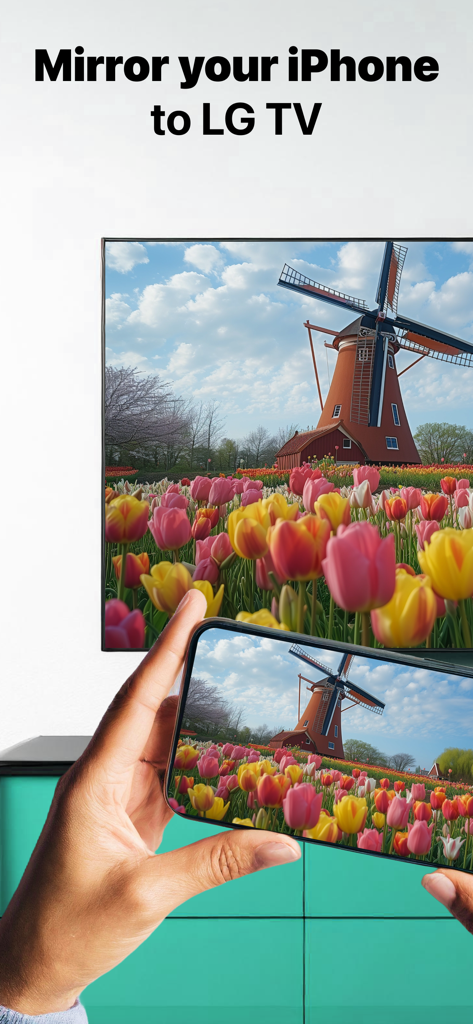
Eine Person spiegelt ein Foto von einer Windmühle und Tulpen von einem iPhone auf einen LG Smart TV.

Eine Person spiegelt ein Foto von einer Windmühle und Tulpen von einem iPhone auf einen LG Smart TV.

Person spiegelt ein farbenfrohes Video von einem iPhone auf einen LG Smart TV

Person spiegelt ein farbenfrohes Video von einem iPhone auf einen LG Smart TV

Frau schaut ein Landschaftsvideo auf einem LG Smart TV mit dem Text „Funktioniert mit allen LG TVs“

Frau schaut ein Landschaftsvideo auf einem LG Smart TV mit dem Text „Funktioniert mit allen LG TVs“

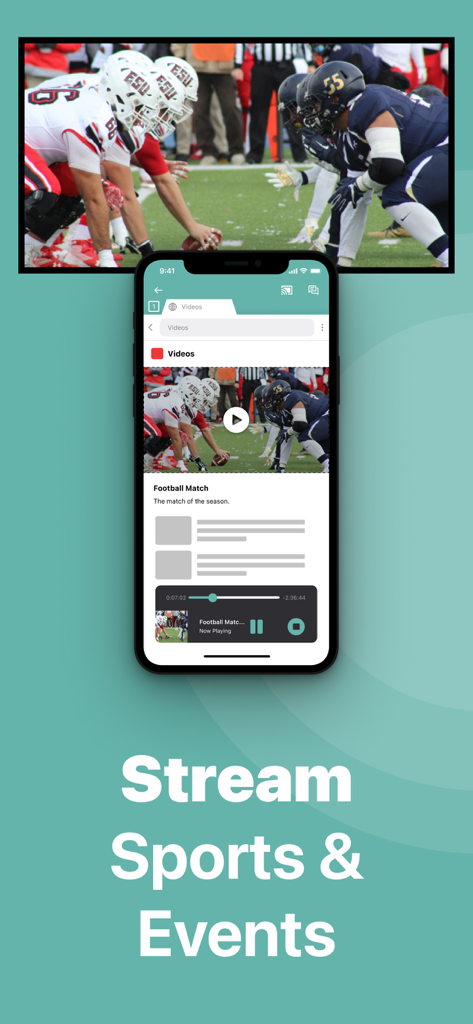
Ein iPhone-Bildschirm spiegelt ein Live-Fußballspiel auf einen LG Smart TV

Ein iPhone-Bildschirm spiegelt ein Live-Fußballspiel auf einen LG Smart TV

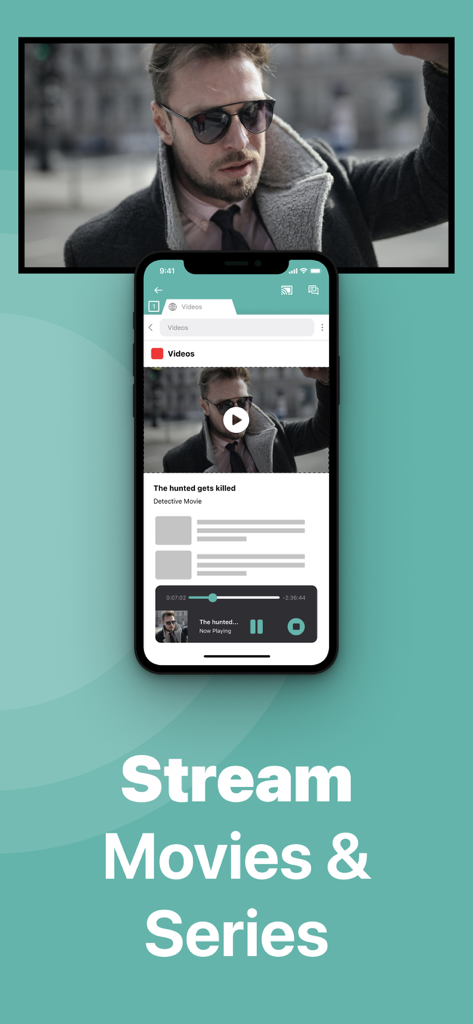
iPhone-App spiegelt einen Film auf einen großen LG TV-Bildschirm

iPhone-App spiegelt einen Film auf einen großen LG TV-Bildschirm

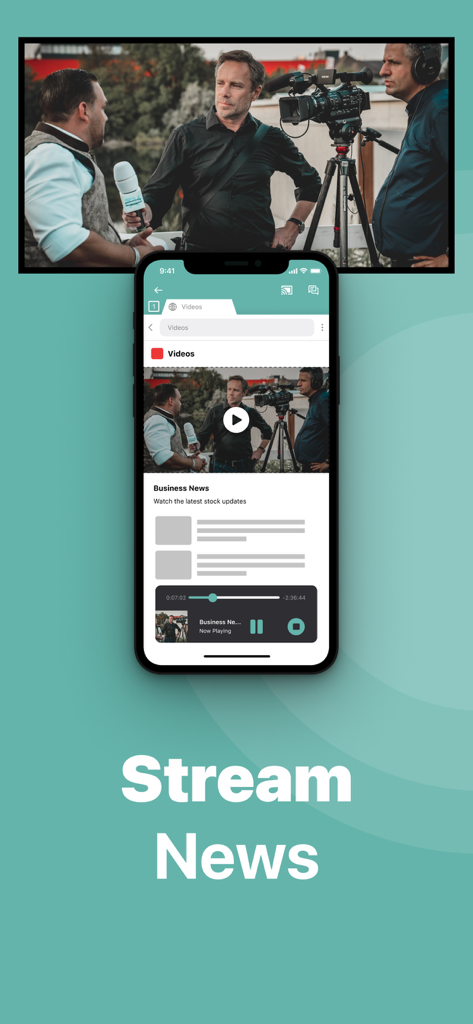
Ein iPhone-Bildschirm spiegelt ein Nachrichtenvideo auf einen großen LG Smart TV.

Ein iPhone-Bildschirm spiegelt ein Nachrichtenvideo auf einen großen LG Smart TV.

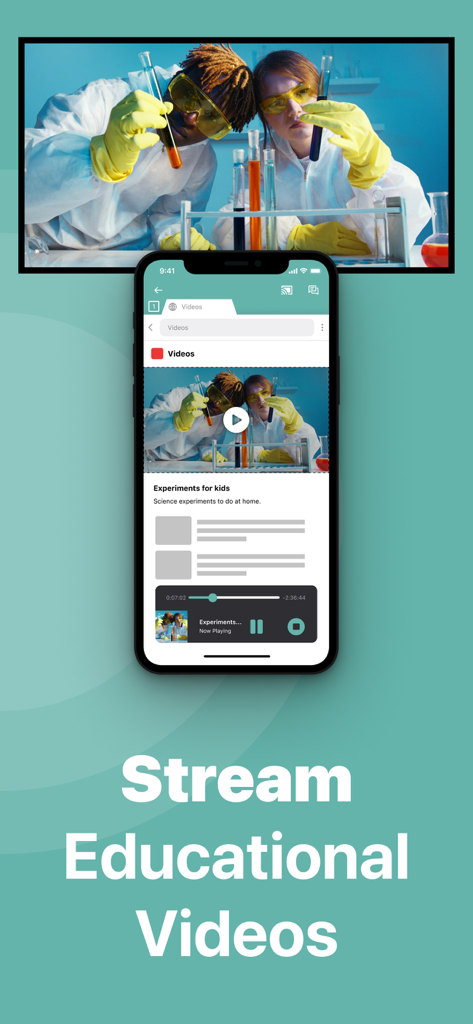
iPhone-Bildschirm spiegelt ein Lehrvideo auf einen LG Smart TV

iPhone-Bildschirm spiegelt ein Lehrvideo auf einen LG Smart TV

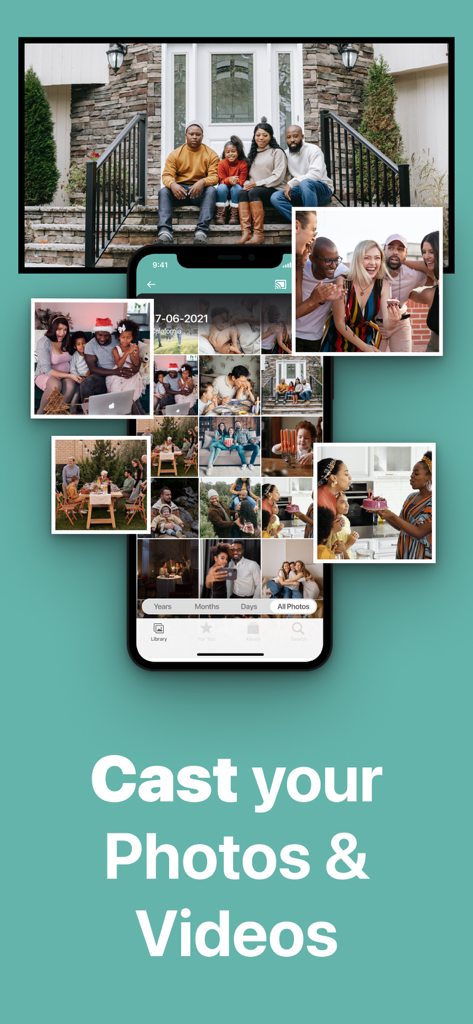
Ein iPhone überträgt eine Galerie von Fotos und Videos auf einen LG Smart TV-Bildschirm

Ein iPhone überträgt eine Galerie von Fotos und Videos auf einen LG Smart TV-Bildschirm

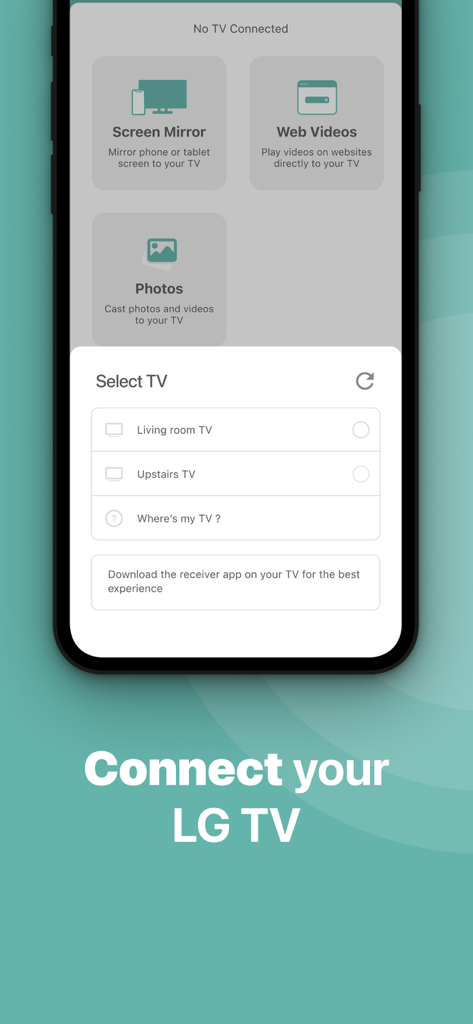
Eine iPhone-App-Oberfläche zeigt eine Liste verfügbarer LG TVs zum Verbinden für die Bildschirmspiegelung.

Eine iPhone-App-Oberfläche zeigt eine Liste verfügbarer LG TVs zum Verbinden für die Bildschirmspiegelung.

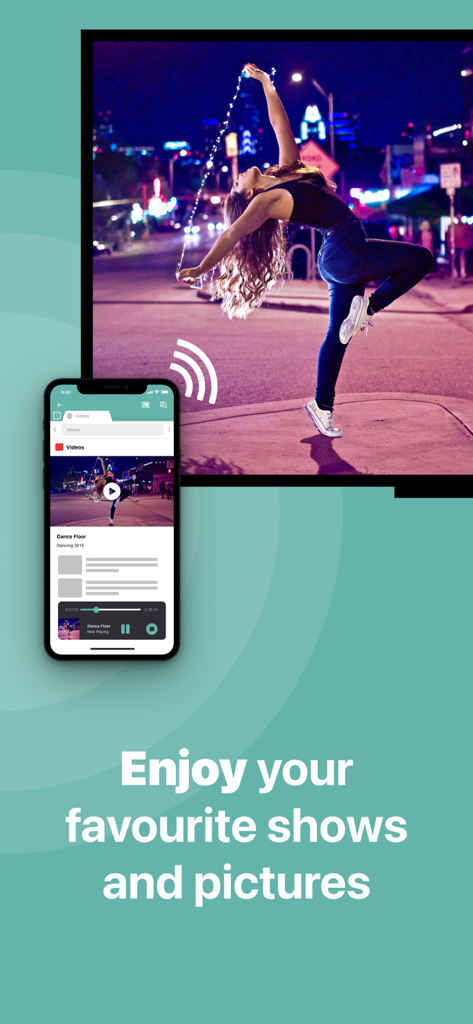
Ein iPhone spiegelt ein Video einer tanzenden Frau auf einen großen LG Smart TV-Bildschirm.

Ein iPhone spiegelt ein Video einer tanzenden Frau auf einen großen LG Smart TV-Bildschirm.

Erleben Sie Ihre Inhalte auf dem großen Bildschirm

Die Tools, die diese App auszeichnen, gewählt von 1M+ Nutzern.

📲

Kabellose Freiheit

Verzichten Sie auf teure Adapter und unordentliche Kabel. Spiegeln Sie Ihren Bildschirm sofort über Ihr bestehendes Heim-WLAN-Netzwerk für ein aufgeräumteres, modernes Setup.

🖼️

Teilen Sie Ihre Erinnerungen

Erleben Sie Ihre Lieblingsmomente erneut, indem Sie Fotos und Heimvideos aus Ihrer Kamerarolle direkt auf den großen Bildschirm übertragen, damit die ganze Familie sie genießen kann.

💼

Arbeit & Wellness skaliert

Perfekt für professionelle Präsentationen oder das Mitmachen bei Fitness-Apps auf einem größeren Display für ein intensiveres und produktiveres Erlebnis.

Weltweit von Nutzern geliebt

Vertraut von 1M+ Menschen, die diese App lieben.

"

"Ich habe einen älteren LG Fernseher in meinem Wohnzimmer, der AirPlay nicht unterstützt, und ich wollte keine teure Apple TV Box kaufen, nur um Fotos zu teilen. Diese App ist ein Lebensretter! Sie hat meinen Fernseher sofort gefunden, und jetzt kann ich unsere Familienurlaubsvideos und -fotos ohne Kabelsalat auf dem großen Bildschirm zeigen. Es ist so einfach und funktioniert genau wie beschrieben."

Sarah Miller
"

"Perfekt für meine morgendlichen Trainingsroutinen. Ich spiegele meine Fitness-App von meinem iPhone auf den Fernseher, damit ich die Trainer beim Bewegen klar sehen kann. Die Einrichtung war unglaublich schnell, und selbst mit der leichten Verzögerung ist es perfekt für Videos und Präsentationen. Das Upgrade auf die Pro-Version für Audio und 1080p hat sich absolut gelohnt!"

David Chen

Über die App

Alles, was Sie über wissen müssen LG TV Screen Mirroring Cast.

Beschreibung

Application to mirror the screen of your iPhone or iPad to any LG Smart TV. No wires and no additional hardware needed! You can mirror any app on your iPhone or iPad to your LG TV. This works on any LG Smart TV from the 2012 models onward. In using the app, there will be a couple of seconds of latency (usually between 1 and 3). So this mirroring is not suitable for gaming. However, it is very suitable for watching movies, giving presentations, watching photos, and much more! How the app works: 1. Make sure that your iPhone or iPad is connected to the same local network as your LG TV. Don't use multiple VLANs, a VPN or subnets. 2. Launch the Mirror for LG TV app. It will start looking for your LG TV(s) on your local network. When a TV is found, please select it. When you use this app for the first time, depending on your model LG TV, the TV might ask you to "allow" the connection. In that case, take your TV Remote Control and press OK to allow the connection from your TV to your iPhone or iPad. 3. Turn on notifications for this app. We will not spam you, but we will use this to let you know if your TV is working correctly or not. So please, please allow it, otherwise when things don't work as they should, you are left in the dark. 4. Click on Start Mirroring to start mirroring on the TV that is currently selected. After that, you can just go to any other app on your iPhone or iPad and the mirroring just continues to run. 5. To stop mirroring, there are two options. (1) click on the red top bar that you will see on your iPhone or iPad. (2) Go to the Mirror for LG TV app and click on Stop Mirroring. Limitations and known issues: DRM Some apps block Screen Mirroring. This means that application developers can choose themselves if they want to block Screen Mirroring. For instance, Netflix, Disney and AppleTV+ have decided to block this. There is a simple test that you can do to see if the app that you want to mirror has blocked Screen Mirroring: Open that particular app and slide up Control Center on your iPhone/iPad. Then, click on Screen Recording and start recording the screen to your Camera Roll. Watch the app that you want to mirror and at some point stop the screen recording. Then go to your Photos app and watch the video that was recorded. If the recorded video shows the app you want to mirror, it works fine. If the video is empty, then the app you want to mirror does not allow Screen Mirroring. About Screen Recording and Privacy Even though there are notifications about Screen Recording, we don't record your screen into files and we don't send any content to a server. We only temporarily store data in memory, before it is streamed to TV. Upon streaming, the content is removed from memory. You can purchase the Mirror for LG TV Pro Version through an in app purchase. The Pro Version has the following features: 1. Adds audio to the screen mirroring 2. Provides for free lifetime updates of the app 3. Gives the option to choose higher screen resolutions, like 720p and 1080p * Payment will be charged to iTunes Account at confirmation of purchase. * Subscription automatically renews unless auto-renew is turned off at least 24-hours before the end of the current period. * Account will be charged for renewal within 24-hours prior to the end of the current period, and identify the cost of the renewal. * Subscriptions may be managed by the user and auto-renewal may be turned off by going to the user’s Account Settings after purchase. * Any unused portion of a free trial period, if offered, will be forfeited when the user purchases a subscription to that publication, where applicable. Feel free to check: Our Terms of Use: http://bit.ly/ABTV-TOU21 Our Privacy Policy: https://www.airbeam.tv/privacy-policy/ Support: If you have questions or would like to provide feedback, please send us an e-mail on support@airbeam.tv

Neueste Version

5.1.16

Größe

148.9 MB

Erstveröffentlichung

17. Okt. 2017

Bereit für das große Bild?

Verzichten Sie auf Kabel und teure Adapter. Schließen Sie sich über 1 Million Nutzern an und beginnen Sie noch heute, Ihr iPhone oder iPad auf Ihren LG TV zu spiegeln – keine zusätzliche Hardware erforderlich.

Herunterladen auf App StoreHerunterladen auf Google Play
FAQ

Häufig gestellte Fragen

Alles, was Sie über wissen müssen LG TV Screen Mirroring Cast
Was ist die LG TV Screen Mirroring Cast App?

LG TV Screen Mirroring Cast ermöglicht es Benutzern, ihren iPhone- oder iPad-Bildschirm drahtlos und ohne zusätzliche Hardware auf jeden LG Smart TV zu spiegeln. Es unterstützt die Spiegelung jeder App.

Wie verbinde ich mein iPhone mit einem LG TV mit Mirror for LG TV?

Verbinden Sie Ihr iPhone/iPad und Ihren LG TV mit demselben lokalen Netzwerk. Starten Sie die Mirror for LG TV App, wählen Sie Ihren Fernseher aus und erlauben Sie die Verbindung auf Ihrem Fernseher mit dessen Fernbedienung.

Welche LG Smart TVs sind mit LG TV Screen Mirroring Cast kompatibel?

Die LG TV Screen Mirroring Cast App ist mit allen LG Smart TV-Modellen ab 2012 kompatibel. Sie funktioniert mit jedem LG TV dieser Generation.

Kann LG TV Screen Mirroring Cast Inhalte von Netflix oder Disney+ spiegeln?

Nein, LG TV Screen Mirroring Cast kann keine Inhalte von Apps wie Netflix, Disney+ oder AppleTV+ spiegeln. Diese Anwendungen blockieren die Bildschirmspiegelung aufgrund von DRM-Beschränkungen.

Ist die Mirror for LG TV App für Spiele geeignet?

Nein, die Mirror for LG TV App ist nicht für Spiele geeignet. Sie hat eine Latenz von normalerweise 1 bis 3 Sekunden, was Echtzeitinteraktionen beeinträchtigt.

Welche Arten von Inhalten kann ich mit der LG TV Screen Mirroring Cast App spiegeln?

Die LG TV Screen Mirroring Cast App spiegelt Filme, Präsentationen, Fotos, Sport, Veranstaltungen, Nachrichten und Lernvideos von Ihrem iPhone oder iPad auf Ihren LG TV.

Nimmt LG TV Screen Mirroring Cast die Bildschirme der Benutzer auf?

Nein, LG TV Screen Mirroring Cast zeichnet Ihren Bildschirm nicht in Dateien auf und sendet keine Inhalte an einen Server. Es speichert Daten temporär im Speicher zum Streamen und entfernt sie dann.

Welche Funktionen enthält die Pro-Version von Mirror for LG TV?

Die Pro-Version fügt Audio zur Spiegelung hinzu, bietet kostenlose lebenslange Updates und bietet höhere Bildschirmauflösungen wie 720p und 1080p für verbesserte Anzeige.

Wie beende ich die Bildschirmspiegelung mit LG TV Screen Mirroring Cast?

Sie beenden die Bildschirmspiegelung, indem Sie auf die rote obere Leiste auf Ihrem iPhone/iPad klicken oder die Mirror for LG TV App öffnen und "Stop Mirroring" auswählen.

Werden Kabel oder zusätzliche Hardware für LG TV Screen Mirroring Cast benötigt?

Nein, die LG TV Screen Mirroring Cast App funktioniert ohne Kabel oder zusätzliche Hardware. Sie verwendet Ihre bestehende lokale Netzwerkverbindung zwischen den Geräten.

Wie erhalte ich die Pro-Version von Mirror for LG TV?

Benutzer erwerben die Pro-Version von Mirror for LG TV durch einen In-App-Kauf innerhalb der Anwendung. Dies schaltet ihre erweiterten Funktionen frei.

Wie verwalte ich mein LG TV Screen Mirroring Cast Pro-Abonnement?

Benutzer verwalten ihr Pro-Abonnement und ihre Einstellungen für die automatische Verlängerung, indem sie nach dem Kauf ihre Kontoeinstellungen in iTunes besuchen. Abonnements verlängern sich automatisch.