
AR Drawing: Sketch & Paint


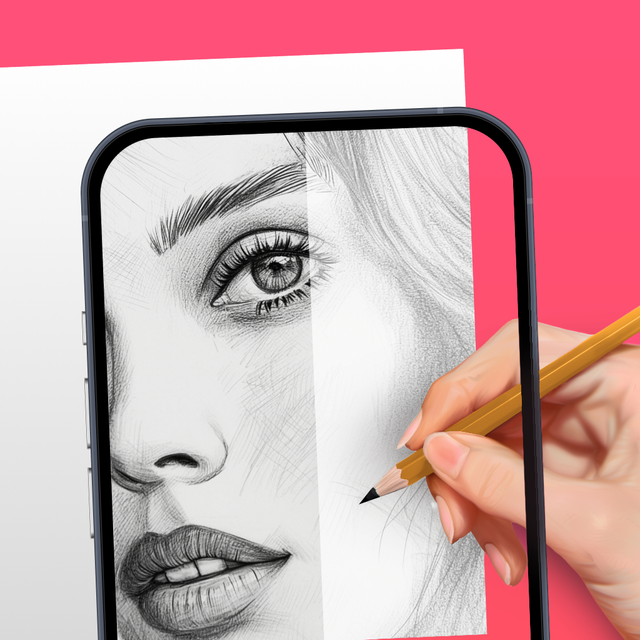
Turn your phone into a professional tracing tool. From viral social media sketches to beautiful DIY decor, unleash your creativity on any surface—no drawing skills required.
Publisher
Category
Graphics & DesignDownloads
8M+User Rating
Total Ratings
203K+Locales
11Discover the interface used by 8M+ users.
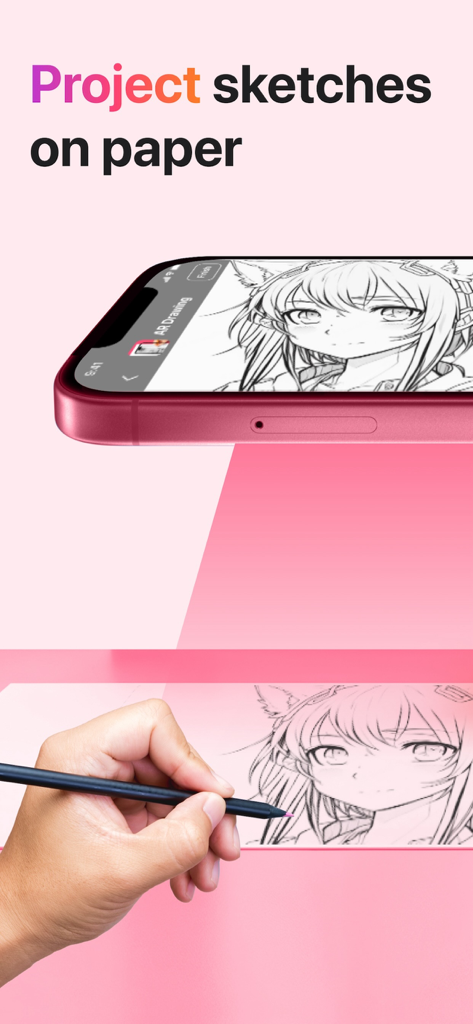
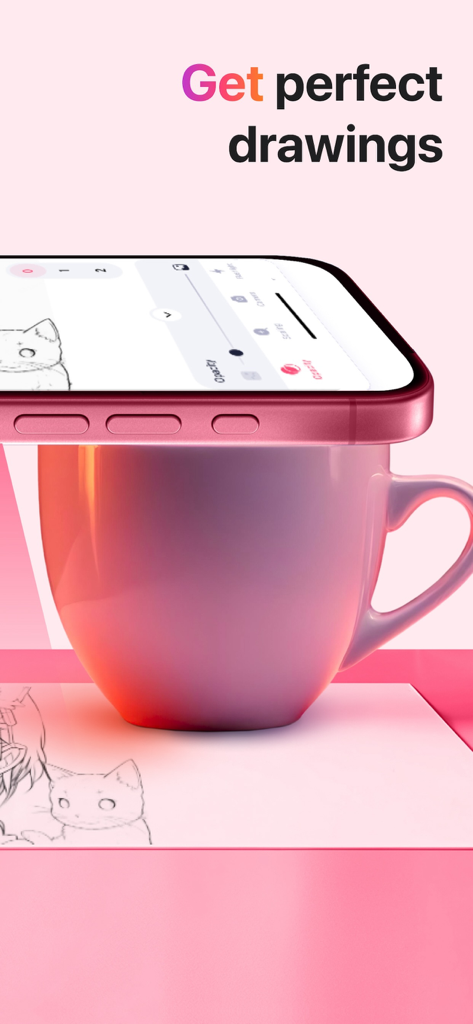
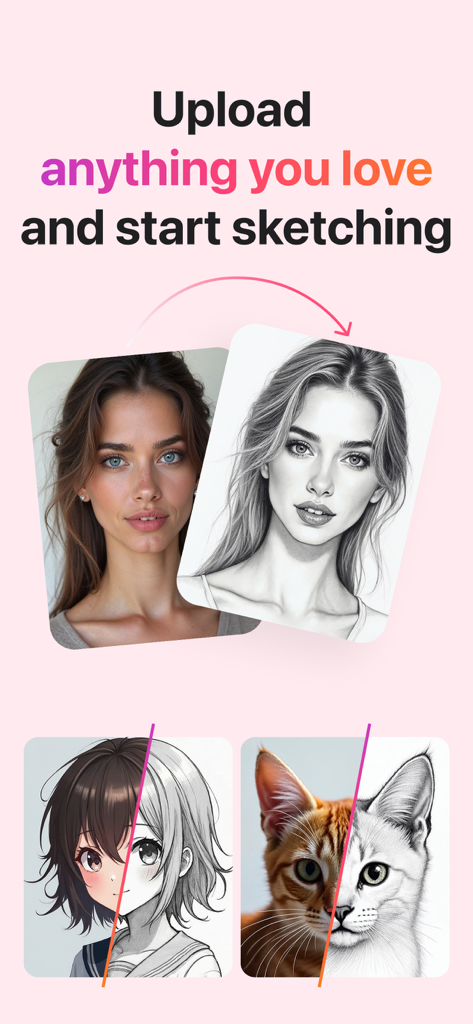
The tools that make this app stand out, trusted by 8M+ users.
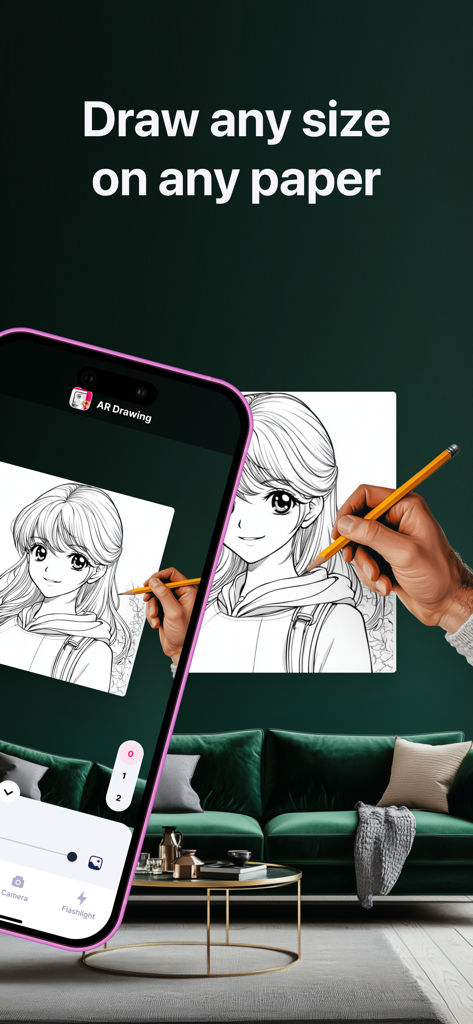
Project any design directly onto your paper or canvas. It is like having a professional guide for every stroke, ensuring perfect proportions for every masterpiece.
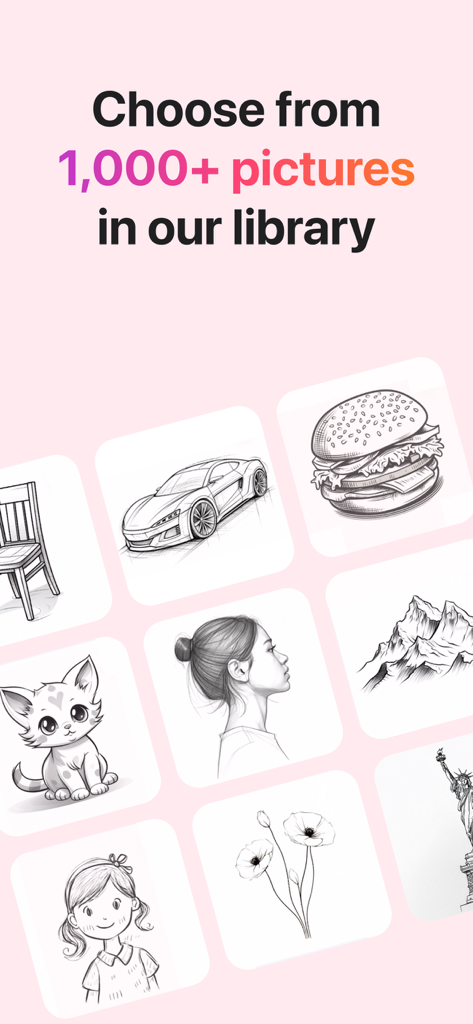
Choose from thousands of trending categories like botanicals, minimalist line art, and cute animals to match your personal style and Pinterest goals.
Capture your creative process with the built-in flashlight and easily share your results or speed-drawing videos with your community on TikTok and Instagram.
Trusted by 8M+ people who love this app.
"I've always wanted to create those aesthetic speed-paint videos for my TikTok, but my freehand skills were never quite there. This app changed everything! The AR projection makes it so easy to get the proportions perfect, and I've already shared three drawings that my friends thought were professional. It really removes the fear of the blank page."
"As a busy parent who loves DIY crafts and bullet journaling, this app is a total game-changer. I used it to trace a complex floral design onto a handmade birthday card, and it turned out beautifully. The built-in flashlight feature is a lifesaver for my late-night sketching sessions after the kids are in bed."
Insights from user reviews.
Sentiment Score
Summary
This app receives overwhelmingly negative feedback, primarily due to an aggressive paywall that restricts access to core drawing functionalities, including the inability to import custom images or use specific tracing features without a paid subscription. Many users felt misled by advertisements suggesting free access and reported issues with free trials leading to immediate charges. Despite these widespread criticisms regarding pricing and limited free content, a small number of users found the app to be cool, fun, easy to navigate, and a helpful tool for learning to draw.
Common Themes
Everything you need to know about AR Drawing: Sketch & Paint.
Description
Latest Version
5.0.1
Size
255.6 MB
First Released
May 2, 2023
Join over 8 million creators using AR to bridge the gap between imagination and reality. Download now to turn any surface into your canvas and share your aesthetic journey with the world.
Everything you need to know about AR Drawing: Sketch & Paint
The AR Drawing app uses your phone camera to project sketches onto paper or any surface. Users then trace the projected image to create drawings. This augmented reality technology allows for easy creation of stunning artwork.
Yes, the AR Drawing app allows users to upload anything they love and start sketching. It converts uploaded images into sketches, providing a personalized drawing experience.
Yes, AR Drawing provides a large library of templates. Users can choose from over 1,000 pictures across various categories, including Animals, Cars, Nature, and Food, to guide their drawings.
Yes, the AR Drawing app features a built-in flashlight. This function helps illuminate the drawing surface, ensuring better visibility and accuracy when tracing projected images.
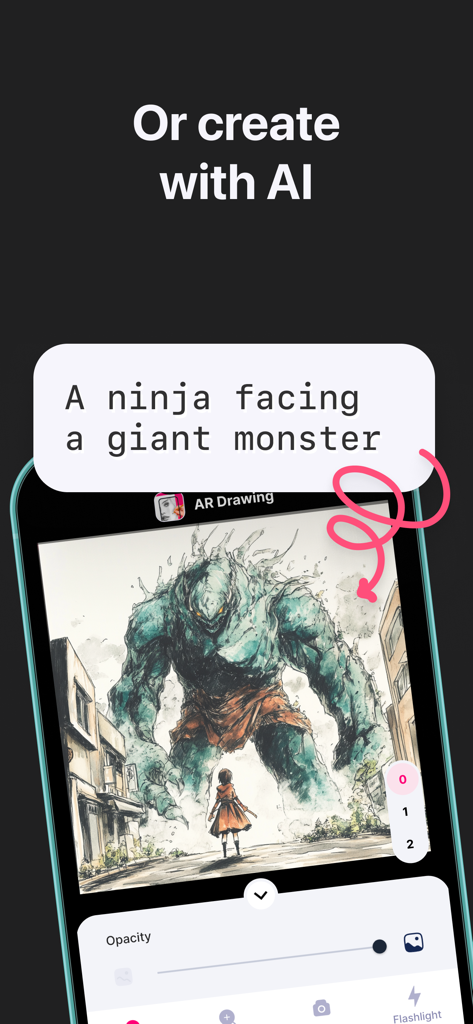
Yes, the AR Drawing app offers the capability to create images with AI. This feature allows users to generate unique concepts or modify existing ones for their drawing projects.
Yes, AR Drawing is designed for both experienced artists and those just starting out. The app's intuitive augmented reality features make it perfect for unleashing creativity and exploring new artistic possibilities.
The Privacy Policy for AR Drawing: Sketch & Paint is available on the app's official website. It can be accessed directly via the link provided in the store description.
Apps with similar features and user experience

DROIDFUN LIMITED

Big Idea Design LLC

SMDA GROUP SP Z O O SP KOMANDYTOWA

ANDROID VIETNAM TECHNOLOGY CORPORATION

EIGEN SOFTWARE LIMITED

Magomed Dzhamalov

Da Vinci Eye LLC

Ketanbhai Khokhani

HEY CLAY LTD