
Audio Editor - AudioLab, Mixer


Elevate your content with professional multitrack editing, AI vocal separation, and cinematic effects. Transform your mobile device into a powerful sound canvas for TikTok, podcasts, and music creation.
Publisher
Category
UtilitiesDownloads
114K+User Rating
Total Ratings
3K+Locales
8Discover the interface used by 114K+ users.
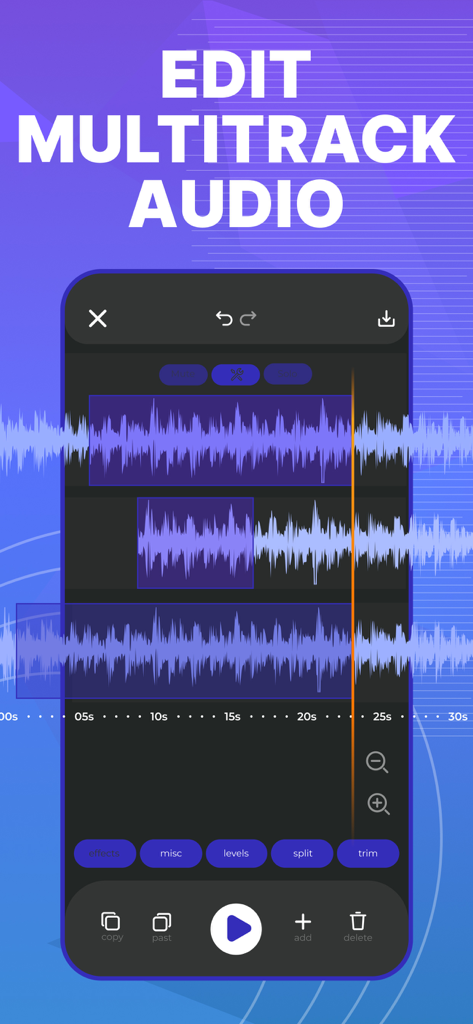
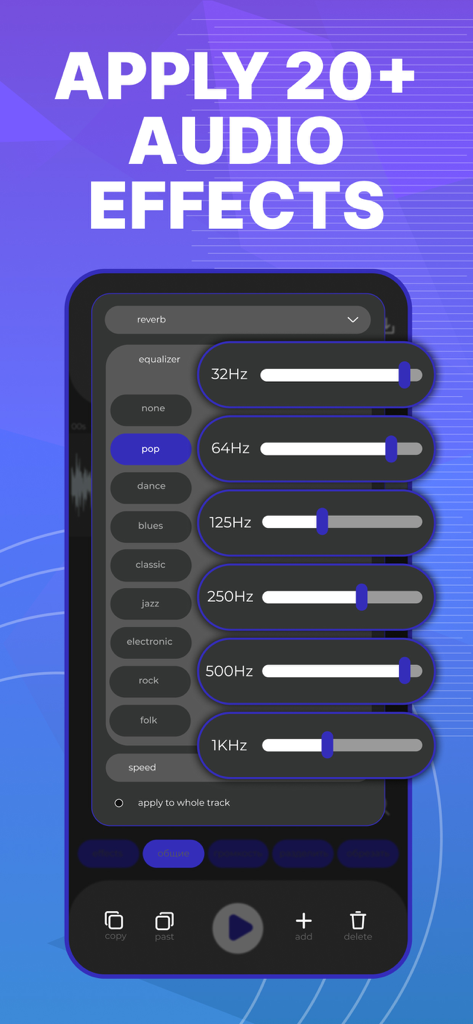
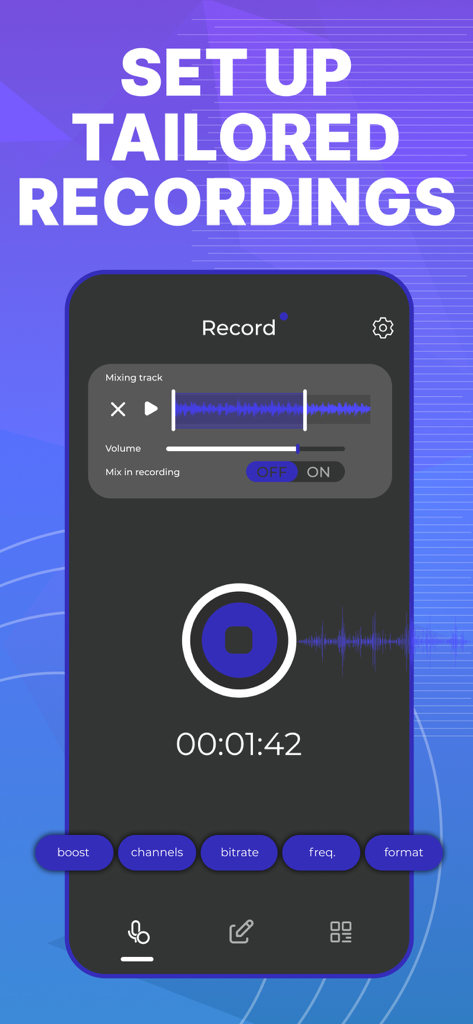
The tools that make this app stand out, trusted by 114K+ users.
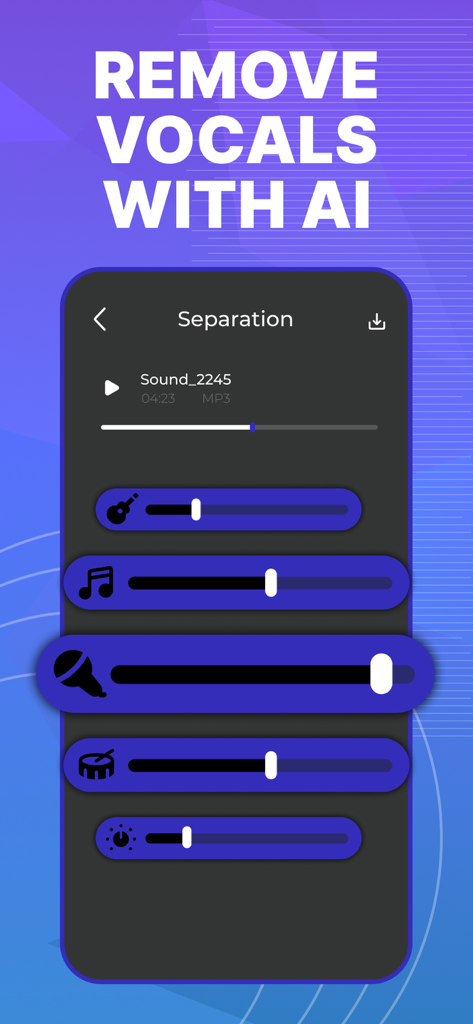
Instantly isolate vocals or remove instruments with one tap. Perfect for creating custom karaoke tracks, unique remixes, and social media mashups.
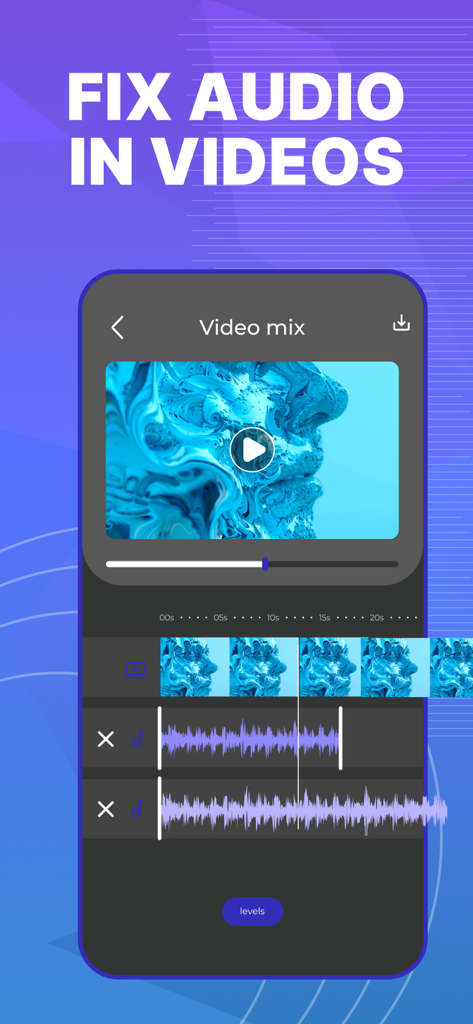
Make your Reels and TikToks sound like a movie. Automatically remove background noise and apply cinematic effects to make your voice stand out.
Layer unlimited tracks and fine-tune your projects like a pro. Adjust pitch, tempo, and panning to produce professional podcasts or music anywhere.
Trusted by 114K+ people who love this app.
"This app is a game-changer for my TikTok content! The AI vocal separator is actually magic—I can make custom remixes in seconds. Plus, being able to edit the audio of my videos directly without transferring them to my PC has saved me so much time. Highly recommend for any creator."
"I use AudioLab for my mobile podcasting setup on my iPad. The multitrack editor is intuitive, and the AI noise cleaning is a lifesaver when recording in non-studio environments. Having a professional-grade mixer in my pocket that supports lossless FLAC export is exactly what I needed."
Everything you need to know about Audio Editor - AudioLab, Mixer.
Description
Latest Version
2.4
Size
44.3 MB
First Released
Jun 28, 2024
Join over 114,000 creators using AI-powered tools to edit, mix, and master on the go. Start your 3-day free trial and unleash your inner audio artist today.
Everything you need to know about Audio Editor - AudioLab, Mixer
The Audio Editor - AudioLab, Mixer app uses AI to separate vocals and instruments. Users can create karaoke tracks, remixes, or mashups with this feature.
Yes, Audio Editor - AudioLab, Mixer supports multitrack editing. Users can work with multiple tracks simultaneously, mix them, and fine-tune projects. Premium subscription unlocks unlimited tracks.
Audio Editor - AudioLab, Mixer offers over 20 audio effects, including reverb, equalizer, delay, and compression. Premium subscribers access advanced equalizer, compressor, and stereo widener.
Yes, Audio Editor - AudioLab, Mixer allows users to edit audio within video files. Features include adjusting volume levels, adding effects, and enhancing video sound.
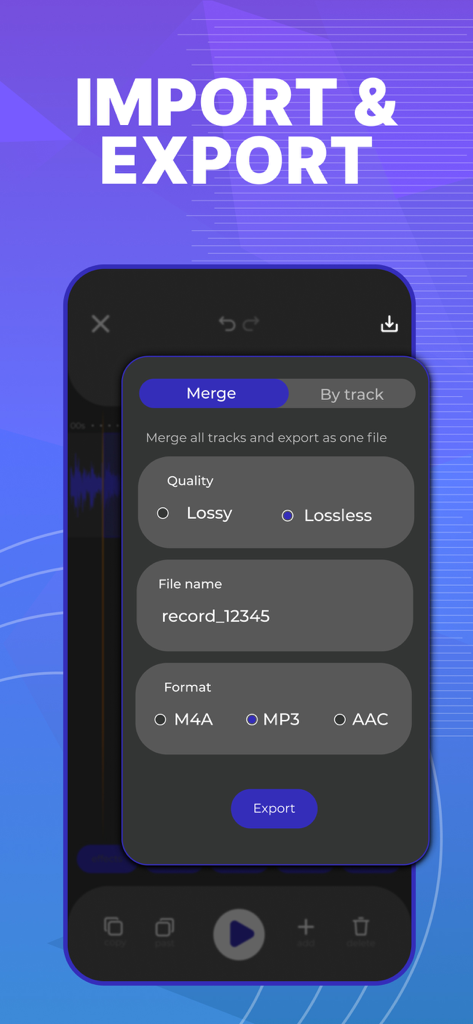
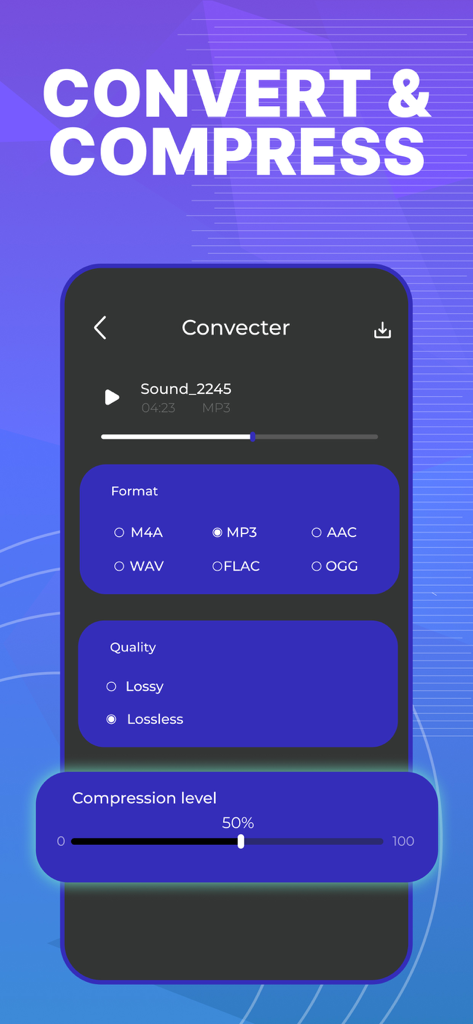
Audio Editor - AudioLab, Mixer supports converting audio between MP3, M4A, AAC, WAV, FLAC, and OGG formats. It also provides options for lossy and lossless quality export.
Yes, Audio Editor - AudioLab, Mixer offers a 3-day free trial. This allows users to explore the app's features before committing to a premium subscription.
Audio Editor - AudioLab, Mixer's premium subscription includes an AI audio cleaning feature. This automatically removes background noise and interference from recordings and existing tracks.
Yes, Audio Editor - AudioLab, Mixer can compress audio without quality loss. The app allows users to reduce file size while maintaining clear sound quality.
Audio Editor - AudioLab, Mixer (Premium) allows professional recording customization. Users can adjust bitrate, sample rate, and channels (mono/stereo) for ideal sound quality.
Yes, the Audio Editor - AudioLab, Mixer app allows sound generation. It includes a built-in noise generator and an AI track generator for creative inspiration.
Apps with similar features and user experience

NCH Software

苏娟 陈

孛 刘

Arpenik Katikyan

Wooji Juice Ltd

NCH Software

龙刚 李

文 夏

燕倩 费