
CAD Design 3D - edit Auto CAD DWG/DXF/DWF files



Empower your mobile workflow with advanced 2D/3D editing, object snapping, and seamless cloud integration. View and annotate DWG files with the precision of a desktop workspace, anywhere.
Publisher
Category
LifestyleDownloads
225K+User Rating
Total Ratings
0Locales
13Discover the interface used by 225K+ users.
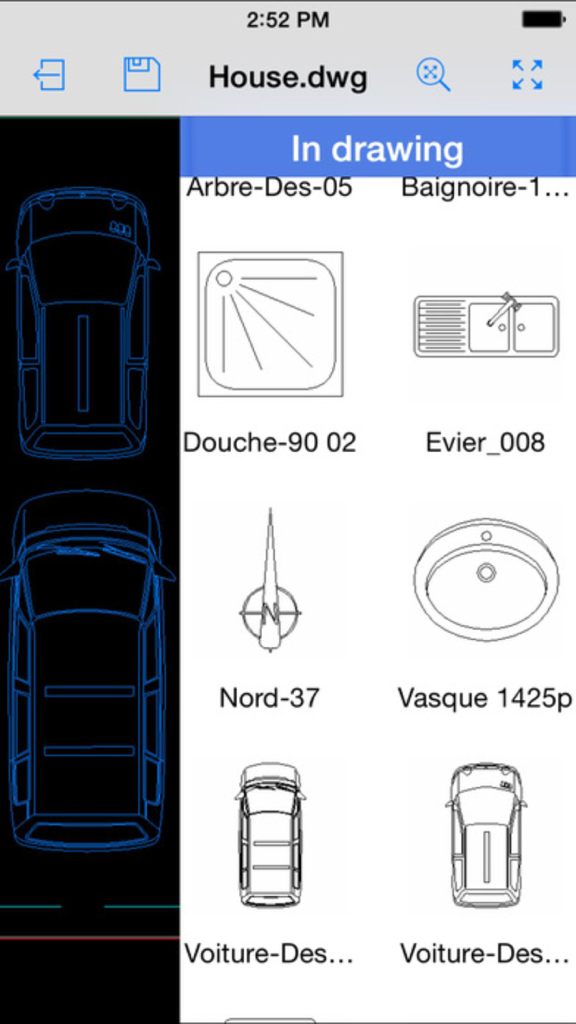
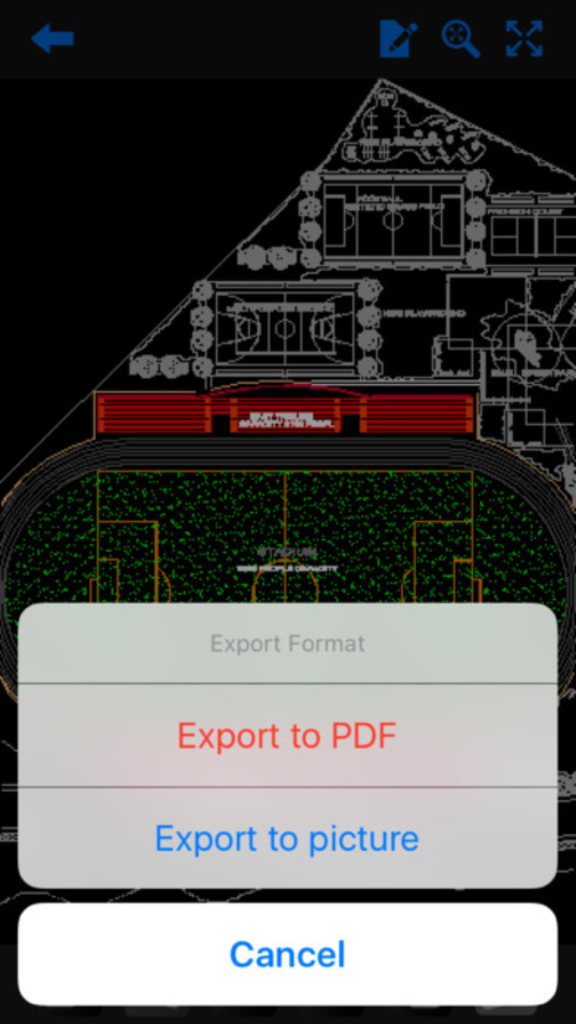
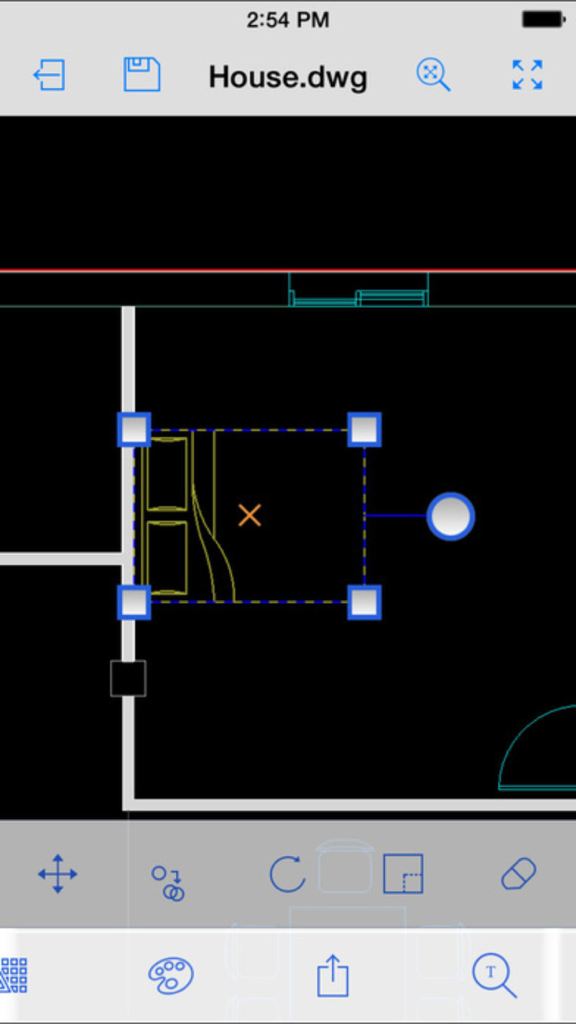
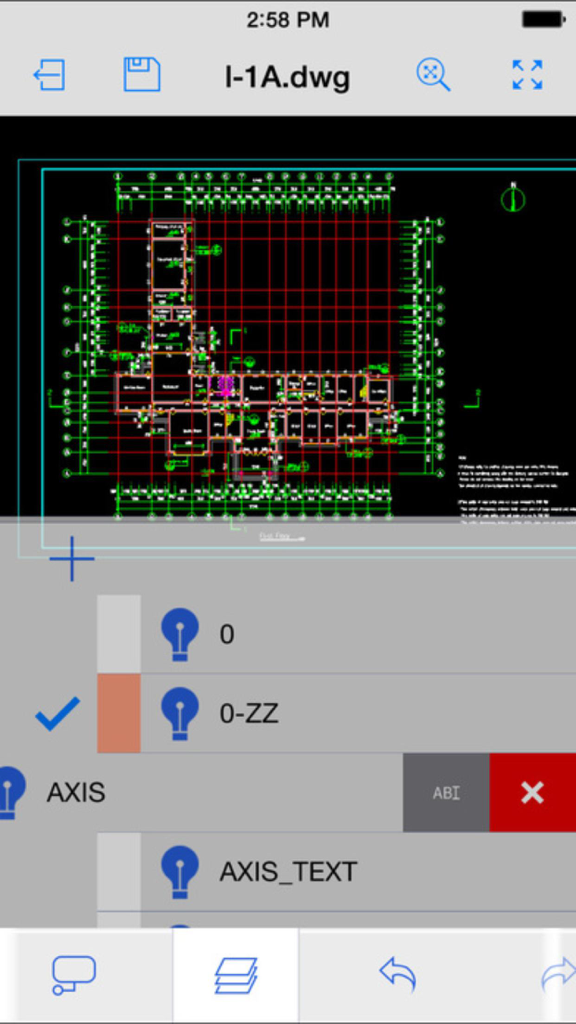
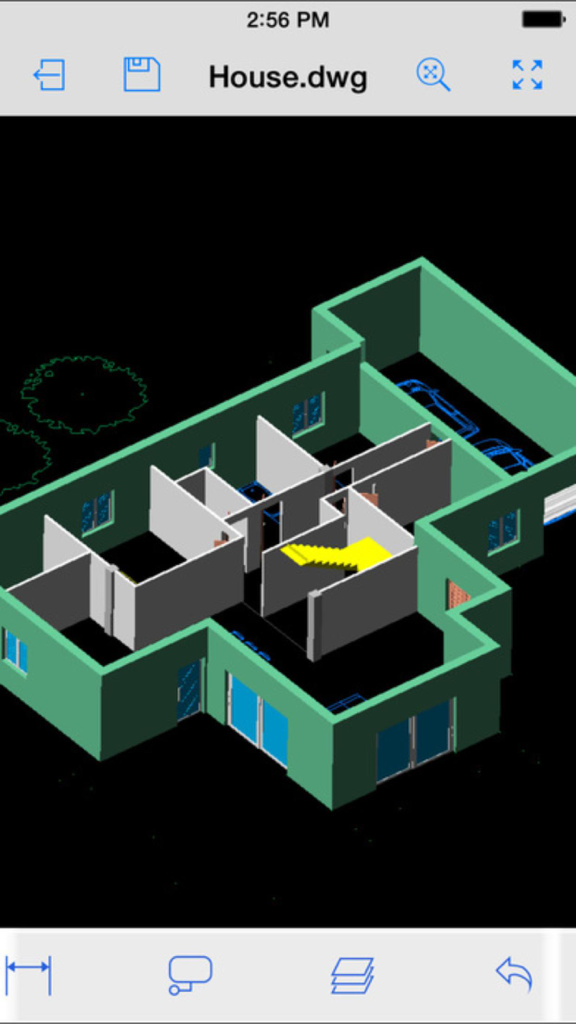
The tools that make this app stand out, trusted by 225K+ users.
Execute complex edits with professional accuracy using object snap, advanced keypad input, and a full suite of 2D/3D tools optimized for touchscreens.
Access, edit, and save DWG and DXF files directly from your preferred cloud storage, ensuring your desktop and mobile workflows are always synchronized.
Go paperless by adding professional red-line markups, revision clouds, and text annotations directly to your drawings for immediate team collaboration.
Trusted by 225K+ people who love this app.
"As a site manager, carrying heavy blueprint rolls is a thing of the past. This app allows me to handle complex DWG files and make precise cloud annotations directly on my iPad while walking the job site. The seamless integration with my cloud storage means my office team sees the changes instantly, which has significantly reduced our project turnaround time."
"Finding a mobile tool that actually supports object snapping and 3D layer management was a breakthrough for my workflow. I use it during client consultations to tweak interior layouts in real-time. It’s intuitive, powerful, and the keypad feature provides the precision I need for professional-grade architectural edits without needing a desktop setup."
Insights from user reviews.
Sentiment Score
Summary
This app receives overwhelmingly negative feedback, primarily due to fundamental functionality issues, including its inability to open common CAD file formats like .dwg and .dwfx, or to perform basic editing. Many users feel misled by claims of 3D modeling, noting that the app only offers 3D viewing, not creation, and lacks essential CAD tools. A significant point of frustration is the complete absence of customer support, tutorials, or contact information for the developer, leading many to demand refunds for what they consider a non-functional or deceptively advertised product. Additionally, some users reported device compatibility problems on various iPhones and iPads, and instability after iOS upgrades.
Common Themes
Everything you need to know about CAD Design 3D - edit Auto CAD DWG/DXF/DWF files.
Description
Latest Version
1.0
Size
157.3 MB
First Released
Oct 3, 2016
Join over 225,000 professionals and students. Download CAD Design 3D now to edit, annotate, and share your DWG files directly from the field.
Apps with similar features and user experience

Shapr 3D Zartkoruen Mukodo Reszvenytarsasag

Shanghai Tantian Network Technology Co.,Ltd.

Gstarsoft Co., Ltd

存旺 姜

ZWCAD Software Co.,Ltd.

嘉欣 朱

Giles Goddard

镇源 余

Autodesk