
Camera Connect & Control


Bridge the gap between your professional hardware and your mobile lifestyle. Experience lightning-fast RAW transfers, precision Liveview remote capture, and seamless social sharing for your Canon, Nikon, or Sony camera.
Publisher
Category
Photo & VideoDownloads
854K+User Rating
Total Ratings
100Locales
9Discover the interface used by 854K+ users.
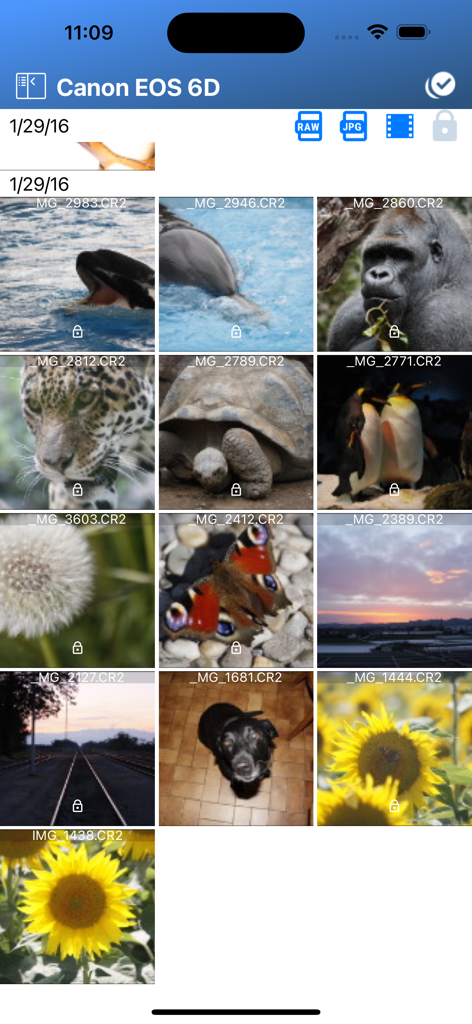
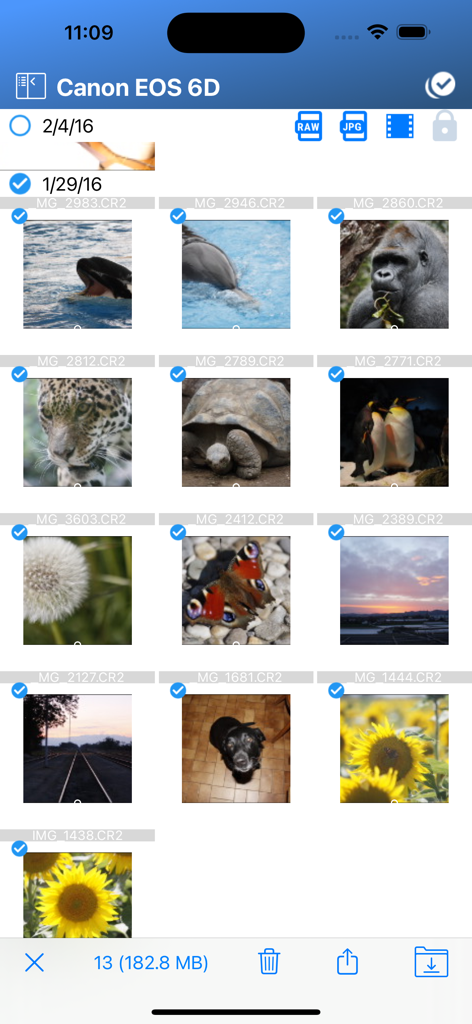
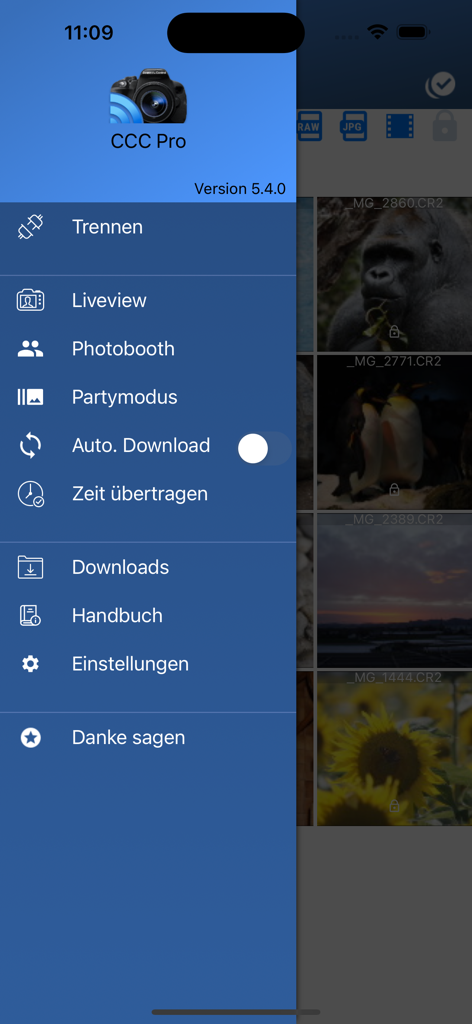
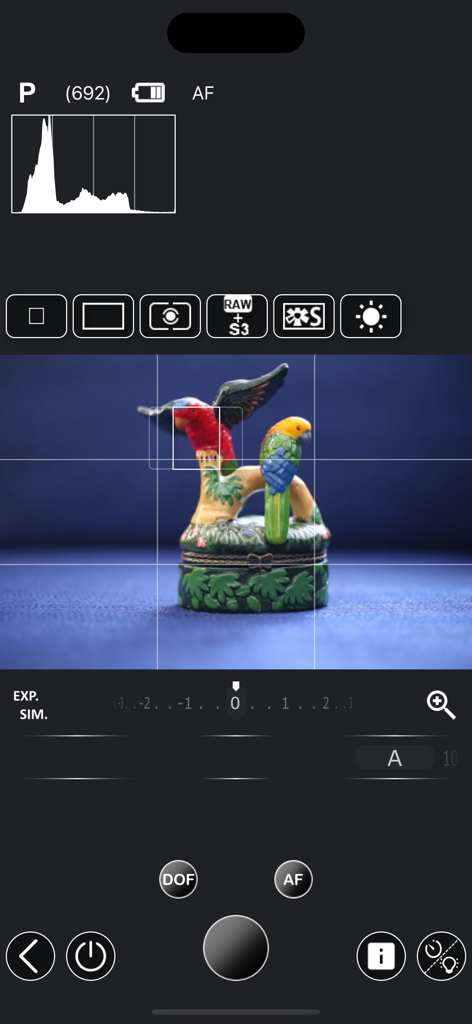
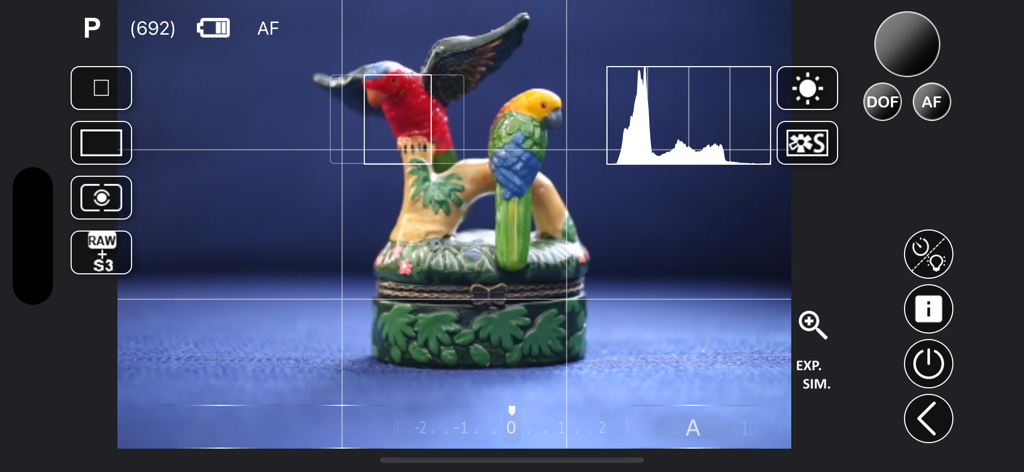
The tools that make this app stand out, trusted by 854K+ users.
Take total command of your sensor. Adjust shutter speed, aperture, ISO, and white balance through a lag-free Liveview interface on your iPhone or iPad.
Skip the laptop entirely. Preview and download RAW files (CR2, NEF) instantly to your mobile device for immediate editing in Lightroom and sharing to Instagram.
Ditch the connection drops. Use a high-speed USB cable for a fail-proof wired connection or a mobile hotspot to stay connected even in remote outdoor locations.
Trusted by 854K+ people who love this app.
"As a travel creator, I used to struggle with the official camera apps constantly crashing. This app is a game-changer for my workflow. I can transfer RAW files from my Canon EOS R6 directly to my phone and have them edited and on Instagram in minutes. The remote capture feature is also perfect for when I am shooting solo vlogs!"
"The USB tethering support is what sold me. I do a lot of focus bracketing for landscape shots, and being able to control every setting from my iPad Pro instead of squinting at a tiny camera screen is incredible. It makes my Nikon D850 feel like a brand-new machine. Reliability is 10/10 compared to the manufacturer's own software."
Everything you need to know about Camera Connect & Control.
Description
Latest Version
6.2.3
Size
20.0 MB
First Released
Apr 6, 2019
Join 850,000+ photographers who have ditched buggy manufacturer apps for a faster, more reliable mobile connection. Download Camera Connect & Control to start sharing your best RAW shots in seconds.
Everything you need to know about Camera Connect & Control
Camera Connect & Control connects your camera with your phone, enabling features like viewing pictures, sharing, remote capture, and controlling camera settings.
Camera Connect & Control supports various Canon, Nikon, and Sony cameras. Canon cameras without Wi-Fi require a USB connection, and Sony cameras need an updated 'Smart Remote Control' app.
Yes, Camera Connect & Control offers Lite and Pro paid versions. The Pro version provides Liveview with full camera control, including shutter speed, aperture, ISO, and white balance adjustments.
Yes, Camera Connect & Control provides quick loading of both JPG and RAW files, including CR2 and NEF formats, directly from the camera.
Yes, Camera Connect & Control supports remote capture, bulb capture, and focus bracketing, allowing users to control their camera remotely for various photography needs.
Yes, Camera Connect & Control allows users to view protected files directly from the camera. It also supports filtering of current views by file type.
Yes, Camera Connect & Control uses both USB or Wi-Fi connections. It can also connect your camera to your phone's hotspot if a direct Wi-Fi network is unavailable.
Yes, the Lite version of Camera Connect & Control enables bulk download, bulk delete, and bulk share functionalities for managing multiple files efficiently.
To update 'Smart Remote Control' for Sony cameras, open 'PlayMemories Camera Apps' on your camera and select 'Smart Remote Control' from the list of available apps.
Yes, Camera Connect & Control provides Liveview functionality, especially with the Pro version, allowing real-time monitoring and control of your camera's settings.
Apps with similar features and user experience

Oying network & technology Co., Ltd
Camera Control Apps sp. z o.o.
masaki matsushita

恒茂 刘
Panasonic Holdings Corporation
Leica Camera AG
Brian Gerfort

PANASONIC ENTERTAINMENT & COMMUNICATION CO., LTD.

焯婵 徐