
Panasonic LUMIX Sync




Empower your creative workflow by seamlessly transferring high-resolution media and controlling your S or G series camera remotely. Bridge the gap between your mirrorless sensor and your global audience with high-speed connectivity designed for the modern content creator.
Publisher
Category
Photo & VideoDownloads
567K+User Rating
Total Ratings
4K+Locales
11Discover the interface used by 567K+ users.
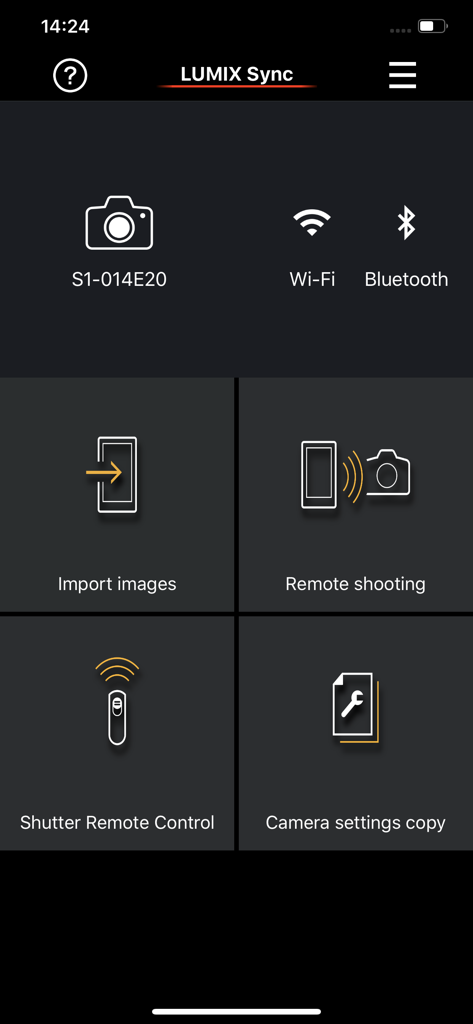
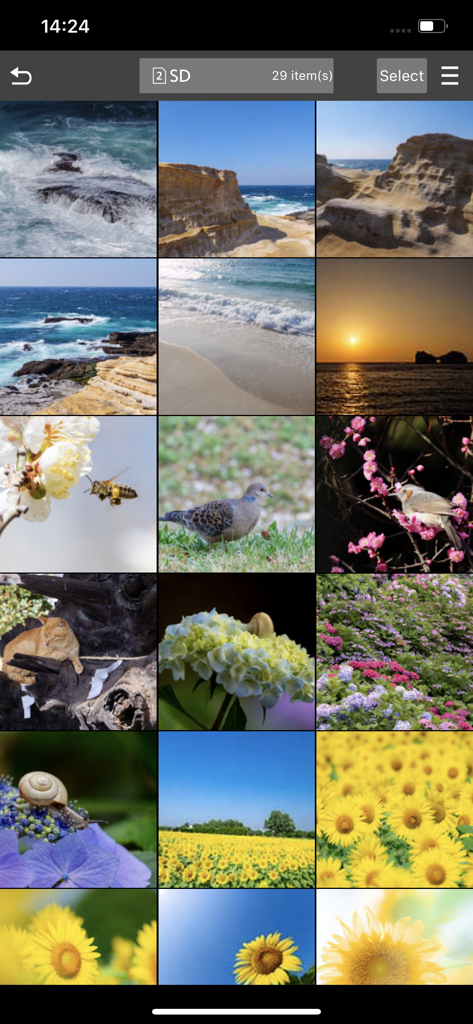
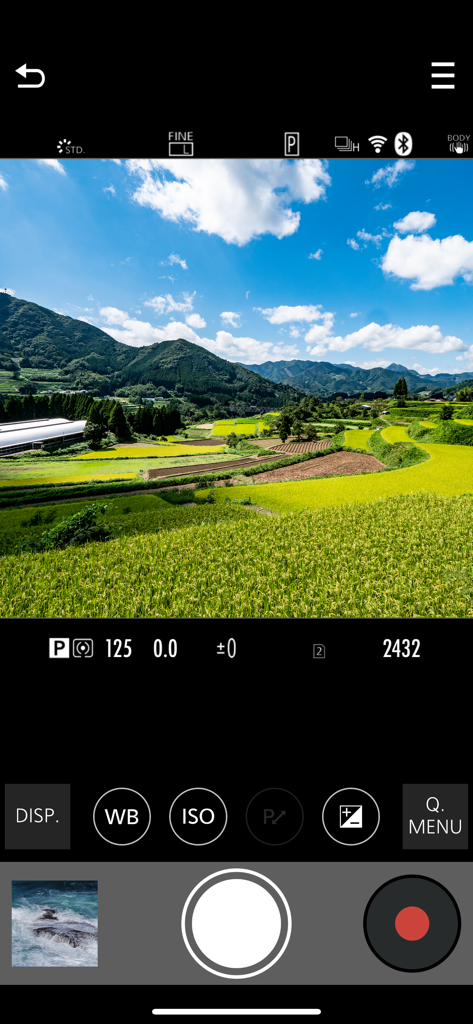
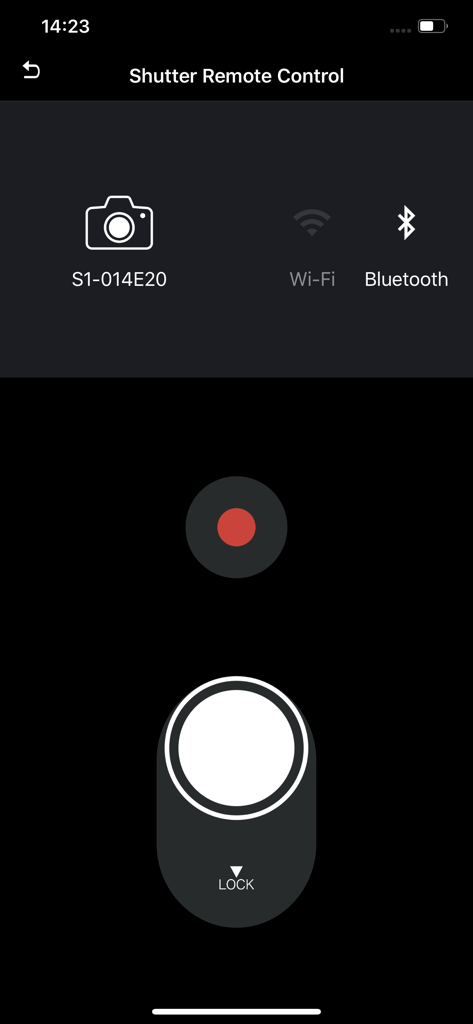
The tools that make this app stand out, trusted by 567K+ users.
Move high-res RAW photos and 4K video to your smartphone in seconds via 802.11ac Wi-Fi. Ready to edit in Lightroom or CapCut and post immediately.
Perfect for solo creators. Use your phone as a high-definition remote monitor to frame your shots, pull focus, and control exposure from a distance.
Streamline your post-production with automatic GPS location tagging and seamless Bluetooth pairing that keeps your camera and phone in perfect sync.
Trusted by 567K+ people who love this app.
"As a solo vlogger, the Remote Recording feature is a total game-changer. I can set up my GH6, sit in front of the lens, and use my phone as a wireless monitor to check focus and exposure. Plus, the high-speed transfer means I can get my clips onto TikTok before I even leave the location."
"The LUMIX Sync app has completely streamlined my workflow during live events. I can shoot on my S5II and instantly send high-res previews to my clients for social media approval right on the spot. The Bluetooth pairing is seamless, and having GPS data automatically tagged in my metadata saves me hours during post-production."
Insights from user reviews.
Sentiment Score
Summary
This mobile app receives predominantly negative feedback, with many users experiencing significant issues. The primary concern is persistent and unreliable connectivity, particularly with Wi-Fi and Bluetooth, leading to frequent disconnections and difficulty pairing with various Lumix camera models such as the S5II, S1RII, GH4, and G9ii. While some users find the app acceptable for basic image transfer to social media, others report slow performance, difficulty browsing, and an inability to handle RAW files or automatic saving to the camera roll efficiently. The user interface is frequently criticized for being outdated and poorly designed, though a few users find it intuitive, and some report positive improvements in connectivity and stability following app updates for models like the G100D and S5IIx.
Common Themes
Everything you need to know about Panasonic LUMIX Sync.
Description
Latest Version
2.0.16
Size
153.7 MB
First Released
Mar 11, 2019
Bridge the gap between professional quality and instant sharing. Download LUMIX Sync to unlock remote control and high-speed transfers for your S and G series camera.
Everything you need to know about Panasonic LUMIX Sync
Panasonic LUMIX Sync is an application that allows users to control a Panasonic digital camera with Wi-Fi functionality via their smartphone. It enables image transfer, remote shooting, and camera pairing.
Panasonic LUMIX Sync is compatible with S series cameras (e.g., DC-S1, S5M2) and G series cameras (e.g., DC-G100, GH6). Specific models like GH5/GH5S/G9 have limited functions, requiring Panasonic Image App for full features.
Yes, Panasonic LUMIX Sync allows users to copy pictures and videos directly from their digital camera to their smartphone. This function is available in the app's main interface.
Yes, LUMIX Sync allows users to take pictures by remote control. It provides a live view from the digital camera on the smartphone screen for convenient shooting.
Panasonic LUMIX Sync connects to a camera using Wi-Fi or Bluetooth. The app simplifies the connection process through guided camera pairing, facilitating easy setup.
Yes, LUMIX Sync automatically records the photographic location (location information) to pictures. This feature aids in sorting and organizing images later.
Yes, Panasonic LUMIX Sync supports 802.11ac Wi-Fi. This allows for higher-speed image copying from the digital camera when both the Wi-Fi router and smartphone also support 802.11ac.
Panasonic LUMIX Sync is compatible with iOS operating systems. Specifically, it supports iOS versions 15 through 18.
Yes, continued use of GPS and Bluetooth functions running in the background with LUMIX Sync can dramatically decrease smartphone battery life, especially on iPhones or iPads with GPS sensors.
Yes, Panasonic LUMIX Sync includes a "Camera settings copy" function. This feature allows users to transfer camera settings to another device.
Apps with similar features and user experience

Oying network & technology Co., Ltd
Camera Control Apps sp. z o.o.

masaki matsushita

恒茂 刘
Leica Camera AG

Brian Gerfort

Rupert Kurka

PANASONIC ENTERTAINMENT & COMMUNICATION CO., LTD.

焯婵 徐
