
Panasonic LUMIX Lab


Bridge the gap between your camera and social media. Sync custom LUTs directly to your gear, edit with precision on the go, and share your professional vision instantly.
Publisher
Category
Photo & VideoDownloads
276K+User Rating
Total Ratings
600Locales
11Discover the interface used by 276K+ users.
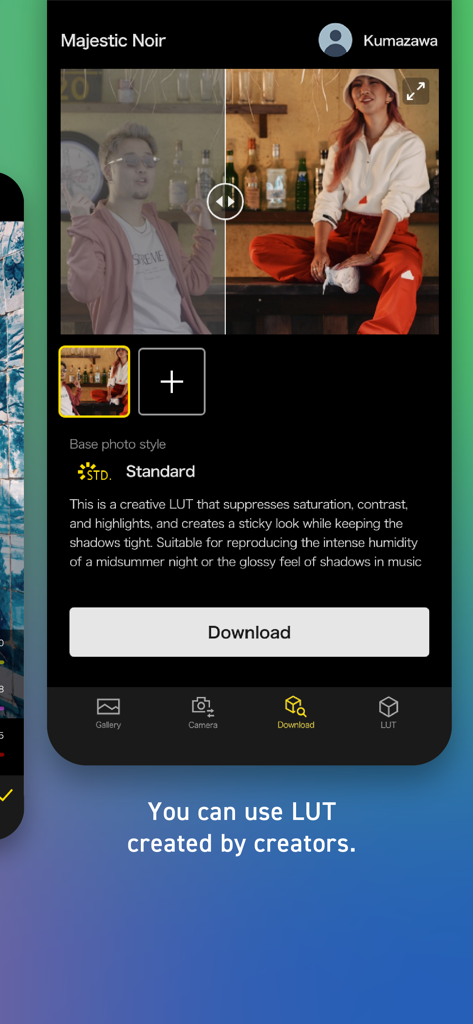
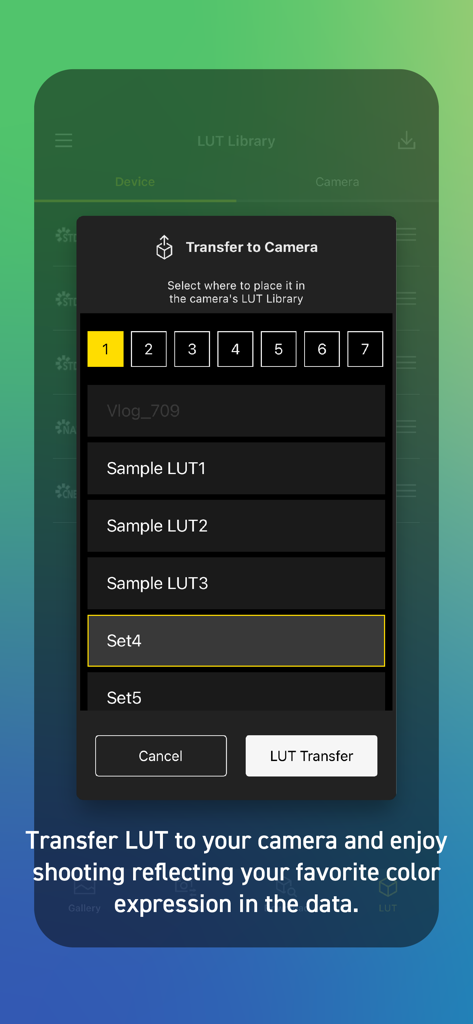
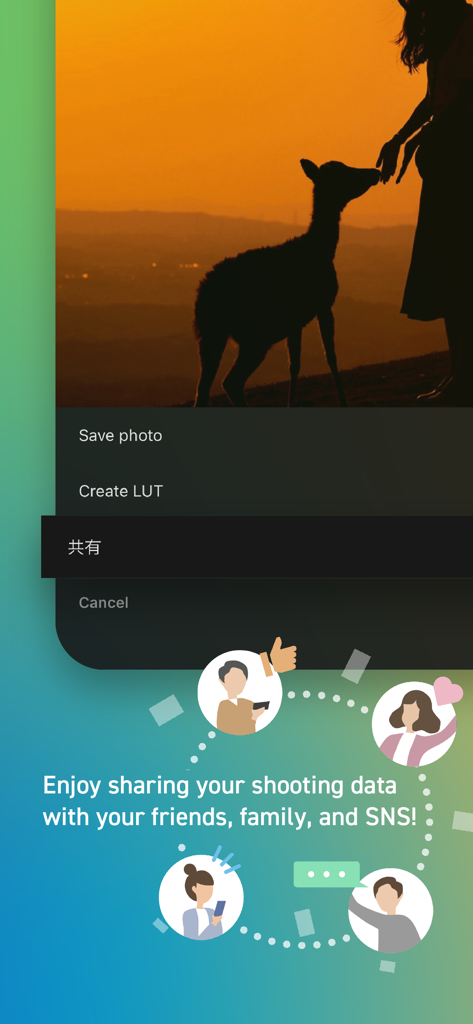
The tools that make this app stand out, trusted by 276K+ users.
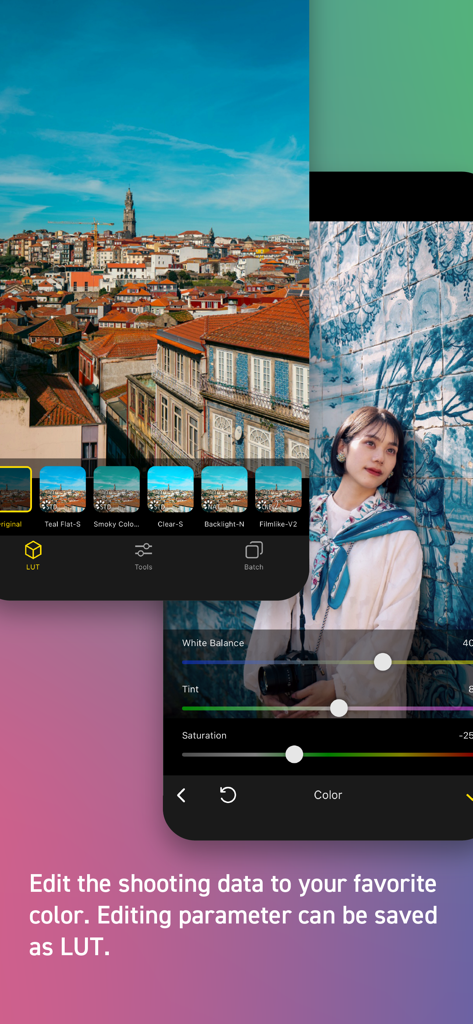
Create, download, and sync custom LUTs directly to your camera to achieve a professional look the moment you press record.
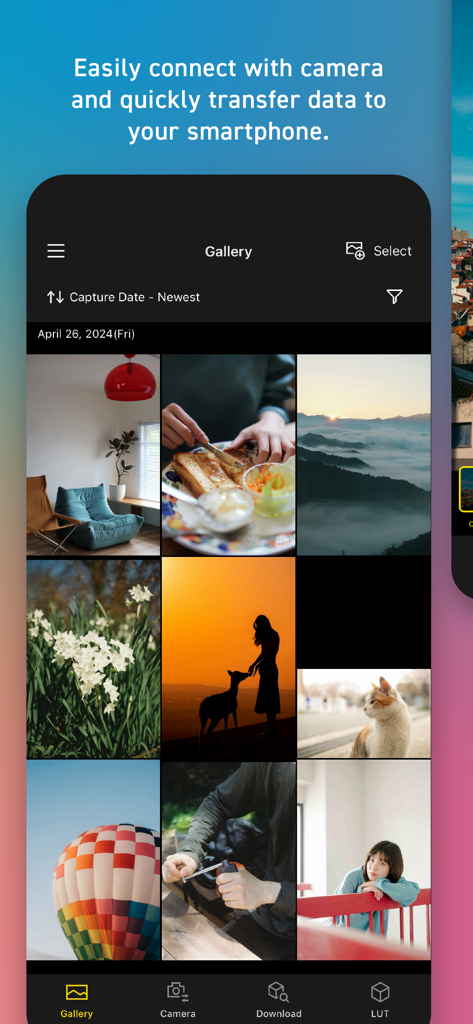
Skip the laptop. Wirelessly transfer high-resolution photos and videos to your mobile device for immediate social media sharing.
Access and apply exclusive color profiles from global top-tier creators to give your content a unique, trending aesthetic.
Trusted by 276K+ people who love this app.
"This app has completely transformed my workflow for Instagram Reels. I can sync my favorite film-style LUTs directly to my LUMIX S9 and transfer high-quality footage to my phone in seconds. It is the perfect 'shoot-to-post' solution for creators who hate being tethered to a laptop."
"The ability to create custom color profiles on my iPad and instantly upload them to my S5IIX as a LUT is a game-changer. It allows me to see the final cinematic look on my monitor while shooting. Panasonic has finally bridged the gap between professional camera gear and mobile flexibility."
Everything you need to know about Panasonic LUMIX Lab.
Description
Latest Version
2.0.3
Size
277.3 MB
First Released
Jun 11, 2024
Download the Panasonic LUMIX Lab app to sync custom LUTs, edit on the go, and bridge the gap between professional hardware and social-ready content.
Everything you need to know about Panasonic LUMIX Lab
Panasonic LUMIX Lab is an application that connects LUMIX cameras with mobile devices. It enables users to transfer photos and videos, edit them, manage LUTs, and share content.
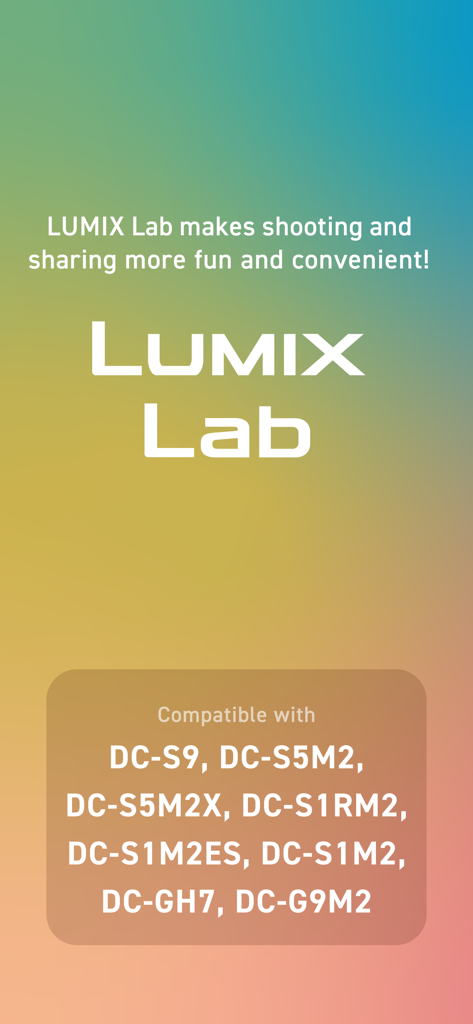
Yes, Panasonic LUMIX Lab is compatible with S series cameras including DC-S9, DC-S5M2, DC-S5M2X, DC-S1RM2, DC-S1M2, DC-S1M2ES, and G series cameras like DC-GH7, DC-G9M2.
Yes, Panasonic LUMIX Lab allows users to connect their camera and transfer photos and videos directly to their mobile device for convenient access and editing.
Yes, users can edit photos and videos within the Panasonic LUMIX Lab app. It provides tools to adjust colors and other parameters to achieve desired looks.
Yes, Panasonic LUMIX Lab enables users to save their custom editing parameters as LUTs (Look Up Tables). These can be applied to future edits or transferred to the camera.
A LUT, in the context of Panasonic LUMIX Lab, is a kind of filter or preset. It can be applied to photos and videos to change their appearance and color expressions.
Yes, Panasonic LUMIX Lab supports the use of LUTs created by other creators. Users can download and apply these pre-made filters to their photos and videos.
Yes, Panasonic LUMIX Lab allows users to transfer custom or downloaded LUTs to their compatible LUMIX camera. This enables shooting with specific color expressions directly.
Panasonic LUMIX Lab is compatible with iOS operating systems ranging from iOS 16 to iOS 18. Users must have a device running one of these versions.
Yes, Panasonic LUMIX Lab enables users to share their edited photos and videos. Content can be shared with friends, family, and across various social media platforms.
Apps with similar features and user experience

Oying network & technology Co., Ltd
Camera Control Apps sp. z o.o.

masaki matsushita

恒茂 刘

Panasonic Holdings Corporation
Leica Camera AG

Brian Gerfort

Rupert Kurka

焯婵 徐
