Logo
Logo de App

Chuck – Smarter Email with AI: Reach Inbox Zero in a Single Tap

Ditch the clutter and regain control of your day. Effortlessly batch-delete, archive, and unsubscribe from hundreds of emails across all your accounts with privacy-first, on-device AI.

App Store

Publisher

410 Labs

Category

Productivity

Downloads

363K+

User Rating

4.8/5

Total Ratings

15K+

Locales

1

Efficiency in Motion

Join over 363K+ musicians using our pro interface.

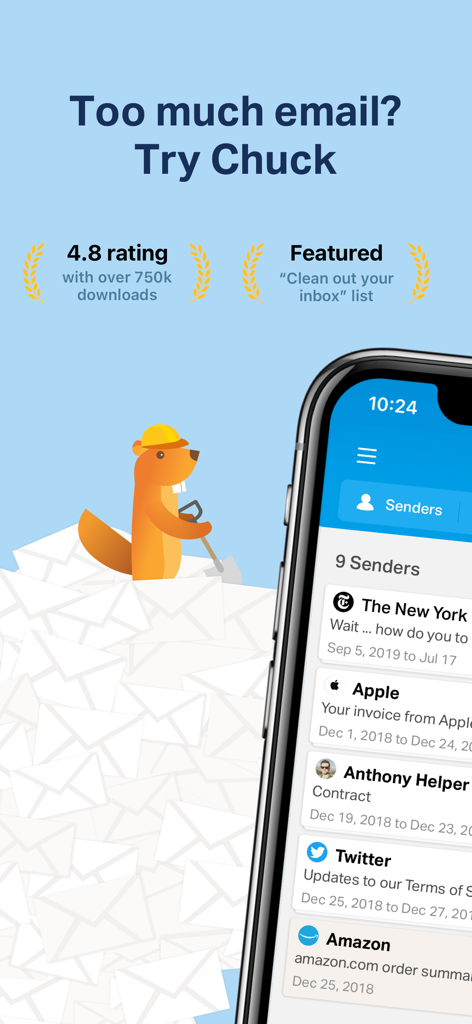
Marketing screen for Chuck email app featuring a beaver mascot and an iPhone showing grouped email senders

Marketing screen for Chuck email app featuring a beaver mascot and an iPhone showing grouped email senders

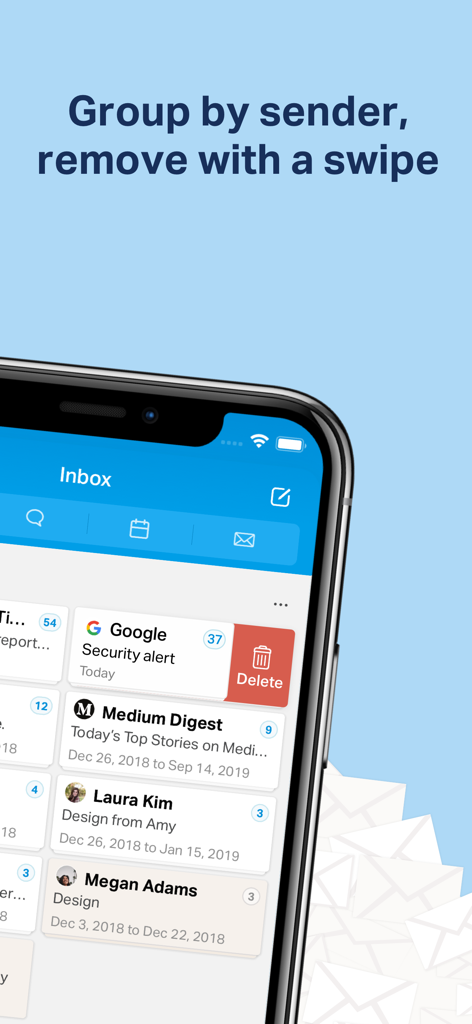
Screenshot of Chuck email app showing messages grouped by sender with a swipe to delete gesture.

Screenshot of Chuck email app showing messages grouped by sender with a swipe to delete gesture.

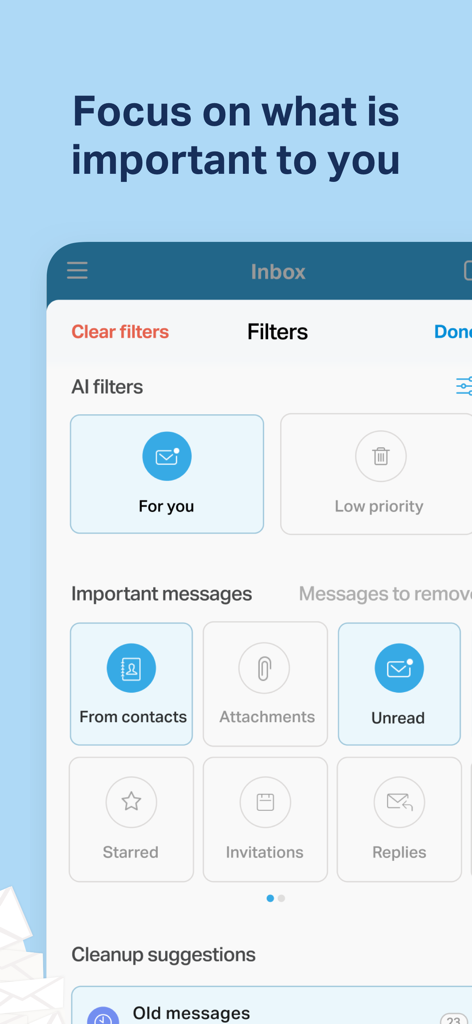
Chuck email app interface displaying AI filters and message categories to organize and focus on important emails.

Chuck email app interface displaying AI filters and message categories to organize and focus on important emails.

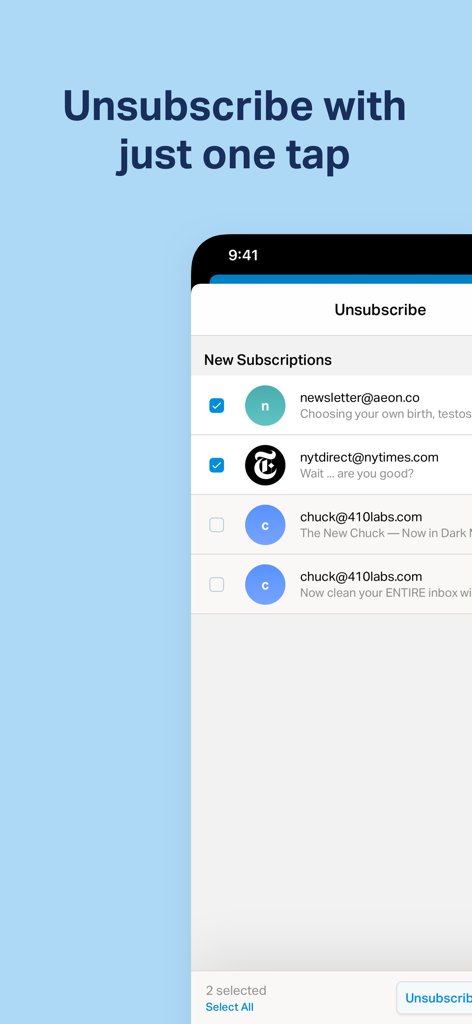
Interface for unsubscribing from newsletters in one tap

Interface for unsubscribing from newsletters in one tap

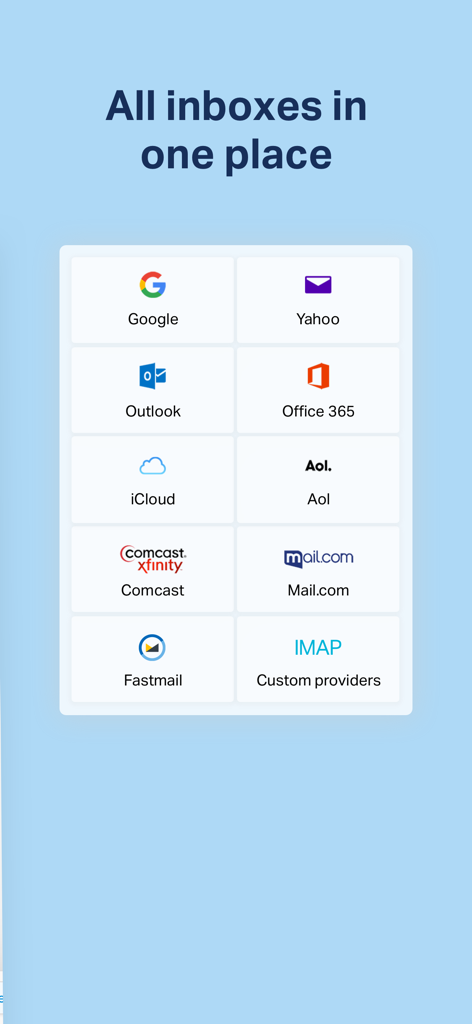
A grid of popular email provider logos including Google Yahoo Outlook and iCloud under the headline All inboxes in one place.

A grid of popular email provider logos including Google Yahoo Outlook and iCloud under the headline All inboxes in one place.

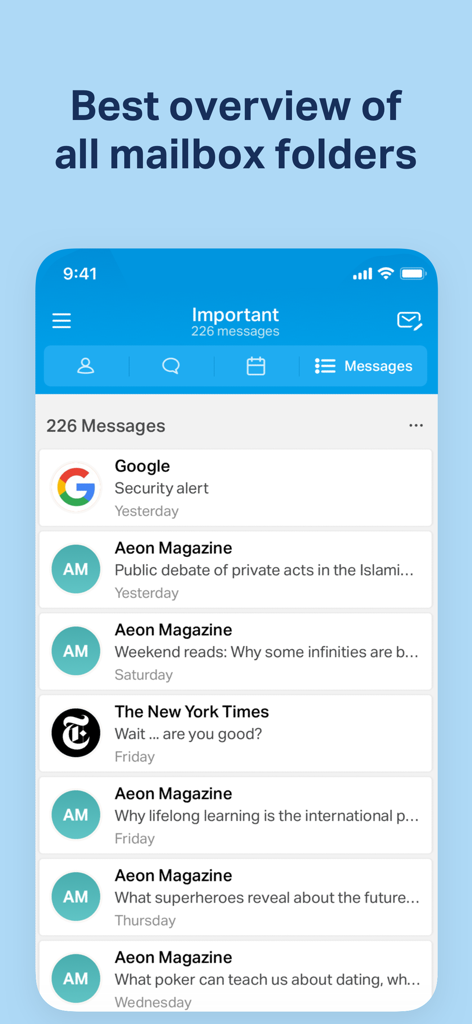
Chuck app interface showing an organized overview of important email messages from various senders

Chuck app interface showing an organized overview of important email messages from various senders

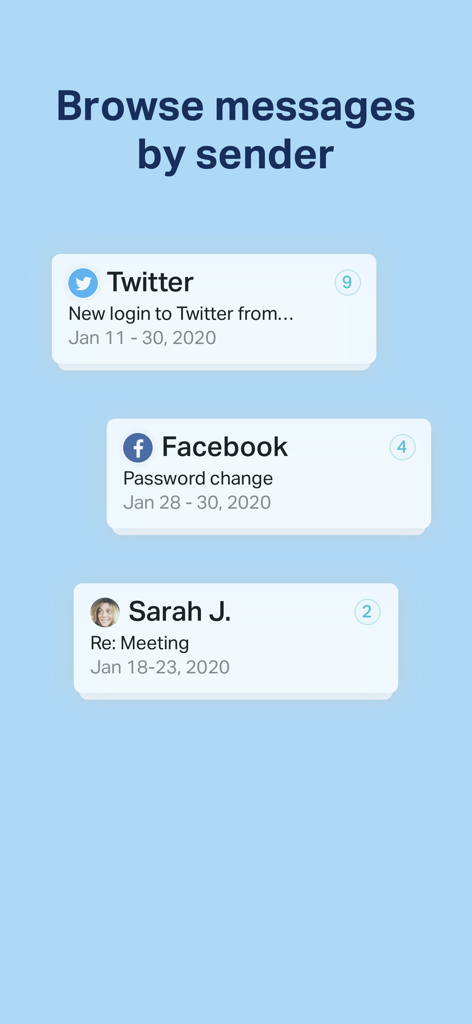
Interface showing emails grouped by sender including Twitter and Facebook notifications in the Chuck app.

Interface showing emails grouped by sender including Twitter and Facebook notifications in the Chuck app.

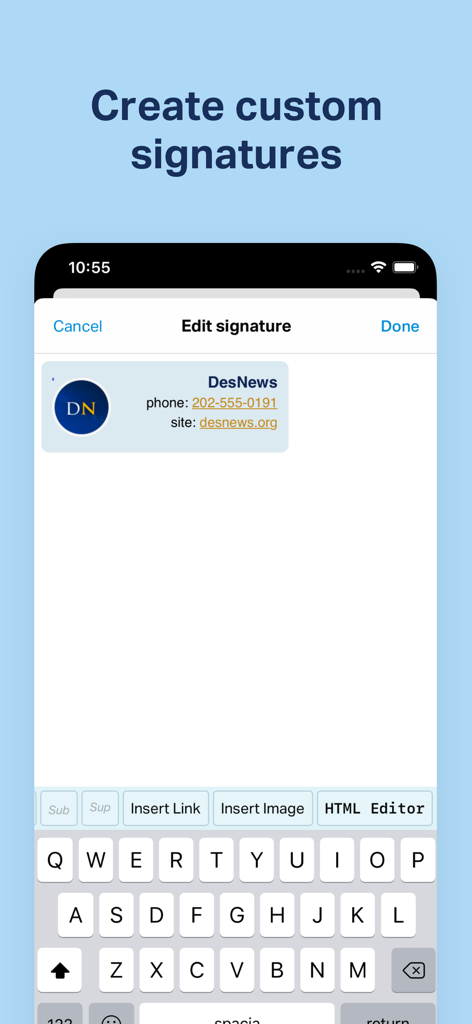
Screen showing how to create and edit custom email signatures in the Chuck app

Screen showing how to create and edit custom email signatures in the Chuck app

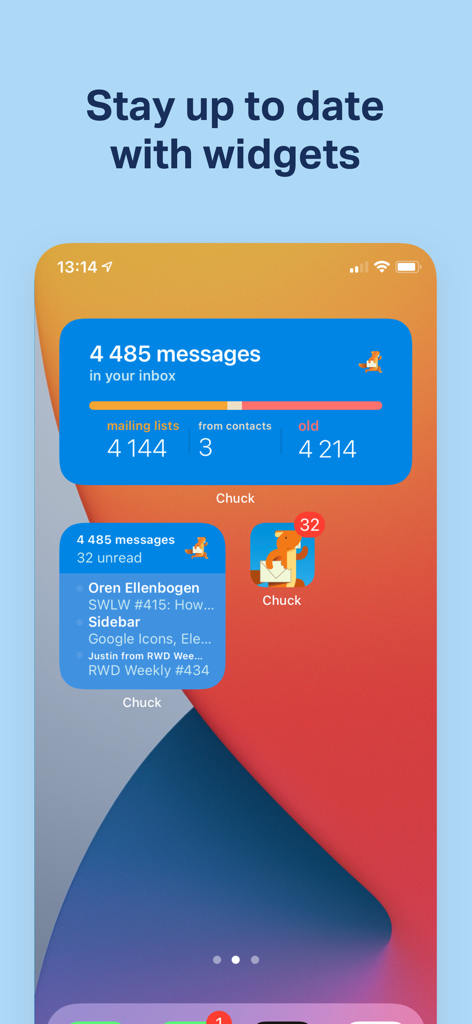
iPhone home screen displaying Chuck email app widgets with inbox statistics and recent message summaries

iPhone home screen displaying Chuck email app widgets with inbox statistics and recent message summaries

Master Your Inbox in Minutes

Join 363K+ users who mastered their instrument with these tools.

Massive Batch Actions

Stop cleaning your inbox one by one. Group emails by sender or subject and delete, archive, or sort hundreds of messages with a single tap.

🛡️

Private On-Device AI

Get smart cleanup suggestions powered by AI that lives on your phone. We never scan your data in the cloud, keeping your sensitive emails 100% private.

🧹

One-Tap Unsubscribe

Instantly cut through the noise of newsletters and promotions across all your Gmail, Outlook, and IMAP accounts in one unified view.

Loved by users worldwide

Trusted by 363K+ people who have transformed their experience with this app.

"

"I used to spend my entire morning commute just trying to reach the bottom of my inbox. Chuck's ability to group by sender and batch delete is a total game-changer for my productivity. I cleared out three years of backlog in one afternoon, and the fact that the AI processing stays private on my phone gives me total peace of mind."

Sarah Jenkins, Freelance Creative Director
"

"Managing five different email accounts for work and personal life felt like a full-time job until I found Chuck. The 'AI Select' feature is incredibly intuitive—it accurately predicts what I want to archive or delete based on how I work. It has turned the chore of email into a fast, satisfying routine that actually keeps me organized."

Marcus Thorne, Senior Project Manager

About the app

Everything you need to know about Chuck – Smarter Email with AI.

Description

Chuck is the fastest way to quickly clean up your inbox. Delete, archive and sort batches of emails in just one tap. Plus, unsubscribe from unwanted email. See all of your inboxes at once. Works with Gmail, Exchange IMAP, Yahoo, Hotmail/Outlook, iCloud, AOL, Google Apps, Microsoft 365, Fastmail, and all standard IMAP accounts. ***** Featured on the App Store ***** FAST • Swipe left or right to delete or archive big chunks of email • See more of your email at once • Process hundreds of messages at once with a single tap! SAFE & SECURE • Runs on your phone, not in the cloud MULTIPLE EMAIL SERVICES • Works with Gmail, Outlook, Yahoo!, iCloud, AOL, Office, Microsoft 365 & IMAP • Use one account with Chuck; multiple-accounts unified inbox with Chuck Pro • Use Chuck with your favorite tools, including Apple Mail FILTER • Group by Sender, Subject (Thread), or Time • Filter messages by contact, attachments, starred and more! • Find messages by search ONE TAP ACTIONS • Unsubscribe from mailing lists • Mark as Spam • Snooze messages for reading at a later date • Move messages to folders/labels • Star/Unstar and Mark as Read/Unread • Use Haptic Touch or long press to quickly inspect and remove items • Supports Home Screen Quick Actions ENHANCED CHUCK PRO FEATURES: (subscription option, billed monthly or yearly) • No limit on number of accounts • AI Select: Chuck suggests messages you can remove without reading, based on your behavior (trained privately on your device) • Advanced filters & dynamic cleanup suggestions • Viewing folders other than Inbox by Sender, Subject and Time • Custom signature for each account • Smart Notifications If you’re enjoying the app, please leave a review! It really helps. A big thank you to all of you who have left a five star review :) About Subscription billing: • If you choose to upgrade (optional), your iTunes account will be charged as soon as you confirm the purchase. Chuck Pro subscription is billed monthly or yearly. • Your subscription will automatically renew after 1 month or 1 year, unless auto-renew is turned off at least 24-hours before the end of the current subscription period. • You can manage your subscription and turn-off auto-renewal by going to your Apple ID Account Settings any time after purchase. • Any unused portion of a free trial period, if offered, will be forfeited when you purchase a subscription. Help/Questions? Email us at support@chuck.email Privacy Policy: https://chuck.email/privacy Terms of Use: https://chuck.email/terms

Latest Version

1.15.2

Size

42.2 MB

First Released

Jan 17, 2017

Take Command of Your Inbox Today

Join over 360,000 professionals who use Chuck to batch-process thousands of emails in seconds. Experience the smartest, most secure way to reach Inbox Zero and reclaim your focus.

App Store

More like this

Discover other top-ranked apps in the Productivity category.