Cloud: 1 drive - more storage

Cloud: 1 drive - more storage

Download on App StoreDownload on Google Play
Spark by MWM logo
Logo of Cloud: 1 drive - more storage

Cloud: 1 drive - more storage – Your All-in-One Space for Photos, Videos, and Files

Free up your iPhone instantly with automatic backups, stream large media files without downloading, and keep your important documents safe and accessible on any device.

Publisher

V Kontakte OOO

Category

Productivity

Downloads

13M+

User Rating

4.8/5

Total Ratings

508K+

Locales

2

Storage Without Limits

Discover the interface used by 13M+ users.

Cloud storage app splash screen with a white cloud icon and a cute mascot with heart eyes

Cloud storage app splash screen with a white cloud icon and a cute mascot with heart eyes

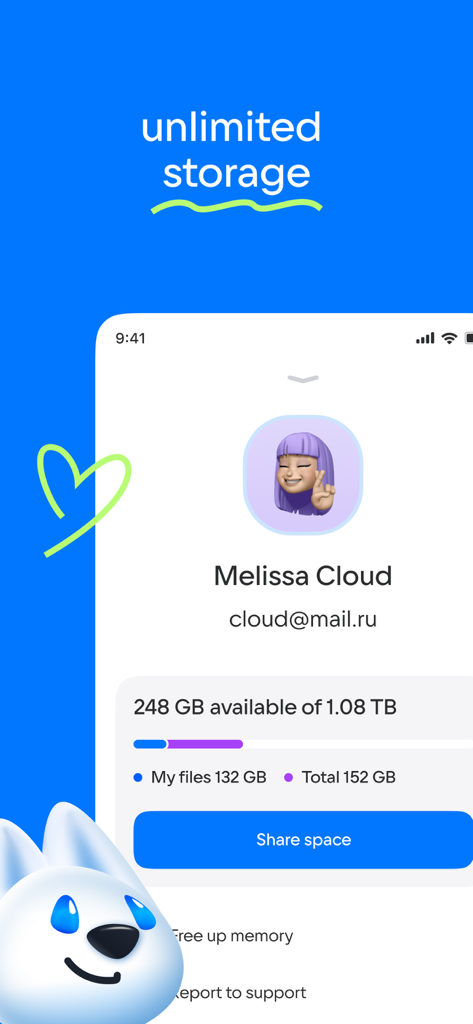
Interface of the Cloud app showing a user profile with storage capacity of over one terabyte and a share space option.

Interface of the Cloud app showing a user profile with storage capacity of over one terabyte and a share space option.

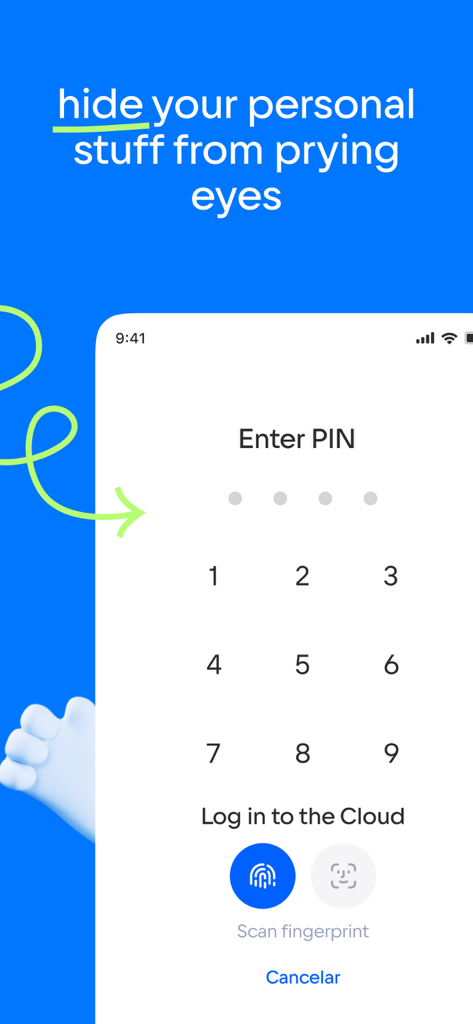
Secure cloud storage login screen with PIN and biometric options

Secure cloud storage login screen with PIN and biometric options

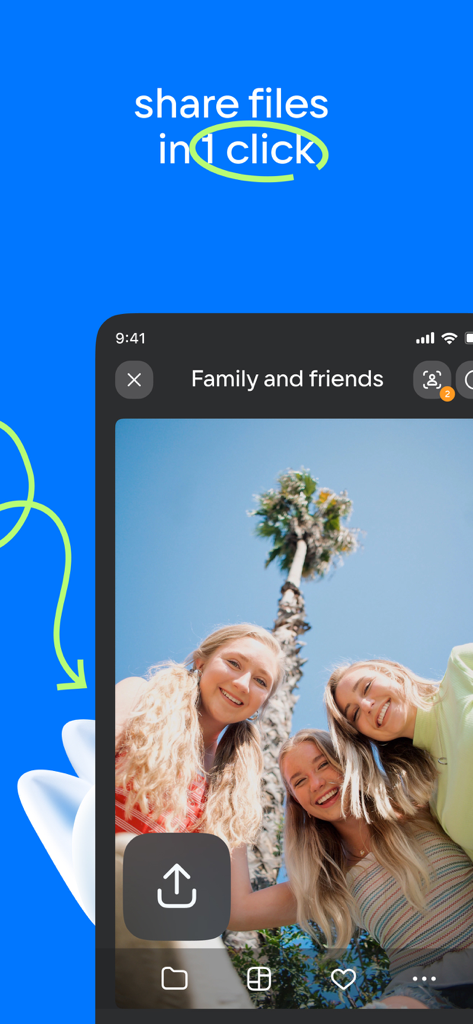
Mobile app interface showing one-click photo sharing feature for family and friends

Mobile app interface showing one-click photo sharing feature for family and friends

Cloud app interface displaying a photo gallery with a message about preventing data loss

Cloud app interface displaying a photo gallery with a message about preventing data loss

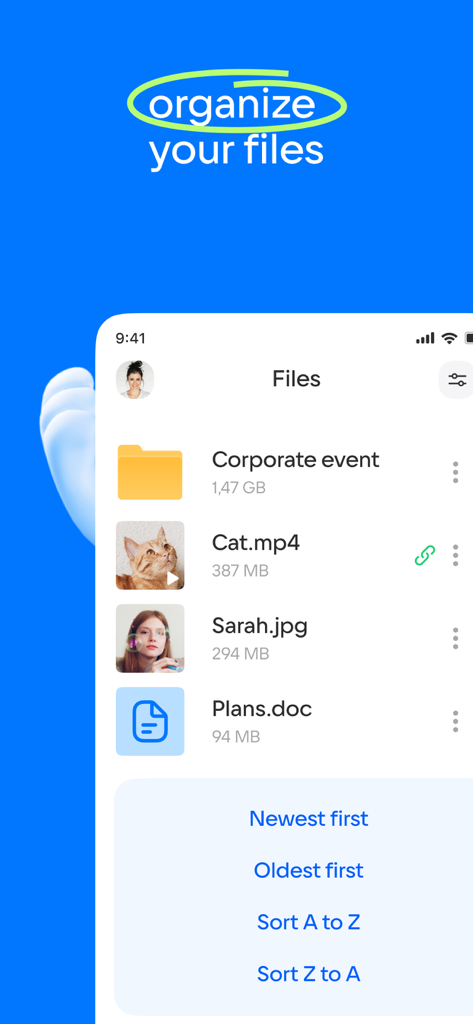
Mobile app interface showing file organization and sorting options in cloud storage

Mobile app interface showing file organization and sorting options in cloud storage

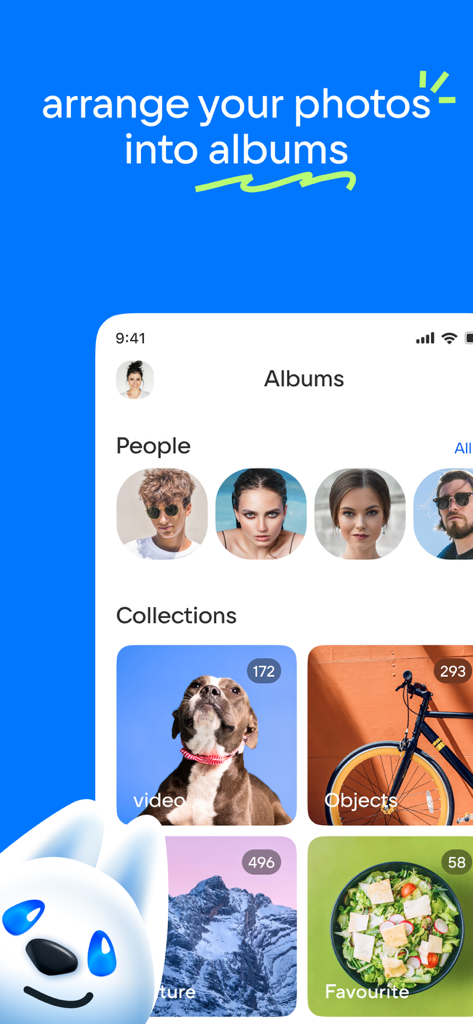
Mobile app interface showing photo albums organized by people and collections such as pets and nature

Mobile app interface showing photo albums organized by people and collections such as pets and nature

A mobile app screenshot showing a photo collection of a beach in Bali titled The best summer within a cloud storage interface.

A mobile app screenshot showing a photo collection of a beach in Bali titled The best summer within a cloud storage interface.

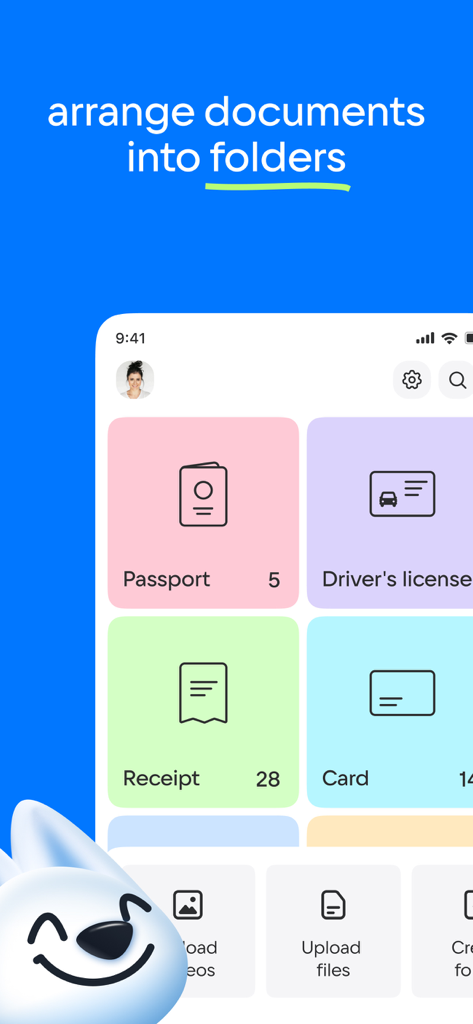
Cloud drive app interface showing documents organized into colored folders like passport and receipts

Cloud drive app interface showing documents organized into colored folders like passport and receipts

Simplify Your Storage, Maximize Your Phone

The tools that make this app stand out, trusted by 13M+ users.

📸

Automatic Photo Protection

Banish 'Storage Full' notifications forever. Automatically sync your gallery to the cloud and safely free up space on your iPhone in seconds.

🍿

Instant Media Streaming

Watch your movie collection and listen to music directly from your drive. Support for .mkv, .avi, and .mp4 means you can play files without downloading them.

🚀

One-Tap Collaborative Sharing

Create shared folders for family trips or work projects. Send high-res videos and documents via a simple link through SMS, email, or social apps.

Loved by users worldwide

Trusted by 13M+ people who love this app.

"

"I was constantly hitting my storage limit on my iPhone until I found this app. The automatic photo backup works seamlessly in the background, and the best part is being able to stream my 4K videos directly from the cloud without having to download them. It's a game-changer for someone who takes as many photos as I do."

Mark S.
"

"This is the best tool for staying connected with my family abroad. We use the shared folders feature to instantly swap high-resolution videos and photos from our weekend trips. It’s fast, reliable, and makes managing my work documents and personal memories across all my devices incredibly easy."

Elena V.

About the app

Everything you need to know about Cloud: 1 drive - more storage.

Description

Cloud Mail.Ru for iPhone, iPad and iPod touch - a free service for saving photos, videos, music, presentations, documents and other files. With Cloud Mail.Ru, all your photos will always be at hand. Upload your files to your cloud drive, and they’ll automatically be available on all of your devices. * Upload photos from your mobile phone. Adjust the automatic “save to disk” in your gallery. In order to save bandwidth, it is recommended to perform downloads while connected to a Wi-Fi. * Free space on your device, because all of your photos are already in Cloud. * Share files and folders with friends and colleagues in just one click. * Save bandwidth. You can send a link to an image, video, or document by SMS, email, instant messenger or thru a social network. * View MS Office documents: Word, Excel, PowerPoint and PDFs, as well as files in other formats. * Cloud Mail.Ru allows you to watch videos (including the most popular video formats: avi, mkv, mp4, mov, wmv) and listen to music. Cloud can play a video file without downloading it on the device. * Manage your files from anywhere; rename, delete and move them between folders. * Create shared folders with other users, add any files together. Use shared folders with friends to collect photos from party or travelling. Work with documents in groups, using shared folder with colleagues. Collect and share family memories - all family members can add photos and videos in a shared album. * Keep your important files in a safe storage location. No matter what happens to your drive on your PC or phone, all your files stored in the Cloud will stay intact. * You don’t need any wires, flash drives or memory cards. All you need is the free Cloud Mail.Ru app and an internet connection. * You can increase your Cloud storage. List of subscriptions is located in the application side-bar. All subscriptions are autorenewable. Each active subscription will be automatically renewed unless canceled at least 24 hours before the end of its current period. Subscriptions will be charged to your credit card through your iTunes account. Price may vary by location. You will not be able to cancel the subscription during active subscription period. Manage your subscriptions in Account Settings after purchase. Terms of service: https://help.mail.ru/legal/terms/cloud/la/ Licensed Application End User License Agreement: https://www.apple.com/legal/internet-services/itunes/dev/stdeula/

Latest Version

9.69.0

Size

461.5 MB

First Released

Sep 13, 2013

Never Delete a Memory Again

Join over 13 million users who trust Cloud to keep their photos, videos, and files safe. Get the storage you need and access your digital life from any device.

Download on App StoreDownload on Google Play
FAQ

Frequently Asked Questions

Everything you need to know about Cloud: 1 drive - more storage

What is the primary purpose of the Cloud Mail.Ru app?

Cloud Mail.Ru is a free service for iPhone, iPad, and iPod touch, designed to save and manage various files like photos, videos, music, presentations, and documents.

Does Cloud Mail.Ru support automatic photo uploads from my mobile phone?

Yes, Cloud Mail.Ru supports automatic photo uploads from your mobile phone. You can adjust the "save to disk" feature in your gallery for this purpose.

What is the storage capacity offered by Cloud Mail.Ru?

Cloud Mail.Ru provides cloud storage, and users can increase their storage capacity through subscriptions. The app displays current usage, such as "248 GB available of 1.08 TB".

Can Cloud Mail.Ru help free up space on my device?

Yes, Cloud Mail.Ru helps free up space on your device by storing your photos and files in the cloud, making them accessible without occupying local storage.

How can I share files and folders using the Cloud Mail.Ru app?

Cloud Mail.Ru allows you to share files and folders with friends and colleagues with a single click. You can also create shared folders for group collaboration.

Does Cloud Mail.Ru offer security features to protect personal files?

Yes, Cloud Mail.Ru provides security features to protect personal files. You can hide your personal content using a PIN, fingerprint scan, or face ID for secure access.

What document and media file formats can Cloud Mail.Ru view or play?

Cloud Mail.Ru views MS Office documents (Word, Excel, PowerPoint), PDFs, and other file formats. It plays videos (avi, mkv, mp4, mov, wmv) and music without downloading.

Can I organize files and documents within the Cloud Mail.Ru app?

Yes, Cloud Mail.Ru allows users to organize files by renaming, deleting, and moving them between folders. It also supports arranging photos into albums and documents into specific folders.

How do I manage subscriptions for additional Cloud Mail.Ru storage?

You manage Cloud Mail.Ru subscriptions in your iTunes Account Settings after purchase. Subscriptions are autorenewable and require cancellation at least 24 hours before the current period ends.

Does Cloud Mail.Ru protect my files from data loss?

Yes, Cloud Mail.Ru protects your files from data loss. All files stored in the Cloud remain intact regardless of issues with your PC or phone's local storage.