
Docusign - Upload & Sign Docs



Join millions of professionals who trust Docusign for secure, legally binding e-signatures. Sign for free, track progress in real-time, and close deals faster right from your mobile device.
Publisher
Category
ProductivityDownloads
20M+User Rating
Total Ratings
1M+Locales
12Discover the interface used by 20M+ users.
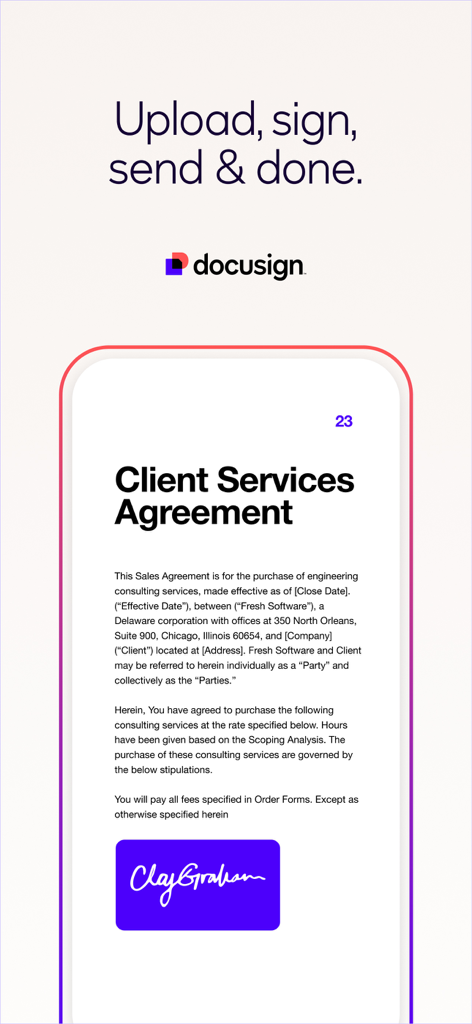

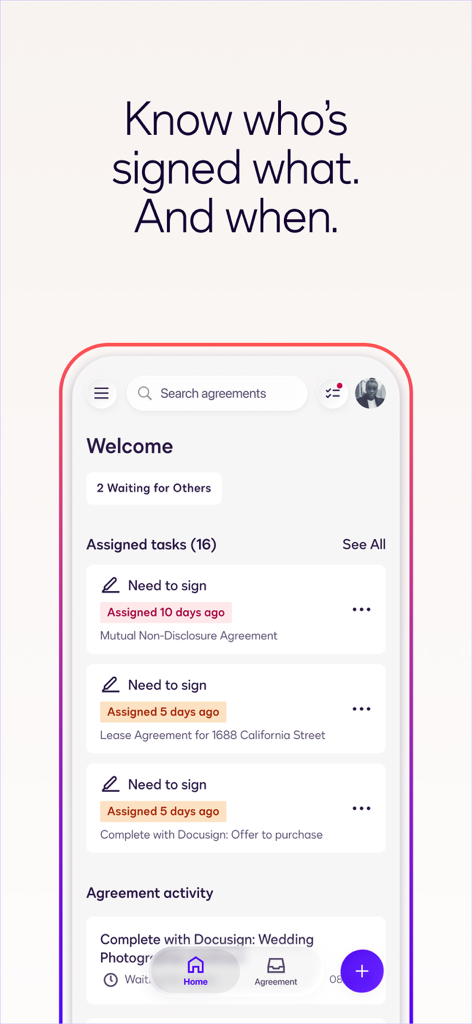

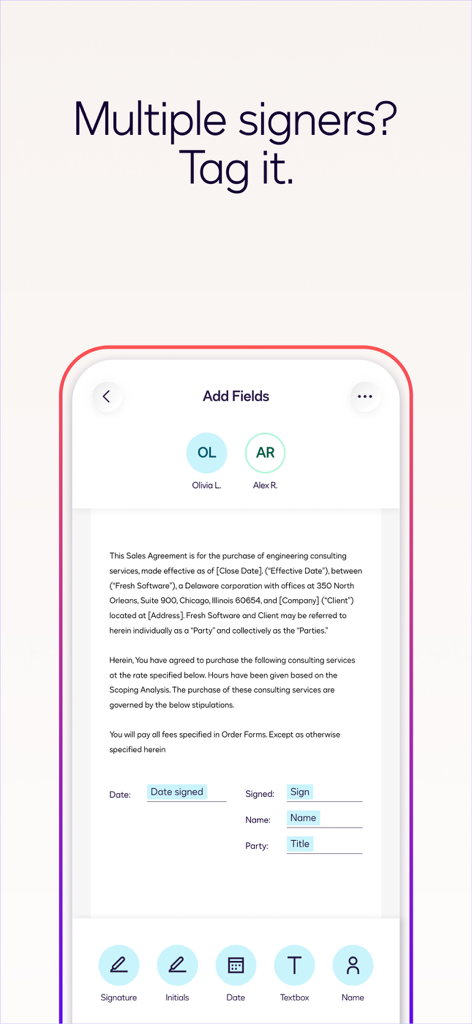
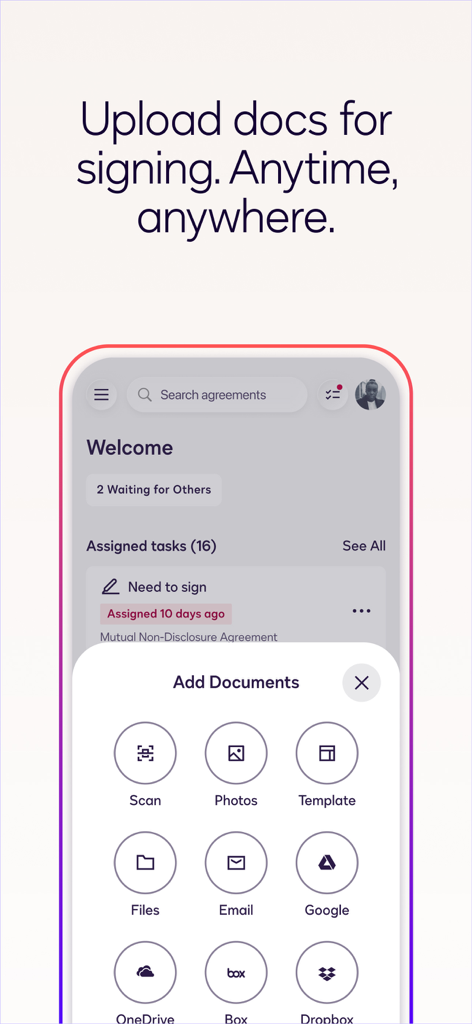
The tools that make this app stand out, trusted by 20M+ users.
No printer? No problem. E-sign PDFs, contracts, and forms instantly from your mobile device, even when you're on the move.
Rest easy with bank-grade encryption and a full audit trail. Every signature complies with the eSign Act for maximum legal protection.
Never wonder if a deal is stuck. Get instant push notifications the moment a document is viewed or signed by your clients.
Trusted by 20M+ people who love this app.
"This app is an absolute lifesaver for my real estate business. I can prepare, send, and track contracts from my iPad while showing properties. My clients love how easy it is to sign on their phones—it makes the whole closing process much faster and more professional."
"Managing client agreements used to be a major headache until I started using Docusign. The integration with Google Drive is seamless, and the secure audit trail gives me total peace of mind. It makes my small consulting firm look incredibly established and trustworthy."
Everything you need to know about Docusign - Upload & Sign Docs.
Description
Latest Version
3.41.1
Size
89.1 MB
First Released
Nov 1, 2011
Join over 20 million professionals who trust the world's #1 eSignature app for secure, legally binding agreements on the go.
Everything you need to know about Docusign - Upload & Sign Docs
Yes, Docusign allows you to create your customized digital signature directly on your device. This is the initial step for electronically signing documents within the Docusign app.
Docusign's free eSignature app supports PDF, Word, Excel, various image formats (JPEG, PNG, TIFF), and text-based files. Common documents include NDAs, sales contracts, and healthcare documents.
Yes, Docusign eSignature is legally binding. Docusign complies with the eSign Act, which ensures that agreements signed through its platform possess full legal validity and enforceability.
Yes, you can send documents for signature using the Docusign app. Users import files, prepare them with "Sign Here" tags, and send them to recipients for electronic signatures from their device.
Yes, Docusign provides real-time push notifications. You receive these alerts promptly when a document that you have sent out for signature has been successfully signed by its recipient.
Docusign secures electronic signatures by encrypting documents, maintaining a complete audit trail, and complying with ISO 27001 SSAE16 standards, offering a more secure process than paper.
Docusign offers unlimited free signing for all parties receiving documents. For sending capabilities and advanced features, premium subscription plans are available, including a Personal Plan for up to five monthly documents.
Yes, you can upload documents from various cloud storage services to Docusign. Supported services include Google Drive, DropBox, Box, Evernote, and Salesforce, in addition to email and photo scanning.
Yes, Docusign allows users to set a specific signing order. This feature ensures that documents with multiple signers follow a predefined workflow, guaranteeing signatures are collected in the correct sequence.
The Docusign Personal Plan is a premium subscription for sending up to five documents monthly. It includes access to essential fields like signature, date, and name, plus reusable templates for document standardization.
Apps with similar features and user experience

SM, OOO (Apps)

Glykka LLC

The Grizzly Labs

B TO J PTY LTD

MR BIKRAMJIT SINGH

Upsquare Technosys Private Limited

SVG Apps

Tola Marciniak

DotLoop, LLC.

