
Sign Documents: PDF Signature



Ditch the printer and the scan-back cycle. Create your unique digital hand signature and securely sign PDFs or Word docs in seconds—right from your iPhone or iPad.
Publisher
Category
BusinessDownloads
118K+User Rating
Total Ratings
200Locales
8Discover the interface used by 118K+ users.
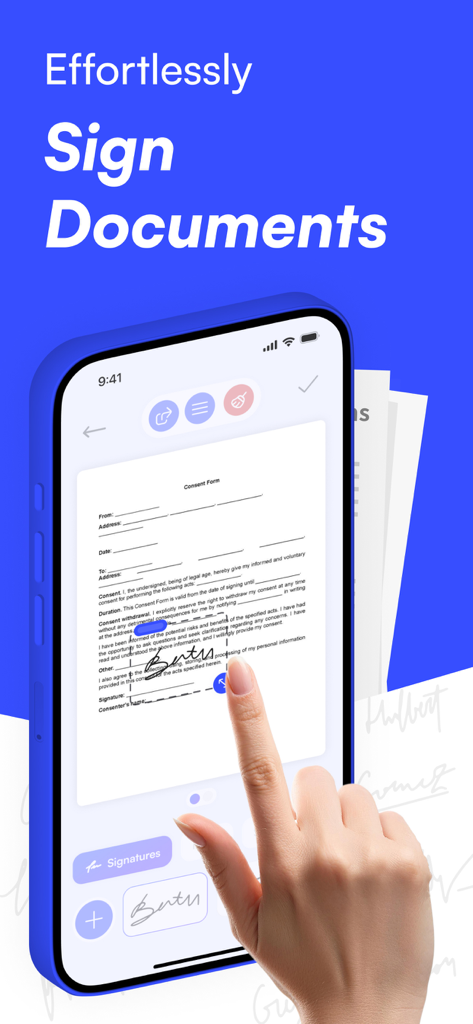
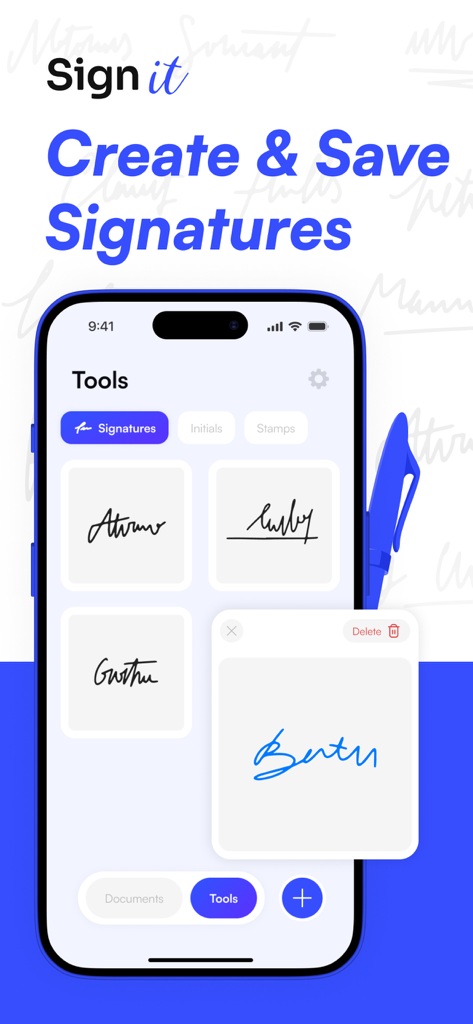
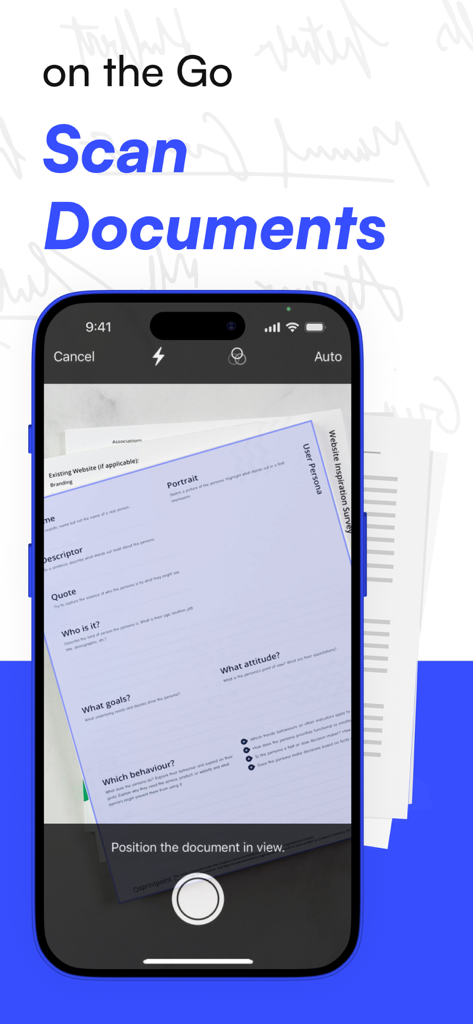
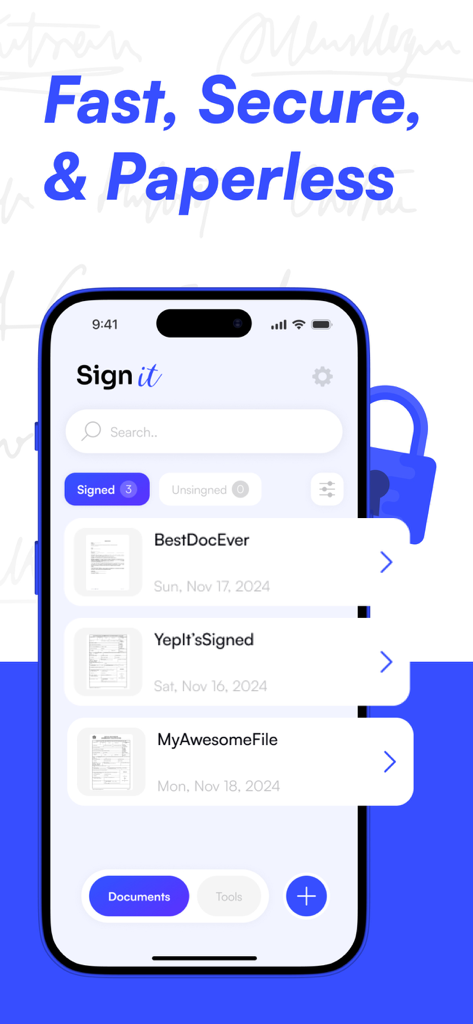
The tools that make this app stand out, trusted by 118K+ users.
Create a professional, personal digital signature using your touch screen for an authentic look on every legal document.
Effortlessly sign PDFs, DOCX files, and standard business formats without the need for complex conversions or external software.
Protect your sensitive data with robust security measures designed for high-stakes business transactions and remote contract management.
Trusted by 118K+ people who love this app.
"SignIt has completely transformed how I handle contracts for my freelance business. No more searching for a printer or scanner while I'm out at meetings; I can sign and return PDFs in seconds. It is incredibly easy to use and looks professional every time."
"As a real estate agent, I'm constantly on the move and need to get documents signed quickly. This app is a game-changer for my workflow. It's secure, fast, and works perfectly on my iPad. I no longer have to carry a laptop everywhere just for signatures."
Everything you need to know about Sign Documents: PDF Signature.
Description
Latest Version
5.0.0
Size
45.8 MB
First Released
Jan 30, 2025
Join 118,000+ professionals who have ditched the printer. Download SignIt today and experience the fastest, most secure way to sign PDFs and Word documents on the go.
Everything you need to know about Sign Documents: PDF Signature
Yes, Sign Documents: PDF Signature allows you to effortlessly create and add your personal digital hand signature to various document types directly from your phone.
Sign Documents: PDF Signature supports multiple document types. You can quickly add your signature to PDF, DOCX, and other common document formats.
Yes, Sign Documents: PDF Signature is secure. The app safeguards your documents and signatures with robust security measures, ensuring reliability for all users.
Sign Documents: PDF Signature offers two subscription plans. Users can choose between a Weekly Subscription and an Annual Subscription to access the app's features.
Yes, Sign Documents: PDF Signature enables you to create and save multiple digital signatures. The app's tools menu allows you to manage and reuse your saved signatures.
Yes, Sign Documents: PDF Signature includes a document scanner feature. The app allows you to scan documents directly using your phone's camera.
You can delete a saved signature in Sign Documents: PDF Signature by accessing the "Tools" section. Screenshot #2 shows a "Delete" option associated with a saved signature.
The privacy policy for Sign Documents: PDF Signature is available at https://signappsfast.click/privacy. This link is provided in the app's description.
Apps with similar features and user experience

Docusign

SM, OOO (Apps)

Glykka LLC

The Grizzly Labs

B TO J PTY LTD

Upsquare Technosys Private Limited

SVG Apps

Tola Marciniak

DotLoop, LLC.