Genius Sign: PDF doc signature

Genius Sign: PDF doc signature

Download on App Store
Spark by MWM logo
Logo of Genius Sign: PDF doc signature

Genius Sign: The Professional Way to Sign and Annotate Documents

Stop wasting time printing and scanning. Join over 725,000 realtors and business owners who close deals faster with realistic signatures and automated field detection.

Publisher

The Grizzly Labs

Category

Business

Downloads

725K+

User Rating

4.9/5

Total Ratings

12K+

Locales

4

Effortless Signing in Action

Discover the interface used by 725K+ users.
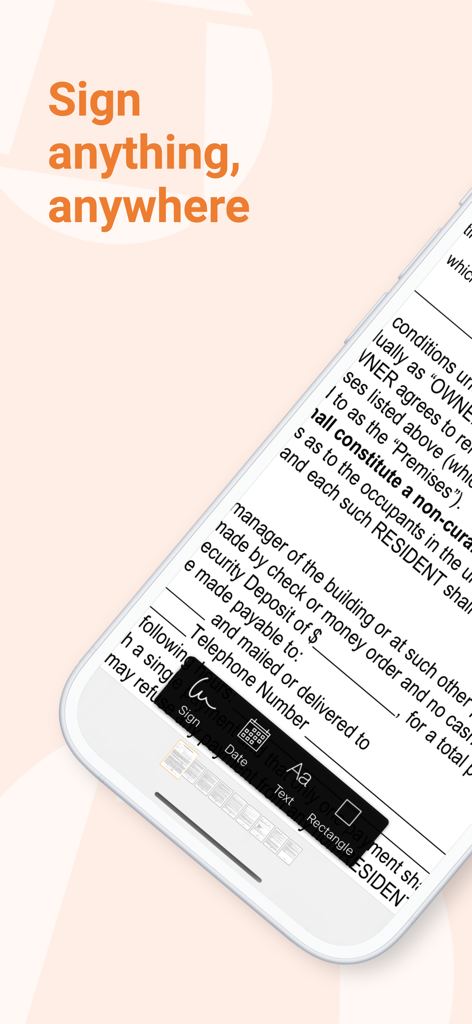
A smartphone showing the Genius Sign app interface with options to sign, date, and add text to a digital document.

A smartphone showing the Genius Sign app interface with options to sign, date, and add text to a digital document.

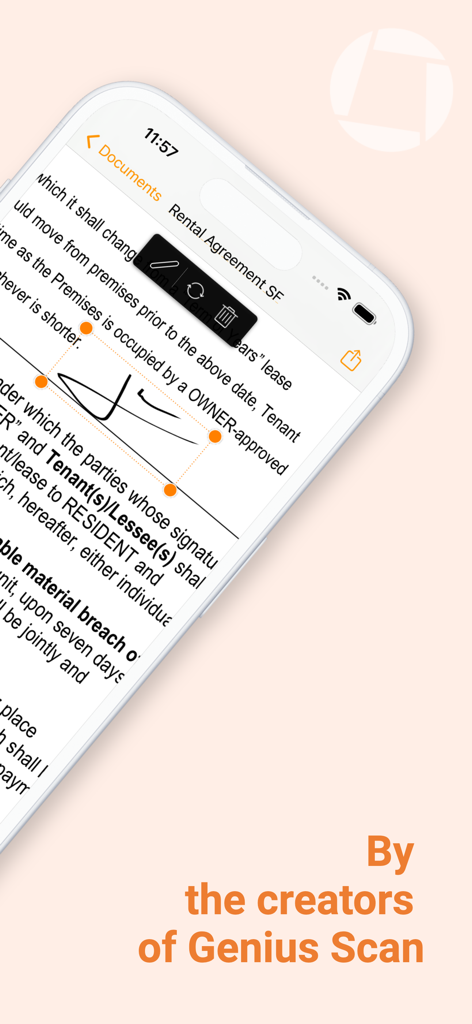
Interface of Genius Sign app showing a digital signature being placed on a PDF rental agreement document on an iPhone

Interface of Genius Sign app showing a digital signature being placed on a PDF rental agreement document on an iPhone

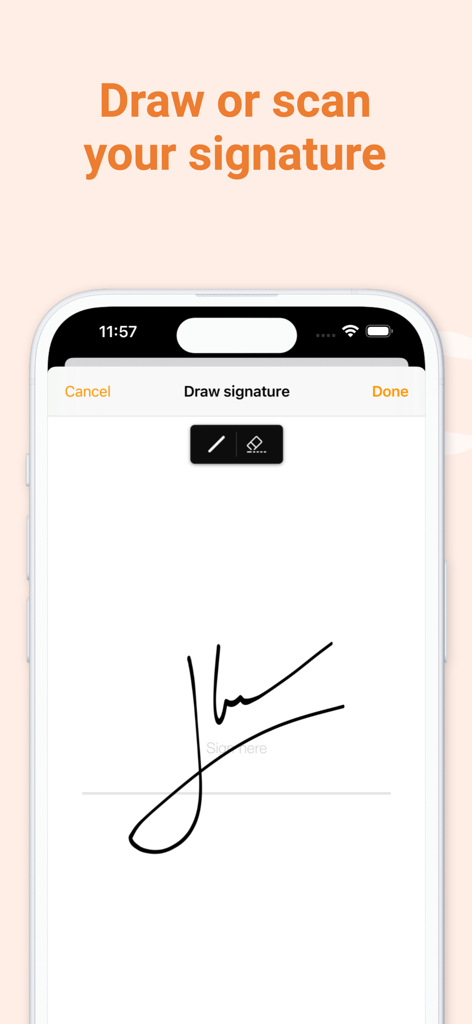
Mobile app screen showing the handwritten signature drawing interface

Mobile app screen showing the handwritten signature drawing interface

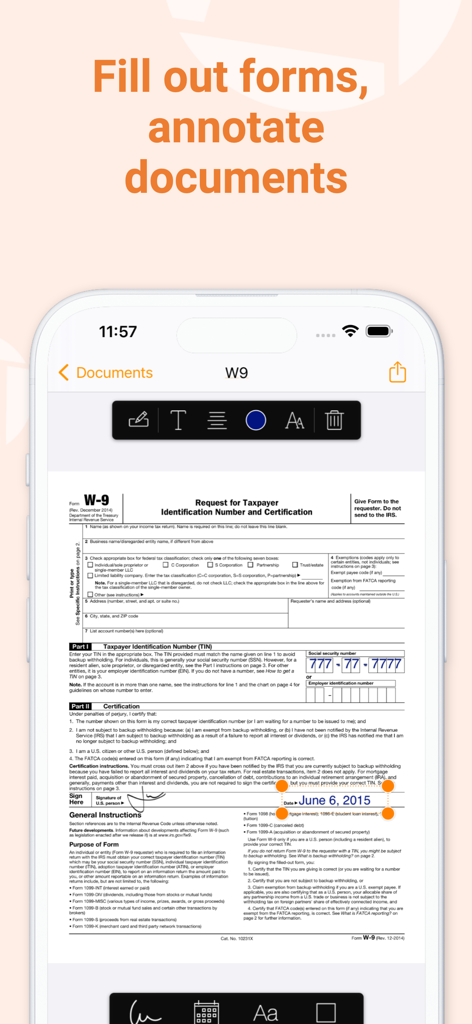
An iPhone screen displaying the Genius Sign app being used to fill out and annotate a W-9 tax form with a signature and date.

An iPhone screen displaying the Genius Sign app being used to fill out and annotate a W-9 tax form with a signature and date.

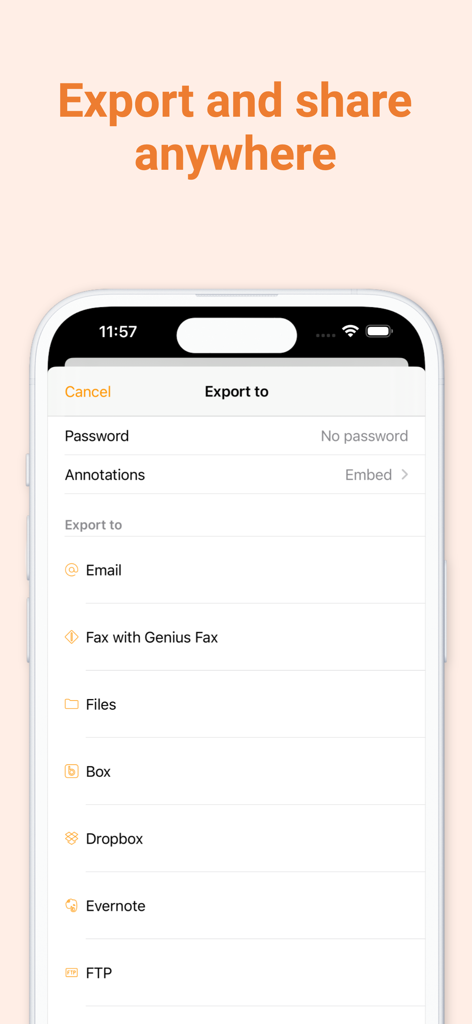
Genius Sign app export screen displaying document sharing options including email cloud services and fax

Genius Sign app export screen displaying document sharing options including email cloud services and fax

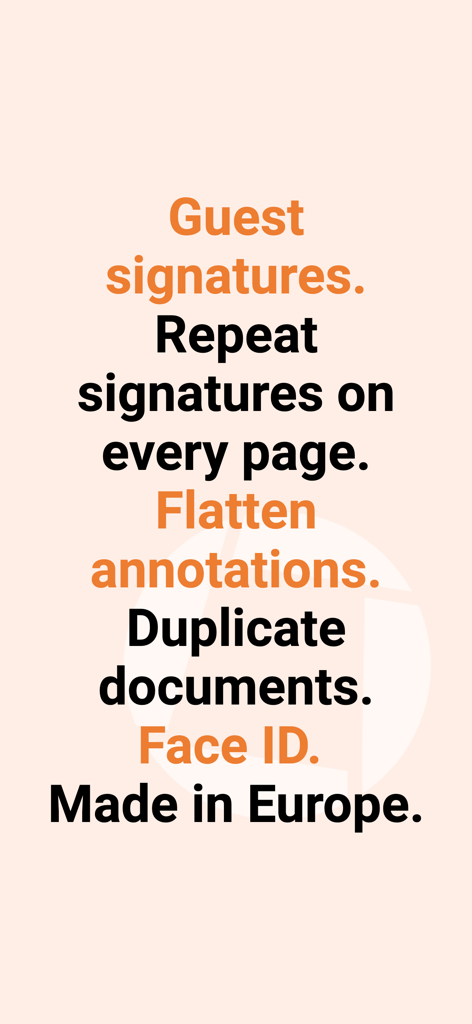
Text summary of Genius Sign features including guest signatures repeat signatures flatten annotations and Face ID security

Text summary of Genius Sign features including guest signatures repeat signatures flatten annotations and Face ID security

Close Deals Faster with Professional Signing

The tools that make this app stand out, trusted by 725K+ users.

Smart Detection Technology

Skip the scrolling. Our 'Sign Here' feature automatically detects signature fields, helping you navigate complex contracts in seconds.

🖋️

Realistic Signature Scanning

Maintain a professional image by scanning your actual handwritten signature for a high-quality rendering that looks better than any digital drawing.

📑

One-Tap Auto Repeat

Perfect for real estate and legal work. Automatically repeat your initials or signature across every page of a document with a single tap.

Loved by users worldwide

Trusted by 725K+ people who love this app.

"

"As a busy real estate agent, Genius Sign is an absolute life-saver. The Sign Here feature identifies exactly where I need to sign in seconds, which is crucial when I'm dealing with long closing documents on my iPad between showings. It has truly eliminated the friction of my daily paperwork."

Amanda Richardson
"

"The realistic signature scanning is unmatched. I can maintain a professional image with my clients without ever touching a printer. Knowing I can password-protect my PDFs and use Face ID gives me the peace of mind I need when handling sensitive consulting contracts on the go."

Marcus Thorne

About the app

Everything you need to know about Genius Sign: PDF doc signature.

Description

Genius Sign is the best app to sign, date, and annotate your documents. “Genius Sign shaved off about 30 min of my daily routine.” – Jane D., realtor “I wish I had known about this app before” – Mike C., business owner. Have you ever had to print a contract you received by email, to be able to sign it and scan it before sending it back? Well, Genius Sign is now going to save you a lot of time, trouble, and paper. With Genius Sign, import any document, insert your signature, some text, the date, and export it wherever you need to. To sign, draw your signature on the screen with your finger. You can also scan your actual handwritten signature with our award-winning scanning technology for a realistic rendering. Genius Sign features two smart technologies that save you tons of time: “Sign Here” magically detects the pages you need to sign, avoiding you to browse through the entire document. “Auto Repeat” enables you to repeat your initials on all the pages. Genius Sign is free to use and has no limit on the number of documents or signatures that you can manage. Should you be interested in the premium features, you can decide to upgrade to Genius Sign+. FEATURES: - Create and save new signatures, either by drawing or scanning them. - Import PDF, Word or image documents. - Insert text and date, change their format, color, style or size. - Precisely position your annotations. - Quickly locate the signature fields with our Sign Here feature. - Import documents from Genius Scan, your Photos library or any cloud service. - Export your documents by email or to other apps. PREMIUM FEATURES: + Have guests sign documents without keeping their signature in the app. + Flatten annotations so that no one can modify them. + Repeat your initials on every page of a document. + Export to your favorite cloud service (Box, Dropbox, Evernote, FTP, Google Drive, OneDrive, OneNote, SugarSync, WebDAV). + Print documents with AirPrint. + Duplicate documents with or without their annotations, to reuse them as templates. + Password-protect and encrypt your PDF files. + Protect Genius Sign with Face ID, Touch ID, or with a passcode. We read and reply to every support email that we receive, and we are looking forward to your feedback. Contact us at any time at support@geniussign.com. Terms of use: https://www.apple.com/legal/internet-services/itunes/dev/stdeula/

Latest Version

2.17

Size

42.0 MB

First Released

Jul 16, 2015

Reclaim Your Time and Go Paperless Today

Join over 725,000 professionals who use Genius Sign to securely sign, scan, and send documents from anywhere—no printer required.

Download on App Store
FAQ

Frequently Asked Questions

Everything you need to know about Genius Sign: PDF doc signature

How does Genius Sign allow users to sign documents?

Genius Sign enables users to import documents and insert signatures by drawing on-screen or scanning a handwritten one. The app then allows exporting the signed document, eliminating the need for printing and scanning.

Is the Genius Sign app available for free?

Yes, Genius Sign is free to download and use without limits on documents or signatures. Users can upgrade to Genius Sign+ for additional premium features.

What document formats does Genius Sign support for import?

Genius Sign supports importing PDF, Word, and image documents. These can be imported from sources like Genius Scan, the device's Photos library, or various cloud services.

Does Genius Sign automatically find signature locations?

Yes, Genius Sign includes a "Sign Here" feature. This smart technology automatically detects the pages in a document that require a signature, streamlining the annotation process.

What are the premium features available in Genius Sign+?

Genius Sign+ premium features include guest signatures, flattening annotations, repeating initials across pages, expanded cloud service exports, AirPrint, document duplication, and enhanced security like password protection and biometric ID.

How does Genius Sign protect user documents and privacy?

Genius Sign+ offers robust privacy features. Users can password-protect and encrypt PDF files. The app itself can be secured using Face ID, Touch ID, or a custom passcode.

Can Genius Sign automatically repeat initials on all document pages?

Yes, Genius Sign features "Auto Repeat" as a premium function. This technology enables users to efficiently repeat their initials on every page within a document, saving time.

What methods are available for exporting documents from Genius Sign?

Genius Sign allows exporting documents via email or to other applications. Premium users gain additional options, including exporting to various cloud services like Dropbox and Google Drive, and printing via AirPrint.