
Sign Documents - eSign PDF



Join over 123,000 professionals who use our all-in-one tool to digitize paperwork, add secure digital signatures, and close deals faster without ever needing a printer.
Publisher
Category
ProductivityDownloads
123K+User Rating
Total Ratings
300Locales
11Discover the interface used by 123K+ users.
The tools that make this app stand out, trusted by 123K+ users.
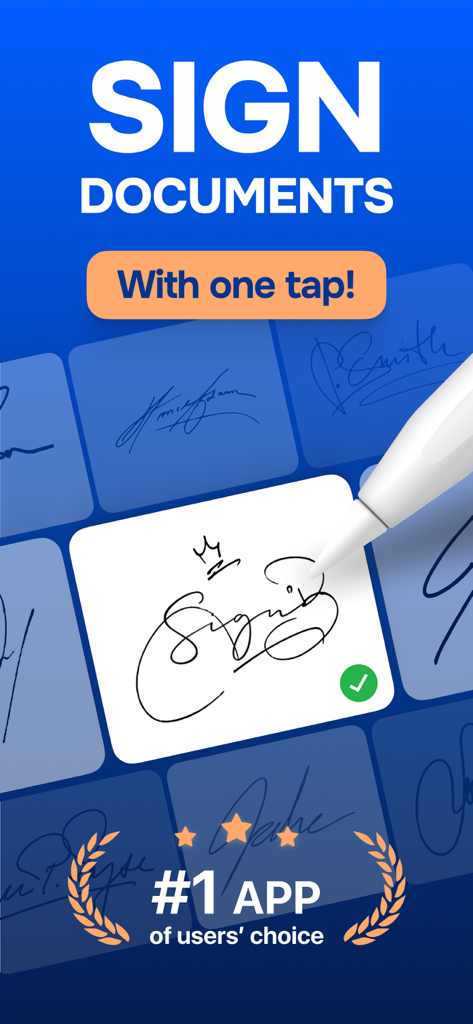
Sign any PDF, Word, or Excel file with a single tap to keep your business moving and close deals faster.
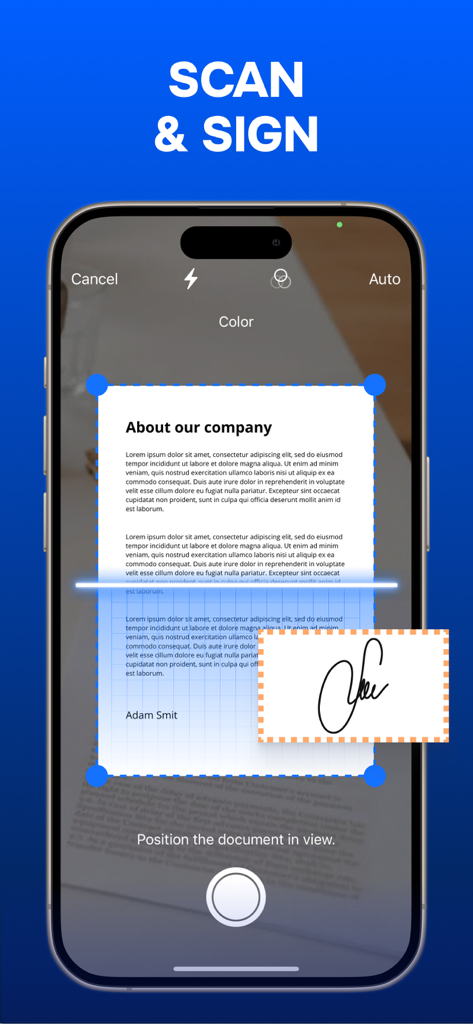
Turn physical paperwork into professional digital documents instantly using your camera—no bulky hardware required.
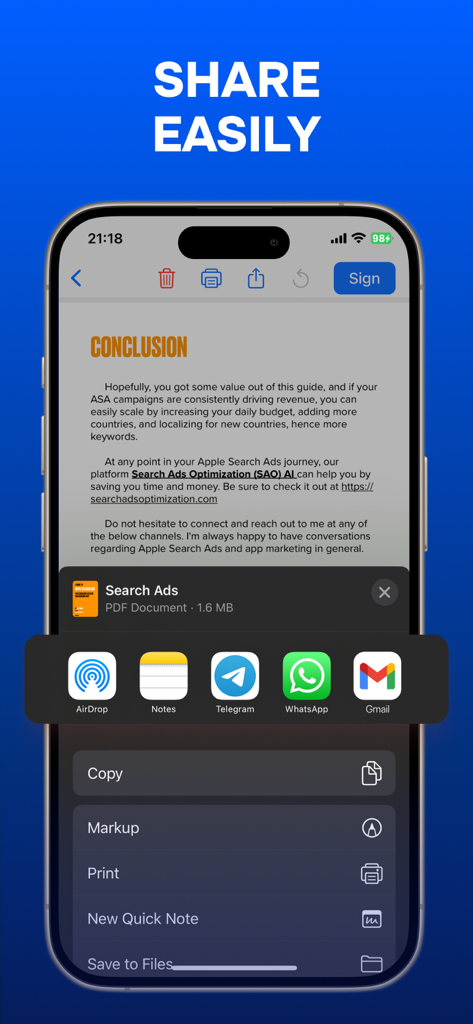
Convert photos to PDF and send completed documents to clients or colleagues via email or cloud storage in one click.
Trusted by 123K+ people who love this app.
"As a freelance designer, I'm constantly signing NDAs and work agreements. This app has completely replaced my clunky old scanner. I can sign, stamp, and return documents in under a minute right from my iPhone. It's the most efficient tool in my productivity stack!"
"Closing deals on the go used to be a headache, but this app makes it seamless. The ability to turn photos into professional PDFs and add my official stamp instantly has been a game-changer for my real estate business. Highly recommended for any busy professional."
Everything you need to know about Sign Documents - eSign PDF.
Description
Latest Version
4.0.1
Size
47.2 MB
First Released
May 23, 2024
Join over 123,000 professionals who simplify their workflow. Scan, sign, and send contracts or forms instantly from your iPhone or iPad.
Everything you need to know about Sign Documents - eSign PDF
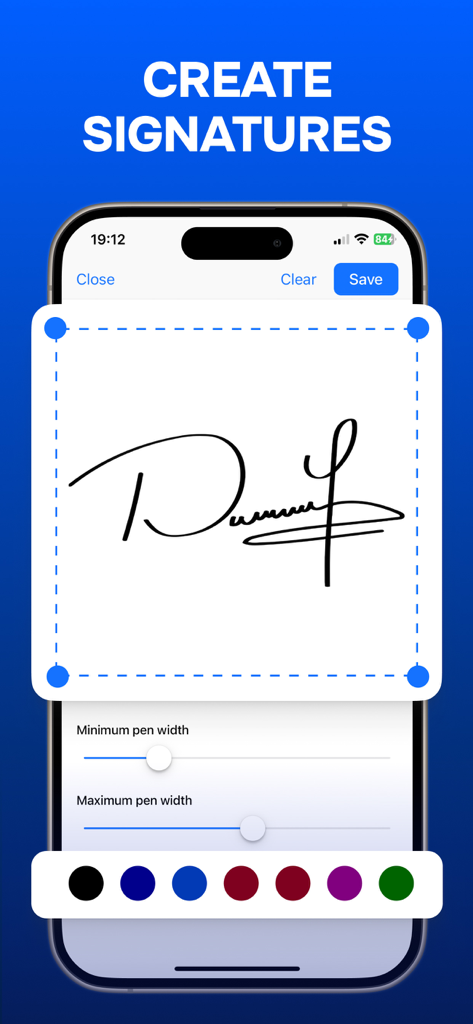
Users can easily add digital signatures to their documents with the Sign Documents - eSign PDF app, often with "one tap." The app simplifies the process for quick signing.
Sign Documents - eSign PDF supports various document types for signing, including PDF, DOC, and XLS formats. This ensures broad compatibility for users.
Yes, Sign Documents - eSign PDF includes a built-in scanner. Users can digitize paper documents directly within the app for signing and management.
Yes, Sign Documents - eSign PDF allows users to instantly insert stamps onto documents. This feature is part of its comprehensive document management tools.
Sign Documents - eSign PDF enables users to easily share documents with colleagues and print them directly from the app. This streamlines collaboration and distribution.
Yes, the Sign Documents - eSign PDF app allows users to create complete documents directly from photos. This feature converts images into editable files.
The Privacy Policy for Sign Documents - eSign PDF is available at https://signdocapp.click/privacy. This link provides details on data handling.
Apps with similar features and user experience

Docusign

SM, OOO (Apps)

Glykka LLC

The Grizzly Labs

B TO J PTY LTD

MR BIKRAMJIT SINGH

Upsquare Technosys Private Limited

SVG Apps

DotLoop, LLC.