
FortiClient VPN



Establish a fully encrypted SSL or IPsec tunnel between your iOS device and FortiGate for safe, professional access to corporate resources from anywhere.
Publisher
Category
UtilitiesDownloads
1M+User Rating
Total Ratings
900Locales
2Discover the interface used by 1M+ users.
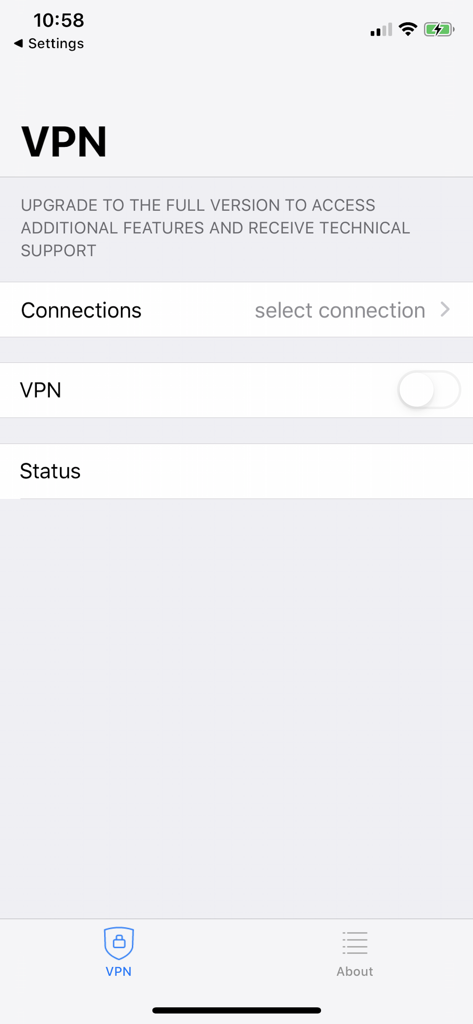
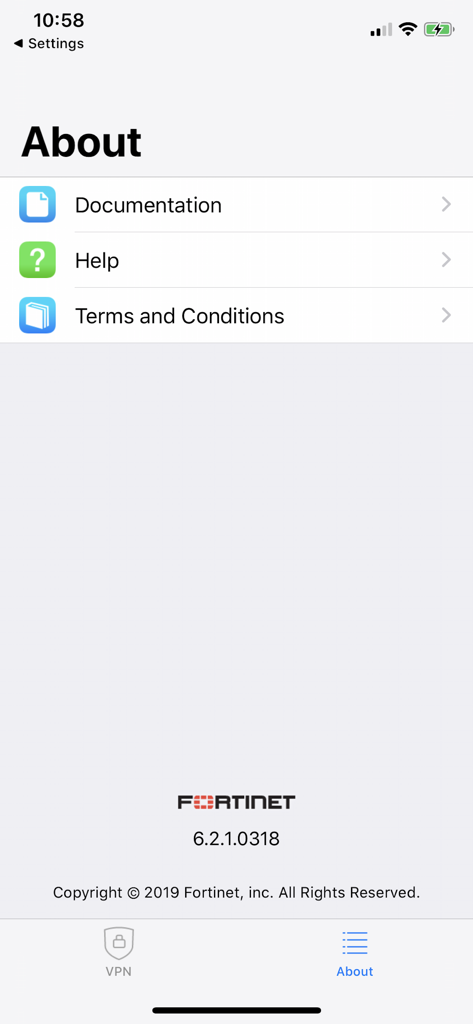
The tools that make this app stand out, trusted by 1M+ users.
Safely access internal servers and proprietary files from any location using high-speed SSL and IPsec VPN technology.
Enhance your security with built-in Two-Factor Authentication (2FA), meeting strict corporate and regulatory compliance standards.
Designed specifically for iPhone and iPad, providing a stable, battery-efficient connection for the modern hybrid professional.
Trusted by 1M+ people who love this app.
"As a project manager frequently on the move, this app is an essential tool for my daily workflow. It allows me to securely access our internal corporate files from my iPhone without any hassle. The integration with FortiToken makes two-factor authentication seamless, giving me total peace of mind while working from cafes or transit hubs."
"Setting up the SSL VPN tunnel was straightforward on my iPad, and it has been incredibly stable for my remote tasks. It is the perfect no-frills utility for our company's BYOD policy, allowing me to monitor server status and handle urgent tickets securely from anywhere. It does exactly what it is built for without any unnecessary bloat."
Insights from user reviews.
Sentiment Score
Summary
Overall, user feedback for the mobile app is predominantly negative, highlighting significant frustration with its core functionality. While a small number of users report successful and flawless VPN connections, the vast majority experience critical issues. Recurring problems include difficulties establishing VPN connections, especially with IPSec, and widespread failures with Multi-Factor Authentication (MFA), Single Sign-On (SSO), and general credential input. Numerous updates, particularly within the 7.4.x series, have reportedly introduced new bugs, leading to connection instability and loss of saved configurations, with version 7.4.7 specifically cited for issues on iOS 18.
Common Themes
Everything you need to know about FortiClient VPN.
Description
Latest Version
7.4.10
Size
12.7 MB
First Released
Sep 4, 2019
Join over 1 million professionals who trust FortiClient VPN for encrypted, enterprise-grade access to corporate resources from any iOS device.
Everything you need to know about FortiClient VPN
The FortiClient VPN app creates a secure Virtual Private Network (VPN) using SSL VPN Tunnel Mode or IPsec between an iOS device and a FortiGate, encrypting all traffic.
Yes, the FortiClient VPN app is free. It provides limited basic features for SSLVPN and IPsec connections without technical support.
No, the free FortiClient VPN app does not include Fortinet TAC support. Users must install the full FortiClient App to receive technical support.
FortiClient VPN supports SSL VPN "Tunnel Mode" and IPsec connections. It also supports Certificates based authentication and Two-factor Authentication using FortiToken.
Yes, users can install the full FortiClient App to gain access to advanced VPN functionality and receive 24x7 TAC support, as indicated within the app.
The app encrypts the entire connection, ensuring all traffic between your iOS device and the FortiGate is sent securely over the established VPN tunnel.
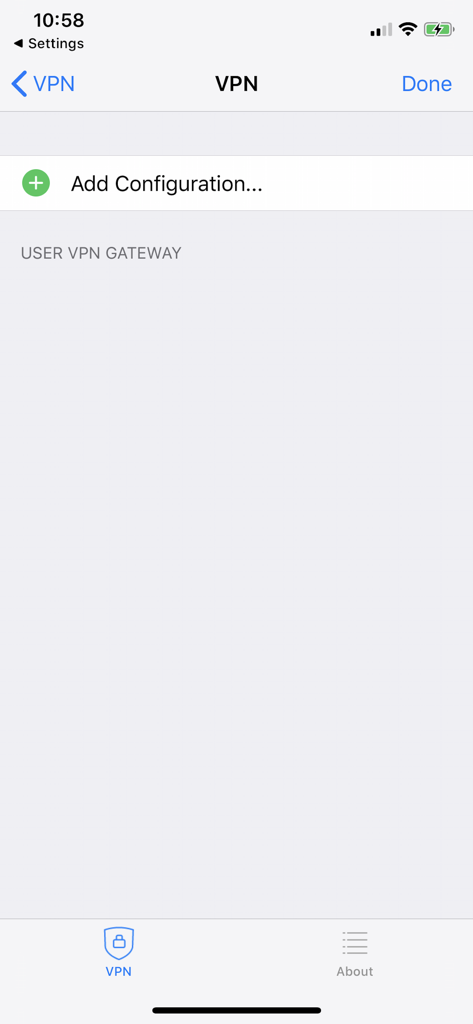
To add a new VPN configuration in FortiClient VPN, navigate to the VPN section and select the "Add Configuration..." option to define your USER VPN GATEWAY.
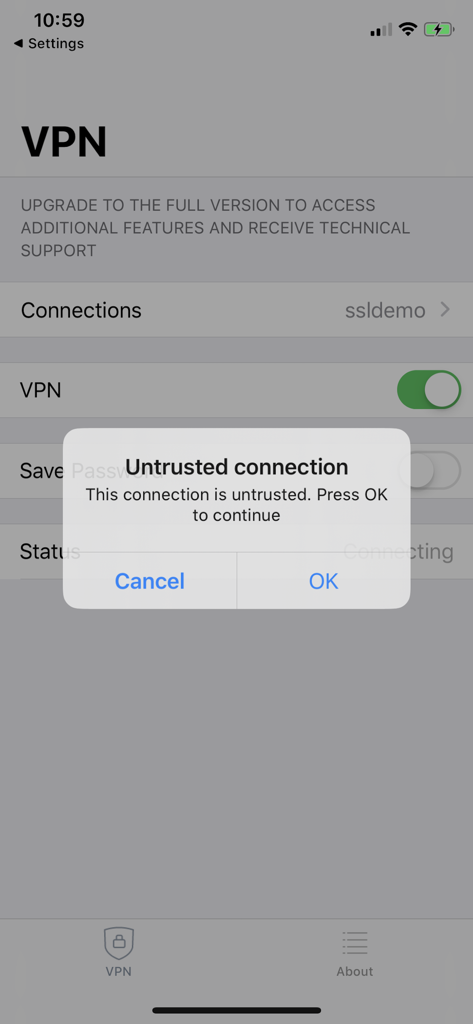
The "Untrusted connection" message in FortiClient VPN indicates that the app has identified a connection as potentially insecure or not fully validated. Users decide to proceed or cancel.
Apps with similar features and user experience

OpenVPN Inc.

Palo Alto Networks

Pulse Secure LLC

Pickpointio LLC

Shanghai best oray information s&t co.,ltd

Fortinet, Inc

Cisco

Publicroam B.V.

Zscaler inc