Google Meet

Google Meet

Download on App StoreDownload on Google Play
Spark by MWM logo
Logo of Google Meet

Google Meet: High-Quality Video Calls for Work and Life

Connect seamlessly across any device with crystal-clear 4K video. Whether you are leading a team project or catching up with family, enjoy professional features like noise cancellation and live captions alongside fun filters and effects for every moment.

Download on App Store

Publisher

Google LLC

Category

Social Networking

Downloads

234M+

User Rating

4.7/5

Total Ratings

3M+

Locales

55

Experience Seamless Connection

Discover the interface used by 234M+ users.
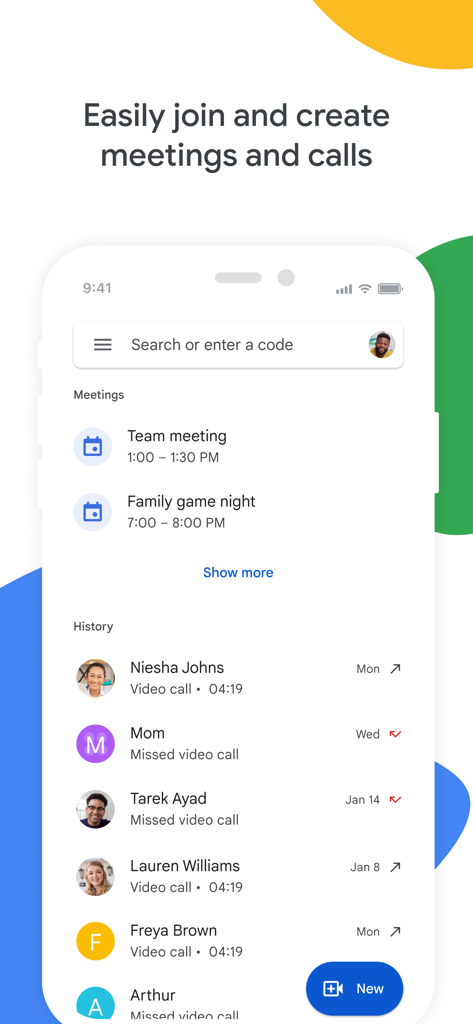
Google Meet mobile app interface displaying a list of upcoming meetings and recent call history

Google Meet mobile app interface displaying a list of upcoming meetings and recent call history

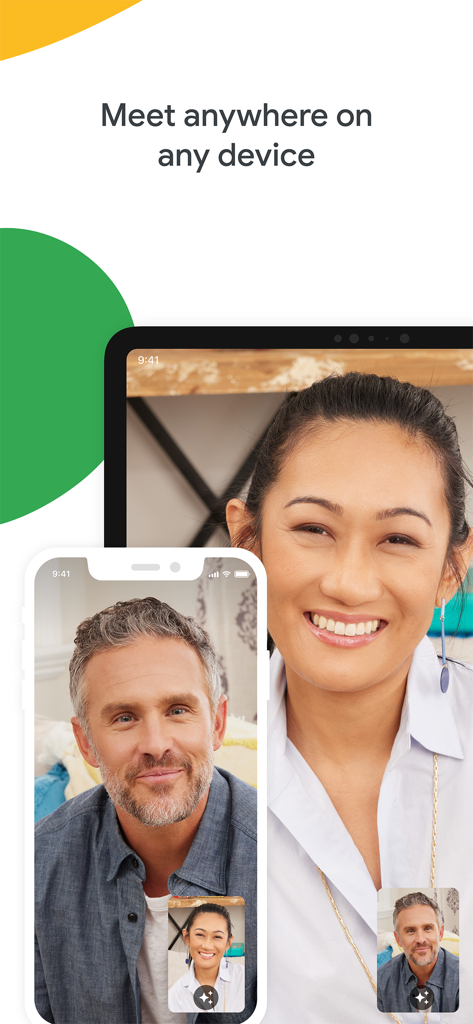
Google Meet video call interface displayed on a smartphone and a tablet illustrating cross platform flexibility.

Google Meet video call interface displayed on a smartphone and a tablet illustrating cross platform flexibility.

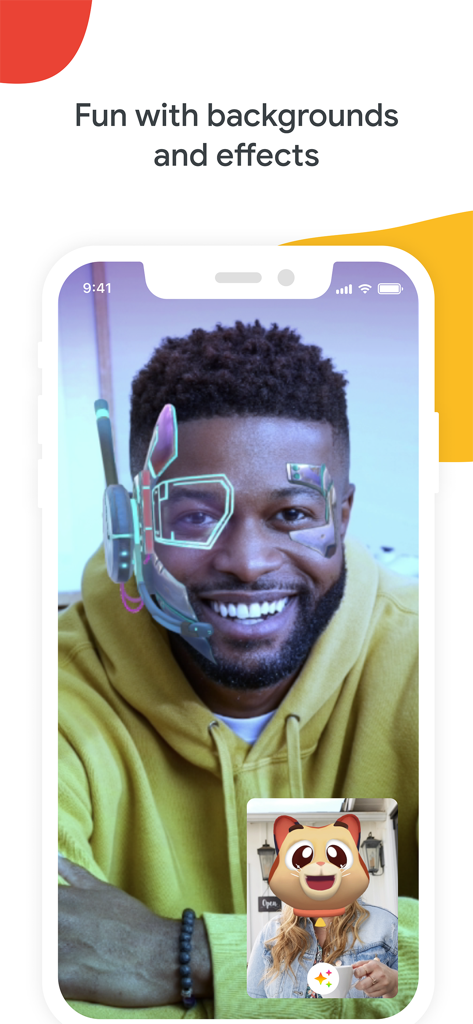
Google Meet video call interface displaying a user with a futuristic AR face filter and a participant with a cat filter.

Google Meet video call interface displaying a user with a futuristic AR face filter and a participant with a cat filter.

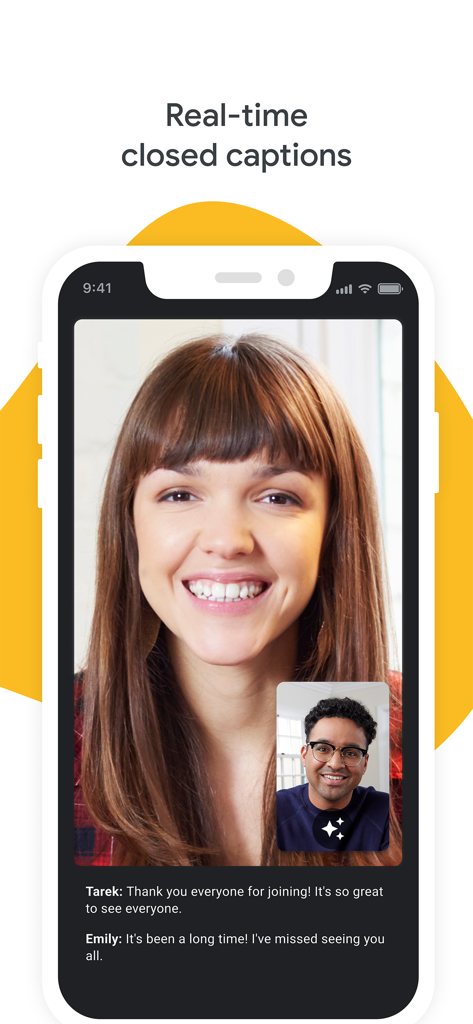
Google Meet video call interface on a smartphone showing real-time closed captions for accessibility.

Google Meet video call interface on a smartphone showing real-time closed captions for accessibility.

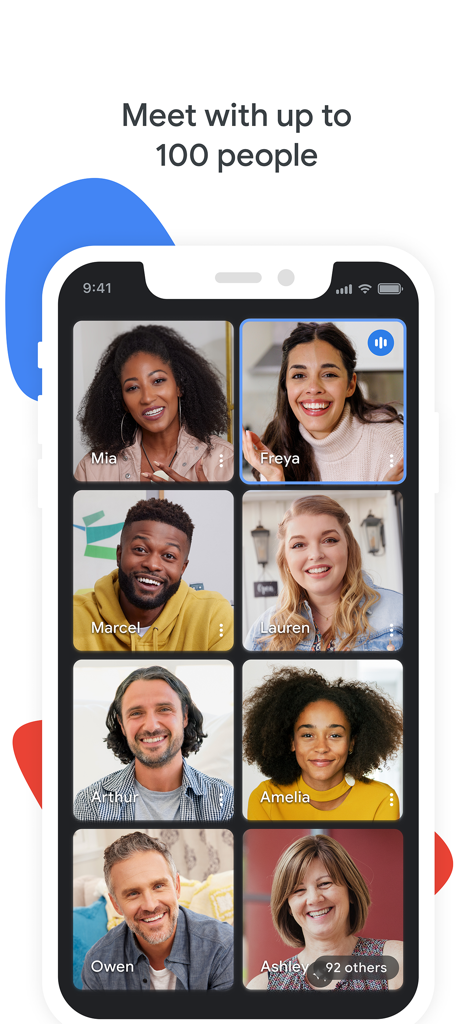
Google Meet mobile interface showing a grid of video call participants for a large group meeting.

Google Meet mobile interface showing a grid of video call participants for a large group meeting.

Google Meet app screen highlighting secure by design features to keep conversations safe

Google Meet app screen highlighting secure by design features to keep conversations safe

One app for work, life, and everything in between

The tools that make this app stand out, trusted by 234M+ users.

📱

True Cross-Platform Freedom

Eliminate the green vs. blue bubble debate. Meet works perfectly on iOS, Android, and web, ensuring everyone can join the call without friction.

🏃

Smart On-the-Go Mode

Stay productive while multitasking with an audio-only experience and large, simplified controls designed for walking, driving, or commuting.

🌐

Real-Time Global Captions

Bridge language barriers instantly with live translated captions in over 70 languages, perfect for international teams and diverse families.

Loved by users worldwide

Trusted by 234M+ people who love this app.

"

"Google Meet has completely streamlined my workday. I love how it integrates perfectly with my Calendar and Gmail. The on-the-go mode is a lifesaver when I need to join a sync while walking my dog, and the noise cancellation is honestly magic for blocking out city sounds."

Sarah M., Project Manager
"

"Finally, a video app that everyone in my family can use regardless of their phone! We use it for our weekly calls because the video quality is incredible, and the kids love playing with the filters. The real-time captions are also a game-changer for my grandmother who is hard of hearing."

Leo T., Graduate Student

About the app

Everything you need to know about Google Meet.

Description

Google Meet is a high-quality video calling app designed to help you have meaningful and fun interactions with your friends, family, colleagues, and classmates, wherever they are. Meet lets you connect in whatever way works for you: Call someone spontaneously, schedule time together, or send a video message that they can watch and respond to later. Meet also helps you get things done. It integrates with other Google Workspace apps like Gmail, Docs, Slides, and Calendar, and offers a number of features to help you run smooth and engaging meetings, like noise cancellation, in-call chat, recordings, and more.* Features to look forward to: Make spontaneous calls or host video meetings with your friends and colleagues, all in one app. Enjoy one-on-one video calls for up to 24 hours and host meetings for up to 60 minutes and 100 people at no cost. Follow along in your preferred language with real-time translated captions in over 70 languages. Use in-call chat to share ideas, ask questions, or provide feedback without interrupting the flow of the conversation. Make your calls more engaging with in-call emojis that allow you to express yourself seamlessly without interrupting the conversation. Share visuals like photos, videos, and presentations during your call to collaborate or simply share memories from your recent vacation. Make your calls with family and friends more fun with stackable effects that allow participants to add multiple backgrounds, filters, and animations, to create a personalized experience. Use on-the-go mode for an audio-only experience with larger call controls, making it easier to take calls with fewer distractions while walking, driving, or using public transportation. Access on any device: Meet works across mobile, tablet, web, and smart devices,** so everyone can join. High quality video: Show up looking your best with up to 4k video quality video***. Learn more about Google Meet: https://workspace.google.com/products/meet/ Follow us for more: Twitter: https://twitter.com/googleworkspace Linkedin: https://www.linkedin.com/showcase/googleworkspace Facebook: https://www.facebook.com/googleworkspace/ *Meeting recording, noise cancellation are available as premium features. See https://workspace.google.com/pricing.html for more details **Not available in every language. ***Bandwidth permitting. Google Meet automatically adjusts to the highest video quality possible based on your bandwidth. Data charges may apply. Check your carrier for details. Specific feature availability may vary based on device specifications.

Latest Version

341.0

Size

271.7 MB

First Released

Sep 2, 2016

Ready to Connect? Experience Seamless Video for Work and Life.

Join millions who rely on Google Meet for high-quality video calls, real-time collaboration, and fun interactions—on any device, anywhere.

Download on App StoreDownload on Google Play
FAQ

Frequently Asked Questions

Everything you need to know about Google Meet

What is Google Meet?

Google Meet is a high-quality video calling application designed for meaningful interactions with friends, family, colleagues, and classmates. It supports spontaneous calls, scheduled meetings, and video messages across various devices.

Is Google Meet free to use?

Yes, Google Meet offers free usage for one-on-one video calls up to 24 hours. Users can also host meetings for up to 60 minutes with up to 100 people at no cost.

How many people can join a Google Meet call?

Google Meet allows up to 100 people to join a meeting for up to 60 minutes at no cost. One-on-one video calls can last up to 24 hours.

Does Google Meet offer real-time captions?

Yes, Google Meet provides real-time translated captions in over 70 languages, allowing users to follow conversations in their preferred language.

Can I use Google Meet on multiple devices?

Yes, Google Meet is accessible on various devices including mobile phones, tablets, web browsers, and smart devices, ensuring broad compatibility.

What integrated features does Google Meet offer for meetings?

Google Meet integrates with Google Workspace apps and offers features like in-call chat, noise cancellation, meeting recordings, and custom effects including backgrounds, filters, and animations.

Is Google Meet secure for conversations?

Yes, Google Meet is secure by design. It implements security measures to ensure conversations are kept safe and private for all participants.

Does Google Meet have custom backgrounds and effects?

Yes, Google Meet provides stackable effects, allowing participants to add multiple backgrounds, filters, and animations to personalize their video call experience.

Can I record meetings in Google Meet?

Yes, meeting recording is available in Google Meet. This feature is offered as a premium option. More details regarding pricing are available on the Workspace website.

What is on-the-go mode in Google Meet?

On-the-go mode in Google Meet provides an audio-only experience with larger call controls. This mode helps reduce distractions when taking calls while walking, driving, or using public transportation.