
Zoom Workplace




Unify meetings, team chat, and docs in a single app. Use AI Companion to summarize missed messages and draft content, keeping you productive from your desk to your commute.
Publisher
Category
BusinessDownloads
469M+User Rating
Total Ratings
8M+Locales
17Discover the interface used by 469M+ users.
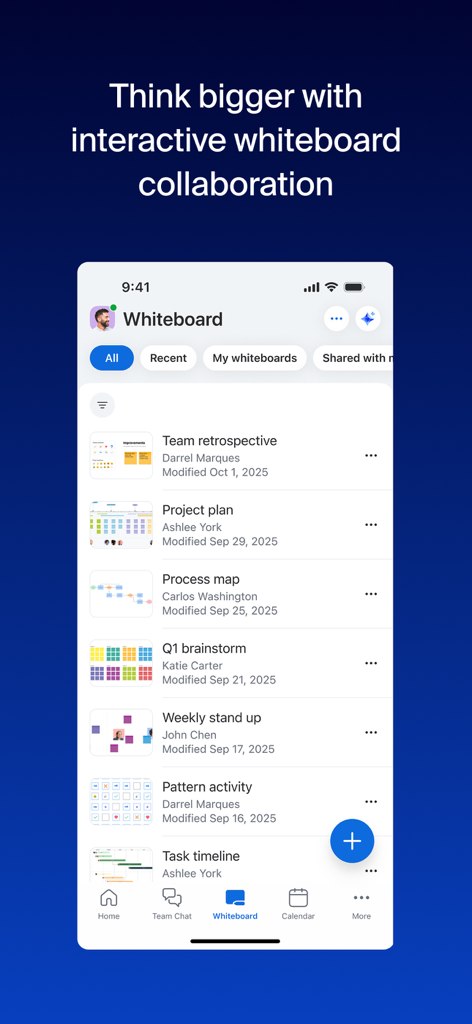
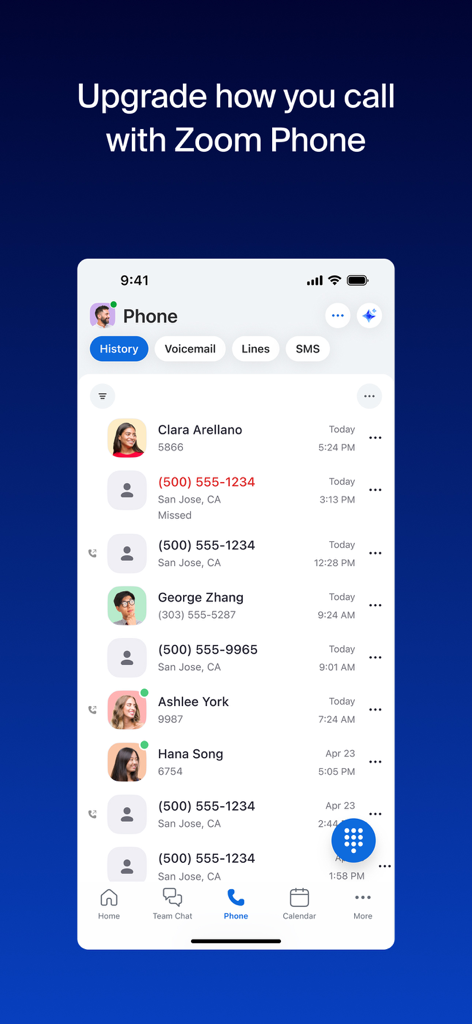
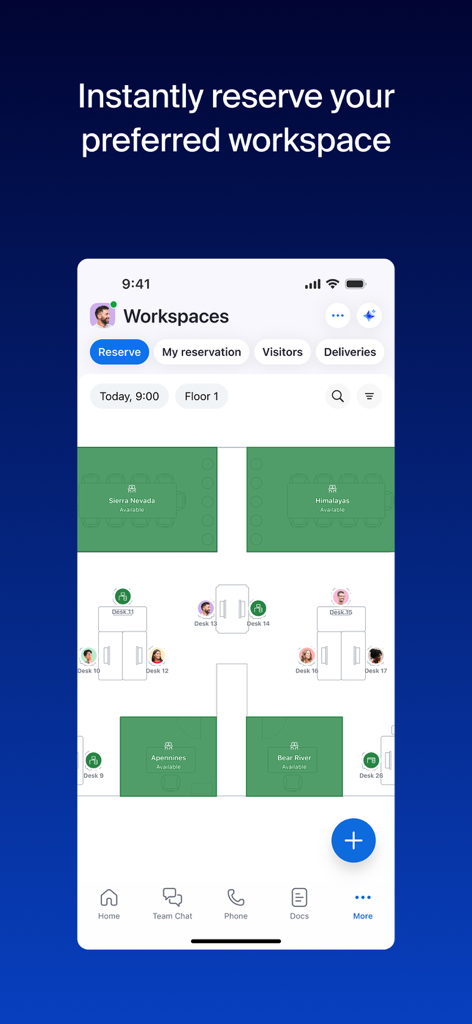
The tools that make this app stand out, trusted by 469M+ users.
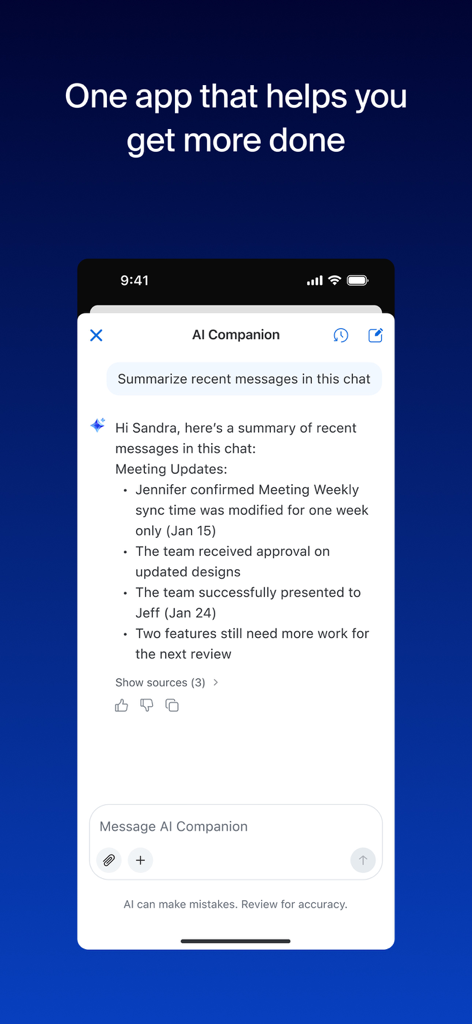
Let AI Companion summarize unread chats and draft responses, saving you hours of catch-up time.
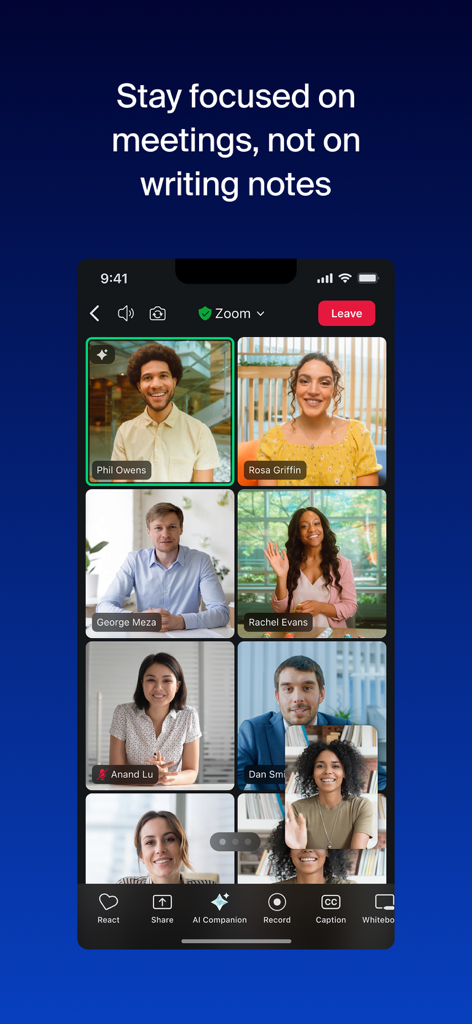
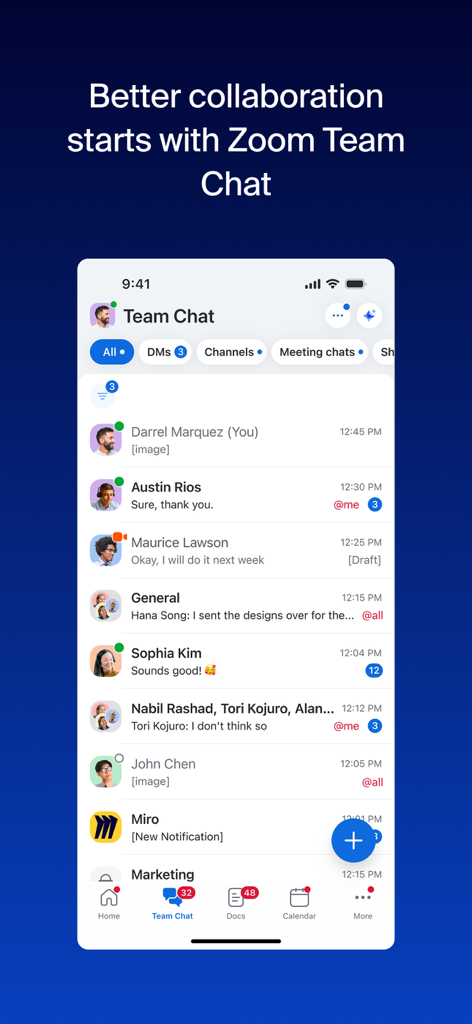
Connect via video, voice, or chat and collaborate on live docs without ever leaving the app.
Handoff calls between devices instantly and stay productive on the road with CarPlay and Siri.
Trusted by 469M+ people who love this app.
"The AI Companion has completely transformed my workflow. I used to spend hours catching up on missed chats and meeting notes, but now the automated summaries give me the key insights in seconds. It’s like having a personal assistant right on my iPhone that keeps me productive even when I’m back-to-back."
"As someone who is always on the move, the seamless transition between devices is a lifesaver. I can start a meeting at my desk and switch to CarPlay with one tap for my commute without missing a beat. Having my phone, docs, and team chat in a single app has finally decluttered my home screen and my workday."
Everything you need to know about Zoom Workplace.
Description
Latest Version
6.7.2
Size
372.0 MB
First Released
Aug 15, 2012
Experience the power of an AI-first workplace in the palm of your hand. Join millions of professionals and download Zoom Workplace to stay productive on the go.
Everything you need to know about Zoom Workplace
Zoom Workplace is an AI-first, open collaboration platform combining team chat, meetings, phone, whiteboard, calendar, mail, and docs. It streamlines communication and boosts productivity.
Yes, Zoom Workplace includes AI Companion. It summarizes unread messages, drafts content, and provides meeting summaries. It is available with a paid Zoom license.
No, AI Companion is available at no additional cost with your paid Zoom license for Zoom Workplace. It functions as your personal assistant across the platform.
Yes, you can use Zoom Workplace for iOS with any free or paid Zoom license. AI Companion features are also available on your mobile device.
Yes, Zoom Workplace supports sending SMS text messages through its integrated phone functionality. This feature is part of its streamlined communication tools.
Zoom Workplace helps improve productivity with Zoom Docs for organizing information, automated meeting summaries via AI Companion, and virtual whiteboards for brainstorming.
Yes, you can seamlessly move a live meeting or call between different devices with a single tap in Zoom Workplace, enabling flexible work across locations.
Yes, Zoom Workplace ensures data security with enterprise-grade security and supports Single Sign-On (SSO). This protects your information while working on the go.
You upgrade your free account to Zoom Workplace Pro. This subscription includes AI Companion, unlimited meetings up to 30 hours, and cloud recording.
Zoom Workplace Pro offers unlimited meetings up to 30 hours each, cloud recording up to 10GB, and the ability to assign meeting co-hosts and schedulers, plus AI Companion.
Yes, Zoom Workplace supports Apple CarPlay, allowing users to stay focused on the road. It also offers customizable Siri Shortcuts for hands-free voice commands.
Yes, Zoom Workplace uses AI Companion to provide a summary of your unread Team Chat messages, helping you get caught up quickly and efficiently.
Apps with similar features and user experience

GoTo Group, Inc.

LARK TECHNOLOGIES PTE. LTD.

RingCentral, Inc

VEBINAR TEKHNOLOGII, OOO

Hit Labs, Inc.

Zoho Corporation

Microsoft Corporation

Google LLC
Google LLC


