
Zoho Cliq - Team Communication




The all-in-one communication hub for efficiency-driven professionals. Automate workflows with bots, simplify tasks with slash commands, and stay connected across the Apple ecosystem.
Publisher
Category
ProductivityDownloads
305K+User Rating
Total Ratings
13K+Locales
47Discover the interface used by 305K+ users.
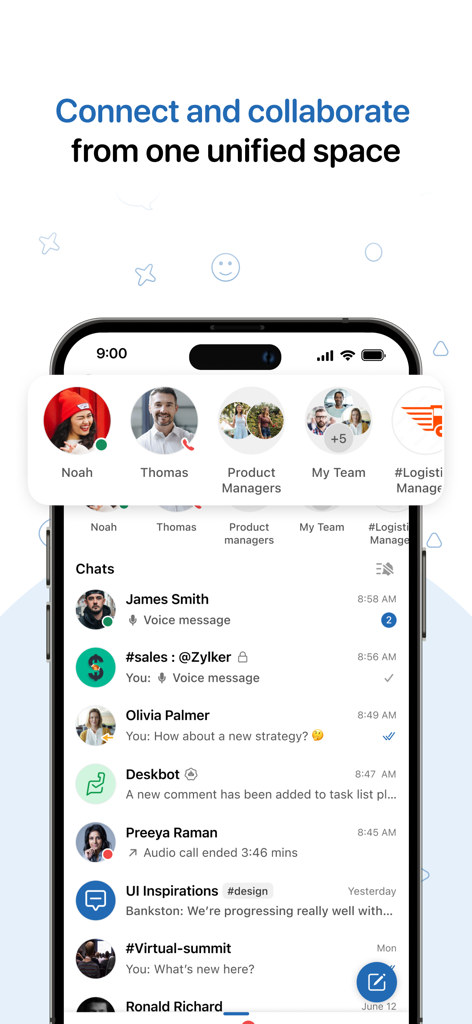
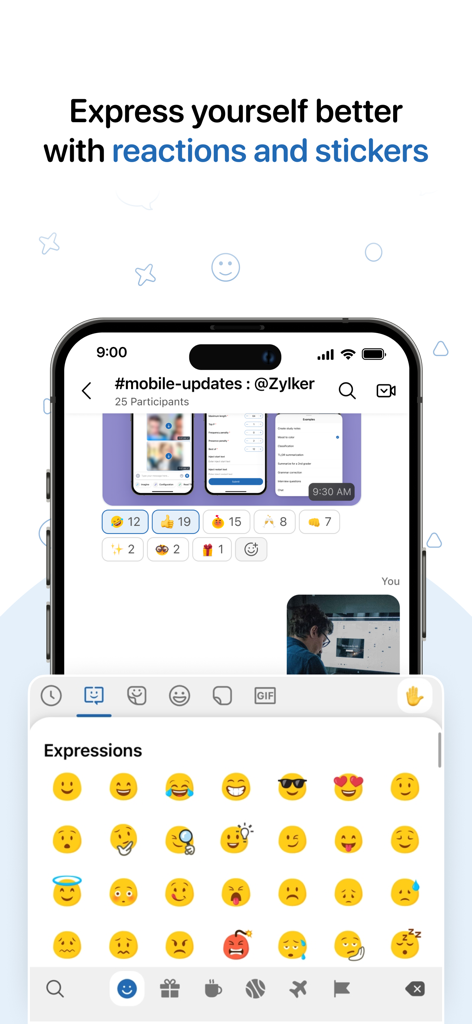
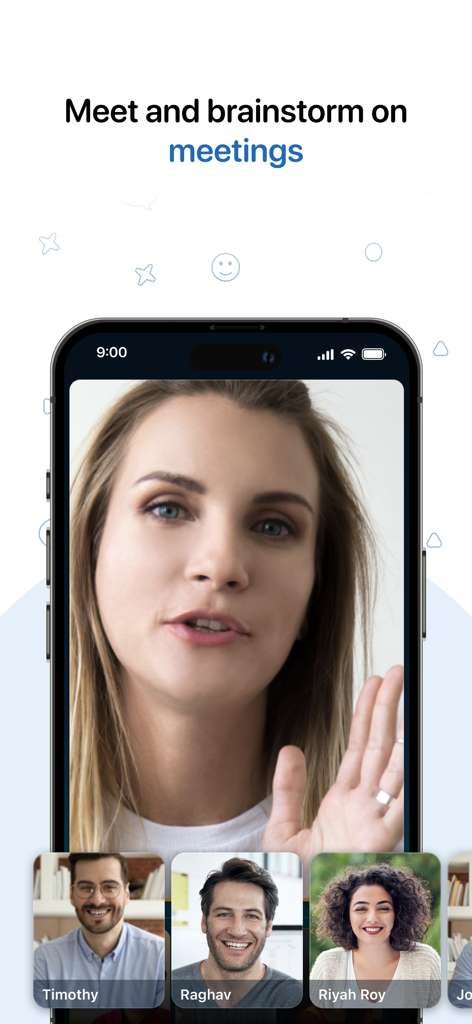
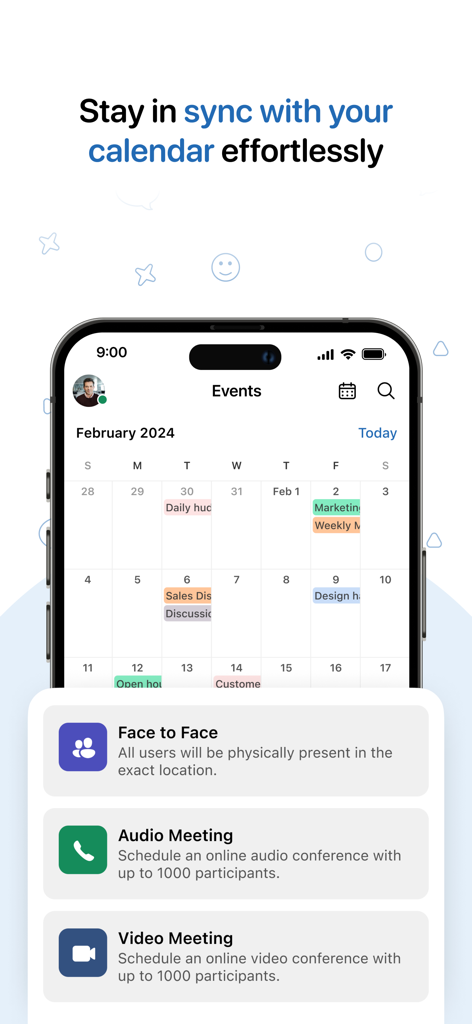
The tools that make this app stand out, trusted by 305K+ users.
Power up your productivity with slash commands and intelligent bots that handle repetitive workflows directly inside your chat window.
Stay connected on the move with deep iOS integration, including Siri shortcuts, home screen widgets, and instant Spotlight search.
Keep all your business data in reach by centralizing conversations, file sharing, and third-party app integrations in one secure place.
Trusted by 305K+ people who love this app.
"Cliq has completely transformed how our agency operates. By leveraging custom bots and slash commands, we've reduced our internal email volume by 70%. The integration with Zoho CRM is a game-changer; our team gets real-time lead updates without ever leaving the chat window."
"As a remote manager constantly on the move, the deep iOS integration is a lifesaver. I use Siri to send updates during my commute and the Spotlight search to find project files in seconds. It provides the perfect balance of professional communication and powerful task automation."
Everything you need to know about Zoho Cliq - Team Communication.
Description
Latest Version
6.0.44
Size
426.4 MB
First Released
Dec 22, 2015
Join thousands of professionals using Zoho Cliq to eliminate context switching with bots, automation, and seamless iOS integration. Get started for free.
Everything you need to know about Zoho Cliq - Team Communication
Zoho Cliq is a team collaboration software that provides chat, voice and video calling, file sharing, and task automation. It integrates features like channels, bots, and commands to streamline communication.
Yes, Zoho Cliq supports seamless audio and video calling. Users can also schedule audio and video meetings with up to 1000 participants directly through the app's calendar integration.
Zoho Cliq automates tasks through handy bots and slash commands. Users can subscribe to bots for daily task automation and use commands directly from the chat window for faster task execution.
Yes, Zoho Cliq allows users to create various channels. These include channels across an organization, specific teams, private groups, and external channels for collaboration outside the immediate organization.
Yes, Zoho Cliq allows users to send messages even when offline. These messages are delivered automatically once the user comes back online, ensuring continuous communication.
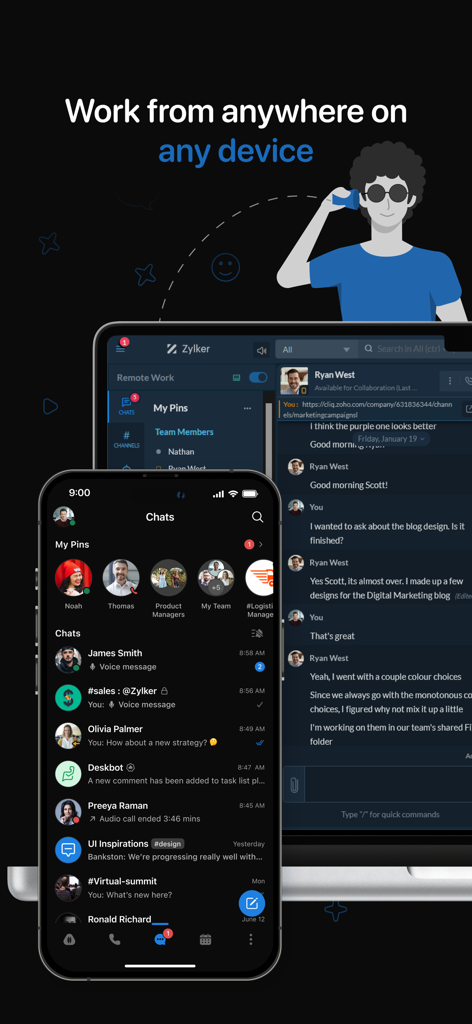
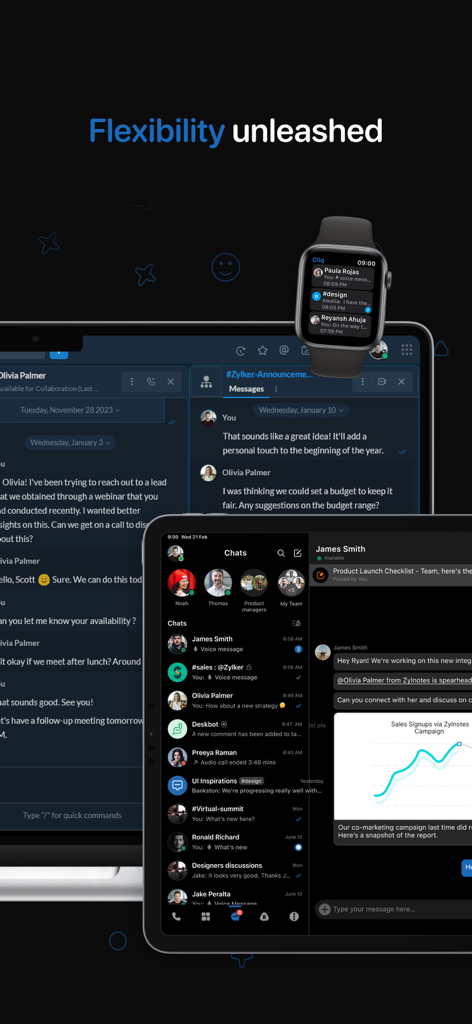
Yes, Zoho Cliq is available across multiple devices. Users can work from anywhere using the app on their phone, tablet, desktop, and smartwatch for consistent access.
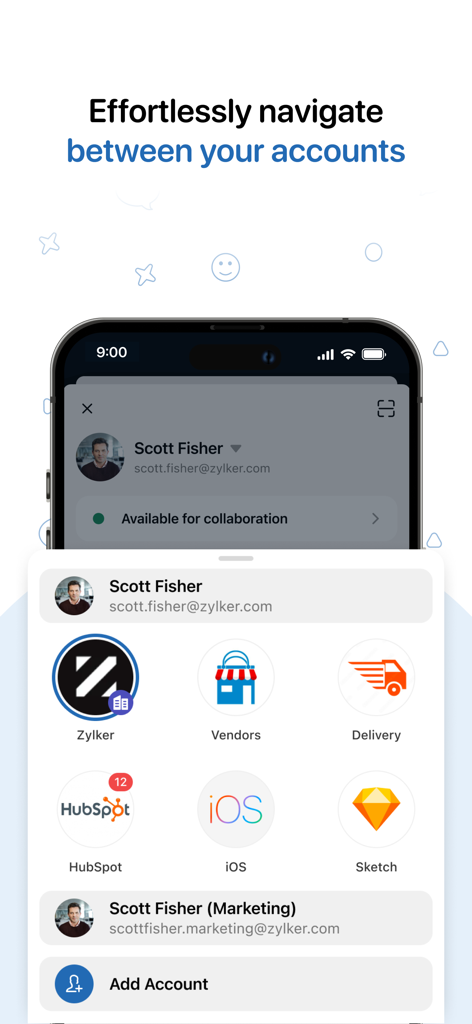
Yes, Zoho Cliq facilitates navigation between accounts and shows integrations. Screenshots display options for Zylker, Vendors, Delivery, HubSpot, iOS, and Sketch accounts, indicating multi-service integration.
Yes, Zoho Cliq supports Siri integration. Users can use Siri to make calls and send custom messages within the Cliq app, simplifying task automation.
Yes, Zoho Cliq allows users to share their current location within a chat. It also supports location-based statuses, enabling teams to stay updated on member availability.
Zoho Cliq supports scheduling audio and video meetings with up to 1000 participants. This capacity applies to both audio and video conference types facilitated by the application.
Apps with similar features and user experience

GoTo Group, Inc.

LARK TECHNOLOGIES PTE. LTD.

RingCentral, Inc

VEBINAR TEKHNOLOGII, OOO

Hit Labs, Inc.

Microsoft Corporation

Zoom Communications, Inc.

Google LLC

Google LLC
