
Heges 3D Scanner


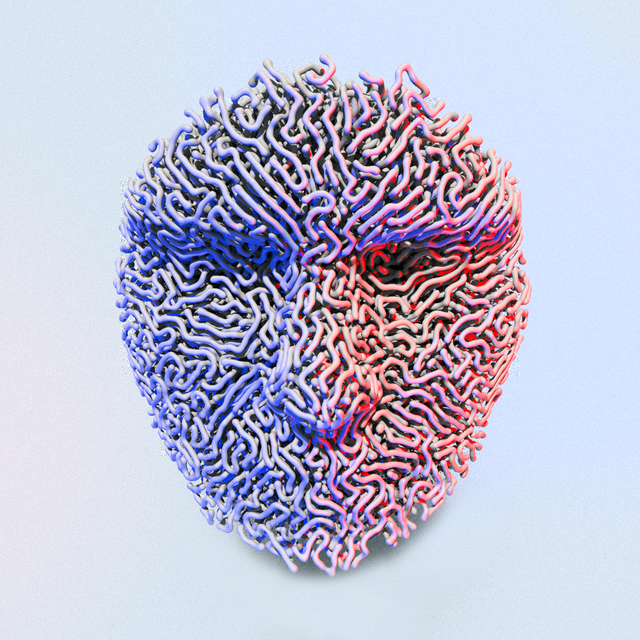
Unlock the full potential of your iPhone's LiDAR and FaceID sensors. Capture high-fidelity 3D scans with 0.5mm accuracy and export to industry-standard STL, OBJ, and PLY formats for 3D printing and CAD.
Publisher
Category
Photo & VideoDownloads
292K+User Rating
Total Ratings
0Locales
2Discover the interface used by 292K+ users.
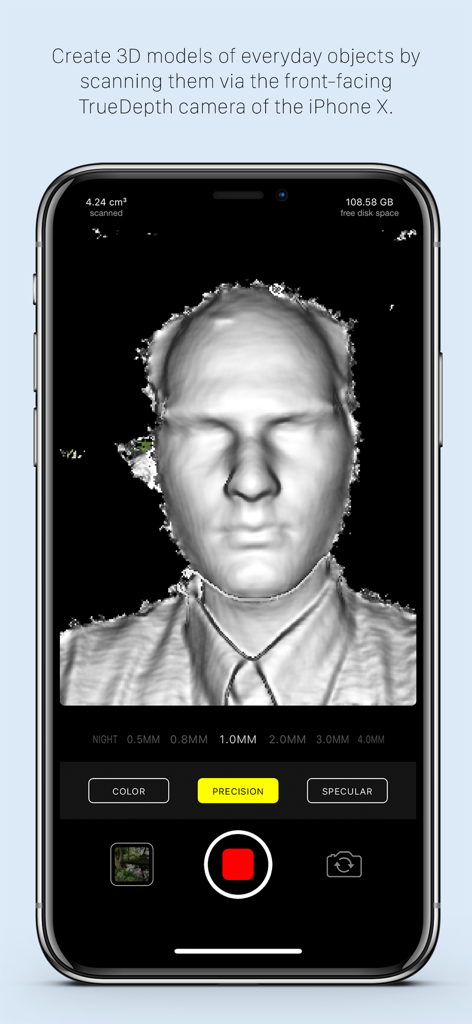
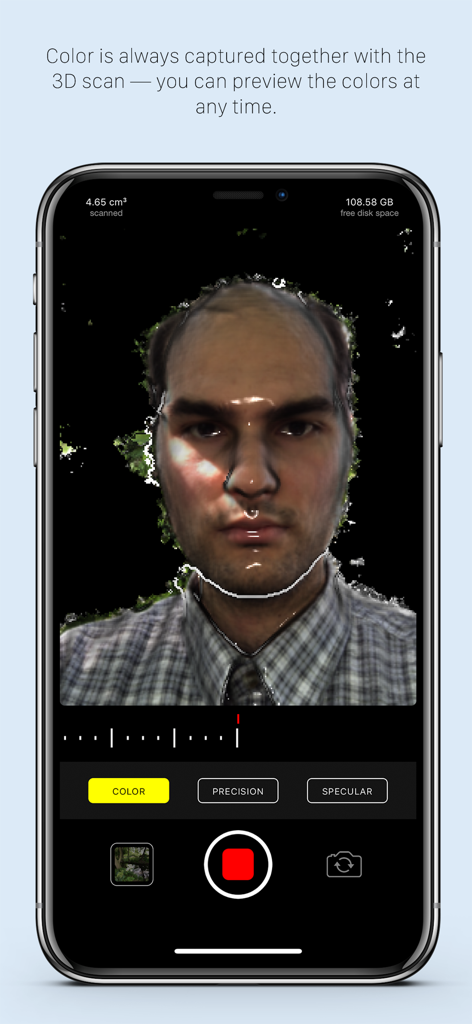
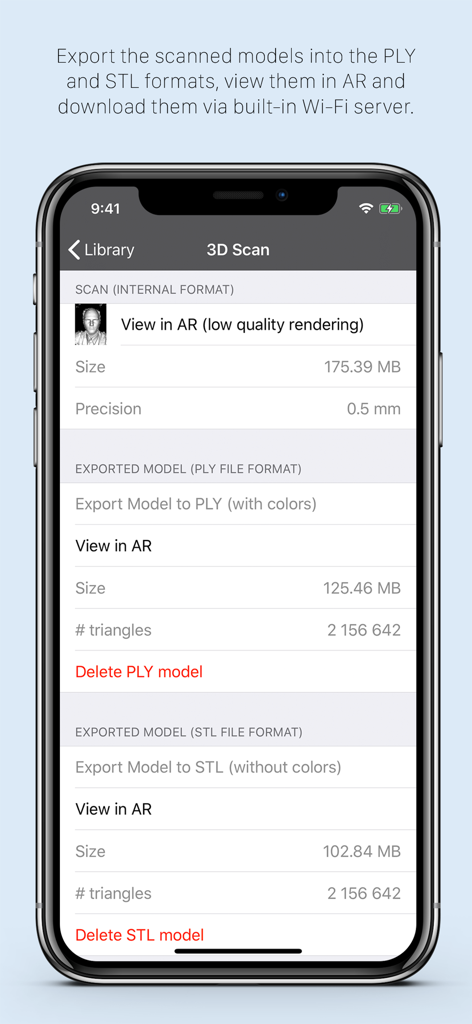
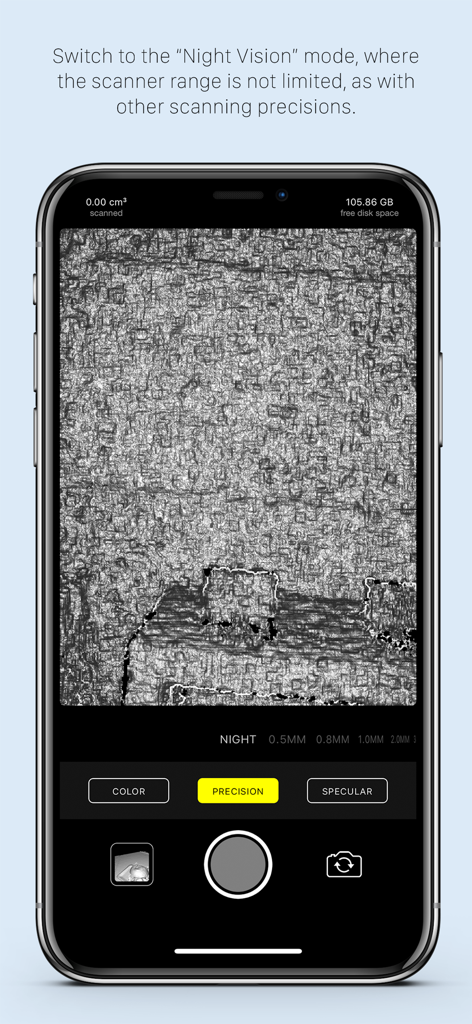
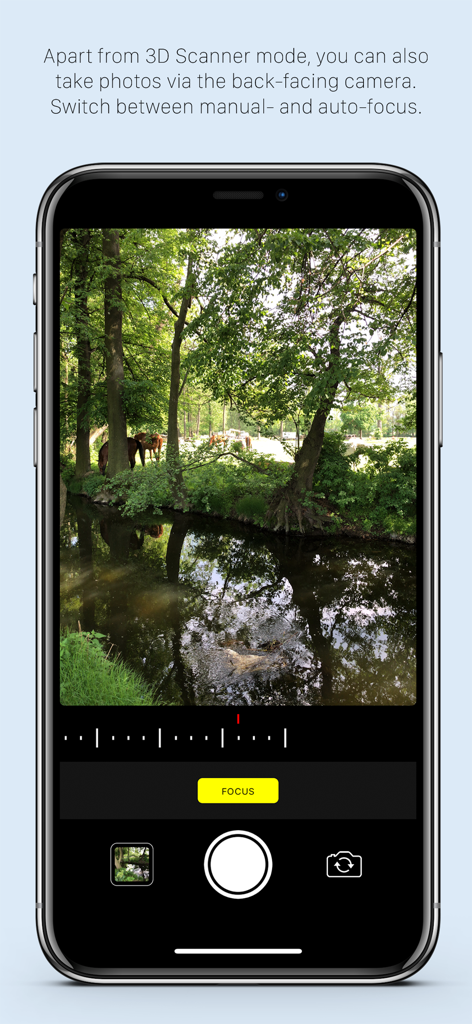
The tools that make this app stand out, trusted by 292K+ users.
Leverage the TrueDepth FaceID camera for 0.5mm precision settings. Perfect for capturing fine details on small objects for CAD modeling and 3D printing.
Quickly map out entire rooms, hallways, and large furniture using the rear LiDAR sensor. Turn physical spaces into digital assets in seconds.
Seamlessly export your scans as STL, OBJ, or PLY files. Ready for immediate use in Blender, AutoCAD, or your favorite slicer with no subscriptions.
Trusted by 292K+ people who love this app.
"As a 3D printing enthusiast, the 0.5mm precision using the FaceID camera is a total game-changer. I scanned a discontinued plastic gear for my vintage lathe and had a perfect STL file ready for my printer in minutes. It is easily the most accurate scanner I have used on a mobile device."
"Heges is my go-to for interior design mockups. The LiDAR mode captures room layouts with impressive speed, and being able to export directly to USDZ for AR walkthroughs saves me hours of manual modeling. I love the transparency of the developer and the honest one-time purchase model."
Everything you need to know about Heges 3D Scanner.
Description
Latest Version
1.8.3
Size
17.3 MB
First Released
May 31, 2018
Unlock the full potential of your LiDAR and FaceID sensors. Join over 290,000 makers and engineers who use Heges to bridge the gap between physical objects and digital design.
Everything you need to know about Heges 3D Scanner
Heges 3D Scanner creates 3D models from everyday objects using your iPhone or iPad's FaceID or LiDAR camera. It supports exporting to formats like STL, PLY, OBJ, USDZ, GLB, and viewing in AR.
Heges 3D Scanner is compatible with iPhones 17-X (Pro/Max/Plus/Air variants) and iPad Pro models that feature a FaceID or LiDAR sensor. The 3D Scanner mode requires an In-App Purchase.
Yes, Heges 3D Scanner uses the LiDAR sensor for creating 3D models, especially for large areas. For small objects and fine details, the selfie FaceID camera is recommended due to its higher accuracy.
Heges 3D Scanner exports 3D models to PLY, OBJ, USDZ (with colors) and STL, GLB (without colors). Users can share these files via the built-in Wi-Fi server or view them in the iOS Files app.
No, Heges 3D Scanner is free to download but requires a one-time In-App Purchase for the 3D Scanner mode. The download allows device compatibility checks before purchase.
Heges 3D Scanner achieves up to 2 millimeters accuracy for fine details when using the selfie FaceID camera with 0.5MM Precision settings. FaceID is more accurate than LiDAR for small objects.
Yes, Heges 3D Scanner features a passive Night Vision mode. Users can scan in pitch-dark environments, and this mode has no explicit scanner range restrictions.
Heges 3D Scanner is free-to-download to protect users with unsupported devices. It checks for a compatible 3D-sensing FaceID camera upon opening, preventing accidental In-App Purchases on incompatible hardware.
Yes, Heges 3D Scanner includes a Color camera mode available for all devices. This mode uses the back-facing camera, supports manual focus, and allows sharing photos via a built-in Wi-Fi server.
For optimal scan accuracy with Heges 3D Scanner, an iPhone 12 or older model with FaceID is recommended. Newer iPhones (13 and above) have a TrueDepth camera design with slightly lower accuracy.
Apps with similar features and user experience

Toolbox AI, Inc
Recon-3D Inc.
AI Photo Editor Lab SRL

AR Code Pte. Ltd.

Luma AI, Inc.

Synthetic Dimension GmbH

FARO Technologies Inc.

Magiscan Inc.

KIRI Innovation (Hongkong) Limited