Interval Timer Plus

Interval Timer Plus

Download on App Store
Spark by MWM logo
Logo of Interval Timer Plus

Interval Timer Plus: The Frictionless Way to Master Your Workouts

No signups, no distractions—just a powerful, 1-tap interval timer designed for HIIT and Tabata. Stay focused with high-visibility color coding and voice prompts that keep your eyes on the goal, not the screen.

Publisher

Su-Au Hwang

Category

Health & Fitness

Downloads

430K+

User Rating

4.9/5

Total Ratings

36K+

Locales

1

Precision at a Glance

Discover the interface used by 430K+ users.
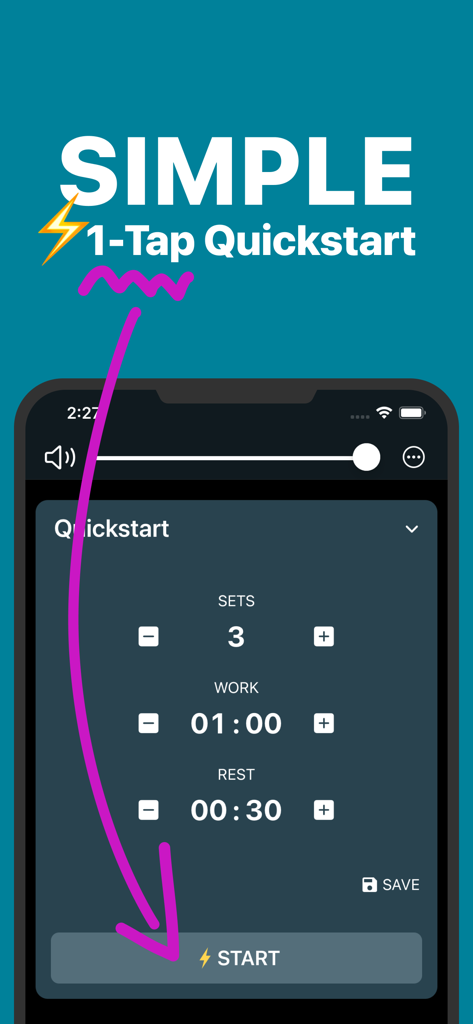
Interval Timer Plus app interface showing the one tap quickstart feature with customizable sets work and rest durations

Interval Timer Plus app interface showing the one tap quickstart feature with customizable sets work and rest durations

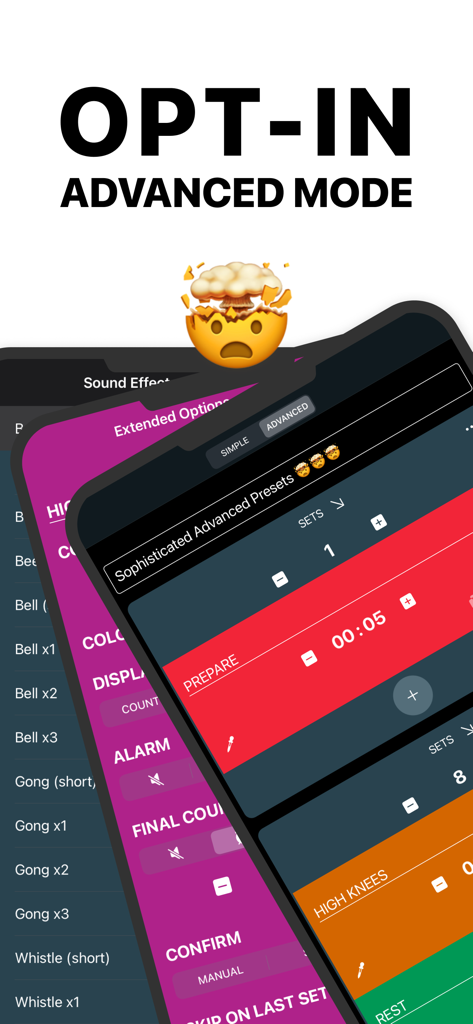
Advanced workout timer settings with color-coded intervals and customizable presets in Interval Timer Plus

Advanced workout timer settings with color-coded intervals and customizable presets in Interval Timer Plus

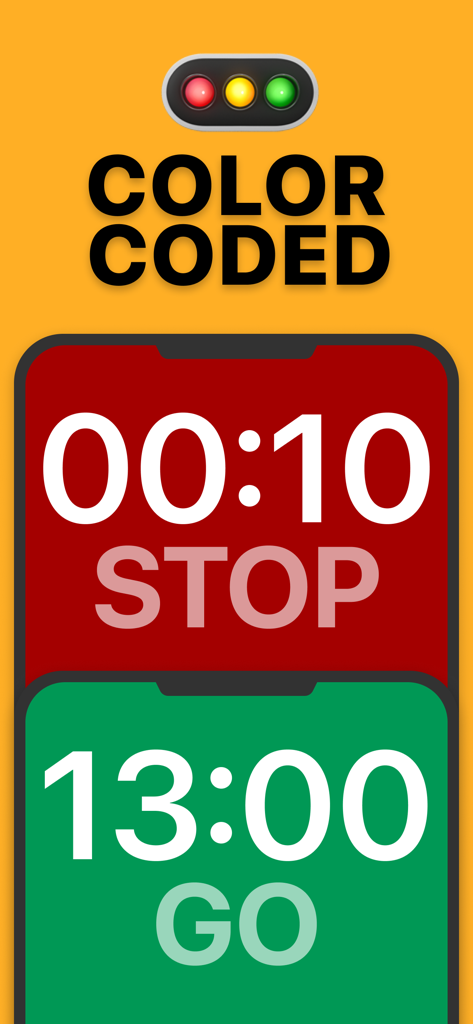
Color coded interval timer interface showing red for stop and green for go

Color coded interval timer interface showing red for stop and green for go

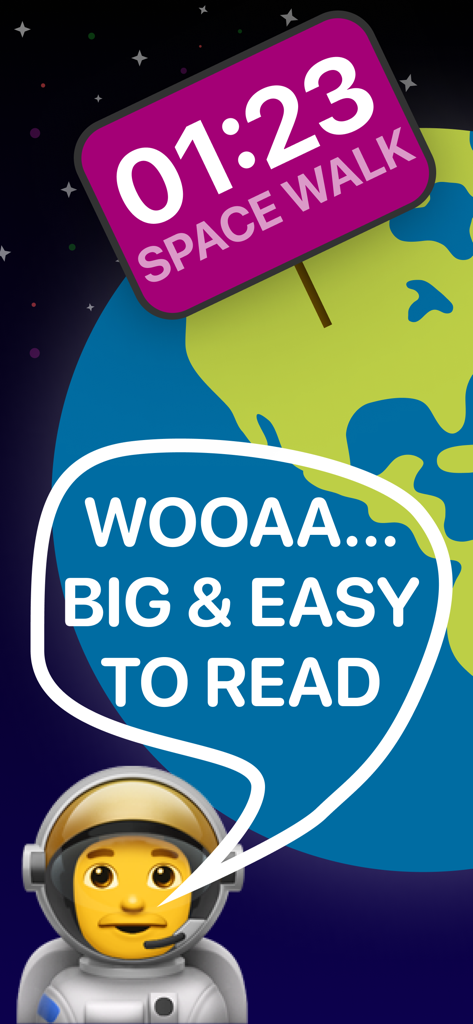
Interval Timer Plus screen showing large easy to read fonts with an astronaut theme

Interval Timer Plus screen showing large easy to read fonts with an astronaut theme

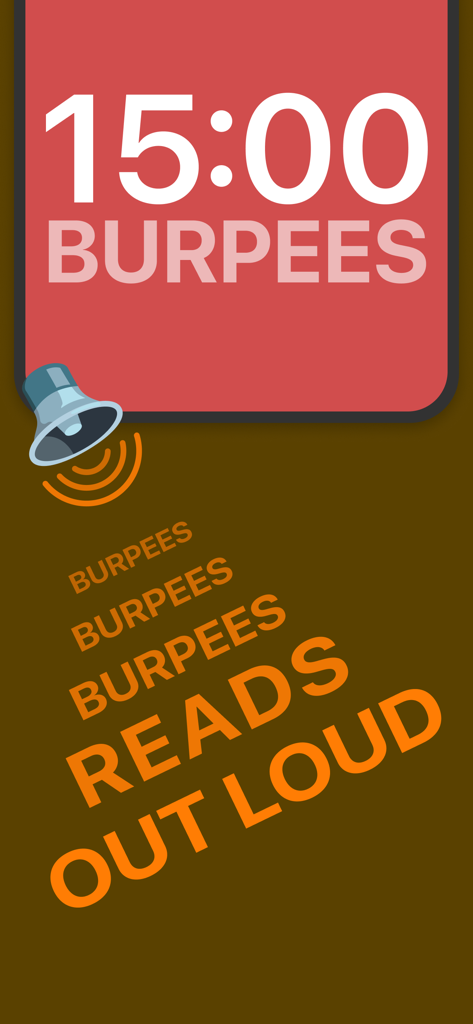
Interval Timer Plus screenshot showing a red screen with a 15-minute timer for burpees and a voice readout feature indicator

Interval Timer Plus screenshot showing a red screen with a 15-minute timer for burpees and a voice readout feature indicator

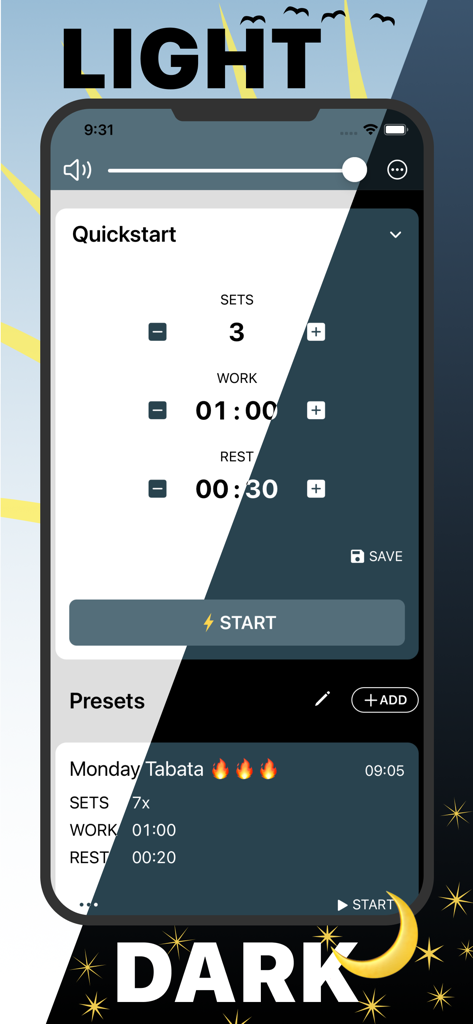
Split screen view of the Interval Timer Plus app showing light and dark mode interfaces with workout presets

Split screen view of the Interval Timer Plus app showing light and dark mode interfaces with workout presets

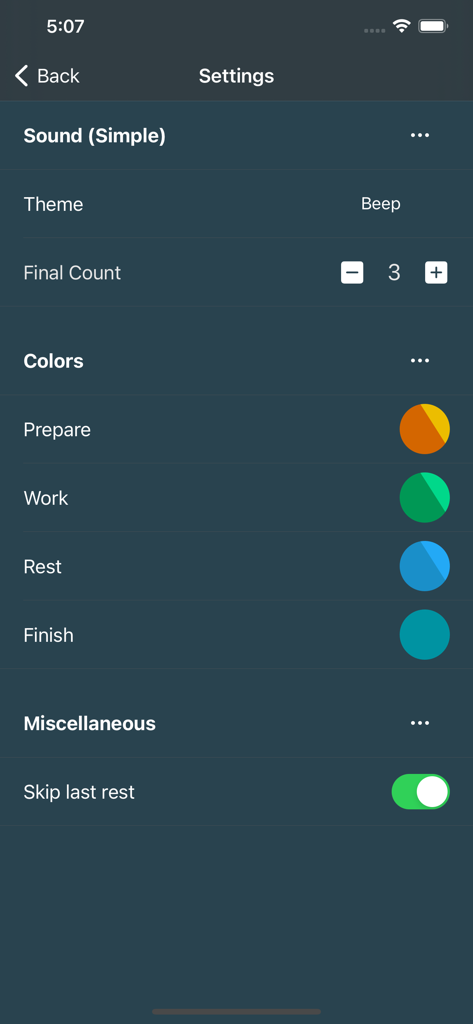
Settings screen of the Interval Timer Plus app showing sound options and color customization for prepare work and rest phases

Settings screen of the Interval Timer Plus app showing sound options and color customization for prepare work and rest phases

Maximize Every Second of Your Training

The tools that make this app stand out, trusted by 430K+ users.

1-Tap Quickstart

Zero setup required. Open the app and start your HIIT or Tabata routine instantly without ever creating an account.

🚦

Glanceable Color Coding

Massive fonts and traffic-light colors allow you to track your intervals from across the gym or your living room.

🎧

Smart Voice Guidance

Focus on your form while the app reads out your intervals. Seamlessly integrates with your music and works with a locked screen.

Loved by users worldwide

Trusted by 430K+ people who love this app.

"

"Finally, a fitness app that doesn’t require a 10-minute setup! I use Interval Timer Plus for my morning HIIT sessions between meetings. The voice readout is a lifesaver because I can hear the next move without stopping, and it works perfectly while I'm streaming my workout playlist. It’s simple, effective, and exactly what I needed."

Sarah M.
"

"The visibility on this app is unmatched. When I’m mid-set in a boxing round or doing a heavy CrossFit circuit, I can’t be squinting at my phone. The giant fonts and traffic-light color coding let me track my progress from across the gym. Plus, being able to save my custom routines as presets makes my training totally frictionless."

Mike R.

About the app

Everything you need to know about Interval Timer Plus.

Description

Free, simple and easy to use all purpose Interval Timer SIMPLE AND FREE INTERVAL TIMER + 1-Tap Quickstart + No signup required, download and get going immediately GLANCEABLE + Very Big Fonts, visible from everywhere + Full screen color coding, works like a traffic light right in front of you + Portrait or landscape, always uses the full screen space POWERFUL ADVANCED PRESETS + Multiple intervals, each individually customizable + Name your intervals and have Interval Timer read it out to you + Individual colors and sounds + Count time or repetitions + Unlimited amount of presets ACCESSIBLE + Works with locked screen or while in another app + Reads out the interval name, so you know exactly what’s on + Vibration or silent mode, for the times when you need to tune it down + Works great with headphones and your own music + Supports dark and light mode REPEAT YOUR ROUTINE + Prepare and save your settings in presets + Pick your presets and start with just 1-tap OPTIMIZE ALL OF YOUR ACTIVITIES + Tabata timer + HIIT training + Crossfit + Circuit training + Fitness routines + Home workouts + Boxing round timer + Calisthenics circuit timer

Latest Version

2.2.8

Size

20.6 MB

First Released

Feb 18, 2021

Ready for Your Next Set? Start Training in One Tap.

Join 430,000+ athletes who optimize their HIIT and home workouts with zero friction. No signups required—just download and go.

Download on App Store
FAQ

Frequently Asked Questions

Everything you need to know about Interval Timer Plus

Is Interval Timer Plus a free application?

Yes, Interval Timer Plus is a free application. It offers a simple and easy-to-use interval timer for various activities without any sign-up requirements.

How do I start a quick timer in Interval Timer Plus?

Interval Timer Plus features a 1-Tap Quickstart. Simply set your desired sets, work, and rest times on the Quickstart screen, then tap the 'START' button to begin.

Does Interval Timer Plus support custom interval presets?

Yes, Interval Timer Plus supports powerful advanced presets. Users can create and save an unlimited amount of presets, each with multiple customizable intervals, individual colors, sounds, and spoken interval names.

Can I use Interval Timer Plus while my phone screen is locked?

Yes, Interval Timer Plus is accessible and continues to work even when your screen is locked or while you are using another application. It also reads out the interval name.

What visual cues does Interval Timer Plus provide during a workout?

Interval Timer Plus provides glanceable visual cues, featuring very big fonts and full-screen color coding that works like a traffic light (red for stop, green for go). It functions in both portrait and landscape modes.

Does Interval Timer Plus offer audio feedback for intervals?

Yes, Interval Timer Plus offers audio feedback. It reads out the interval name and supports individual sounds for intervals. It integrates seamlessly with headphones and your personal music.

Can I change the app's appearance or theme in Interval Timer Plus?

Yes, Interval Timer Plus supports both dark and light modes, allowing users to choose their preferred app appearance. Users can also customize the colors for prepare, work, rest, and finish states.